Lead and deal pipelines
Set up the stages your leads and deals move through: their order, categories, required fields, allowed moves and probabilities.
Updated 28 October 2026 · 8 min read
A pipeline is the list of stages a lead or a deal moves through. Lead Pipelines sets the stages a lead goes through, from new to converted. Deal Pipelines sets the stages a sale goes through. Each company has one of each.
Before you start
- Permission: View Lead Pipelines, Add Lead Pipeline Stages, Edit Lead Pipeline Stages and Delete Lead Pipeline Stages for lead stages. View Deal Pipelines, Add Pipeline Stages, Edit Pipeline Stages and Delete Pipeline Stages for deal stages.
- Plan: To add or change stages, you need a paid plan. Deleting a stage works on every plan. See Plans and limits.
- Set up first: Nothing.
Go to Settings → Pipelines, then Lead Pipelines or Deal Pipelines.
Lead pipelines
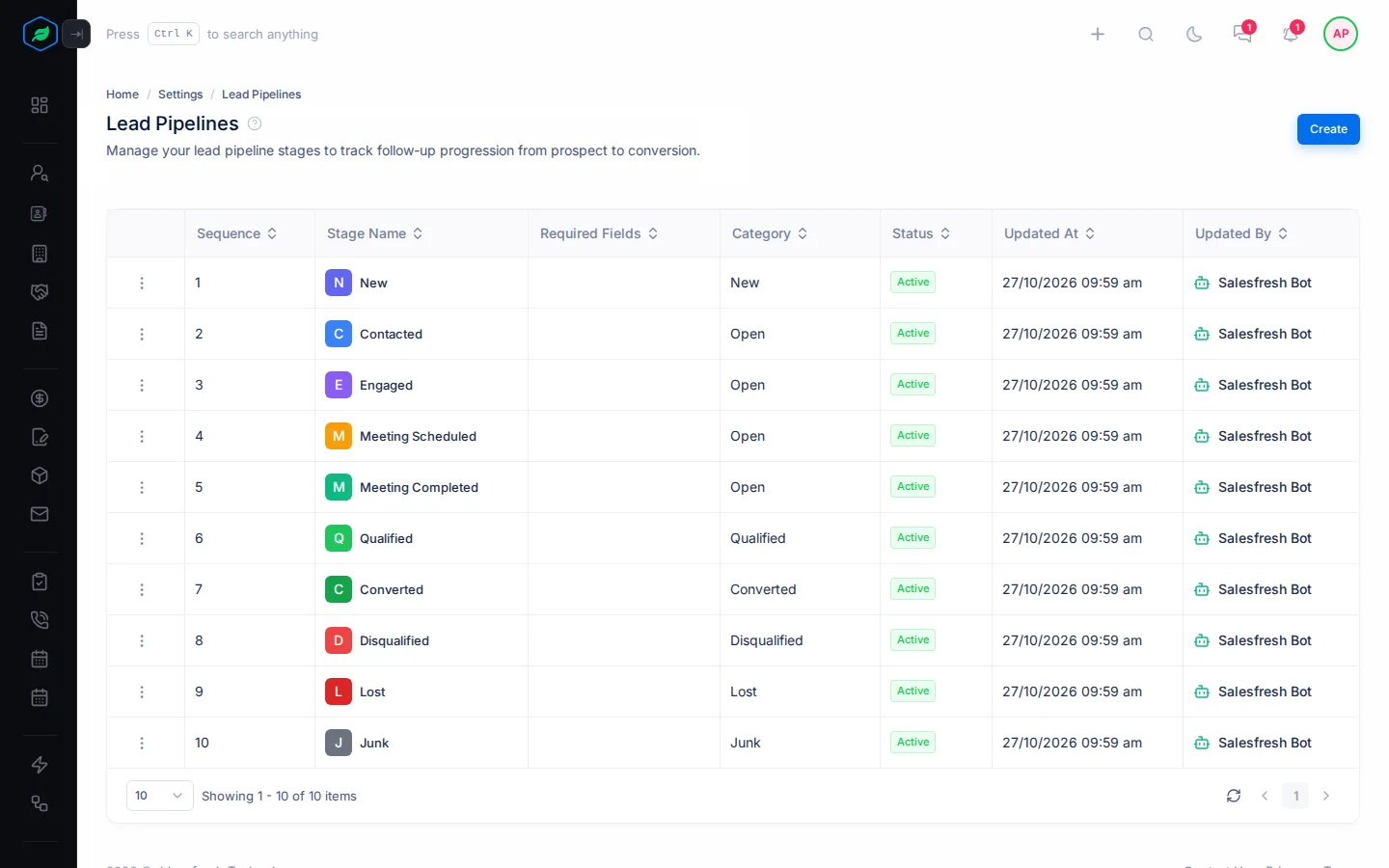
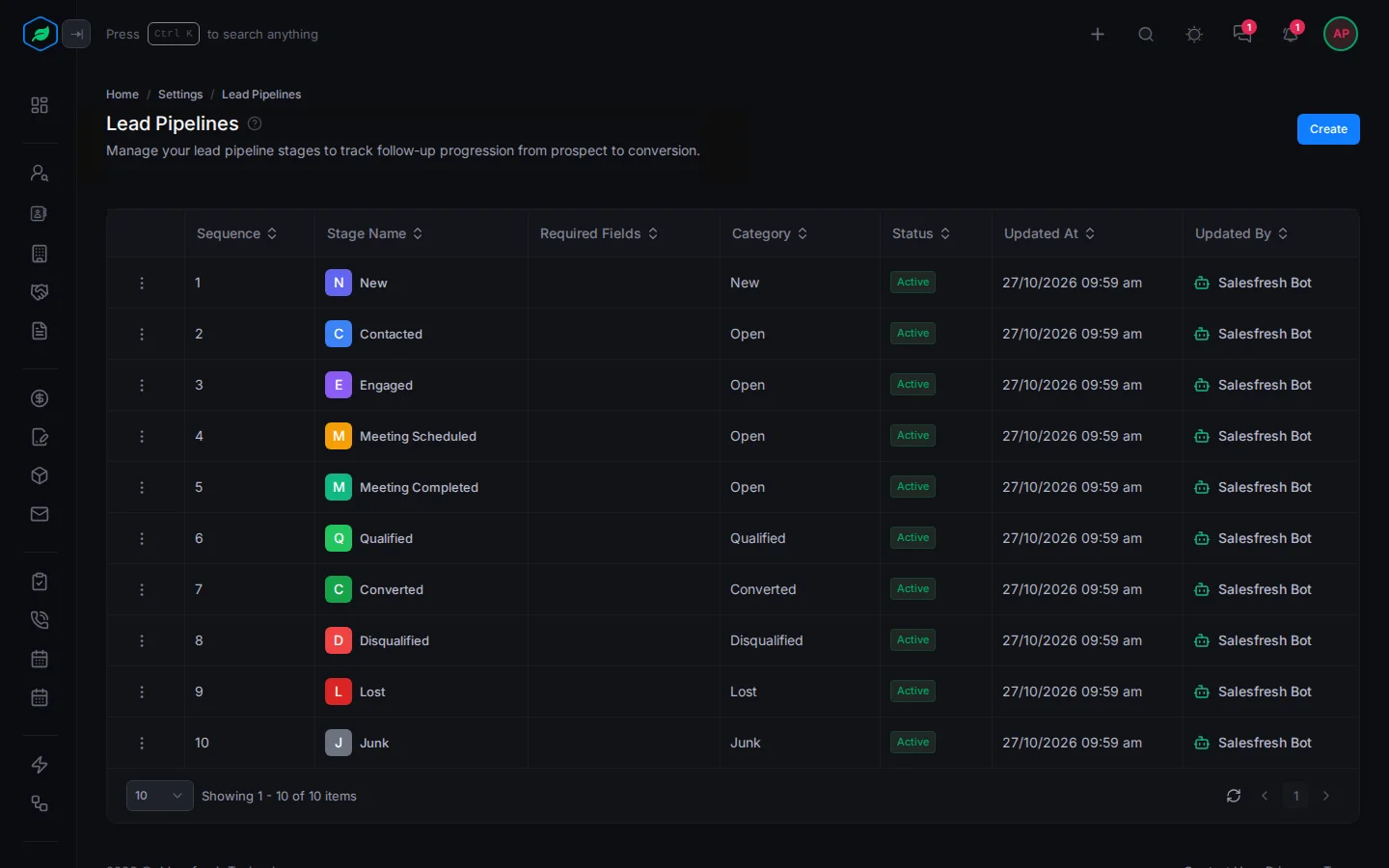
Every company starts with 10 lead stages:
| Stage | Category | Can move to |
|---|---|---|
| New | New | Contacted, Disqualified, Junk |
| Contacted | Open | Engaged, Meeting Scheduled, Disqualified, Lost, Junk |
| Engaged | Open | Meeting Scheduled, Qualified, Disqualified, Lost, Junk |
| Meeting Scheduled | Open | Meeting Completed, Disqualified, Lost, Junk |
| Meeting Completed | Open | Qualified, Disqualified, Lost, Junk |
| Qualified | Qualified | Converted, Disqualified, Lost, Junk |
| Converted | Converted | Any stage |
| Disqualified | Disqualified | Any stage |
| Lost | Lost | Any stage |
| Junk | Junk | Any stage |
Moving a lead to Disqualified or Lost asks for a reason, such as No Budget or Chose Competitor. Junk offers reasons but doesn't need one.
Stage categories
| Category | Means |
|---|---|
| New | New leads start here |
| Open | The lead is being worked on |
| Qualified | The lead is a good fit and ready to convert |
| Converted | The lead became a contact. Converting a lead moves it here |
| Disqualified | The lead is not a fit |
| Lost | The lead was a fit but did not go ahead |
| Junk | Spam, fake or test leads. Flows stop for leads here |
New, Open and Qualified count as open leads. Converted counts as won, and Disqualified, Lost and Junk as lost. You must always keep at least one stage in New, Converted and Junk.
Add or change a lead stage
- Select Create, or ⋮ on a stage, then Edit.
- Fill in the fields.
- Select Create or Update.
| Field | What to enter |
|---|---|
| Stage * | The stage's name, up to 50 characters |
| Color | The stage's colour |
| Sequence * | Where it sits, from 1 to 100 |
| Required Fields | Lead fields that must be filled in before a lead can move to this stage |
| Max Duration * | How long a lead should stay here, in hours, days or weeks. After that, the owner gets a task to follow it up. 0 turns it off |
| Category | One of the categories above. Set to Open at first |
| Allowed Transitions | The stages a lead can move to from here. Leave it empty to allow any stage |
| Transition Reasons | Reasons to pick from when a lead moves to this stage. Turn on the switch to make a reason required |
| Fallback Stage, Fallback After Days *, Fallback Reason * | If a lead sits in this stage too long, move it back to an earlier stage after this many days, with this reason |
Renaming a lead stage also renames it on the leads in it, in other stages' moves and fallbacks, in stage automation rules and lead scoring, and in saved views, reports and flows.
To delete a lead stage, select ⋮, then Delete. It stays in the list, marked Deleted. Edit it to bring it back. See Lead stages for how your team moves leads.
Deal pipelines
Your deal pipeline is the list of steps every sale goes through, from the first conversation to a yes or no. Each step is a stage. Each stage has a probability, the chance that a deal at that stage will be won, and a category: Open, Closed Won or Closed Lost.
The pipeline should match how your team really sells. For example, say you always send free samples before a customer buys, but the default stages have no step for that. Your admin can add a stage called "Sample Sent" with a probability of 30%, in the right place in the list. Your team then moves deals through it like any other stage, and the chance of winning each deal makes sense.
Default deal stages
Every company starts with these stages:
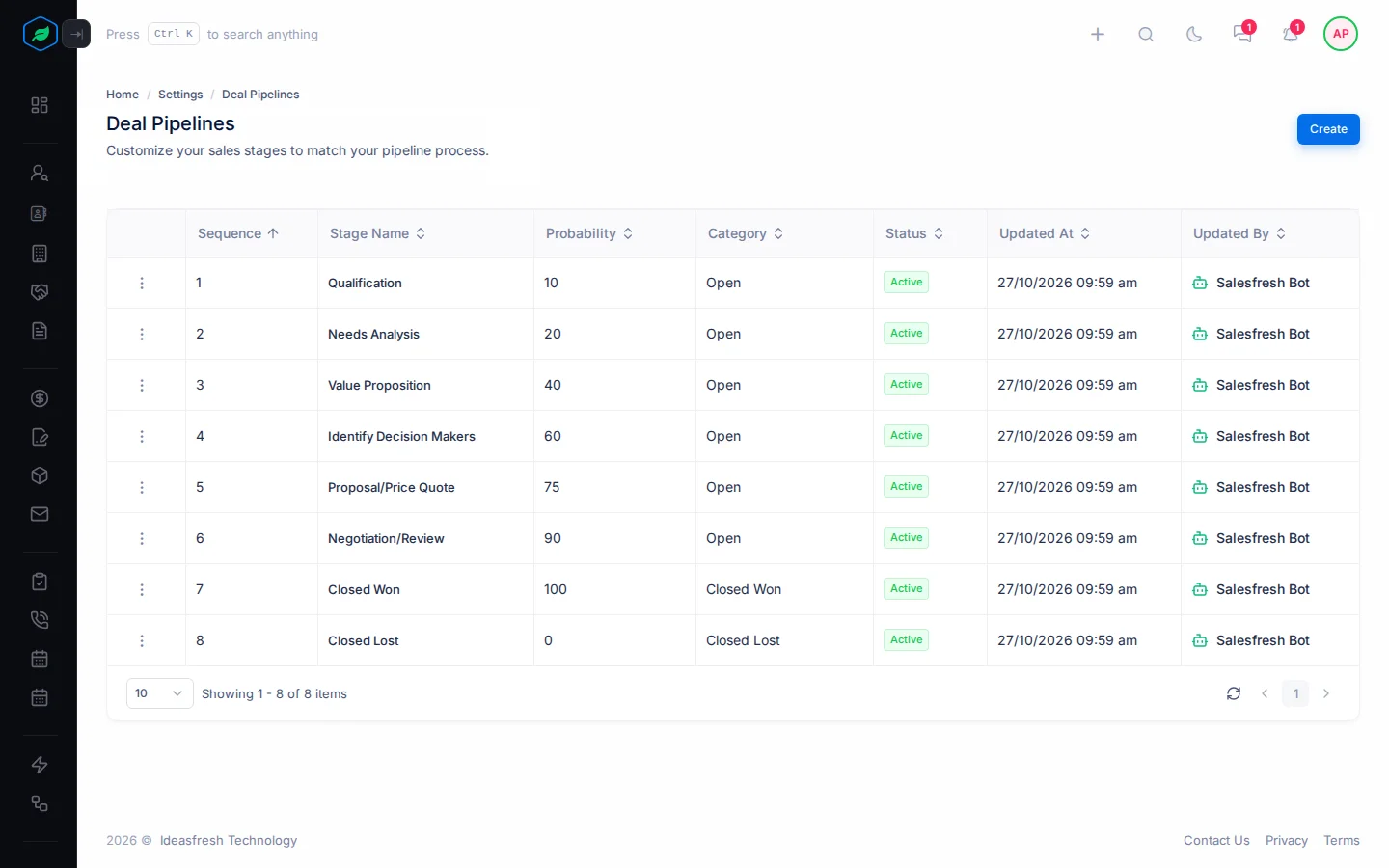
| Sequence | Stage | Category | Probability |
|---|---|---|---|
| 1 | Qualification | Open | 10% |
| 2 | Needs Analysis | Open | 20% |
| 3 | Value Proposition | Open | 40% |
| 4 | Identify Decision Makers | Open | 60% |
| 5 | Proposal/Price Quote | Open | 75% |
| 6 | Negotiation/Review | Open | 90% |
| 7 | Closed Won | Closed Won | 100% |
| 8 | Closed Lost | Closed Lost | 0% |
The category decides which views a deal shows in: Open Deals, Won Deals or Lost Deals. A new deal can start in any Open stage.
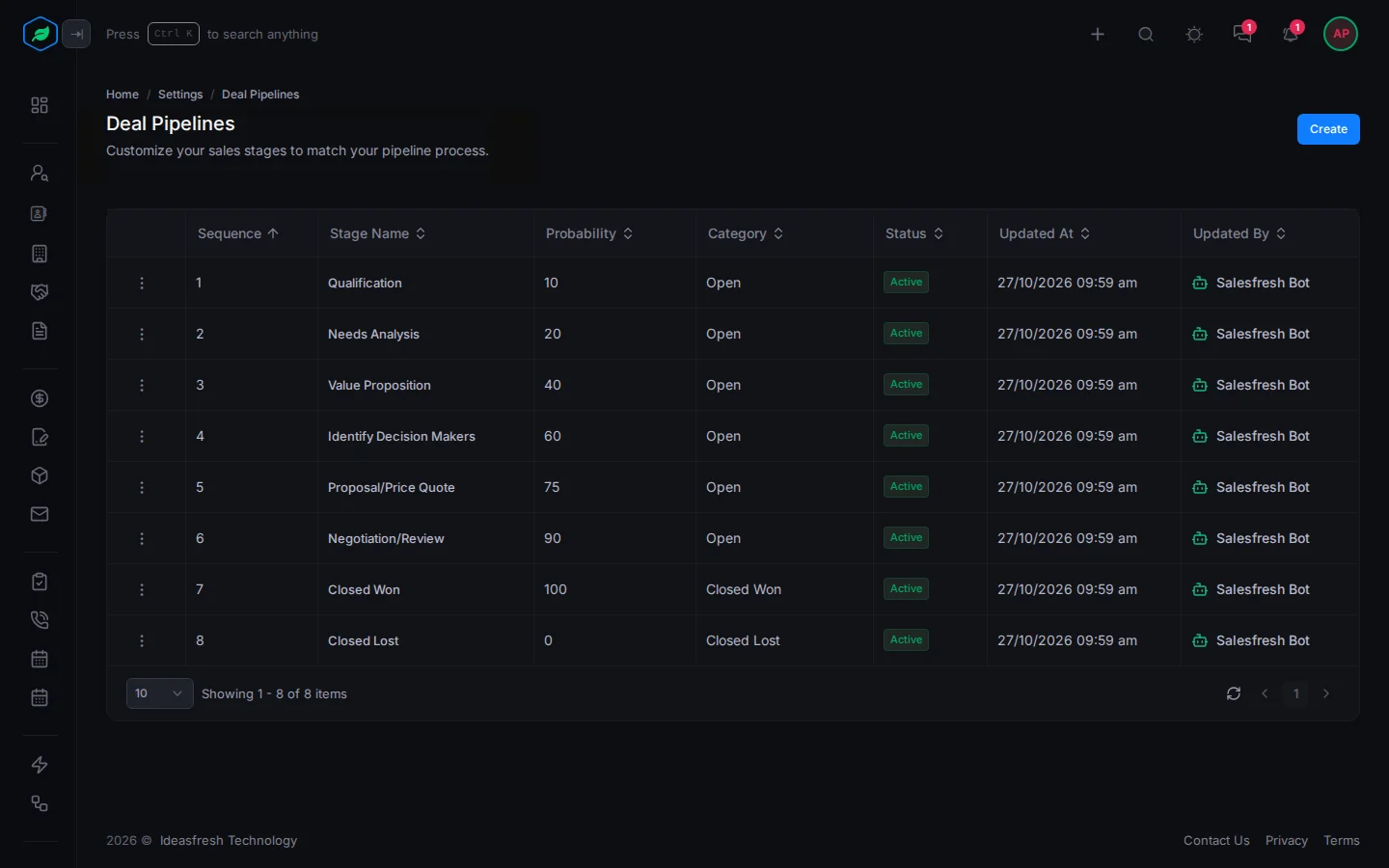
Go to Settings → Pipelines → Deal Pipelines. Each row shows a stage's sequence, probability, category and status.
Add a deal stage
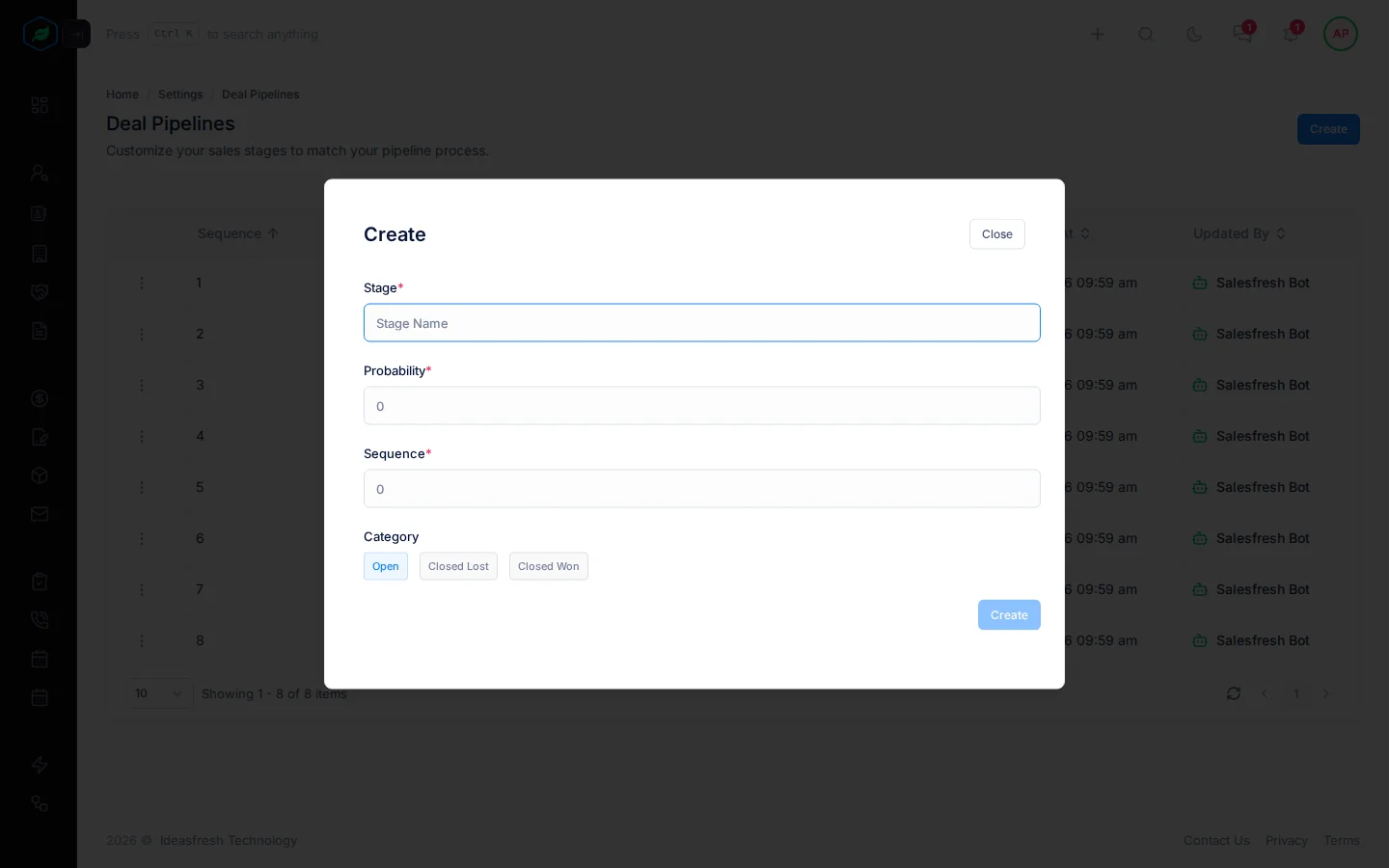
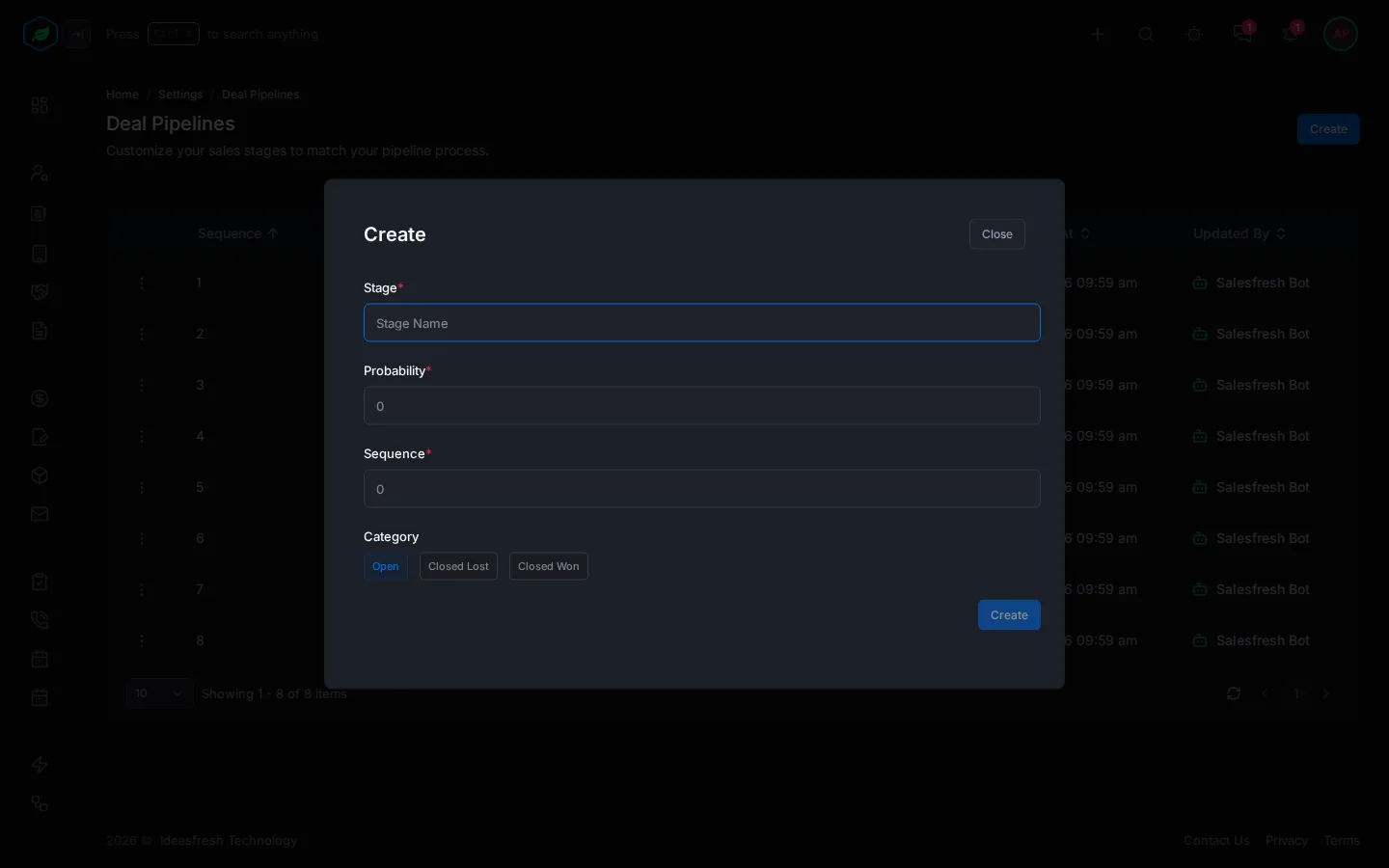
- Select Create.
- Fill in:
| Field | What to enter |
|---|---|
| Stage * | The stage's name, up to 50 characters. No other stage can have it |
| Probability * | The chance of winning a deal at this stage, from 0 to 100. No two stages can have the same probability |
| Sequence * | Where the stage sits in the list, from 1 to 100 |
| Category | Open, Closed Lost or Closed Won. Set to Open at first |
- Select Create.
Change a deal stage
Select ⋮ on the stage, then Edit, change what you need and select Update.
If you change the probability, the new one only applies to deals that move into the stage from now on. Deals already in the stage keep the probability they had.
Don't rename a stage that has deals in it. Those deals keep the old stage name, so they stop showing in the deals list and on the board. To rename a stage, add a new stage with the new name, move the deals to it, then delete the old one.
Delete a deal stage
Select ⋮ on the stage, then Delete, and confirm. The stage stays in the list, marked Deleted, and new deals can't use it. To bring it back, select Edit on it, change something and save. Deleting isn't blocked when deals are in the stage.
Before you delete a stage, move its deals to another stage, so they keep showing on the Kanban board.
Troubleshooting
| Message | Why | What to do |
|---|---|---|
| "A deal pipeline with this … already exists." | Another stage, or a deleted one, already has this name or probability. The message tells you which | Use a different name or percentage, or edit the deleted stage to bring it back |
| "Customizing deal pipeline stages is not available on your current plan. Please upgrade to access it." | Your plan doesn't let you change stages | Upgrade from My Subscription. See Plans and limits |
| "Customizing lead pipeline stages is not available on your current plan. Please upgrade to access it." | Your plan doesn't let you change lead stages | Upgrade from My Subscription |
| A message that a stage with this name already exists, or that a deleted stage holds it | Another stage, maybe a deleted one, has the name | Pick another name, or edit the deleted stage to bring it back |
| A message that at least one stage must stay in a category | It's the last stage in New, Converted or Junk | Add another stage in that category first |
| A message that the fallback creates a loop | The fallback points back to this stage | Pick an earlier stage that doesn't lead back here |
| "A stage cannot fall back to itself" | The fallback is the same stage | Pick another stage |
Related
Still stuck?
Tell us what you were trying to do and we will help.