Move, win or lose a deal
Move a deal through its stages, record the actual revenue when you win, pick a reason when you lose, and see what is recorded at close.
Updated 9 October 2026 · 5 min read
As a sale goes forward, you move its deal from stage to stage, so your team can see how far it has got. Each stage has its own chance of winning, called the probability. The last two stages close the deal: Closed Won when the customer buys, and Closed Lost when they don't.
For example, after a good call with a customer, move their deal to the next stage. Its probability goes up on its own. When they say yes, move it to Closed Won and type how much they are paying. If another customer picks a cheaper supplier, move their deal to Closed Lost and pick Pricing Issues as the reason. After a few months, you can see how often you lose on price.
Before you start
- You need the Edit Deals permission, and you must be the deal's owner or the person who created it.
- You can't move a locked deal to another stage.
Move a deal to another stage
You can do this in two ways:
- Open the deal and click a stage on the stage bar.
- On the deals list, switch to Kanban View and drag the deal's card to the stage's column.
Confirm the move. The deal's Probability changes to the new stage's probability, and the move is saved in the deal's Timeline. You can move a deal to any stage, forwards or backwards.
When you move a deal to Proposal/Price Quote, the New Quote form opens, so you can write the quote straight away. The deal stays in its stage until you move it again.
Win a deal
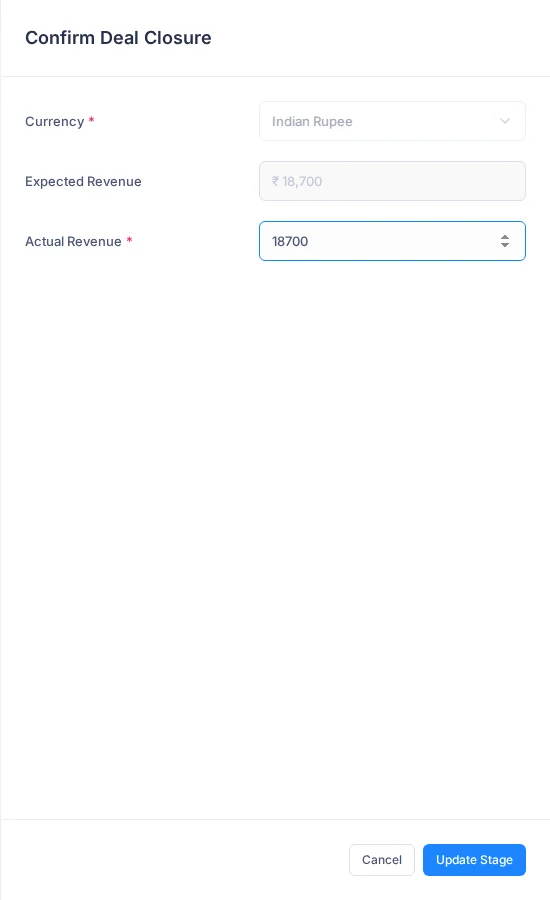
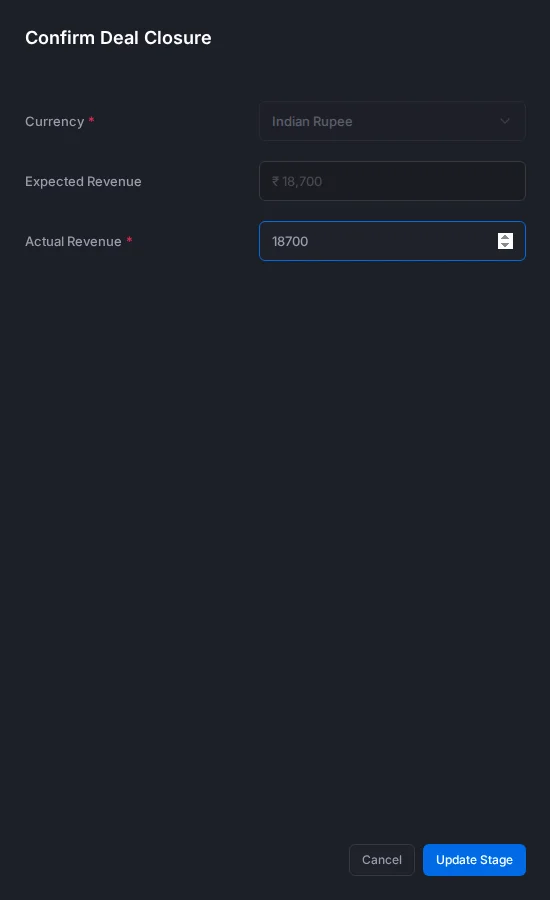
- Move the deal to Closed Won. The Confirm Deal Closure panel opens.
- Check the Actual Revenue: how much the customer is paying. It starts as the expected revenue, and it must be more than 0. The panel shows how it compares with the expected revenue.
- Click Update Stage.
The actual revenue is what counts towards your team's revenue targets and reports, so make it the real amount. It can be different from what you expected. For example, you expected 1,00,000, but gave a 10% discount to close the sale. Type 90,000.
Lose a deal
Losing a deal still teaches you something. Over time, the reasons you pick show why your team loses sales. For example, if many deals are lost to Pricing Issues, you may need to look at your prices. Pick the reason that fits best, not the first one in the list.
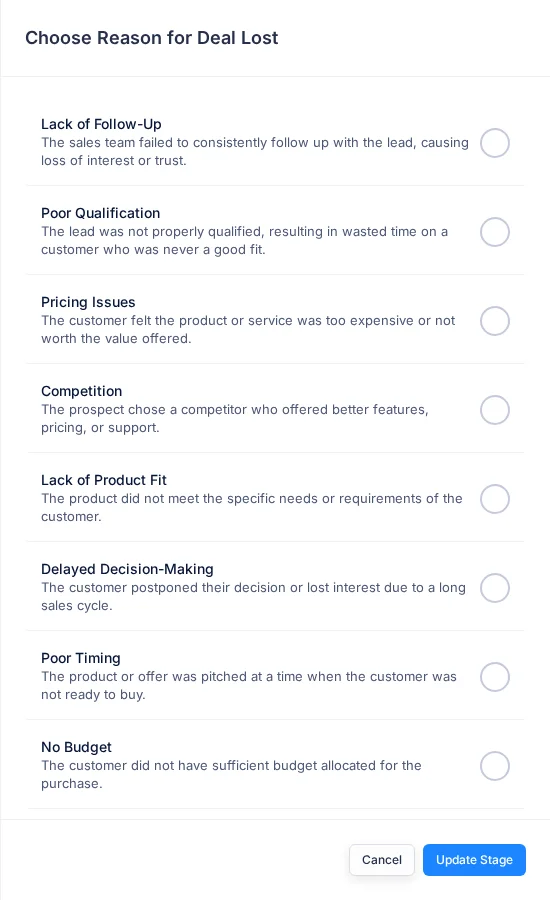
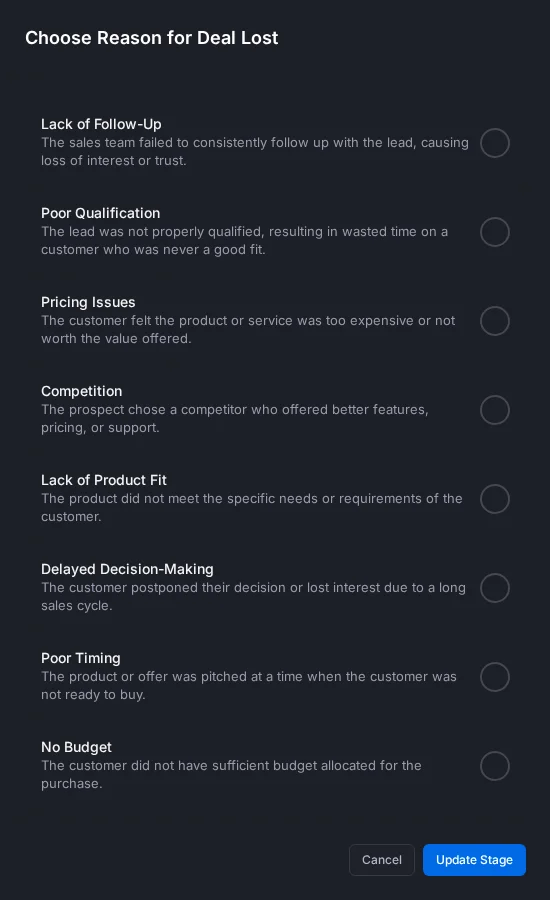
- Move the deal to Closed Lost. The Choose Reason for Deal Lost panel opens.
- Pick the reason that fits best:
| Reason | Pick it when |
|---|---|
| Lack of Follow-Up | Your team didn't keep in touch, and the customer lost interest |
| Poor Qualification | The customer was never a good fit, and you found out too late |
| Pricing Issues | The customer felt it was too expensive, or not worth the price |
| Competition | The customer chose another company with better features, prices or support |
| Lack of Product Fit | Your product didn't do what the customer needed |
| Delayed Decision-Making | The customer kept putting off the decision, then lost interest |
| Poor Timing | The customer wasn't ready to buy yet |
| No Budget | The customer didn't have the money for it |
| Bad Customer Experience | The customer had a bad experience during the sale or the demo |
| Lack of Trust or Relationship | You didn't build enough trust with the customer |
| Other | None of the above fits. Type your own reason, up to 50 characters |
- Click Update Stage.
The reason shows in the Deal Lost Reason card on the deal's Overview.
What is saved when a deal closes
| Field | Won | Lost |
|---|---|---|
| Stage and probability | Closed Won, 100% | Closed Lost, 0% |
| Actual Closing Date | Today | Today |
| Actual Revenue | The amount you confirmed | Not changed |
| Lost reason | Cleared | The reason you picked |
Won deals count towards the owner's deals won and revenue closed targets.
Win or lose deals from the stage bar or the board, not the edit form. Only the stage bar and the board ask for the actual revenue or the reason.
Reopen a deal
Did a lost customer come back? Move the deal back to a stage that isn't won or lost. Its Actual Closing Date is cleared.
Who is told
If someone other than the owner moves a deal, the owner gets a Deal Stage Change email. They can turn this off in Notification settings.
Troubleshooting
| You see | Why | What to do |
|---|---|---|
| "Failed to update deal stage. Please try again." after you drag a card | You don't own the deal and didn't create it, or it is locked | Ask the owner, or ask the person who locked it to unlock it |
| Nothing happens when you click a stage on the stage bar | You don't own the deal and didn't create it, or it is locked | Ask the owner, or ask the person who locked it to unlock it |
| "Deal not found" | You can't change this deal, or it was deleted | Ask the deal's owner |
Related
Still stuck?
Tell us what you were trying to do and we will help.