Deal stages and pipelines
The default deal stages and their probabilities, how stage categories work, and how admins add, change and remove stages in Deal Pipelines.
Updated 9 October 2026 · 3 min read
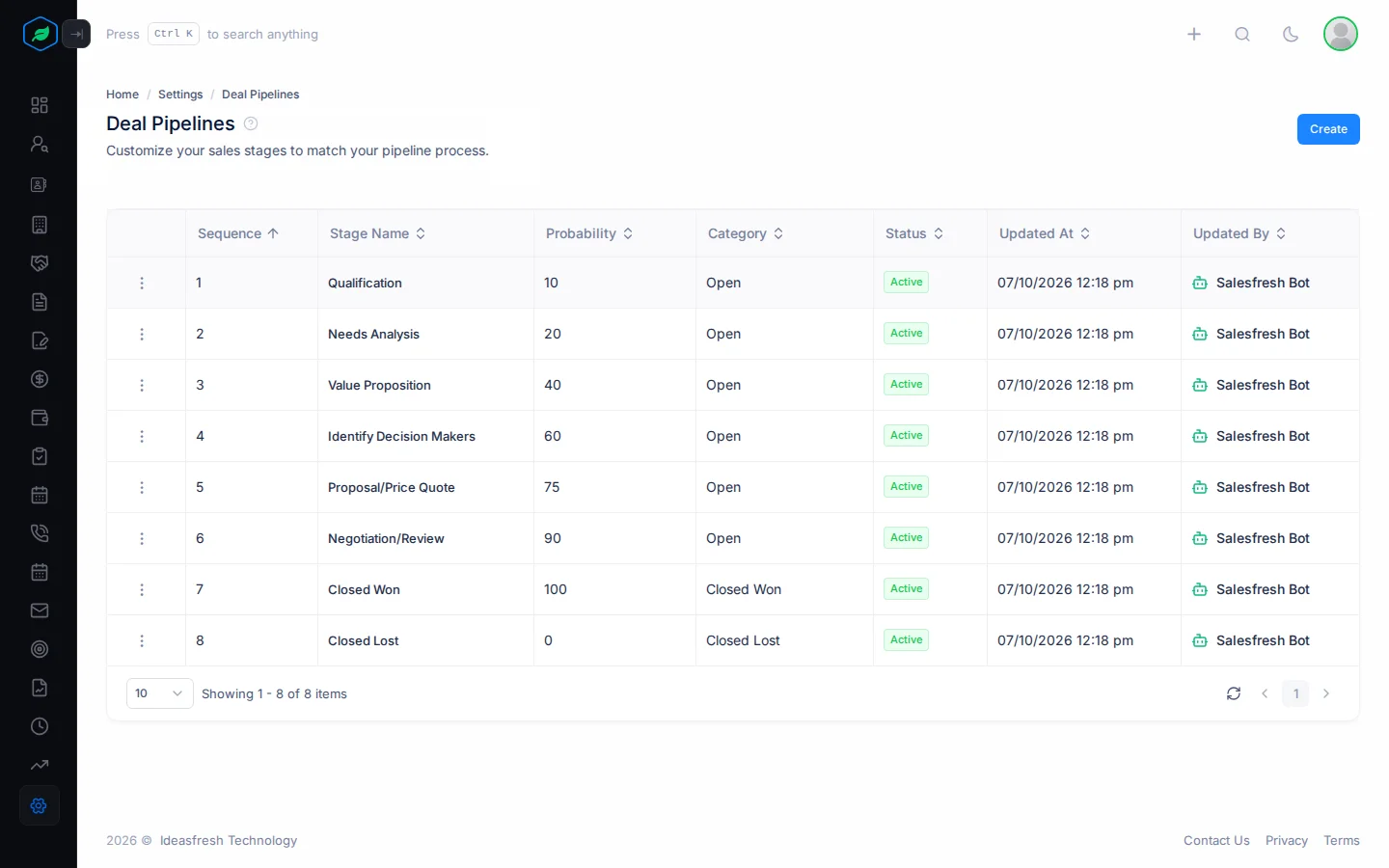
Your deal pipeline is the list of steps every sale goes through, from the first conversation to a yes or no. Each step is a stage. Each stage has a probability, the chance that a deal at that stage will be won, and a category: Open, Closed Won or Closed Lost.
The pipeline should match how your team really sells. For example, say you always send free samples before a customer buys, but the default stages have no step for that. Your admin can add a stage called "Sample Sent" with a probability of 30%, in the right place in the list. Your team then moves deals through it like any other stage, and the chance of winning each deal makes sense.
Default stages
Every company starts with these stages:
| Sequence | Stage | Category | Probability |
|---|---|---|---|
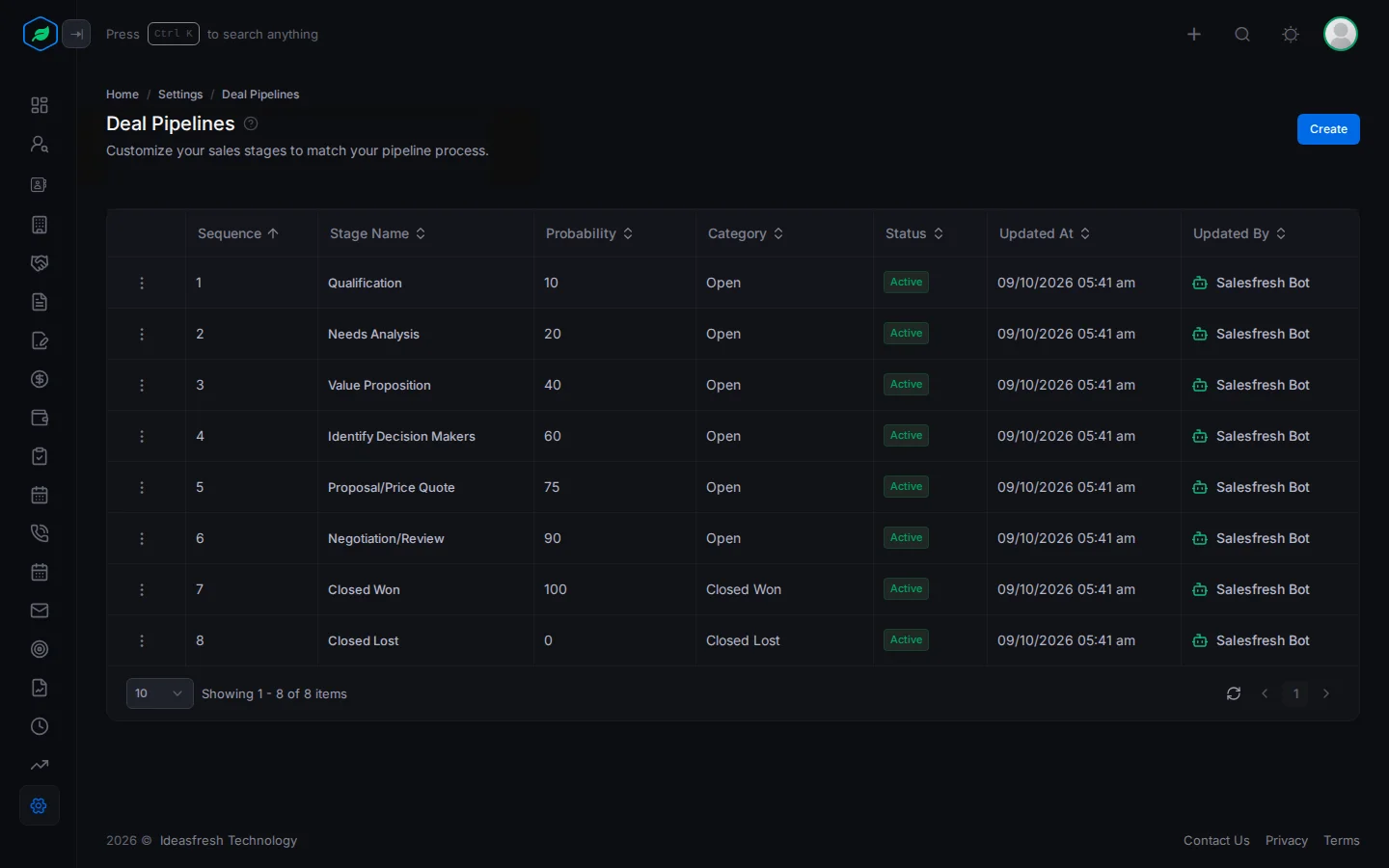
| 1 | Qualification | Open | 10% |
| 2 | Needs Analysis | Open | 20% |
| 3 | Value Proposition | Open | 40% |
| 4 | Identify Decision Makers | Open | 60% |
| 5 | Proposal/Price Quote | Open | 75% |
| 6 | Negotiation/Review | Open | 90% |
| 7 | Closed Won | Closed Won | 100% |
| 8 | Closed Lost | Closed Lost | 0% |
The category decides which views a deal shows in: Open Deals, Won Deals or Lost Deals. A new deal can start in any Open stage.
Before you start (admins)
- Go to Settings > Pipeline Settings > Deal Pipelines.
- You need the deal pipeline permissions: View Deal Pipelines, Add Pipeline Stages, Edit Pipeline Stages and Delete Pipeline Stages.
- To add or change stages, you need a paid plan. See Plans and limits.
Add a stage
- Click Create.
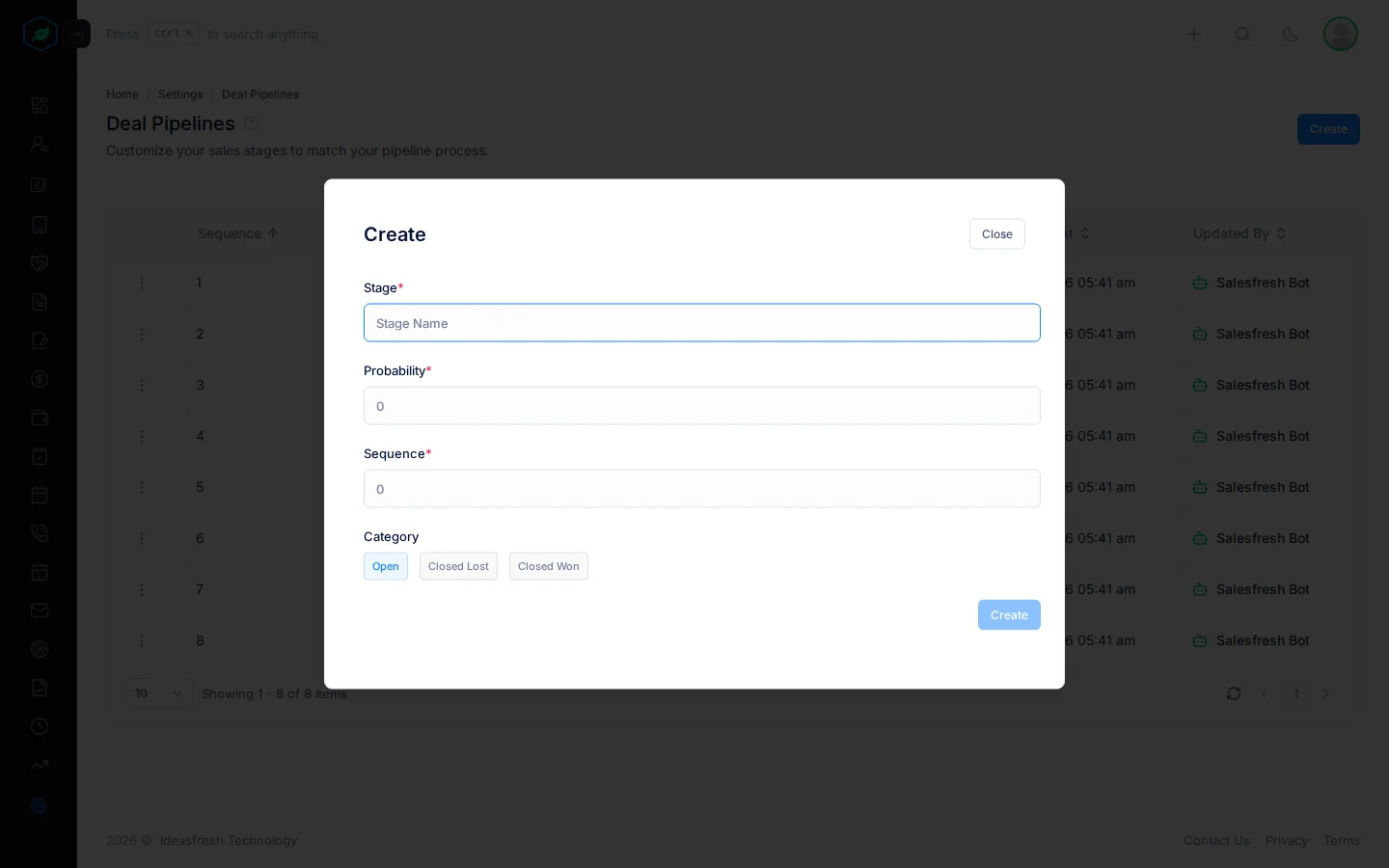
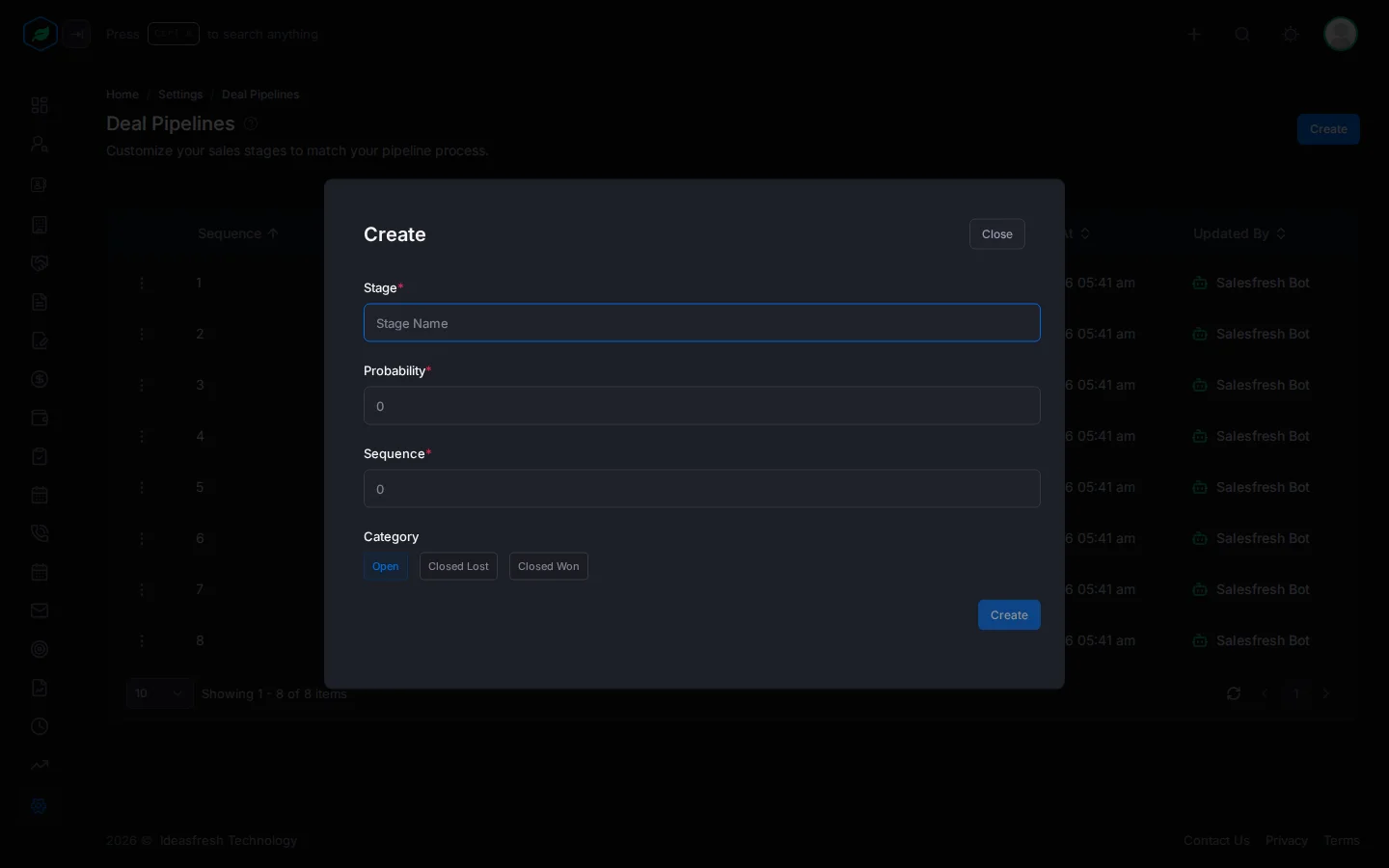
- Fill in:
| Field | What to enter |
|---|---|
| Stage * | The stage's name. No other stage can have it |
| Probability * | The chance of winning a deal at this stage, from 0 to 100. No two stages can have the same probability |
| Sequence * | Where the stage sits in the list, from 1 to 100 |
| Category | Open, Closed Lost or Closed Won. Set to Open at first |
- Click Create.
Change a stage
Open the stage's menu, click Edit, change what you need and click Update.
If you change the probability, the new one only applies to deals that move into the stage from now on. Deals already in the stage keep the probability they had.
Don't rename a stage that has deals in it. Those deals keep the old stage name, so they stop showing in the deals list and on the board. To rename a stage, add a new stage with the new name, move the deals to it, then delete the old one.
Delete a stage
Open the stage's menu, click Delete and confirm. The stage stays in the list, marked Deleted, and new deals can't use it. To bring it back, click Edit on it and save.
Before you delete a stage, move its deals to another stage, so they keep showing on the Kanban board.
Troubleshooting
| You see | Why | What to do |
|---|---|---|
| "A deal pipeline with this … already exists." | Another stage, or a deleted one, already has this name or probability. The message tells you which | Use a different name or percentage, or edit the deleted stage to bring it back |
| "Customizing deal pipeline stages is not available on your current plan. Please upgrade to access it." | Your plan doesn't let you change stages | Upgrade from My Subscription. See Plans and limits |
Related
Still stuck?
Tell us what you were trying to do and we will help.