Ownerships
Set the list of ownership types for accounts, such as Private, Public, Government or Partnership.
Updated 28 October 2026 · 2 min read
Ownership says how a company is owned, such as Private, Public or Government.
For example, a firm that sells to schools and hospitals wants to tell government buyers apart, because they buy through tenders. They keep Government, and add "Trust" for school trusts. Now salespeople can see at a glance which accounts need a tender.
Before you start
- Permission: View Dropdown Lists to see the list. Create Dropdown Values to add a value, Edit Dropdown Values to change one or switch it off, and Delete Dropdown Values to delete one.
- Plan: Every plan. See Plans and limits.
- Set up first: Nothing.
If you don't have a permission you need, ask your admin.
Where it's used
- Ownership on accounts.
The list
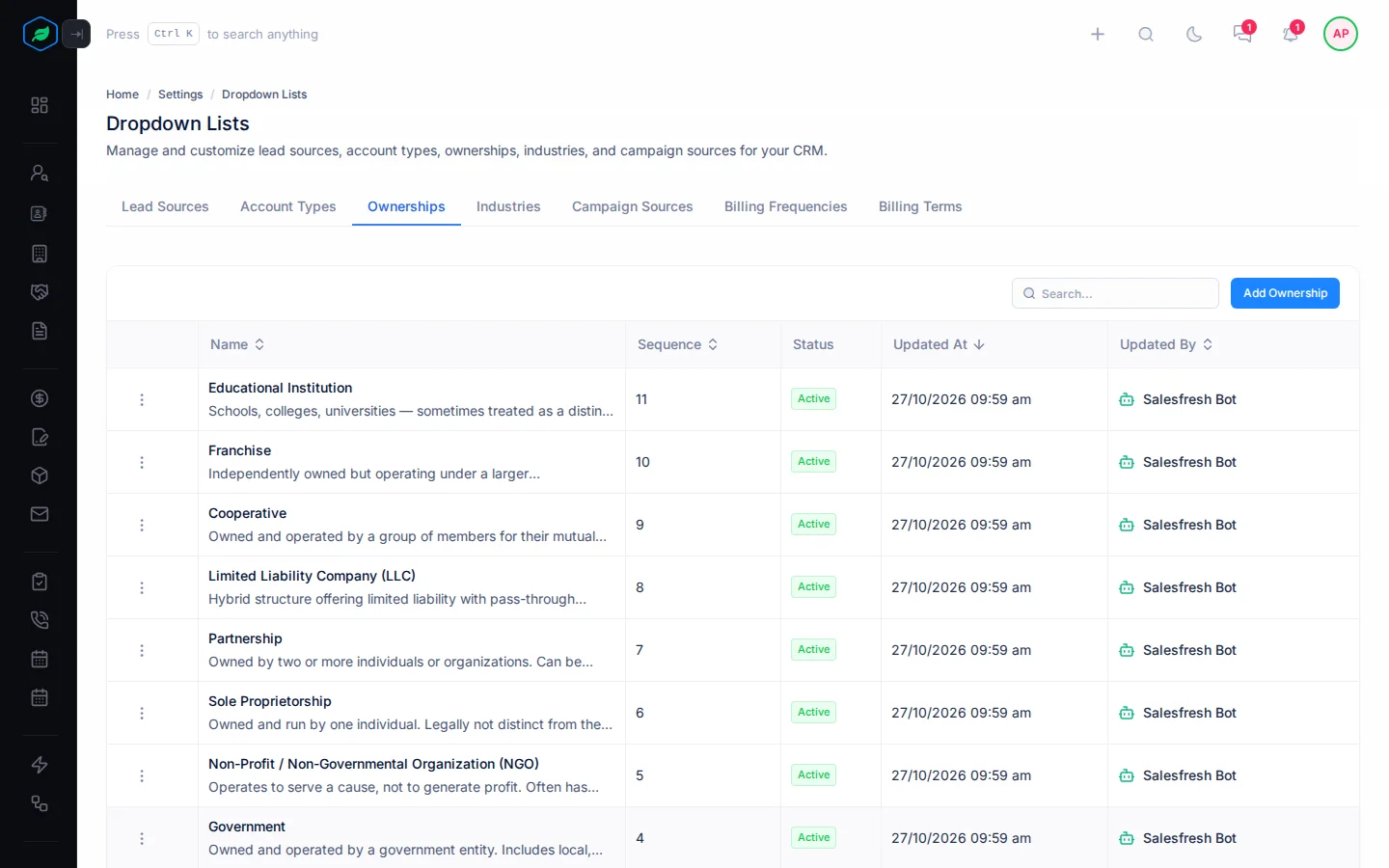
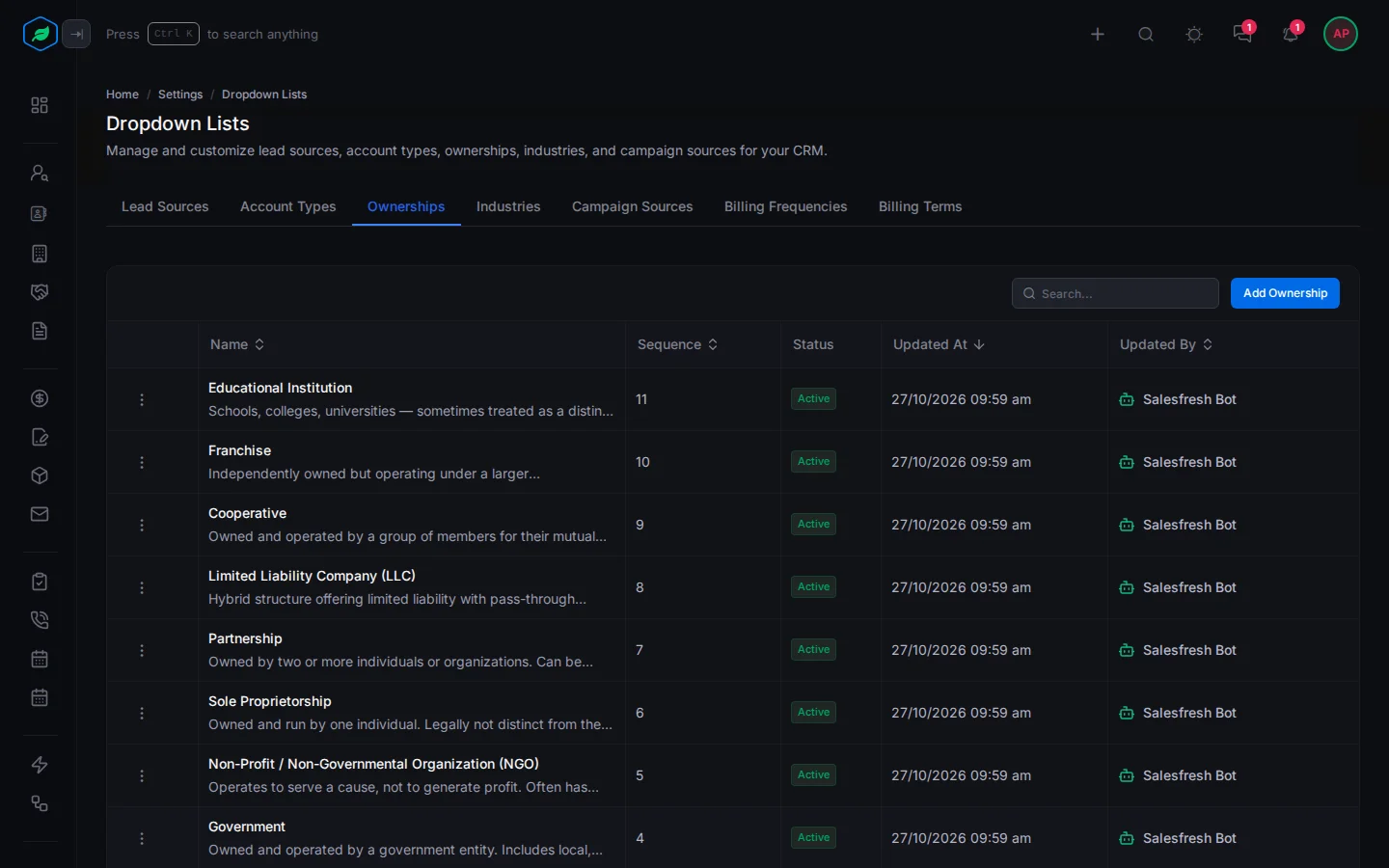
Go to Settings → Dropdown Lists and select Ownerships. You start with 11, such as Private, Public, Government and Partnership.
Add a value
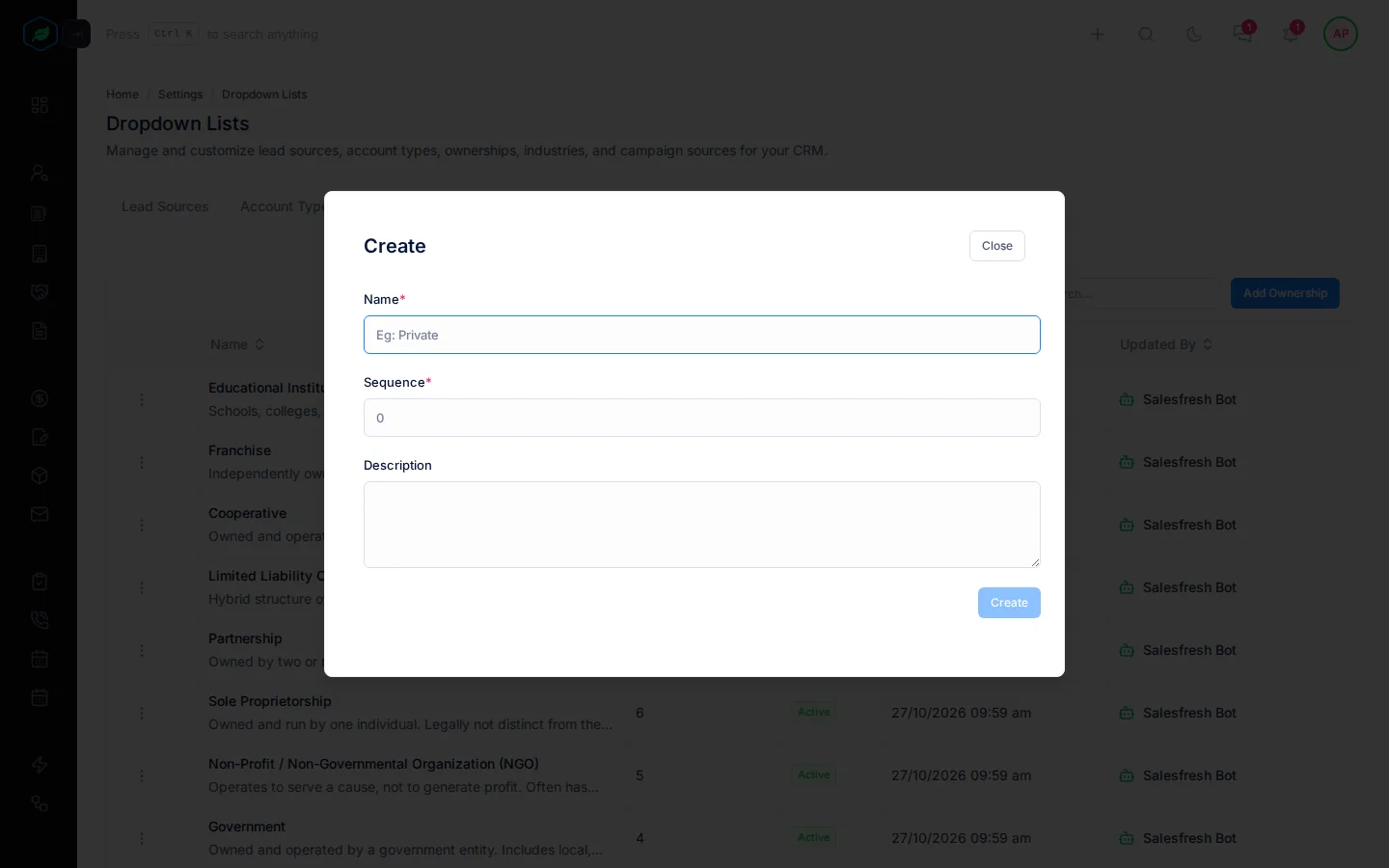
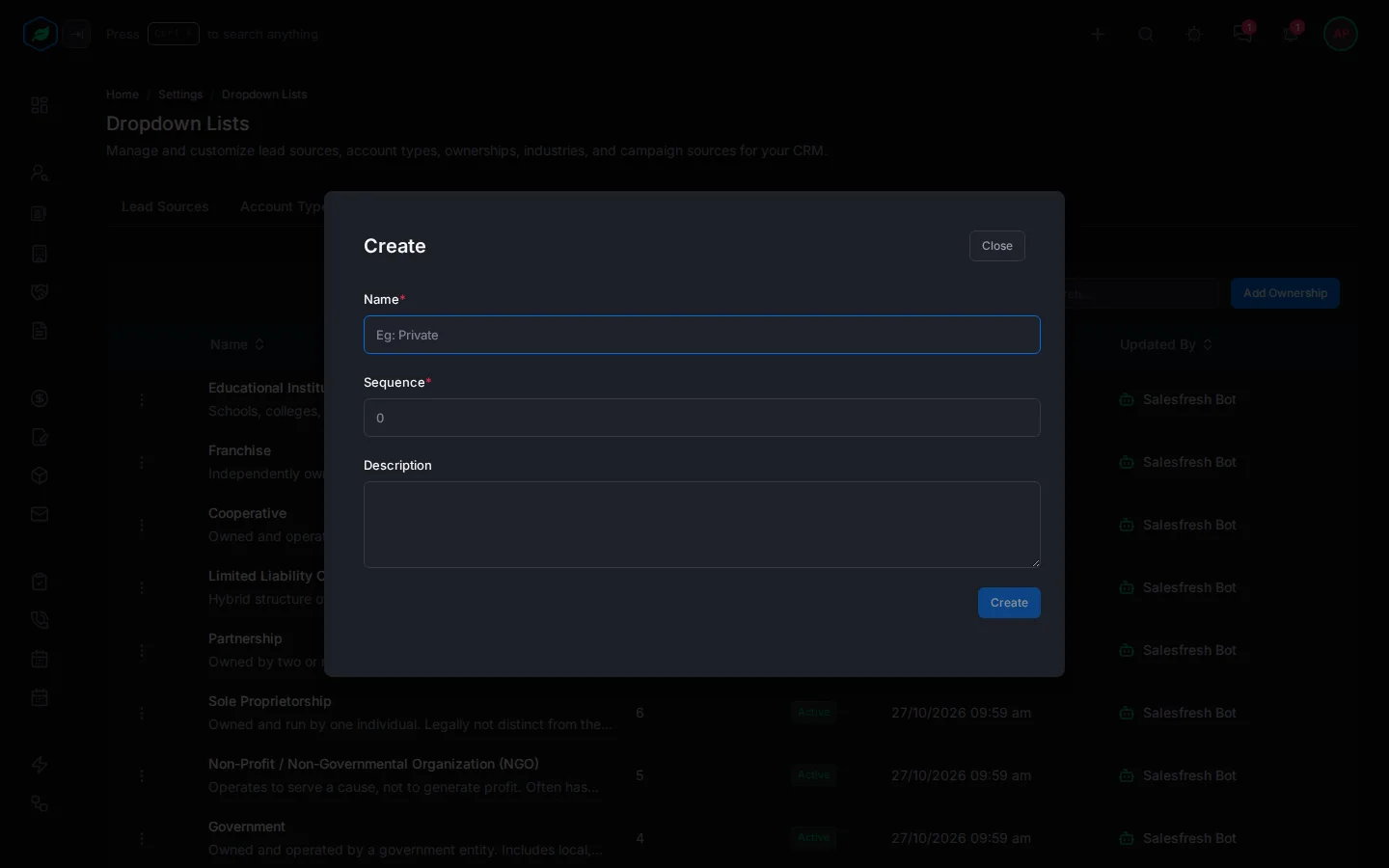
- Select Add Ownership. The Create window opens.
- Fill in the fields. Fields marked * must be filled in.
- Select Create.
| Field | What to enter |
|---|---|
| Name * | The ownership type, up to 100 characters, such as "Trust" |
| Sequence * | Its place in the dropdown, from 1 to 100. Lower numbers come first |
| Description | When to use it, up to 255 characters |
New values show in everyone's dropdowns straight away.
Change, switch off or delete
Select ⋮ on a value:
- Edit changes it. The window is called Update.
- Make it Inactive hides it from dropdowns. Records that already use it keep it. Make it Active shows it again.
- Delete removes it. You can't delete a value that records still use.
Each one asks you to confirm first. See Dropdown lists.
Renaming a value doesn't change records that already use the old name. They keep showing the old name.
An ownership used by accounts can't be deleted.
Troubleshooting
| Message | Why | What to do |
|---|---|---|
| "Ownership cannot be deleted as it is used by … Deactivate it instead to hide it from new records." | Records still use the value | Select Make it Inactive instead |
| "A ownership with this name already exists." | The name is taken, maybe by a deleted value | Pick another name |
| "Sequence must be at least 1" or "Sequence cannot be more than 100" | The sequence is outside 1 to 100 | Enter a number from 1 to 100 |
Related
Still stuck?
Tell us what you were trying to do and we will help.