The website page
What is on a website's page, from its install code and live chat setup to its dashboard, announcements, forms, questions, replies and FAQs.
Updated 28 October 2026 · 3 min read
Each website has a page that brings together everything that runs on it: its live chat, its announcements and forms, and what visitors asked. Select a website's name on the Websites page to open it.
Say your sales manager asks how the chat on your pricing site did last month. Open the website, select Dashboard, and you see how many chats came in, how many were missed and how many became leads.
Before you start
- Permission: View Websites to open a website. Manage Live Chat to change its live chat, questions, organization replies and FAQs. View Forms to see its Forms tab.
- Plan: Every plan. See Plans and limits.
- Set up first: The website. See Websites.
The header and its actions
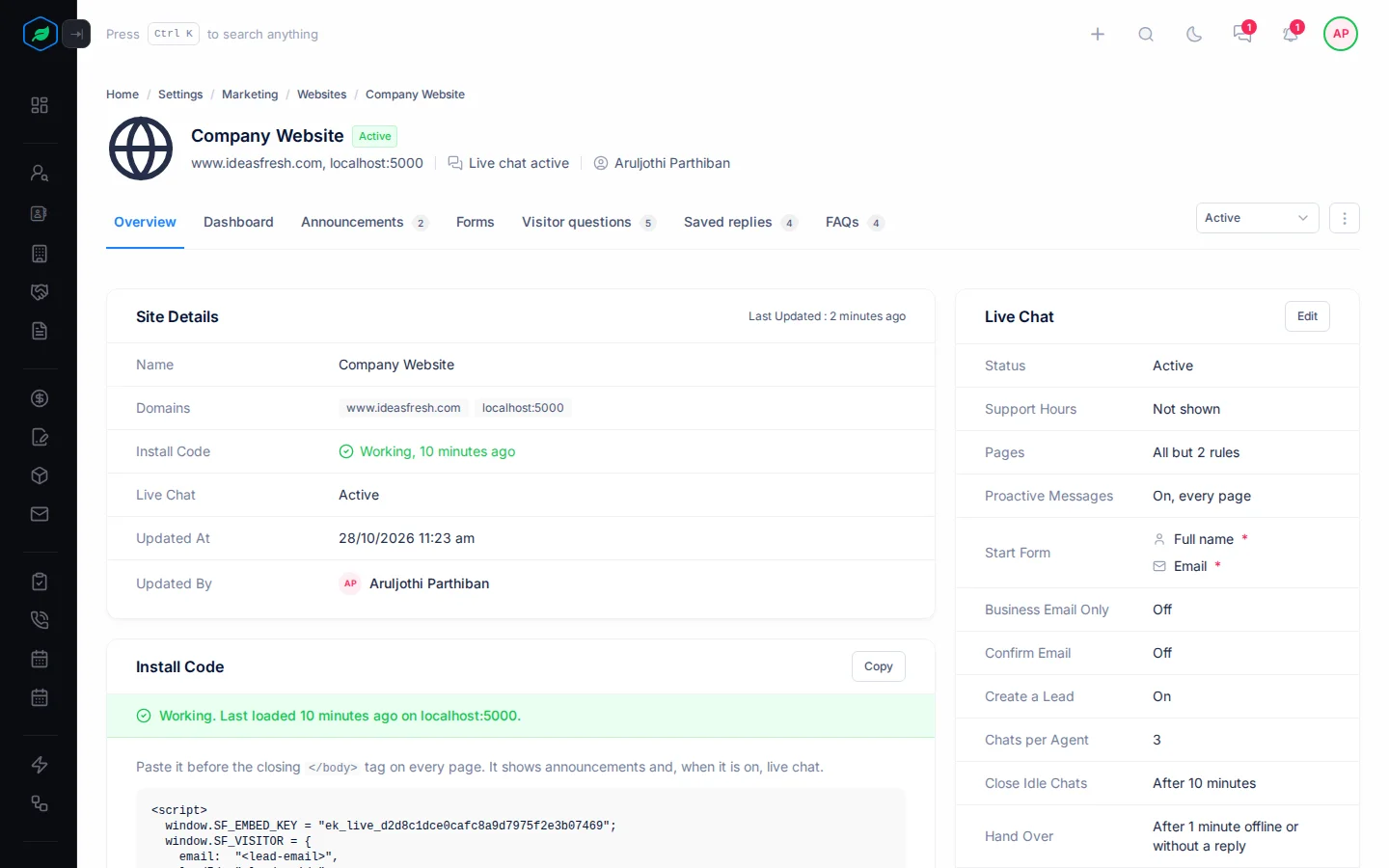
At the top you see the website's name, its domains, whether live chat is on, and who changed it last.
| Action | What it does |
|---|---|
| Set up live chat | Adds live chat to the website. Shows when it has none. See Set up live chat |
| Status | Turns the website's live chat Active or Inactive. Shows when it has live chat |
| ⋮ | Edit, Clone, Install Code and Delete. Install Code copies the code straight away |
Overview
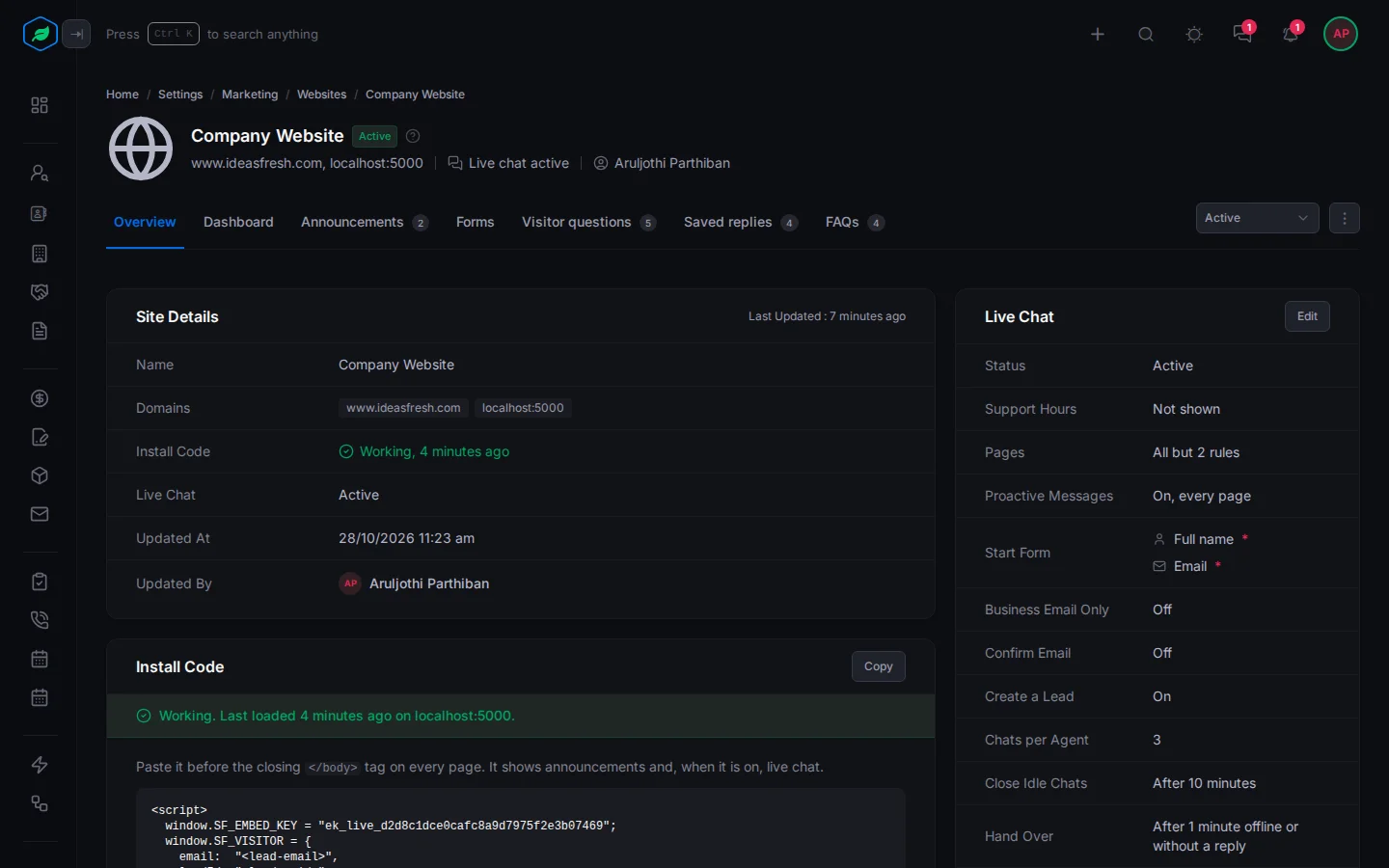
- Site Details: the name, domains, whether the install code is working, live chat, and who changed it last.
- Install Code: the code to paste before the closing
</body>tag on every page, with Copy. - Live Chat: how its live chat is set up, such as its support hours, pages, proactive messages and how many chats each agent takes. Select Edit to change it.
- Agents: who answers its chats, and whether each one is available.
Dashboard
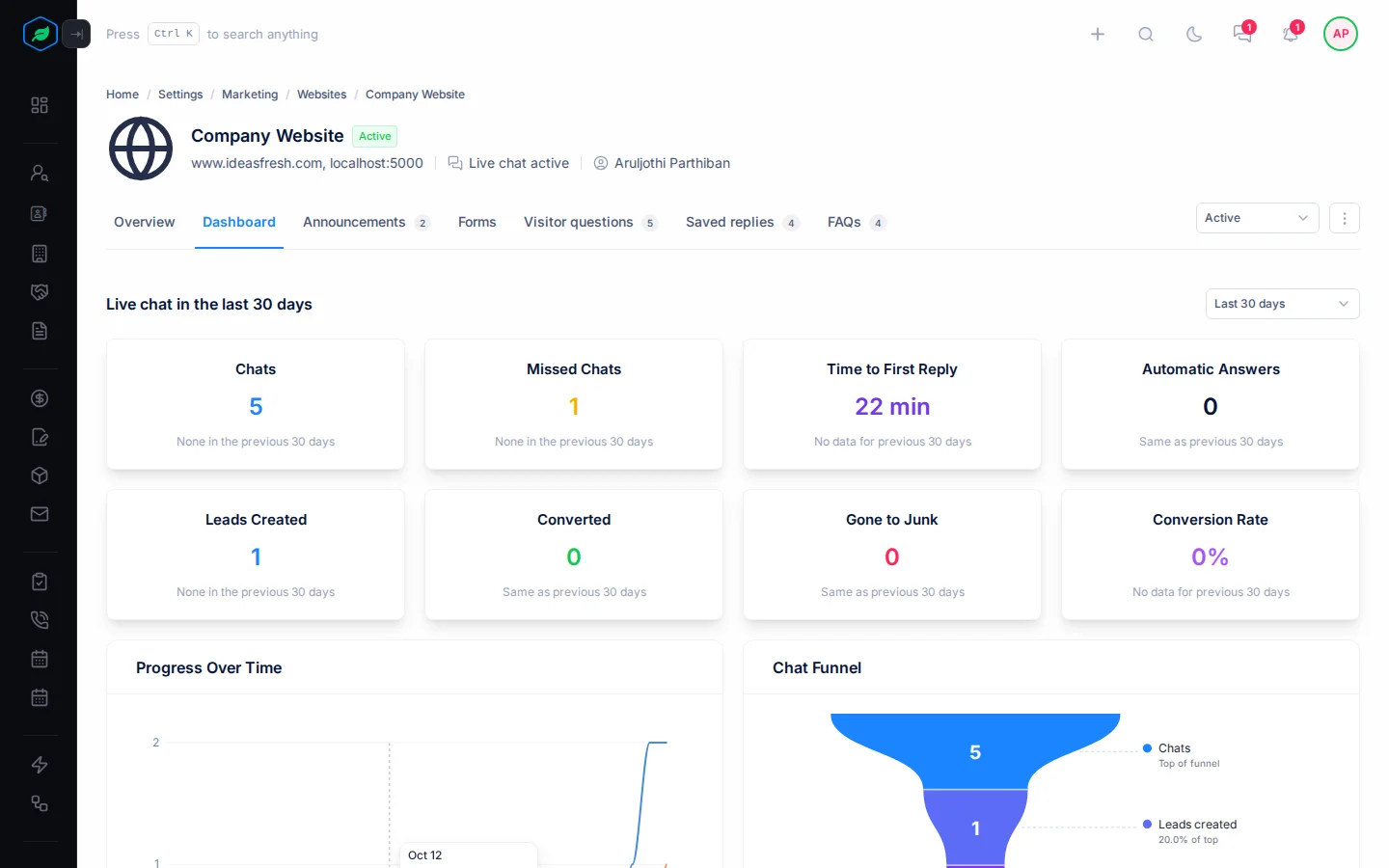
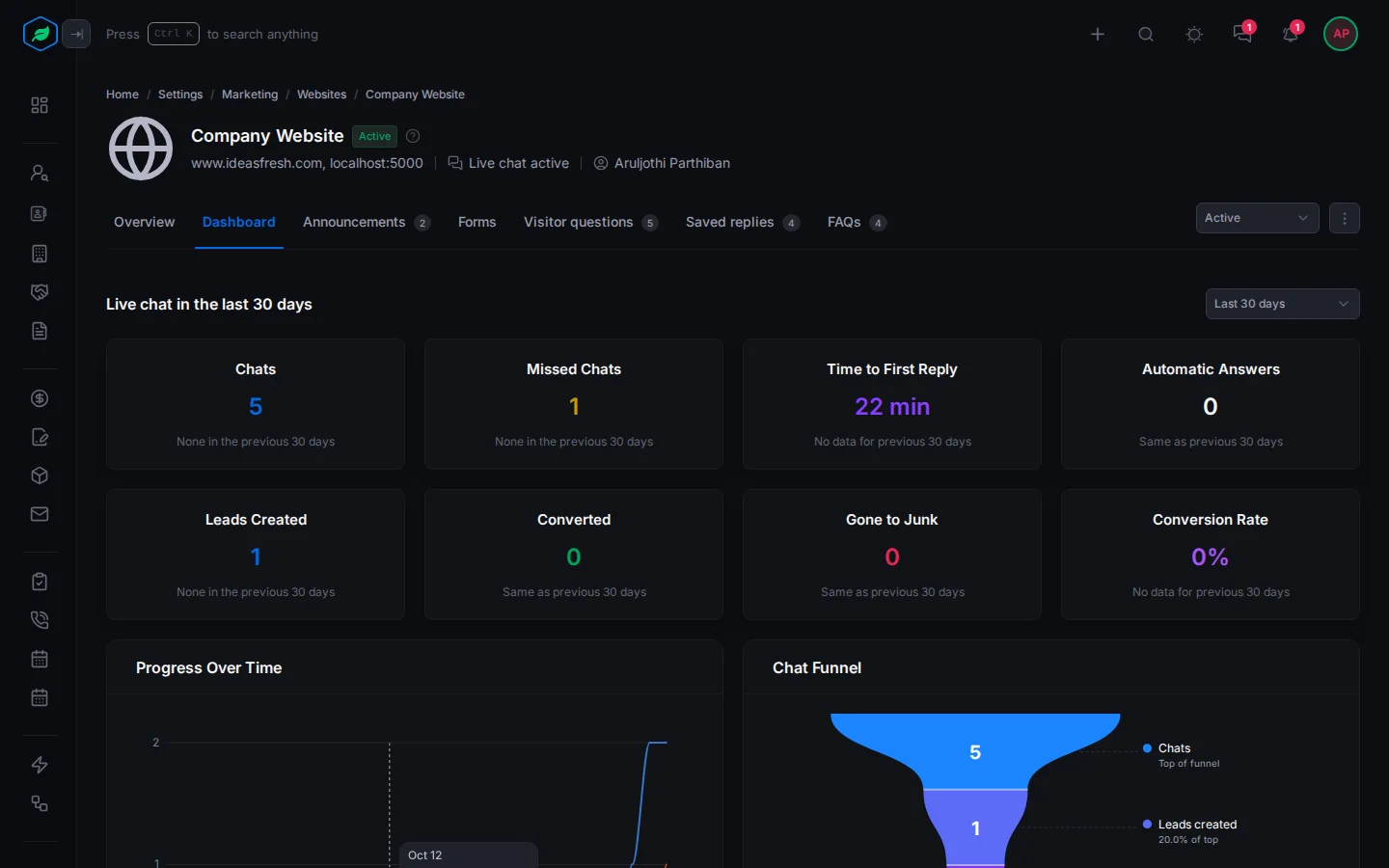
How live chat did on this website. Pick Last 7 days, Last 30 days or Last 90 days. Each number is compared with the period before.
| Number | What it counts |
|---|---|
| Chats | Chats that started |
| Missed Chats | Chats no agent ever joined |
| Time to First Reply | How long visitors waited for the first answer |
| Automatic Answers | FAQs the chat sent by itself |
| Leads Created | Leads made from chats |
| Converted | Those leads that were converted or reached a won stage |
| Gone to Junk | Those leads that ended up lost or junk |
| Conversion Rate | Converted leads out of the leads created |
Below them, charts show progress over time, the chat funnel, the busiest times, the pages that start chats, why chats were missed, response times, revenue from chats, visitor questions, where visitors are, each agent's chats and hand-overs, and the most used replies and FAQs.
Announcements
The banners this website shows: those picked for it, and those set to show on all websites. It works the same way as the Announcements page. See Announcements overview.
Forms
The forms on this website. An embedded form loads only on its domains. See Web forms overview.
Visitor questions, Saved replies and FAQs
What the chat asks visitors before an agent joins, the answers your agents reuse, and the answers the chat can send by itself. See Visitor questions, saved replies and FAQs.
Related
Still stuck?
Tell us what you were trying to do and we will help.