Kanban boards
Switch a list to a Kanban board, group the cards by stage, status or another field, and drag a card to another column to change it.
Updated 28 October 2026 · 4 min read
A Kanban board shows a list as columns of cards, one column per stage or status. You see at a glance where everything stands, and you move a record on by dragging its card to the next column.
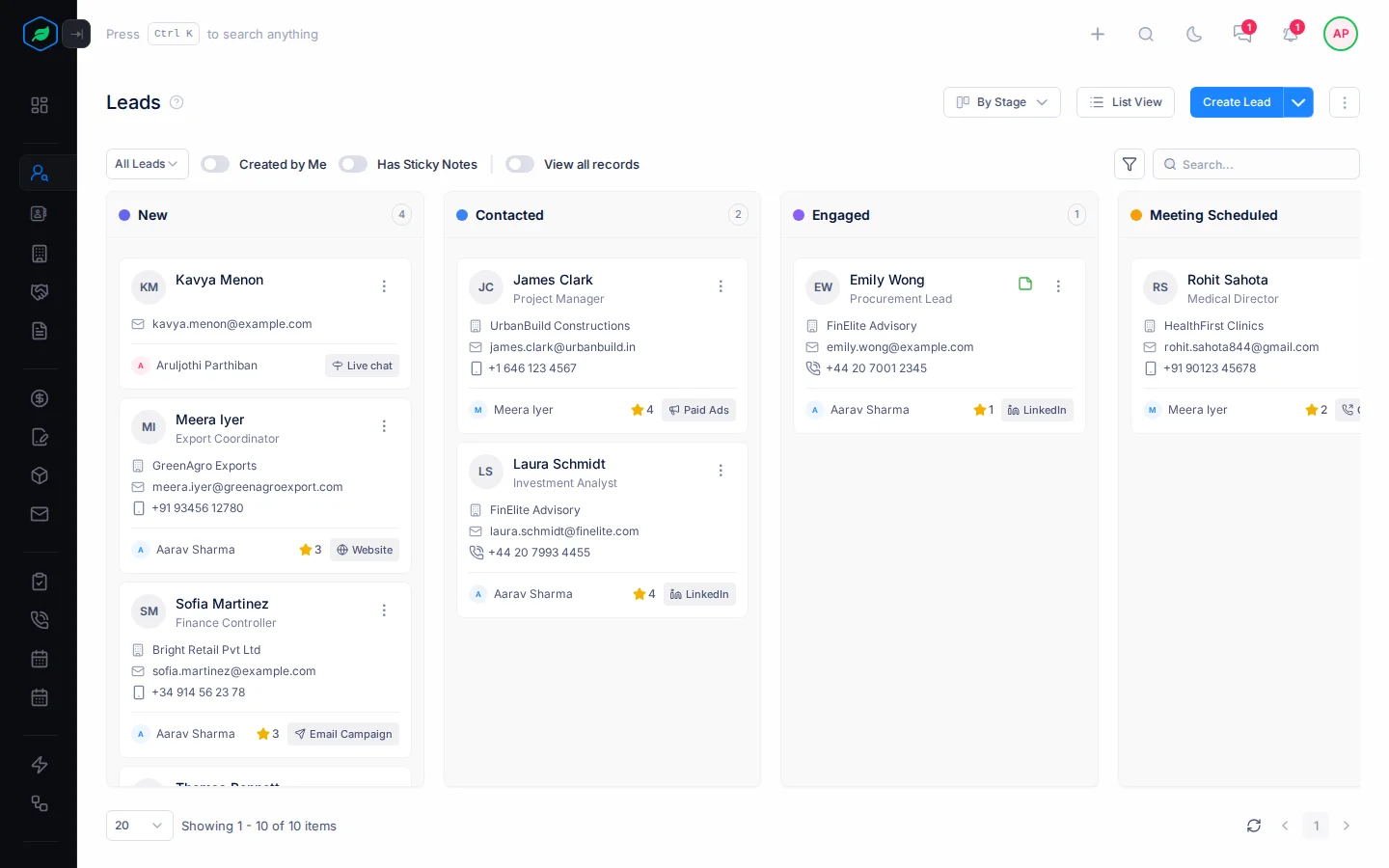
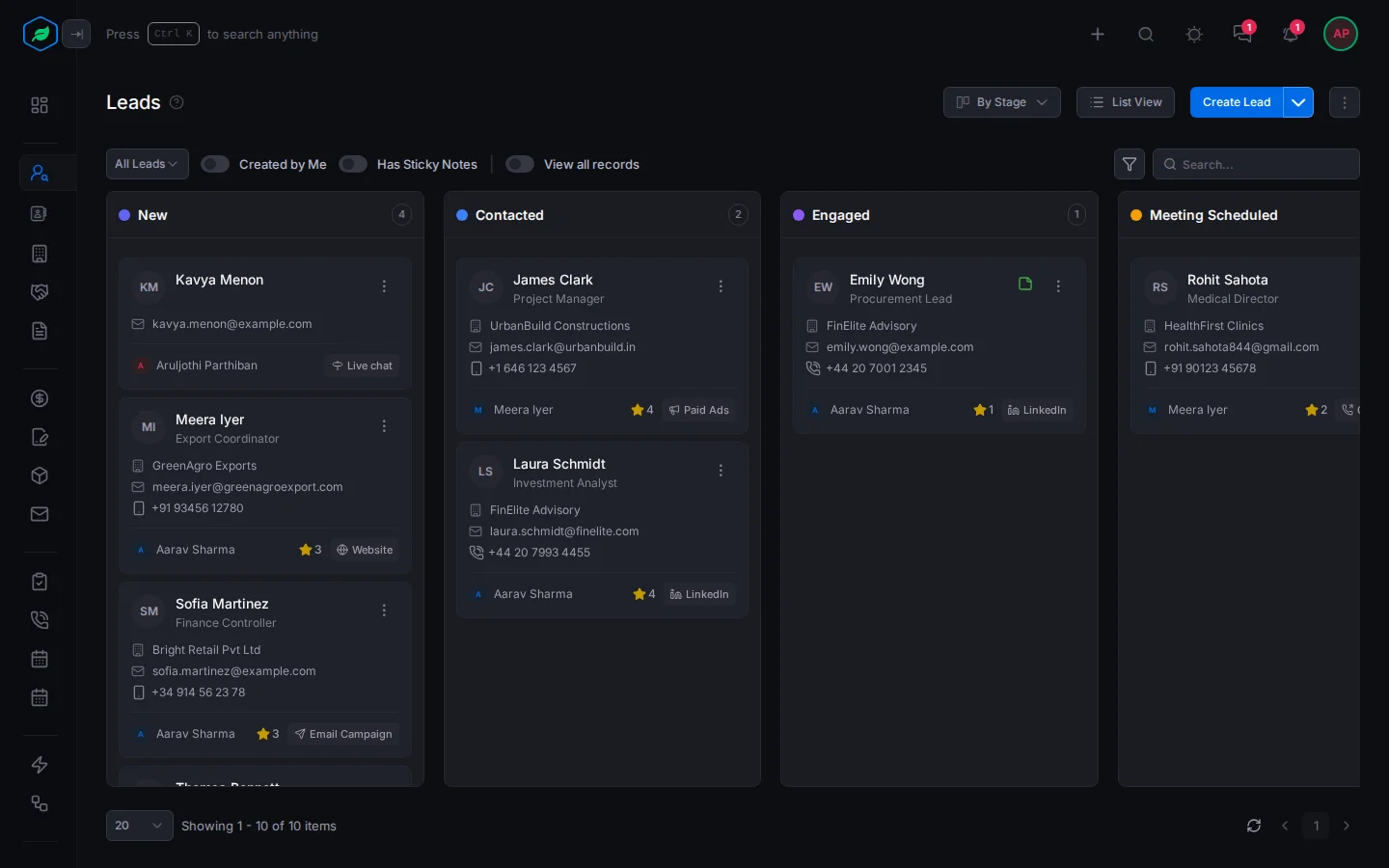
Say your sales manager asks which leads are stuck at Contacted. Open Leads and select Kanban View. The Contacted column shows them all. After a call, drag a lead's card to Engaged, and its stage changes.
Before you start
- Permission: The view permission for that kind of record, such as View Leads. To move a card, its edit permission, such as Edit Leads.
- Plan: Every plan. See Plans and limits.
- Set up first: Nothing.
Switch to a board
Open the list and select Kanban View at the top. To go back, select List View. Salesfresh remembers which one you used last for each list, on any computer.
| List | Columns |
|---|---|
| Leads | By Stage, By Source or By Industry. By Stage at first |
| Contacts | By Source or By Industry. By Source at first |
| Accounts | By Rating, By Industry or By Account Type. By Rating at first |
| Deals | Stage |
| Quotes, contracts, subscriptions and assets | Status |
| Tasks | Status |
Meetings and calls don't have a board.
Group the cards another way
On the leads, contacts and accounts boards, select the button next to List View, such as By Stage, and pick another field.
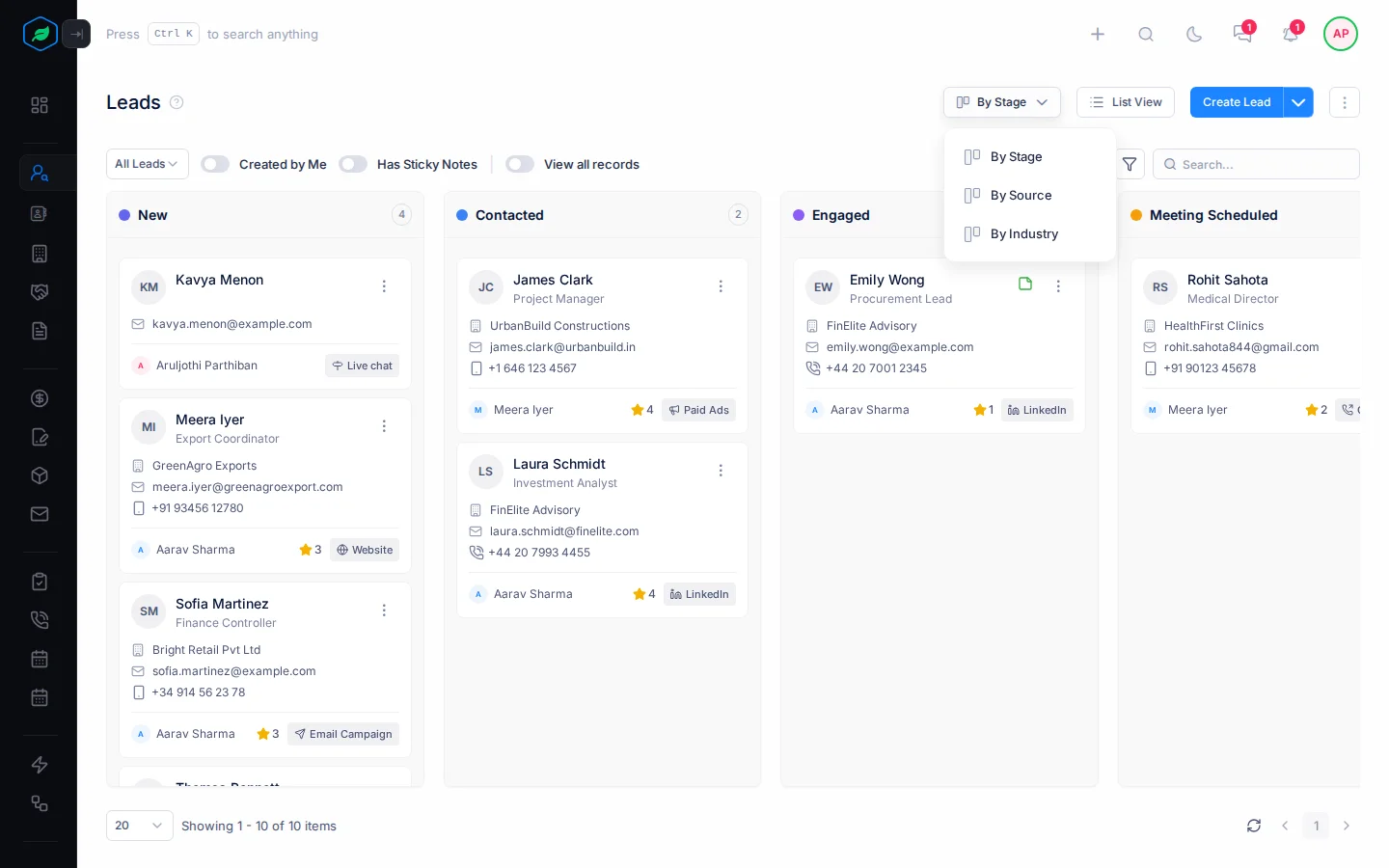
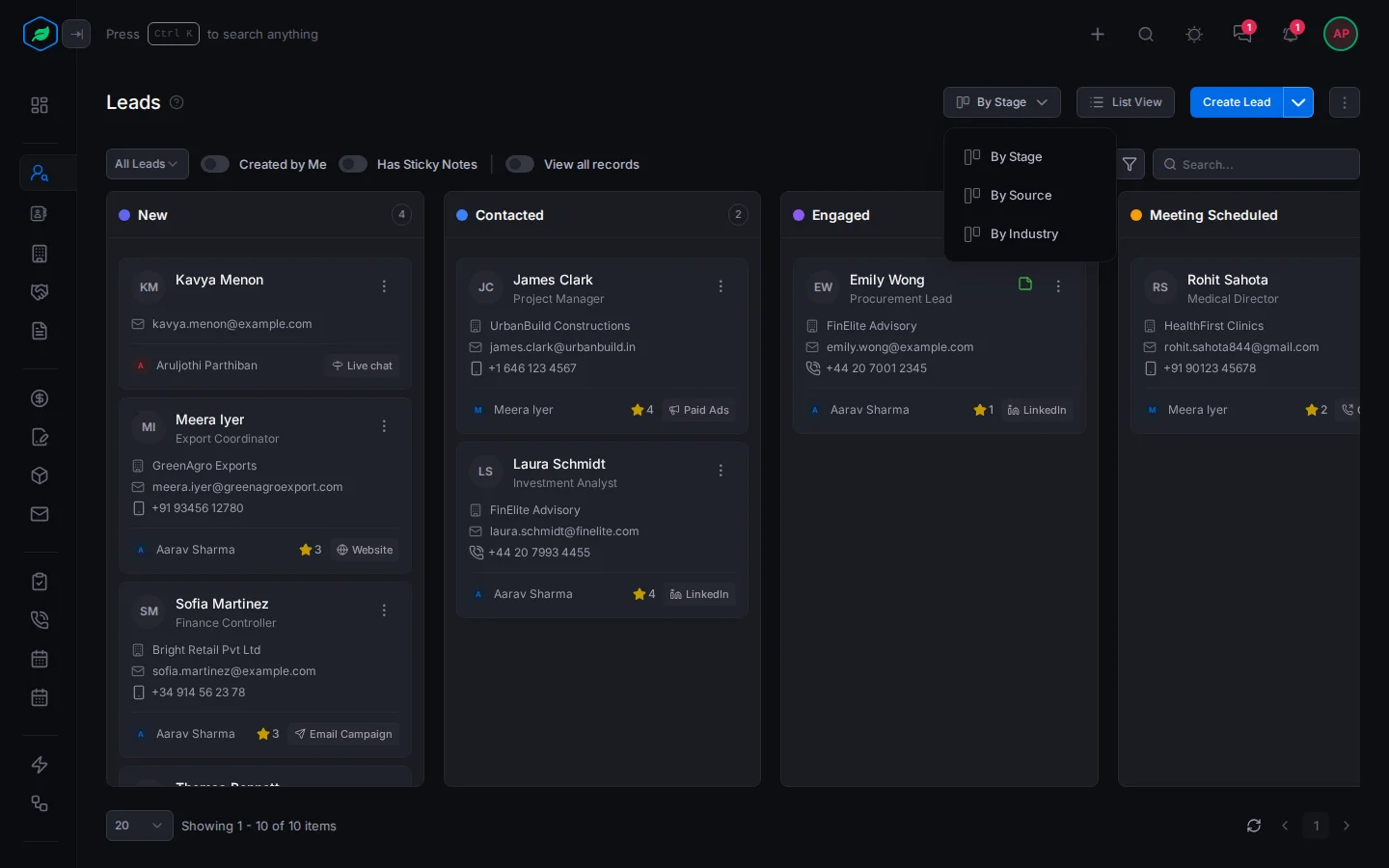
When you group by a field such as source, each value in use gets a column, A to Z. Cards with no value go in a column such as No Source. You can't drop cards there.
Read a card
Each card shows the record's name, its owner and its main details, such as a deal's revenue and closing date or a task's due date and priority. A draft shows Draft, and a locked record a lock.
- Select the name to open the record.
- Select ⋮ for the same actions as in the list, such as Edit, Clone or Delete.
Each column shows how many cards it has on this page. The board uses the same views, filters and search as the list, and the page buttons at the bottom. It shows 20 cards at first. Pick a bigger number at the bottom to see more.
Move a card
Drag a card to another column. The field you grouped by changes to that column, such as the lead's stage or the quote's status. Some moves ask you to confirm first.
| Board | What happens |
|---|---|
| Leads by stage | You confirm, and can add a reason and notes. Your lead pipeline decides which moves are allowed |
| Leads, contacts and accounts by another field | The field changes straight away |
| Deals | You confirm. A won stage asks for the actual revenue, and a lost stage for the reason. A proposal or quote stage opens a new quote instead |
| Quotes | Only the next steps are allowed, such as Draft to Sent. The columns you can't drop on fade |
| Contracts and assets | You confirm the new status |
| Subscriptions | Only Active to Cancelled, with a reason, or Cancelled back to Active |
| Tasks | The status changes straight away. Only the task's owner can drop it on Completed |
You can't move a card for a locked record or a draft. For leads, contacts, accounts, quotes, contracts and tasks, you must also be the record's owner or the person who created it. If a move fails, the card goes back.
Troubleshooting
| Message | Why | What to do |
|---|---|---|
| "Couldn't move the lead. Please try again." | The lead is locked or converted, or you don't own it and didn't create it | Ask its owner |
| "Couldn't move the account. Please try again." | The account is locked, or you don't own it and didn't create it | Ask its owner |
| "Only the task owner can mark it as completed." | You dropped someone else's task on Completed | Ask the task's owner |
| "Please create a deal from this quote first." | You dropped an accepted quote on Deal Created | Create the deal from the quote |
| A lead stage move is refused | Your lead pipeline doesn't allow that move, or the stage needs fields that are empty | Fill in the fields, or move it one stage at a time |
| "Failed to update deal stage. Please try again." | The deal is locked, or you can't edit it | Ask its owner |
Related
Still stuck?
Tell us what you were trying to do and we will help.