Find anything with global search
Find any lead, contact, account, deal or task, or jump to a settings page, from anywhere in the CRM with Ctrl K.
Updated 10 October 2026 · 2 min read
Search finds any customer, deal, quote or settings page in Salesfresh, from any screen.
For example, a customer calls and says, "Hello, this is Mr. Menon." You press Ctrl K and type "Menon". He shows under Contacts. You click his name, and his page opens while you're still saying hello. Later, a customer reads out a quote number. You type the number, and the quote shows straight away. You never have to look through menus or lists.
Before you start
- You don't need a special permission to use search.
- Search only shows the kinds of records you are allowed to see. For example, to find deals, you need the View Deals permission. If you can't find a kind of record, ask your admin.
Open search
Press Ctrl K, or Cmd K on a Mac. You can also click the magnifying glass at the top of the page.
Type at least 2 letters. The results show as you type.
Before you type, search shows the pages and records you opened lately, under Recently Accessed.
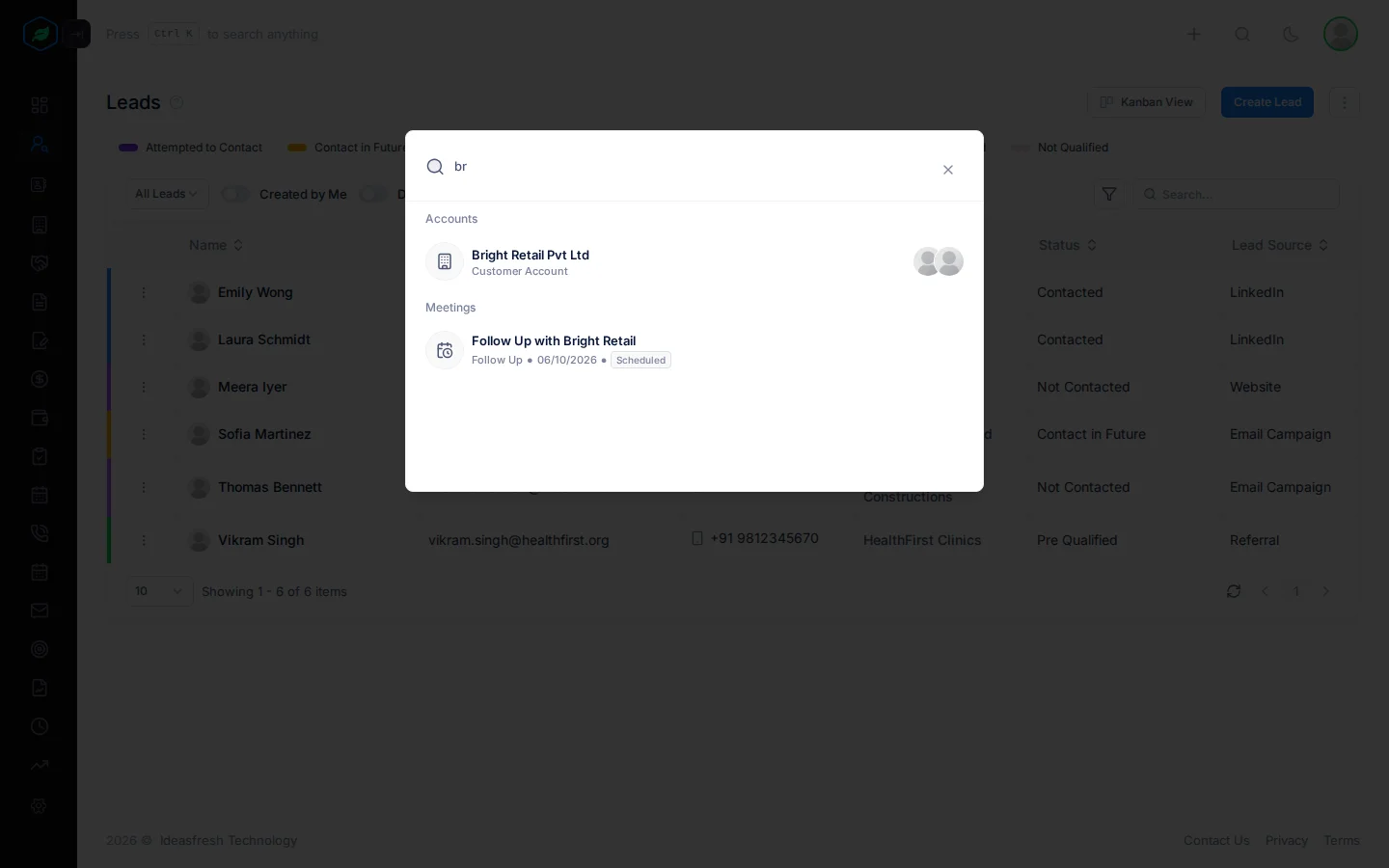
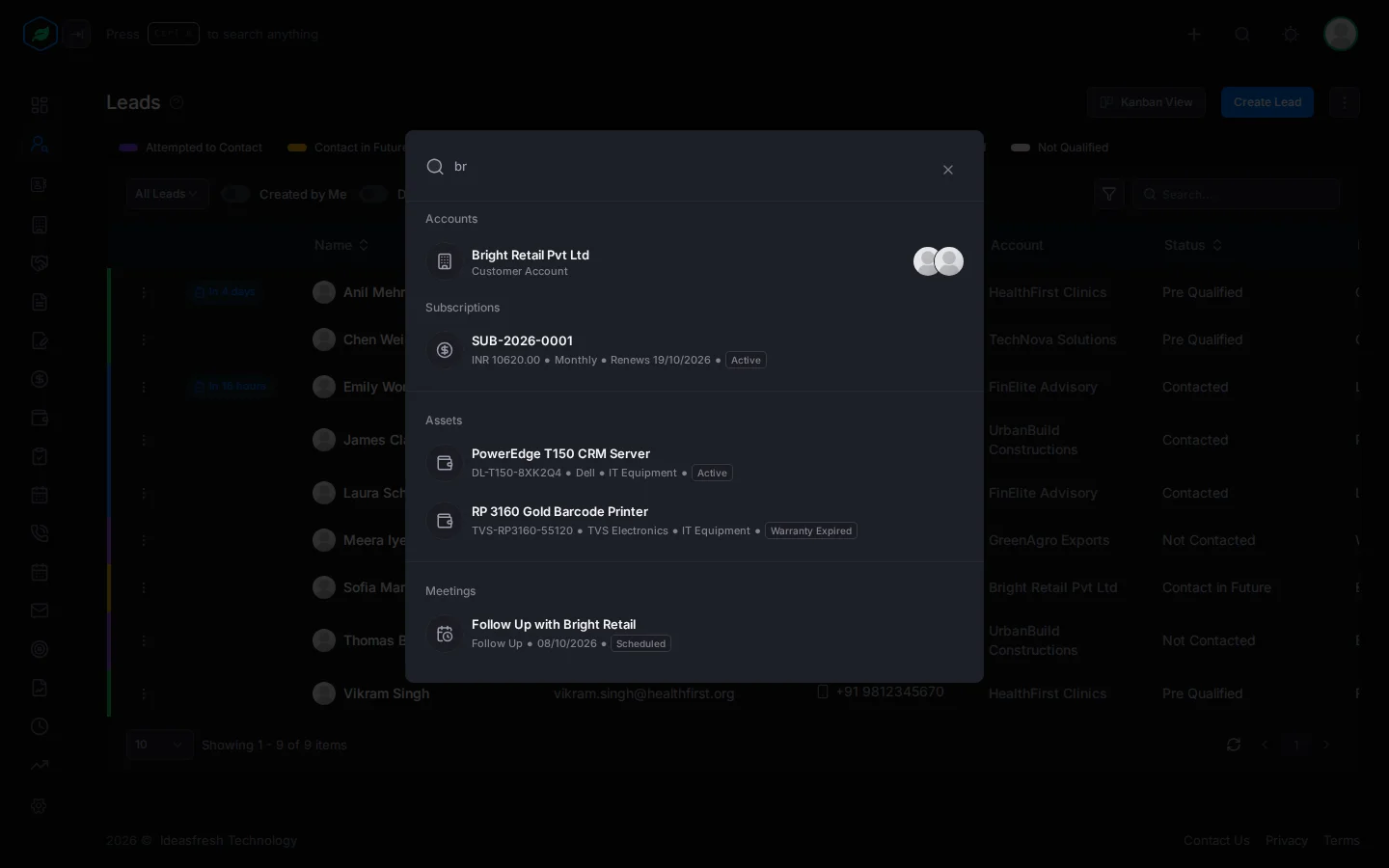
Click a result to open it. To close search, click the X at the top right.
What it finds
Results are grouped by kind, in this order:
| Group | Searches in |
|---|---|
| Pages | Page names, such as Notification Settings |
| Accounts | Name, other name, description, notes |
| Deals | Name, type, lead source, stage, notes |
| Leads and Contacts | Name, email |
| Users | Your teammates' names and emails |
| Quotes | Quote number, status, notes |
| Contracts | Contract number, title, description, status, notes |
| Subscriptions | Subscription number, status, notes |
| Assets | Serial number, model, maker, asset tag, category, notes |
| Tasks, Meetings and Calls | Title and description. Late tasks are marked Overdue |
Deleted records never show.
Troubleshooting
| You see | Why | What to do |
|---|---|---|
| "No records found." | Nothing matches what you typed | Try fewer or different words |
| A kind of record never shows | You don't have the view permission for it | Ask your admin for the permission |
| A page you expect is missing | You don't have permission to open it | Ask your admin |
Related
Still stuck?
Tell us what you were trying to do and we will help.