Connect Twilio
Connect your company's Twilio account so your team can make, receive and log calls in the CRM, and manage your phone numbers.
Updated 28 October 2026 · 3 min read
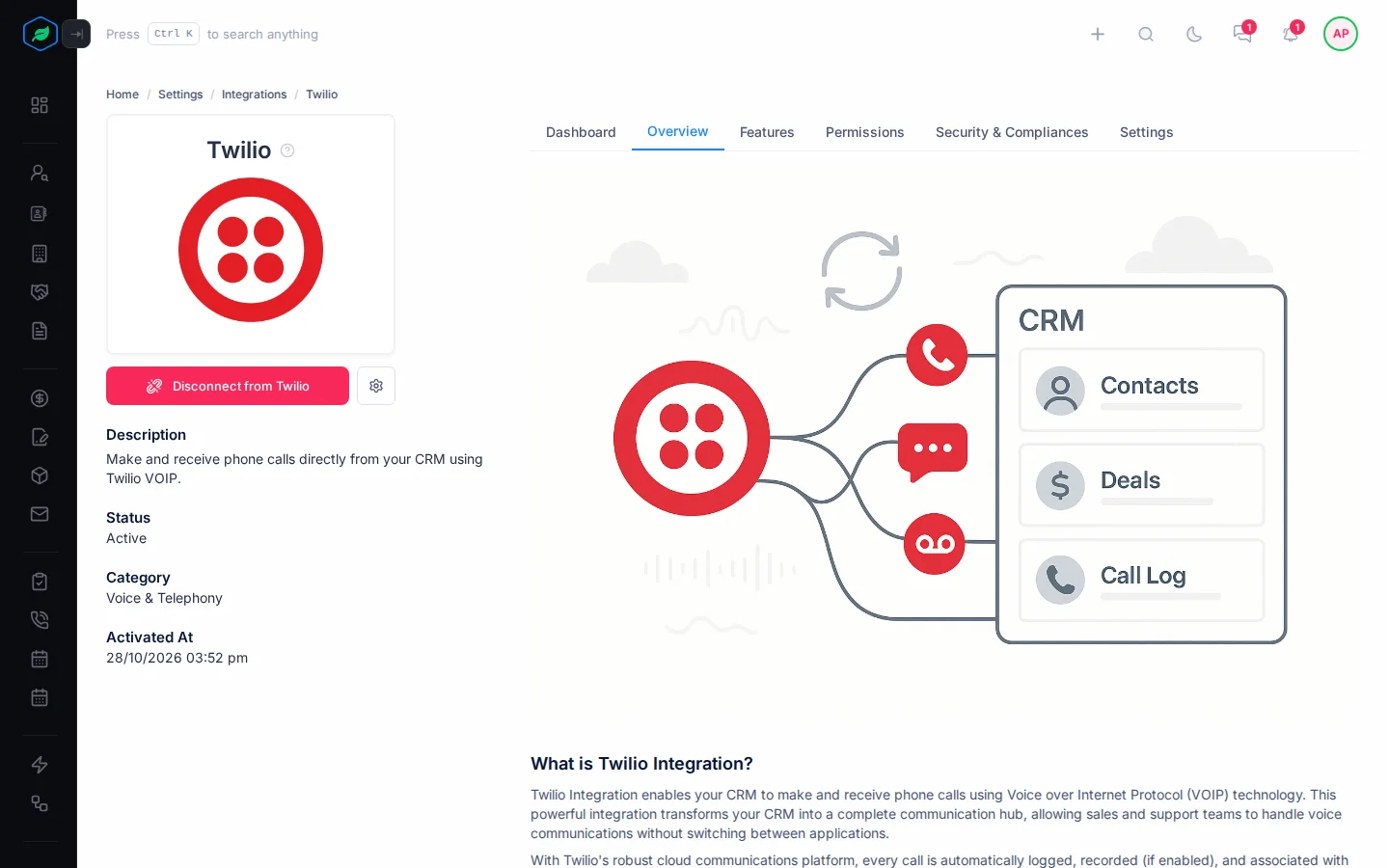
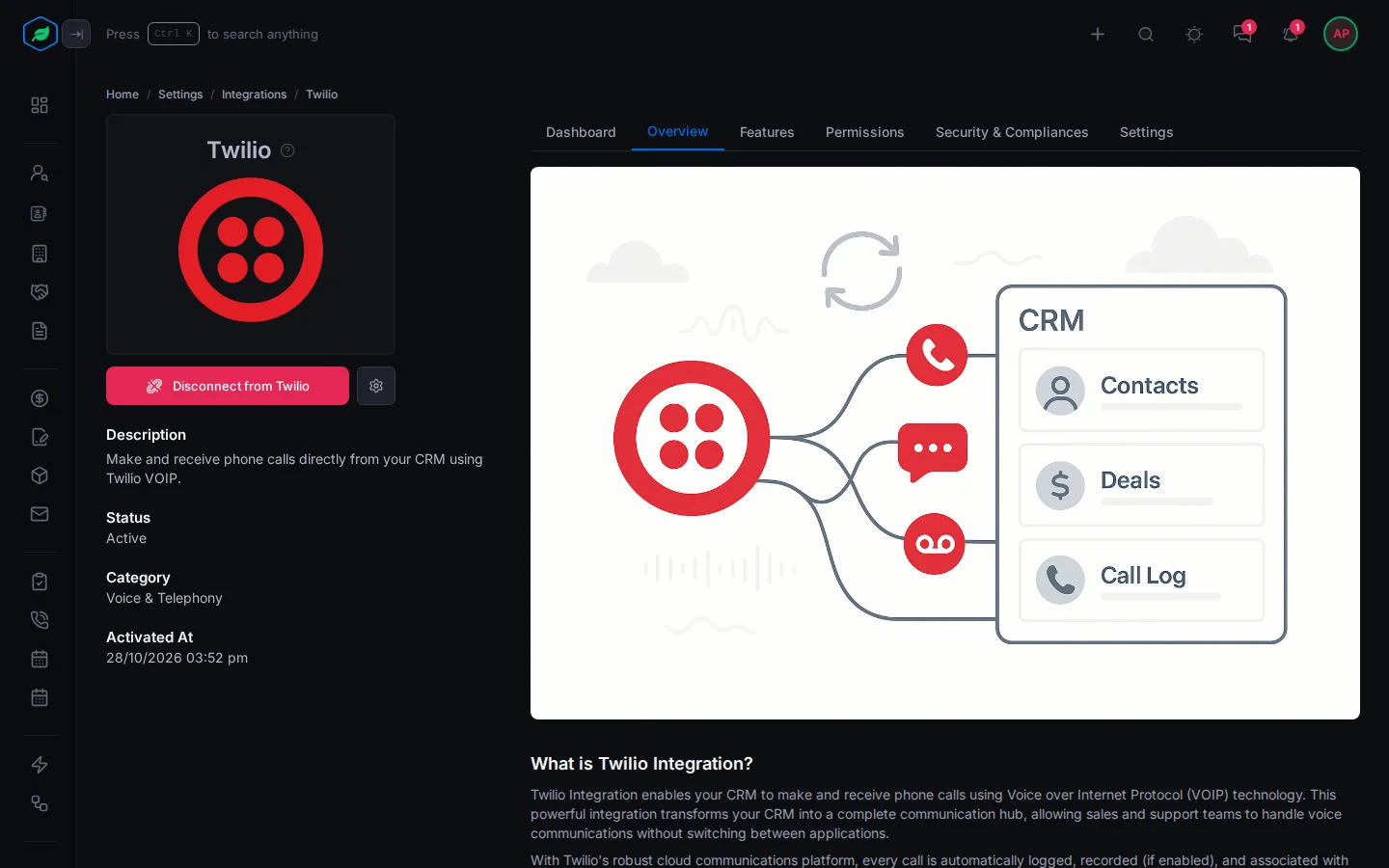
The Twilio integration links your company's Twilio account to Salesfresh. Your team makes and receives calls inside the CRM, and every call is logged on the right record.
For example, an insurance agency's agents call customers from their desk phones, and nobody writes the calls down. The admin connects the agency's Twilio account once and gives each agent a phone number. Now agents call from a lead's page, every call shows on the lead's timeline, and the manager sees how many calls each agent made.
Before you start
- Permission: Manage Integration to see and connect Twilio. If you don't have it, ask your admin.
- Plan: Professional and above. See Integrations overview.
- Set up first: A Twilio account. Twilio bills you directly for calls and numbers.
Twilio is connected once, for the whole company.
Connect Twilio
- Go to Settings → Integrations and select Twilio.
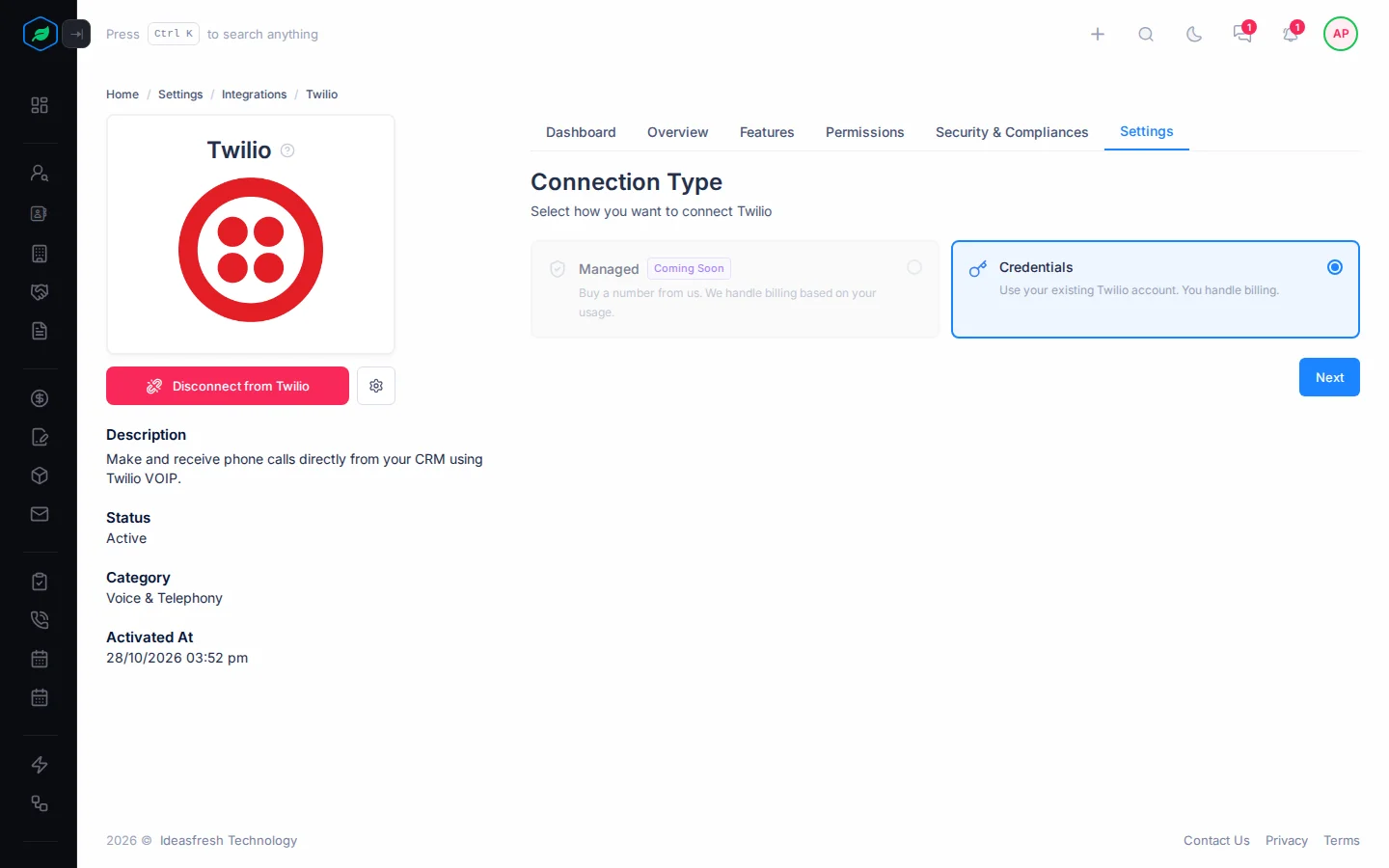
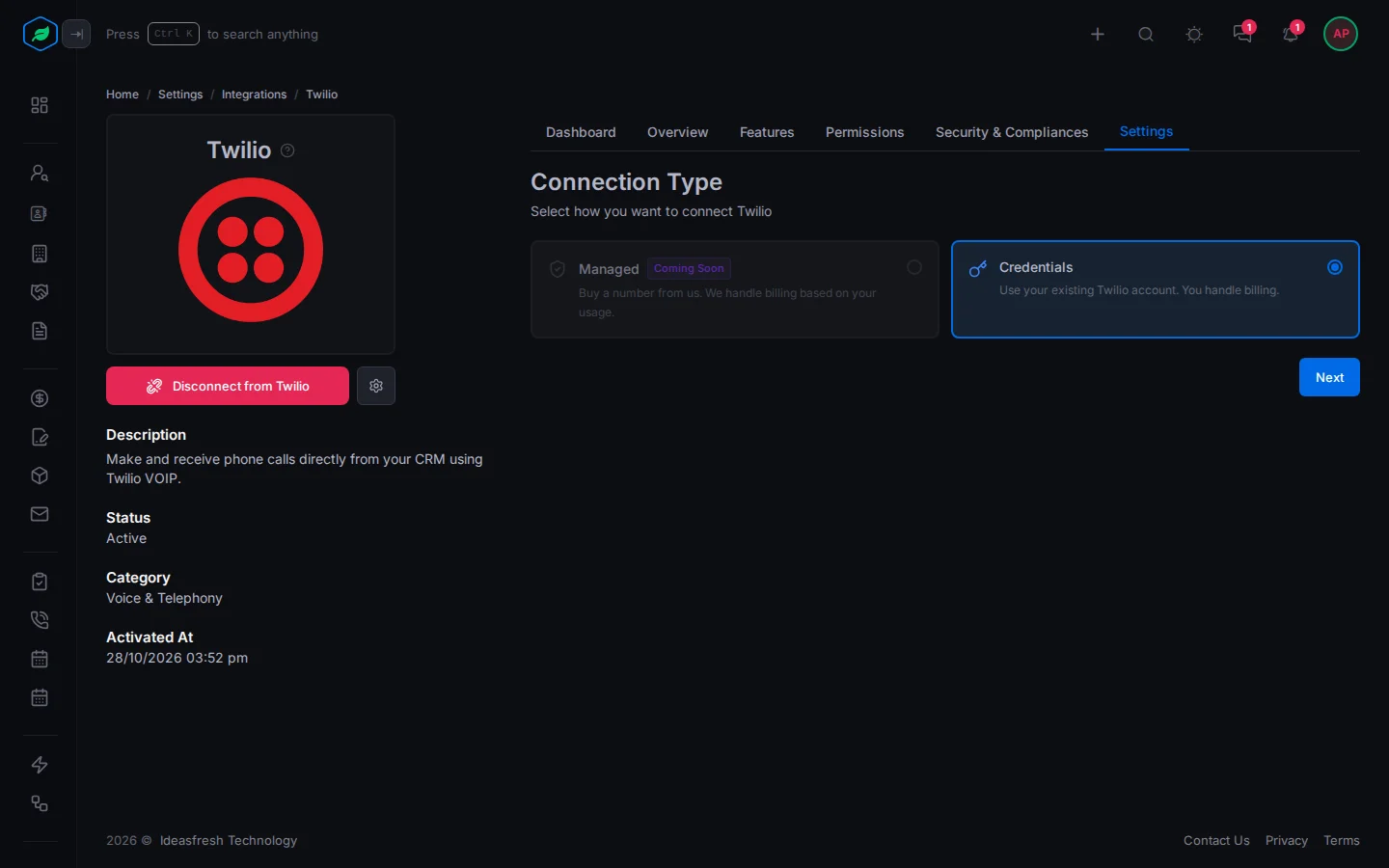
- Select Connect to Twilio. The Connection Type panel opens.
- Select Credentials, then Next. Managed says Coming Soon and can't be picked yet.
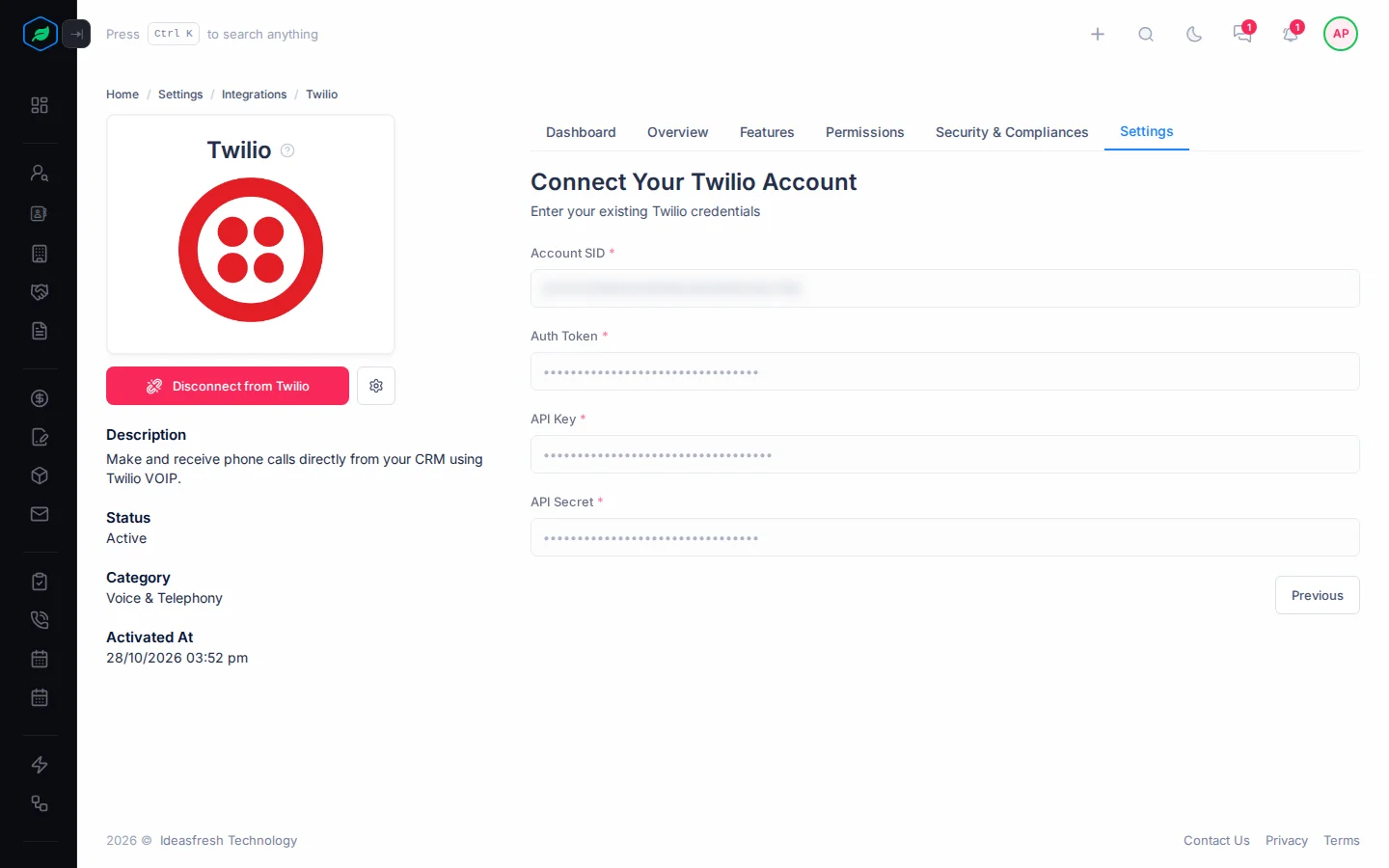
- Fill in the fields from your Twilio account, and select Verify & Connect.
- Integration Complete shows. Select Close.
| Field | What to enter |
|---|---|
| Account SID * | Your Twilio Account SID, which starts with AC |
| Auth Token * | Your Twilio Auth Token |
| API Key * | A Twilio API key |
| API Secret * | That key's secret |
Once connected, Twilio gets a Dashboard and a Settings tab. Settings shows your connection details. The Account SID shows in full. The other three show as one dot for each character, so you can check the length you entered, but never the value. They can't be changed there.
To change your credentials, type the real values again. Submitting the dots is refused.
Manage phone numbers
Select the gear icon next to Disconnect from Twilio. The phone numbers panel opens, with three tabs:
| Tab | What you can do |
|---|---|
| Active Numbers | See each number, its name, what it can do, and who has it. Select ⋮ to Assign to User, Assign to Team, Remove Assignment or Release it |
| Released Numbers | Numbers you gave back. Select Buy Again to get one back |
| Purchase Numbers | Buy a new number. Only US local numbers are offered. Select Buy and confirm |
Buying or releasing a number changes what Twilio bills you.
To make and take calls, see Call with Twilio.
The Dashboard tab
Dashboard shows your company's calls: call volume, cost, call length, how calls are spread, how each person or team did, call outcomes, the busiest hours, and how much each number is used. Pick a date range, and Day, Week or Month.
Disconnect
- Select Disconnect from Twilio.
- A window asks whether to disconnect your Twilio account. Select Yes.
Calling from the CRM stops for everyone. Call history and your phone numbers in Salesfresh stay.
Troubleshooting
| Message | Why | What to do |
|---|---|---|
| "The "twilio" integration is not available on your current plan. Available: … Please upgrade to access it." | Twilio needs the Professional plan | Upgrade. See Change or cancel your plan |
| "Integration already activated for you" | Twilio is already connected | Nothing to do |
| "This connection is shared by the whole company. You need the Manage Integration permission to disconnect it." | You don't have Manage Integration | Ask your admin |
| Twilio isn't on the Integrations page | You don't have Manage Integration | Ask your admin |
Related
Still stuck?
Tell us what you were trying to do and we will help.