Call leads and contacts from your browser with Twilio
Call leads and contacts from your browser through Twilio. How admins buy and assign numbers, how to place a call, and what gets logged.
Updated 9 October 2026 · 5 min read
Twilio is a phone service that works over the internet. Once your company connects it, you can call a lead or contact by clicking their phone number in Salesfresh. The call runs in your browser, and when you hang up it is logged on their record for you.
For example, you call 40 leads a day. Without Twilio, you read each number off the screen, dial it on your mobile, then type the call into Salesfresh. On a busy day you forget to log some, and nobody knows those calls happened. With Twilio, you click the lead's number, talk through your headset and hang up. The call, its time and its length are saved on the lead's page. Every call is logged, and you never type one in again.
Before you start
- Twilio is on the Professional plan and above. See Plans and limits.
- Your company needs its own Twilio account. Twilio charges that account for each call and a monthly fee for each phone number.
- An admin must give you a phone number, or give one to a team you are in.
- The first time you call, your browser asks to use your microphone. Allow it.
Twilio records each call from the moment it's answered. The recordings are kept in your company's Twilio account. In many countries you must tell people a call is recorded, so check what applies to you.
Connect Twilio (admins)
To do this, you need the Manage Integration permission. If you don't have it, ask your admin.
- Go to Settings > Integrations and open Twilio.
- Click Connect to Twilio and choose Credentials.
- Enter your Account SID, Auth Token, API Key and API Secret. You find these in your Twilio console.
- Click Verify & Connect.
Only one phone service can be connected at a time.
Set up phone numbers (admins)
Each person who calls needs a number. Click the Settings gear on the Twilio page to open Manage Phone Numbers.
Buy a number
- Open Purchase Numbers. You see the numbers you can buy, with their monthly fee.
- Click Buy next to a number and confirm.
Numbers you already have in your Twilio account show up under Active Numbers by themselves.
Give a number to someone
On Active Numbers, click ⋮ next to a number:
- Assign to User lets one person call from it.
- Assign to Team lets everyone in a team call from it. This suits a small team that shares one line.
- Remove Assignment takes the number back, so you can give it to someone else.
- Release gives the number back to Twilio, so you stop paying for it. It moves to Released Numbers, where you can buy it again.
A number can belong to one person or one team at a time. After you give someone a number, they may need to reload Salesfresh.
Make a call
- Click a lead's or contact's phone number. You can click it on their page, in the Leads or Contacts list, or on a Kanban card.
- The dialer opens at the bottom right, showing who you are calling. Click the green phone button.
- When they answer, the timer starts. You can turn on Speaker or Mute yourself.
- Click the red button to hang up.
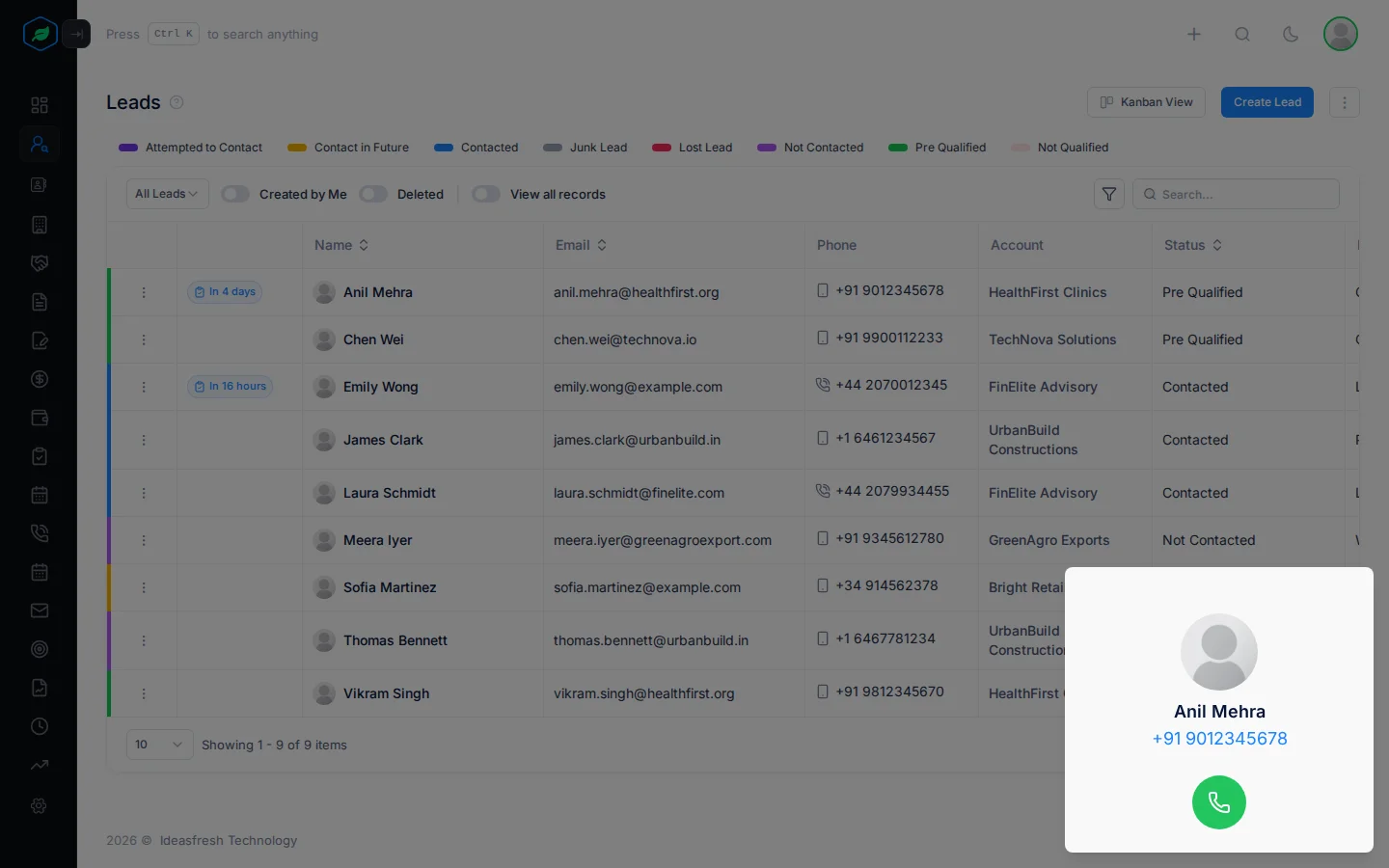
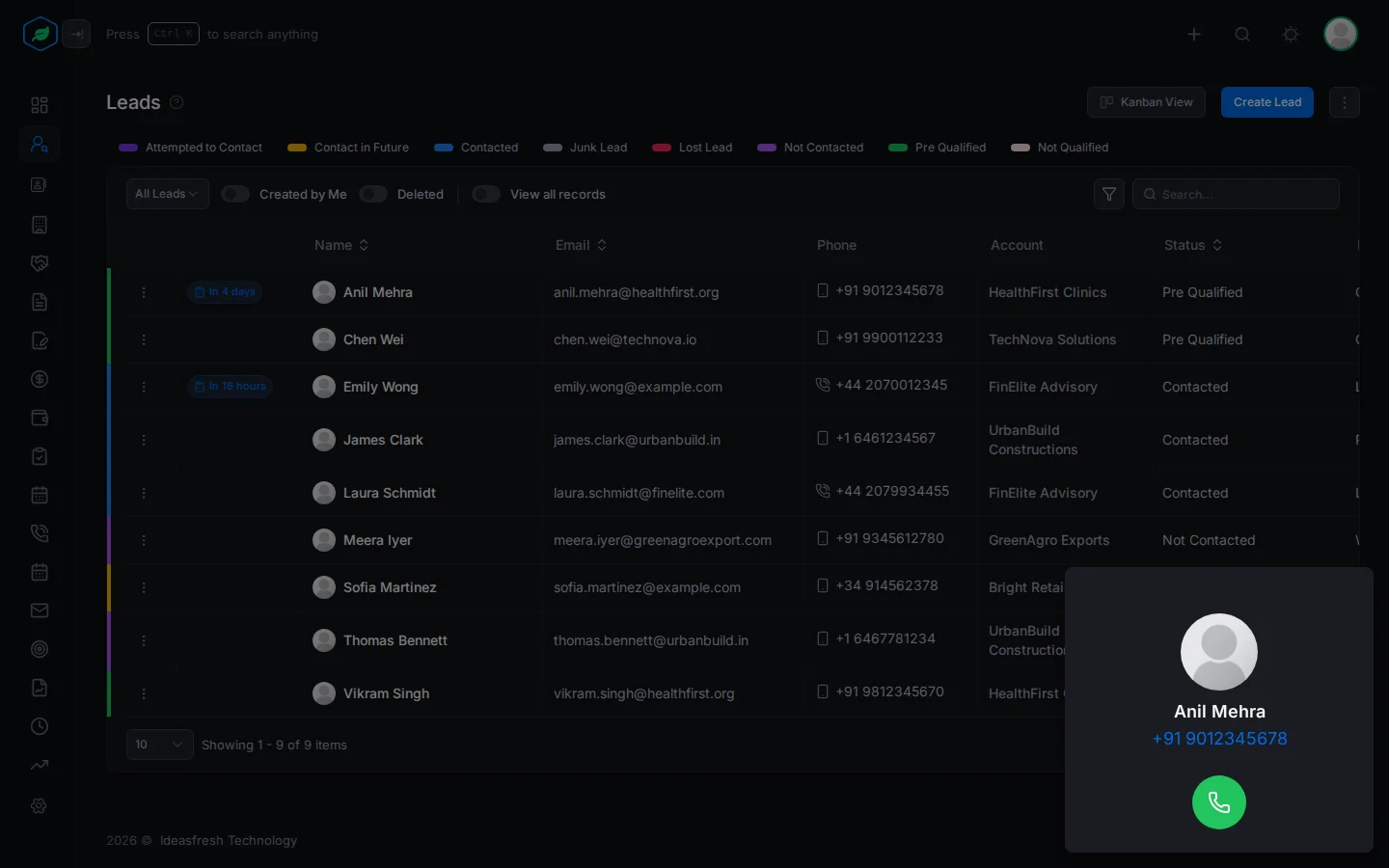
If you don't have a number yet, clicking a phone number opens your computer's own calling app instead.
What gets logged
When you hang up, you see "Call Logged Successfully". The call is saved as an outgoing call from you to the lead or contact, titled "Call to" and their number. It has the start and end time, the length, and how it ended: Completed, Busy, No Answer, Failed or Canceled. Its page shows Twilio as the provider.
You can't edit a Twilio call or change its status, so the log always shows what really happened. You can still add notes on the call's page. See Calls.
Incoming calls
When someone rings one of your numbers, the call goes to the mobile number on the profile of the person who has that number. If nobody answers in 30 seconds, the caller can leave a voicemail. The voicemail is kept in your Twilio account.
Incoming calls aren't logged in Salesfresh. Log them yourself with Log a call, so your team knows you spoke.
Troubleshooting
| You see | Why | What to do |
|---|---|---|
| Clicking a number opens another app | You don't have a number yet | Ask an admin to give you one, then reload the page |
| "User does not have an assigned phone number" | Your number was taken back | Ask an admin |
| "Invalid Twilio credentials" in Manage Phone Numbers | The Twilio details are wrong or have changed | An admin disconnects Twilio and connects it again with the right details |
| A call doesn't go through on a new Twilio account | Twilio trial accounts can only call numbers you have verified in Twilio | Upgrade your Twilio account, or verify the number in Twilio |
| "This phone number is already assigned to a user or team." | Someone already has the number | Remove that assignment first |
Related
Still stuck?
Tell us what you were trying to do and we will help.