See all activities on a lead, contact, account or deal
See every task, meeting and call for a lead, contact, account or deal on its Activities tab, and create new ones from the record.
Updated 9 October 2026 · 2 min read
Every lead, contact, account and deal has an Activities tab. It lists the tasks, meetings and calls for that record, so you can see what has happened and what is planned before you get in touch.
For example, a customer calls you about a large order. Before you answer, you open their page and click Activities. Under Meetings, you see a teammate met them last week. Under Tasks, there is an open task to send paper samples. Under Calls, you see they called twice before. You already know the story, so you don't ask them to repeat it. After the call, you click Create and choose Task, and the customer is already filled in on the form.
It also helps when you take over a customer from a teammate, because you can see everything they did.
The Activities tab
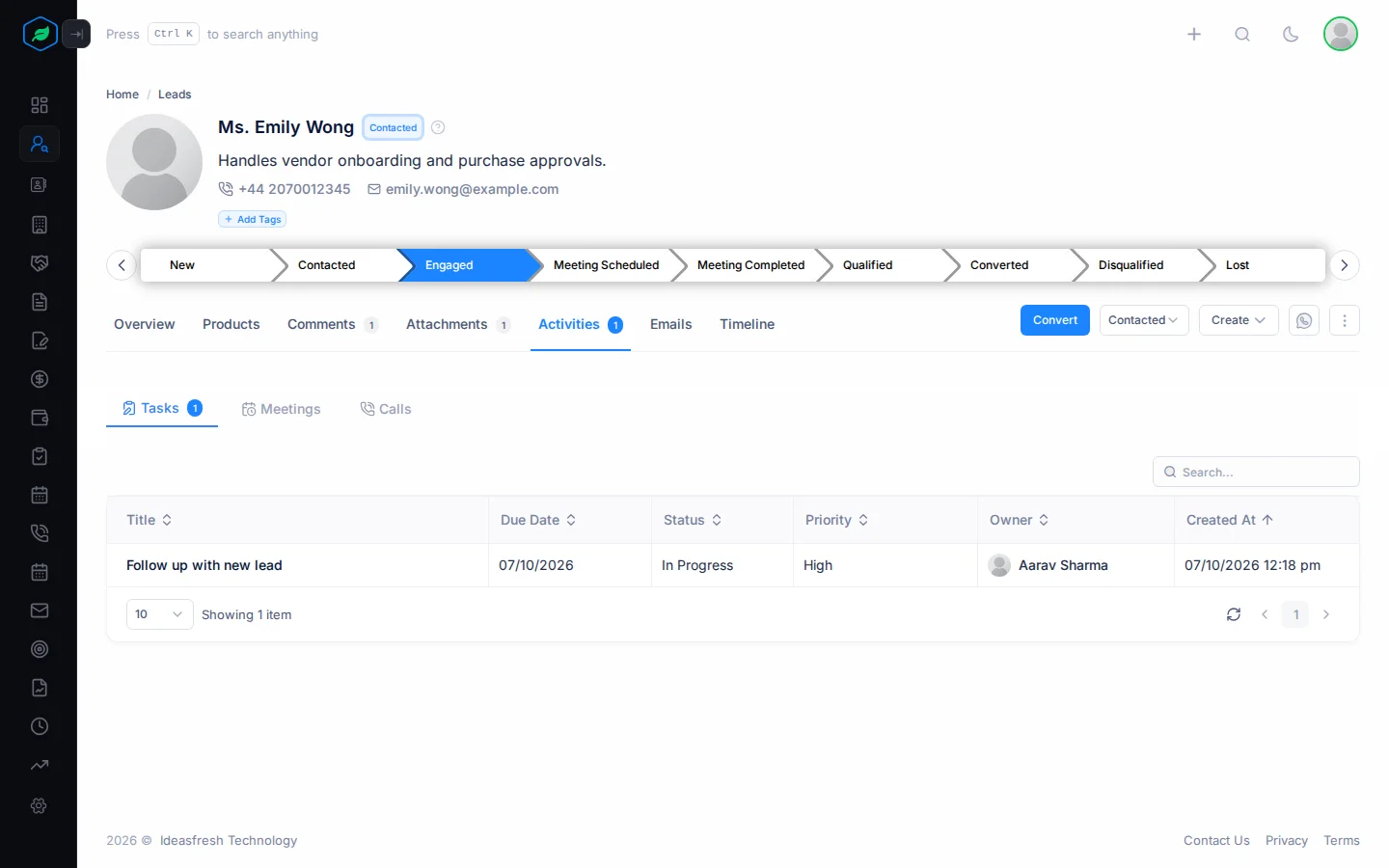
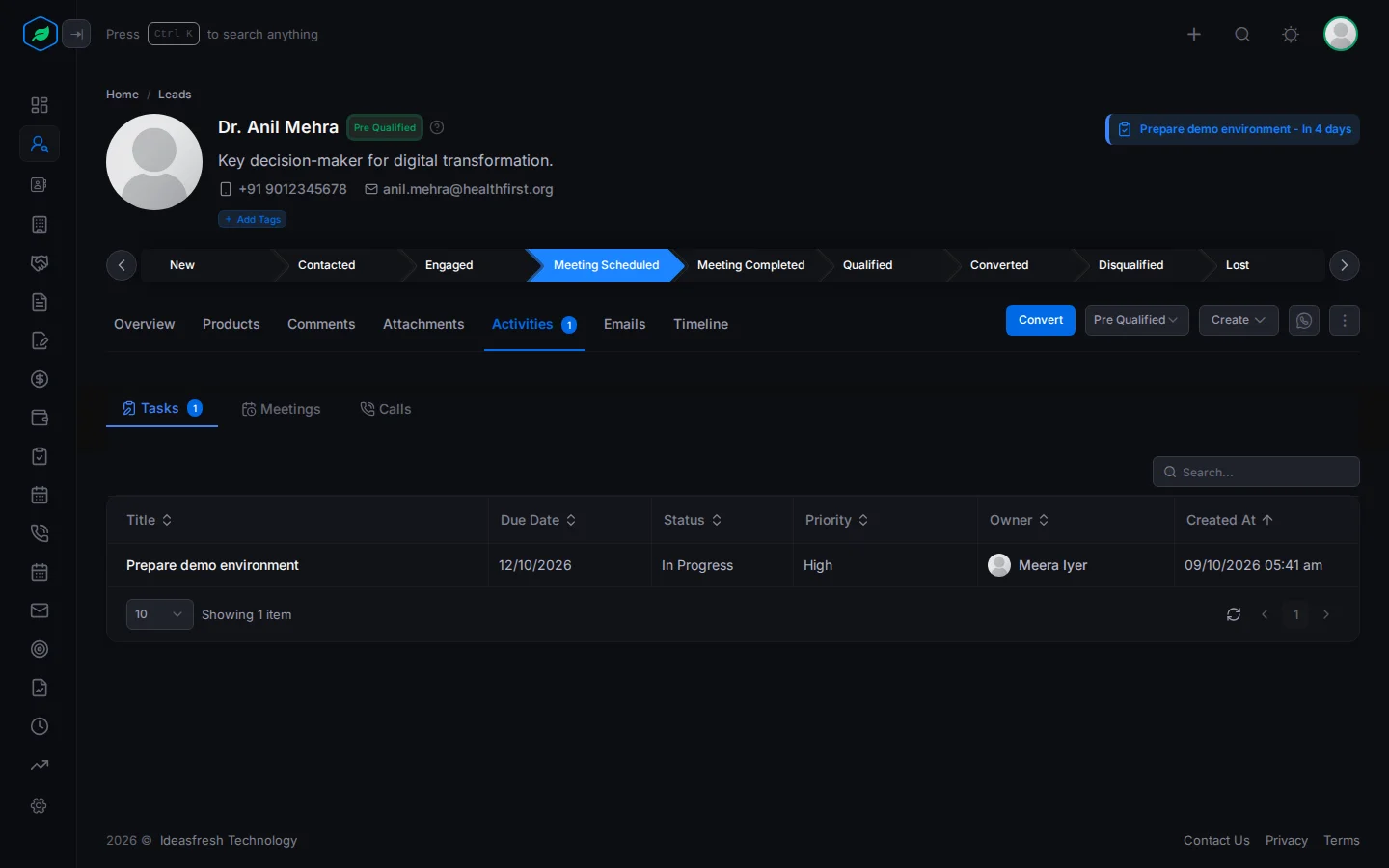
Open a lead, contact, account or deal and click Activities. The number on the tab shows how many activities the record has. Inside are three tabs, each with its own search box.
Tasks
The Tasks tab lists the tasks linked to the record, with their due date, status, priority and owner.
Meetings
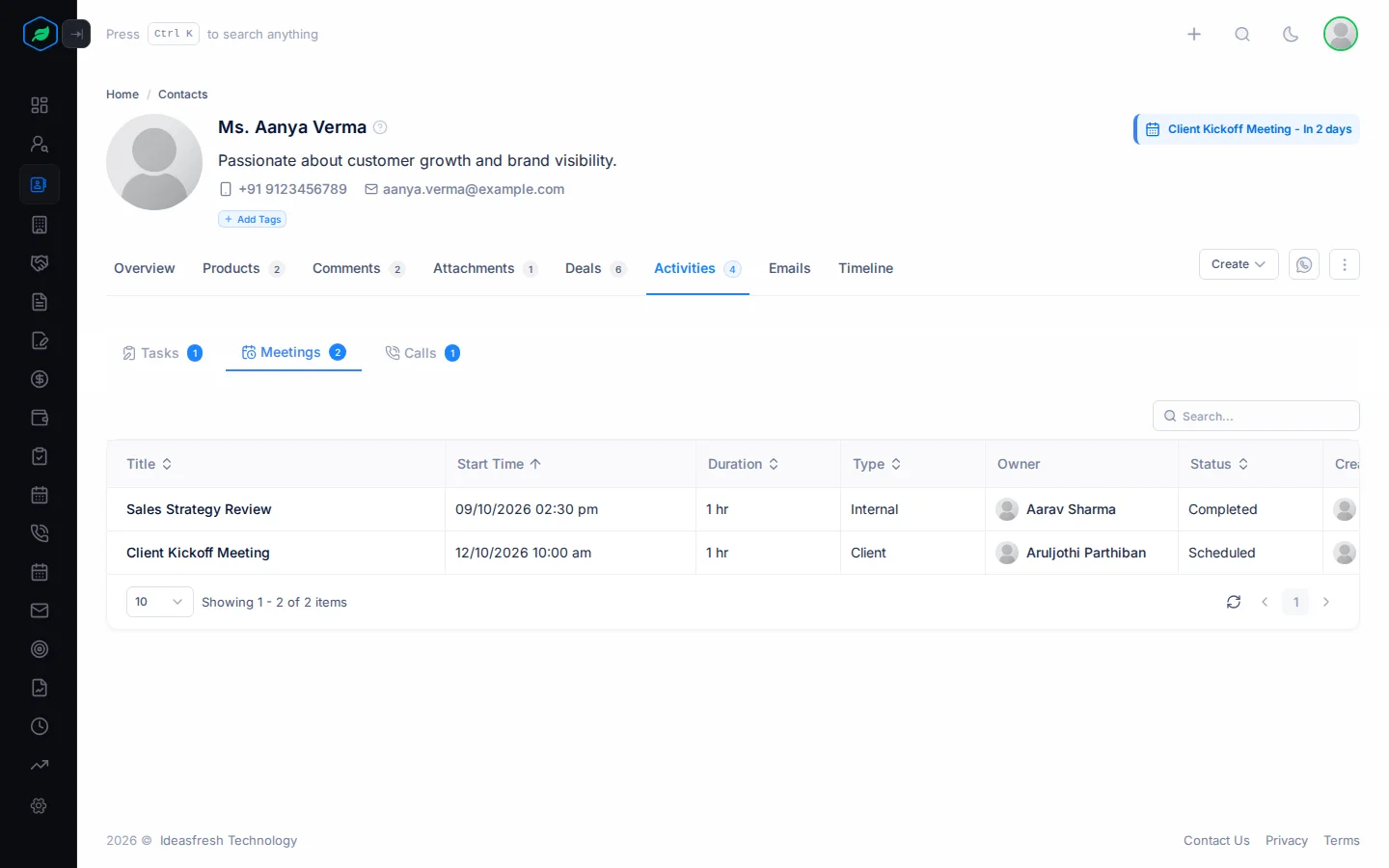
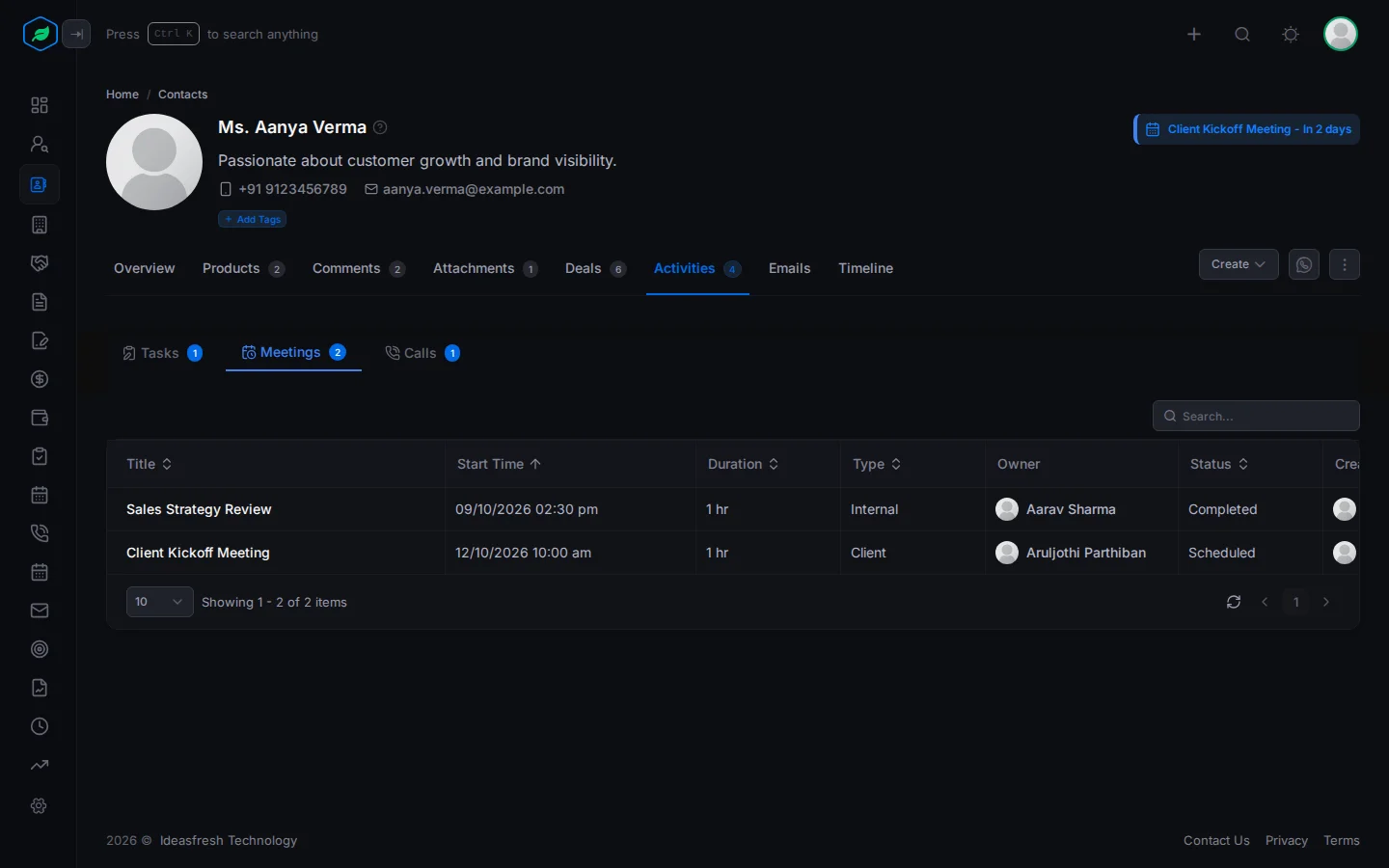
The Meetings tab lists meetings linked to the record, and meetings the person was invited to. You see each one's start time, length, type, owner and status.
Calls
The Calls tab lists calls to or from the person, and calls linked to the record. An arrow next to the title shows if the call was incoming or outgoing.
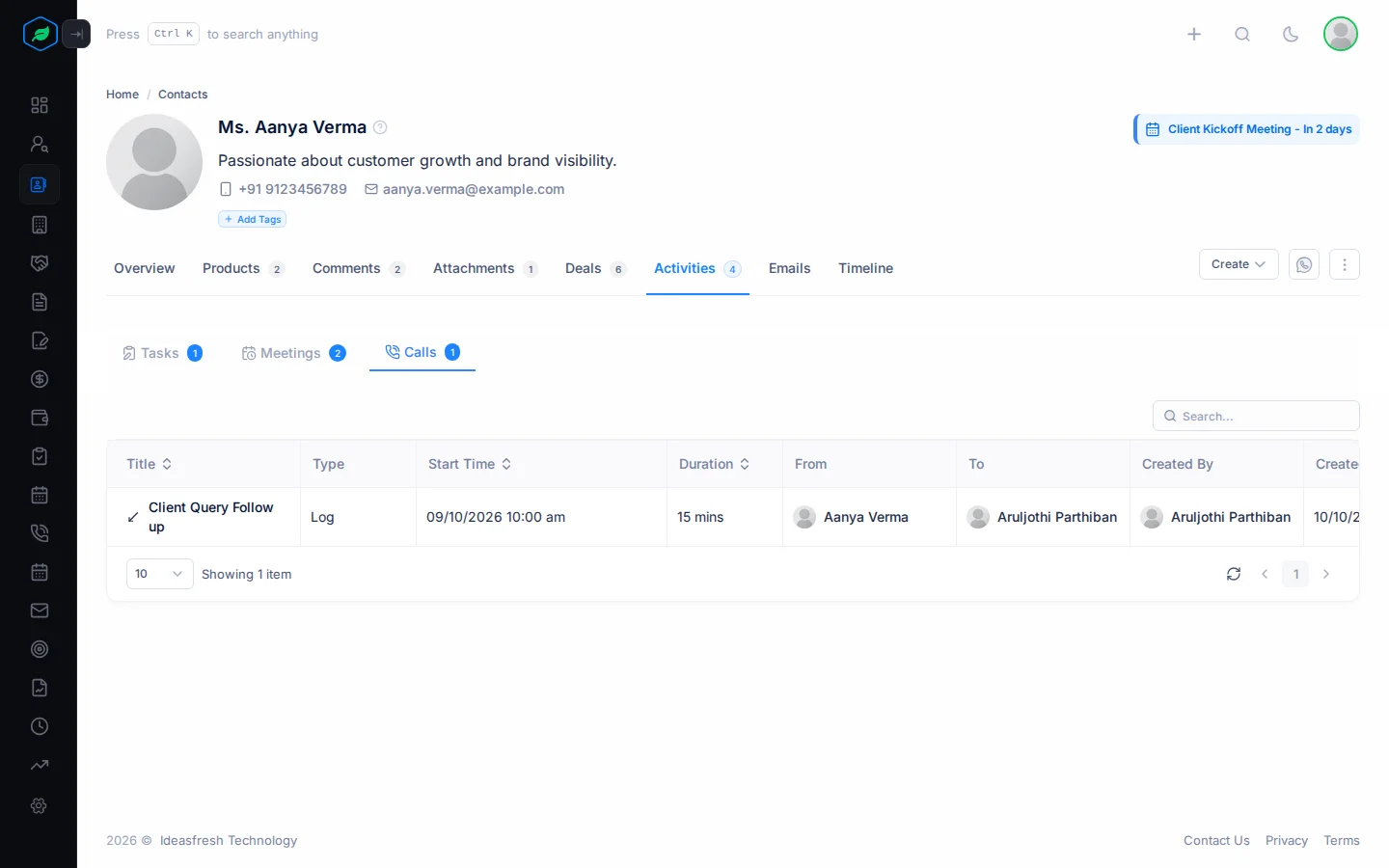
Click a title to open it.
If you make a copy with Clone, the copy says Draft. Only you can see it until you save it.
If a tab says "Access Denied", your role can't see that kind of activity. Ask an admin for View Tasks, View Meetings or View Calls.
Create an activity from a record
Open the record, click Create and choose Task, Meeting or Call. The form opens with the record already filled in, so you don't have to search for it.
| From a | Task | Meeting | Call |
|---|---|---|---|
| Lead or contact | Linked to the person | The person is invited, and their account is filled in | The person is who you call, and their account is filled in |
| Account or deal | Linked to the record | Linked to the record | Linked to the record |
See Tasks, Meetings and Calls.
Related
Still stuck?
Tell us what you were trying to do and we will help.