Choose your plan
Pick a plan, the number of users and the billing cycle, start a free trial, and set up auto-pay.
Updated 28 October 2026 · 4 min read
You pick a plan, how many users you need, and how often to pay. Auto-pay then takes each payment for you.
For example, a travel agency with 6 staff wants to try Salesfresh before paying. The owner picks Professional with the 30-day free trial for 5 users, and sets up auto-pay. Nothing is charged that month. When the trial ends, auto-pay takes the first payment and the plan carries on. Every invoice is under Billing History.
Before you start
- Permission: Create Subscription to choose a plan. Without it, you see the plans but can't pick one. Ask your admin.
- Plan: Any. This is where you pick it.
- Set up first: For a company in India, add your GSTIN and address in Company settings, so they're on your invoices.
The plans
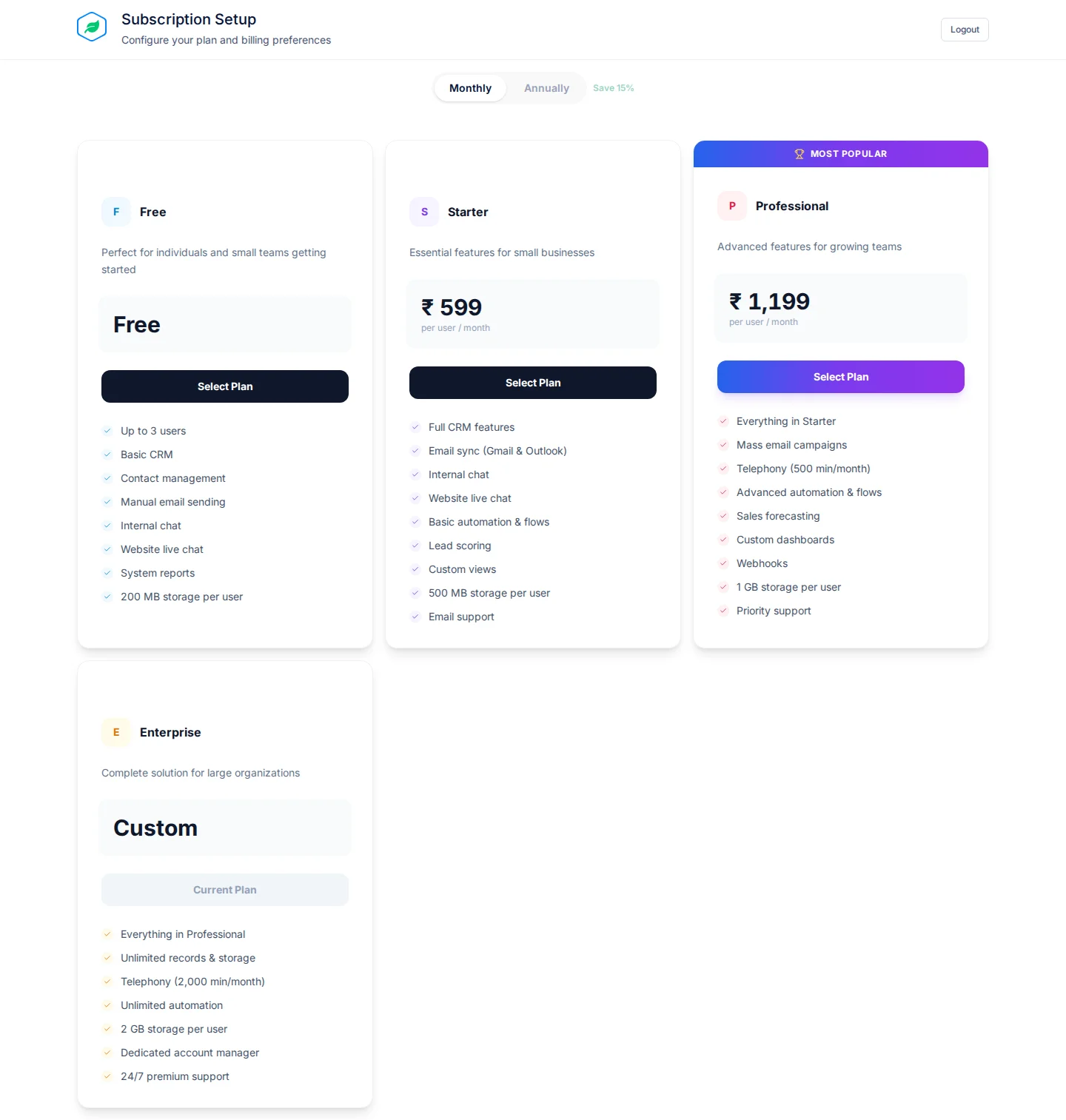
| Plan | Price per user per month |
|---|---|
| Free | Free, up to 3 users |
| Starter | ₹599 |
| Professional | ₹1,199 |
| Enterprise | Custom. Select Contact Sales |
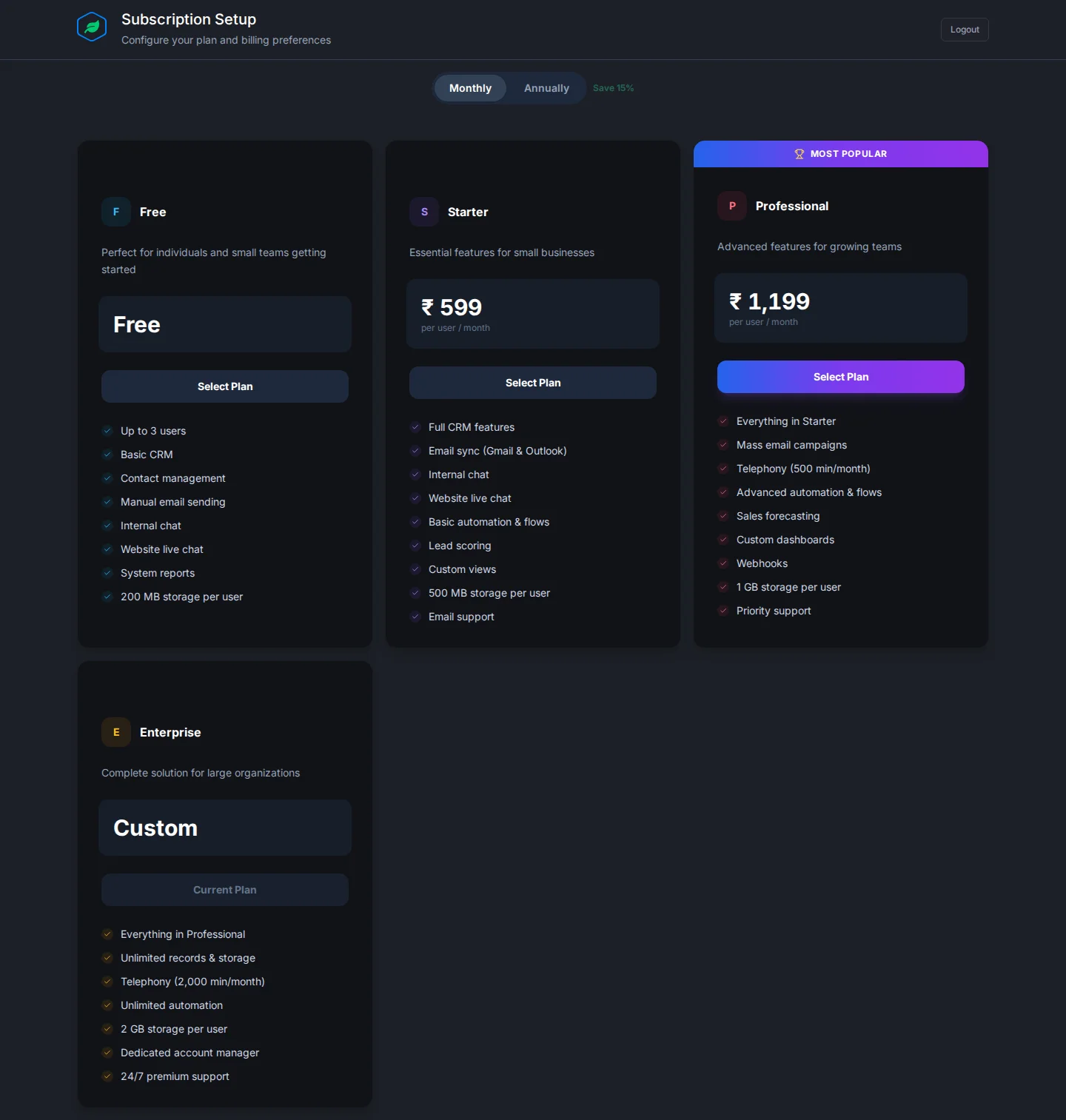
Prices are before tax. Companies outside India see prices in their own currency where it's supported, and otherwise in US dollars. Professional is marked Most Popular. What each plan includes is in Plans and limits.
Choose a plan
- Pick Monthly or Annually at the top. Annually saves 15%.
- On a plan, select Start Free Trial, Select Plan or Get Started. Your current plan shows Current Plan. Enterprise opens a form to contact sales.
- On Review Your Subscription, fill in the fields below. The Order Summary shows what you pay today. Change Plan goes back to the plans.
- Select the button at the bottom: Start Free Trial, Activate Free Plan, or Proceed to Payment.
- For a paid plan, approve auto-pay with your bank, card or UPI. A small amount, such as ₹1, is taken to check it and refunded. Then pay for the first period with Pay now. The link is also emailed to you.
| Field | What to enter |
|---|---|
| Number of Users | How many people will use Salesfresh. At least 1 |
| Billing Cycle | Monthly or Annually |
| Commitment Period | Only with Annually. No Commitment, or 2, 3 or 5 years for 5%, 10% or 20% off. Leaving early costs 60%, 75% or 90% of what's left. Set to No Commitment at first |
| Auto-Renew | Turn off to stop it renewing by itself. On at first |
| 30-day free trial | Turn off to start paying now. On at first when you can have a trial |
| Mobile number | Only if asked. Needed to set up auto-pay |
From the second period on, auto-pay takes each payment for you.
Pay for the first period within 3 days. After that your account becomes read-only, and after 7 days the subscription expires.
Free trial
- It lasts 30 days, for up to 5 users.
- It's only for your first subscription, and not on the Free plan.
- You set up auto-pay at the start, but nothing is charged until the trial ends. The Order Summary shows ₹0 due today.
- The header shows how many days are left, with an Upgrade link. If you subscribe before the trial ends, the days left aren't carried over.
- If the first payment doesn't go through, access stops with "Your trial has ended. Choose a plan to continue."
Troubleshooting
| Message | Why | What to do |
|---|---|---|
| "A free trial is only available for your first subscription." | You've subscribed before | Turn off the trial |
| "Enter a mobile number to continue to payment." | Auto-pay needs a mobile number | Enter it |
| "Enterprise plans are set up by our sales team. Contact sales to get started." | Enterprise isn't bought here | Select Contact Sales |
| "You are already on this plan." | You picked your current plan | Pick another plan |
| Subscription Failed after paying | The payment didn't go through | Select Try Again. Any amount taken is refunded in 5 to 7 business days |
| "Ask your administrator to manage the subscription" | You don't have Create Subscription | Ask your admin |
Related
Still stuck?
Tell us what you were trying to do and we will help.