Quote templates
Choose the layout every quote PDF uses, which templates your plan includes, and what each quote PDF contains.
Updated 9 October 2026 · 2 min read
A template sets the layout of every quote PDF your company sends. You pick one for the whole company, so nobody on your team has to design anything.
For example, your company sells training courses to other businesses, and you want your quotes to look more polished. Your admin looks at the five templates and picks Branded. From then on, every quote PDF uses the new layout, even an old quote someone downloads again.
Before you start
- To change the template, you need the Edit Quote Settings permission.
- The Free plan includes only the Default template. Paid plans can choose any. See Plans and limits.
To open it, go to Settings > Quote Settings and click the Templates tab.
Choose a template
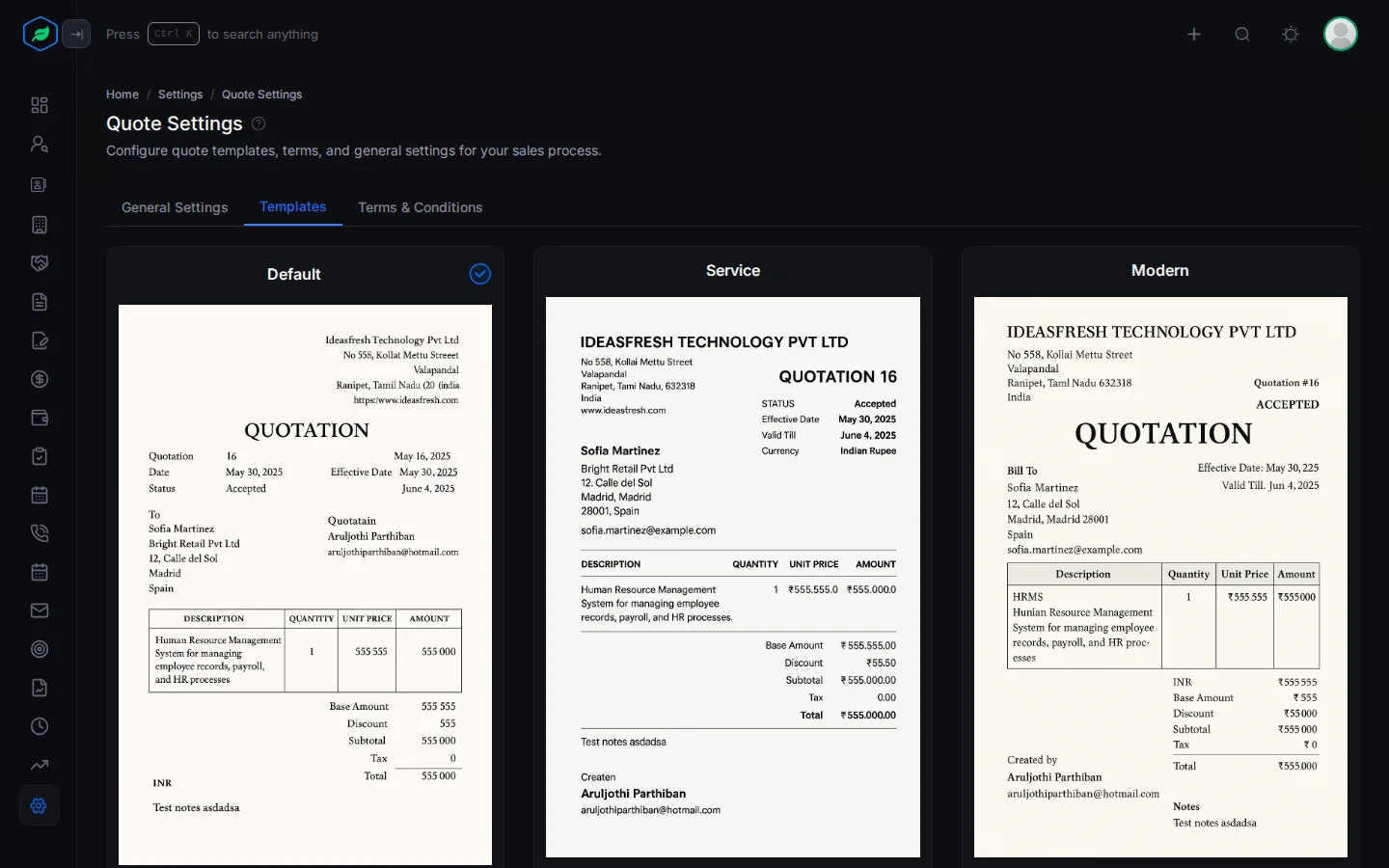
There are five templates: Default, Service, Modern, Branded and Premium. Each one shows a preview of its layout. The one in use shows a check mark.
- Find the template you want.
- Click Set as default.
You see "Your default template has been updated." Every quote PDF uses it from then on, including quotes you preview or download again later.
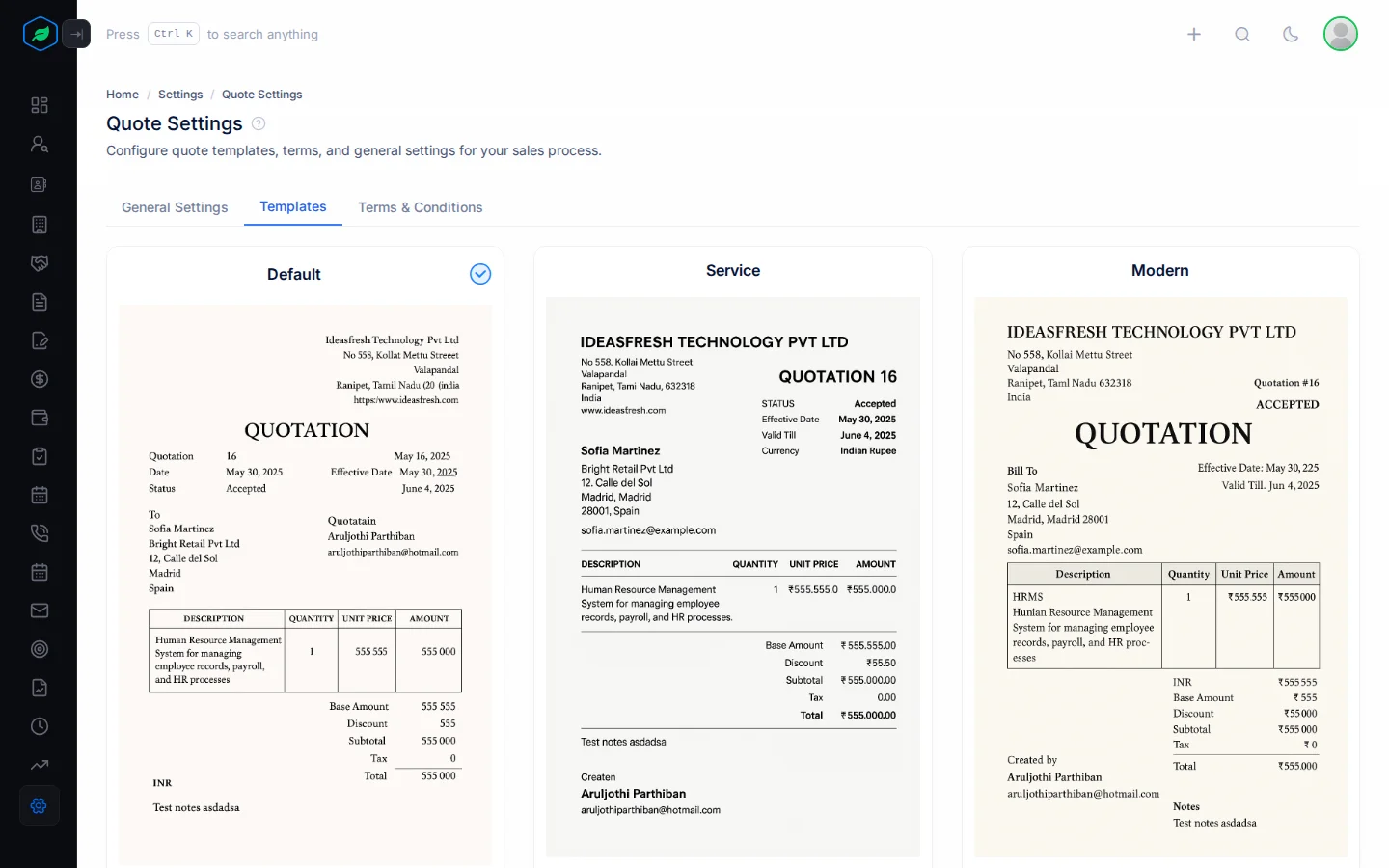
What every quote PDF contains
- Your company logo (if turned on), company name, address and the quote creator's email.
- QUOTATION, with the quote number, date and valid till.
- Bill To and Ship To addresses.
- The items: description, quantity, unit price, discount, tax and total.
- Subtotal, tax and total.
- Terms and conditions, and notes.
- Your footer notes.
- The signature section, if turned on.
Logo, footer, signature and font are set in Quote settings. The terms come from Quote terms and conditions.
Troubleshooting
| You see | Why | What to do |
|---|---|---|
| "You can only use the default quote template on your current plan. Please upgrade to choose other templates." | Your plan includes only the Default template | Keep Default, or upgrade from My Subscription. See Plans and limits |
Related
Still stuck?
Tell us what you were trying to do and we will help.