Notifications
The bell in the header, what you are notified about, and when a notification shows as an alert or comes by email instead.
Updated 28 October 2026 · 3 min read
The bell at the top of every page collects what happened to your work while you were busy elsewhere. Say a teammate hands you a lead while you're on a call. The bell keeps it, so you see it when you're back, and selecting it opens the lead.
Before you start
- Permission: None. Everyone gets their own notifications.
- Plan: Every plan. See Plans and limits.
- Set up first: None.
The bell
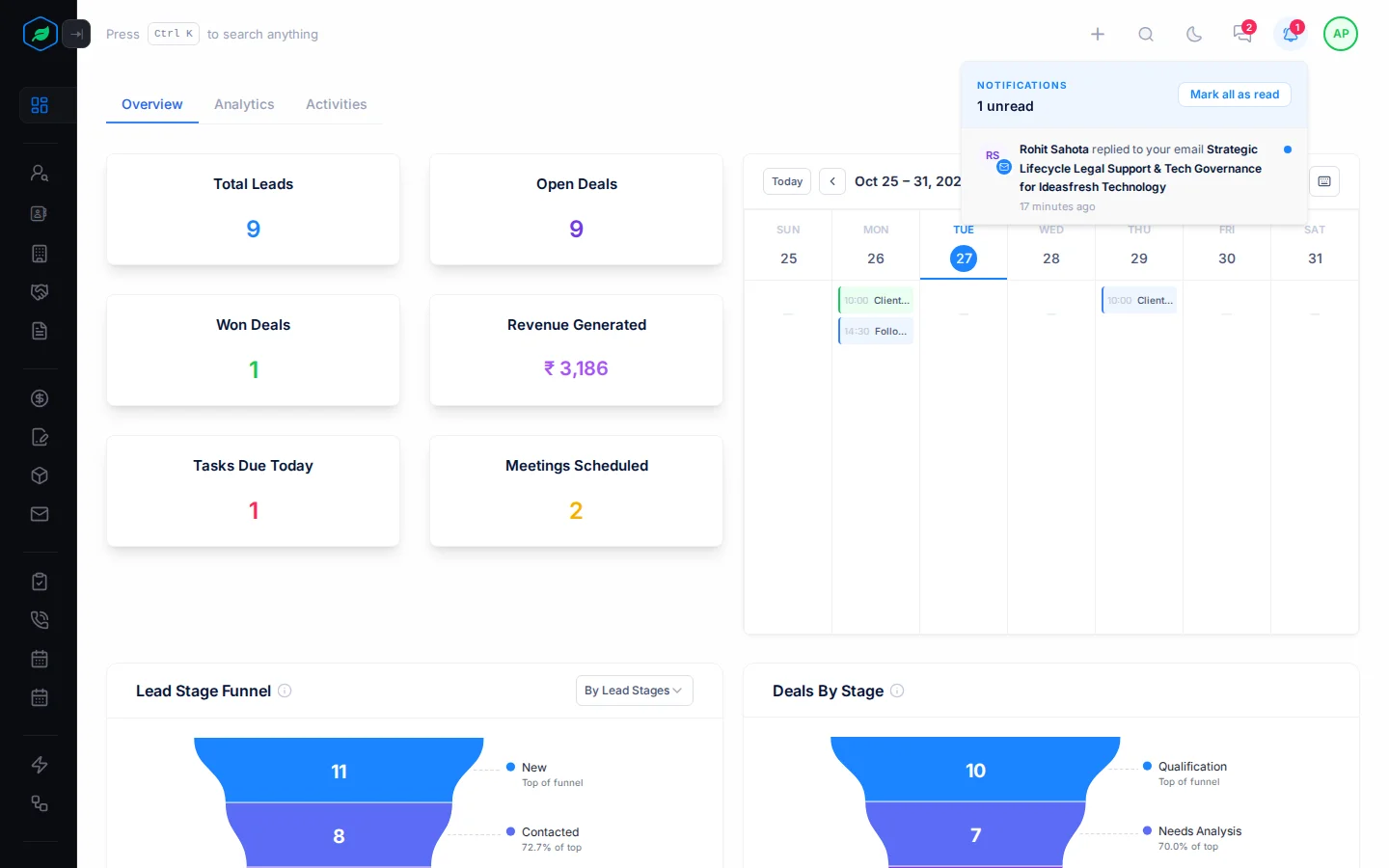
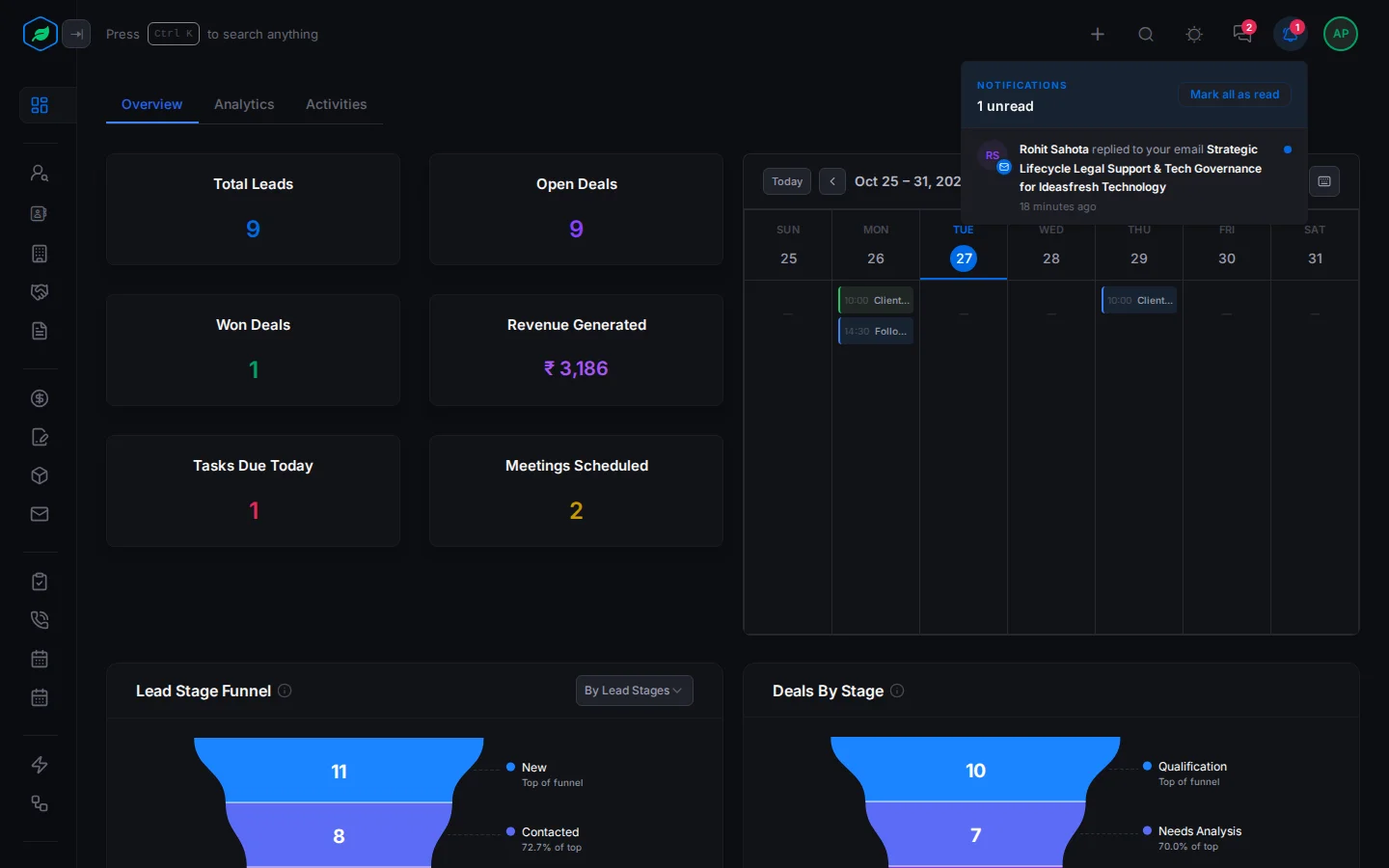
The red count on the bell shows how many notifications you haven't read. Select the bell to open the list. The newest are at the top, and each unread one has a blue dot.
- Select a notification to open the record it is about. It's then marked as read.
- Select Mark all as read to clear the count in one go.
- Select Load more at the bottom to see older ones.
When nothing is waiting, the list says "All caught up".
The bell keeps working even if your company's subscription has lapsed, so you still see what changed.
What you are notified about
| Record | You get a notification when |
|---|---|
| Leads | A lead is assigned to you or moved to someone else, changes stage, or is converted |
| Deals | A deal is assigned to you or moved to someone else, or changes stage |
| Accounts | An account is assigned to you or moved to someone else |
| Quotes | A quote is assigned to you or moved to someone else, or its status changes |
| Tasks | A task is assigned to you or moved to someone else, is due today, or is overdue |
| Calls and meetings | One is assigned to you, moved to someone else, rescheduled or cancelled, or starts in 30 minutes |
| Comments | Someone mentions you in a comment, or replies in a thread you're part of |
| Emails | A customer replies to an email you sent from a record |
| Transfers | Someone moves a batch of records to you, or away from you, in one go |
Org Admins also hear when new leads wait for an owner because no assignment rule matched them.
How a notification reaches you
Every notification goes into the bell. What else happens depends on whether you have Salesfresh open:
| You are | Bell | Alert | |
|---|---|---|---|
| Online (a Salesfresh tab is open) | Yes | Yes | No |
| Offline | Yes | No | Yes |
| Switched it off in Notification settings | Yes | No | No |
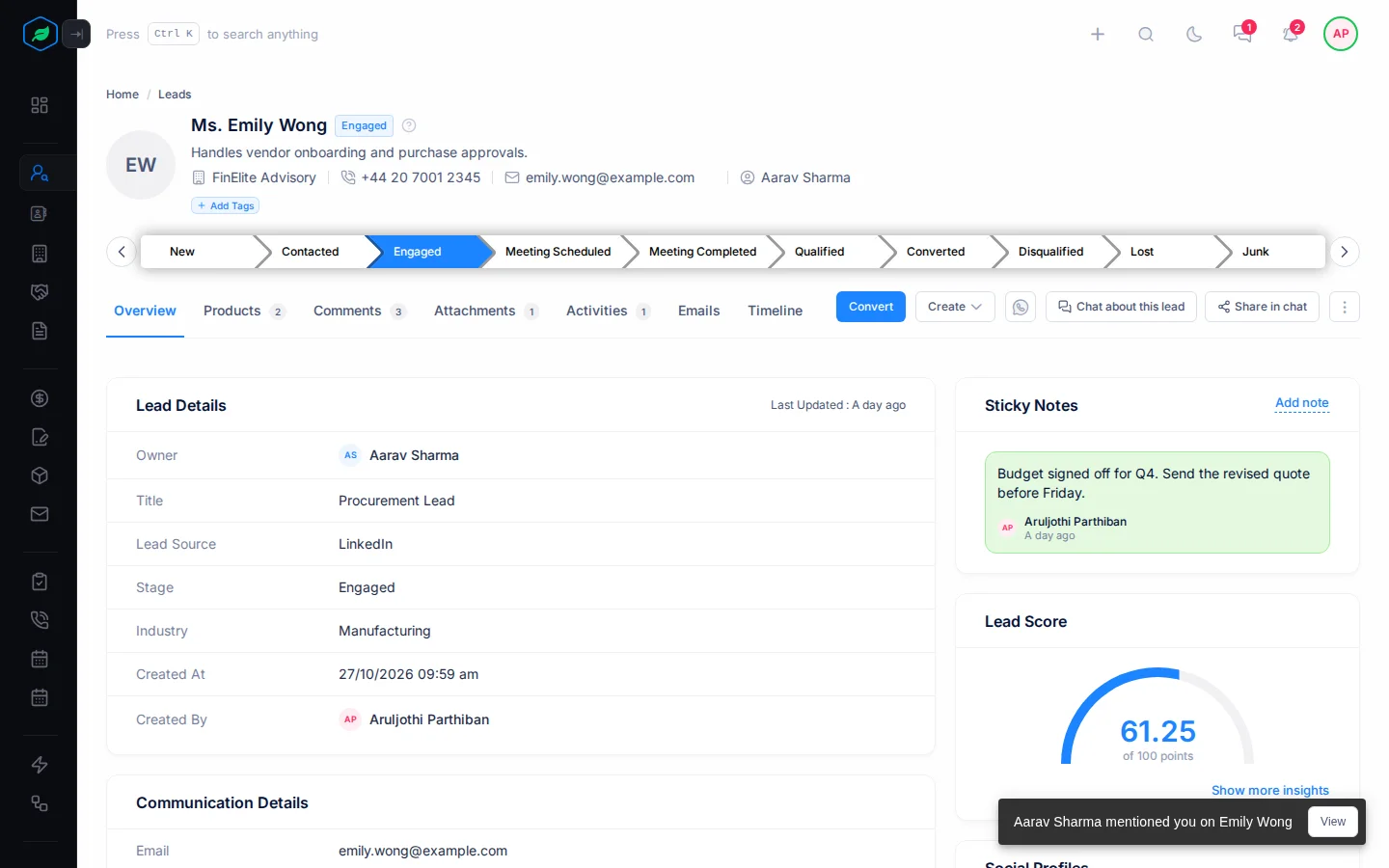
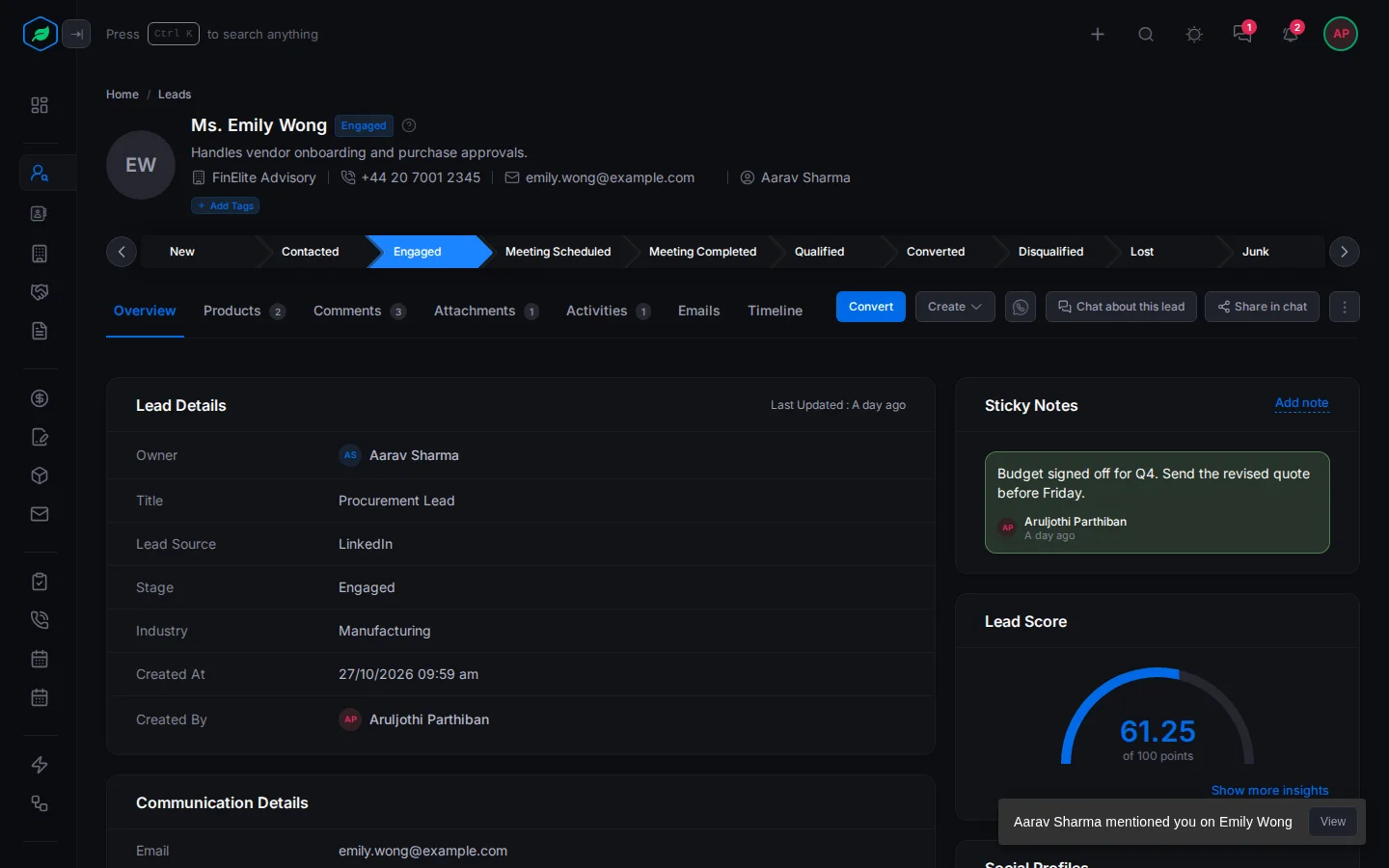
The alert shows in the corner of the screen for a few seconds. Select View in it to open the record.
So you never get the same news twice. If you're working in Salesfresh, you see it there. If you're away, it waits in your inbox too.
Troubleshooting
| Problem | Why | What to do |
|---|---|---|
| No alerts, only bell entries | That notification is switched off | Turn it back on in Notification settings |
| No emails while you're away | That notification is switched off, or a Salesfresh tab was still open | Check Notification settings. An open tab counts as online, even in the background |
| A notification opens nothing | The record was deleted | Look in Trash if you need it back |
Related
Still stuck?
Tell us what you were trying to do and we will help.