Remind owners to follow up on inactive deals
Create a follow-up task automatically when a deal has gone quiet for a set time.
Updated 12 October 2026 · 4 min read
A deal follow-up reminder watches for deals that have gone quiet. When a deal hasn't been updated for the time you set, Salesfresh gives its owner a task to follow up, so the sale isn't forgotten.
For example, your company sells corporate gifts, and big festival orders take weeks to close. A company asks for 300 gift boxes, the deal is added, and then nobody updates it. A month later the festival is close, and the customer has bought elsewhere. With a reminder set to 2 weeks, the owner gets a task "Follow up on inactive deal" as soon as the deal goes quiet. They call the customer in time.
Before you start
- To see reminders, you need the View Automation permission. To add one, you need Create Automation. To change one, or switch it on or off, you need Edit Automation. To delete one, you need Delete Automation.
- Automation needs a paid plan. You can have 5 reminders on Starter, 10 on Professional, and as many as you like on Enterprise. Switched-off reminders count. See Plans and limits.
- Reminders run once a day at your company's office start time, in its time zone. Your company needs a time zone in company settings. See Company settings.
If you don't have a permission you need, ask your admin.
Add a reminder
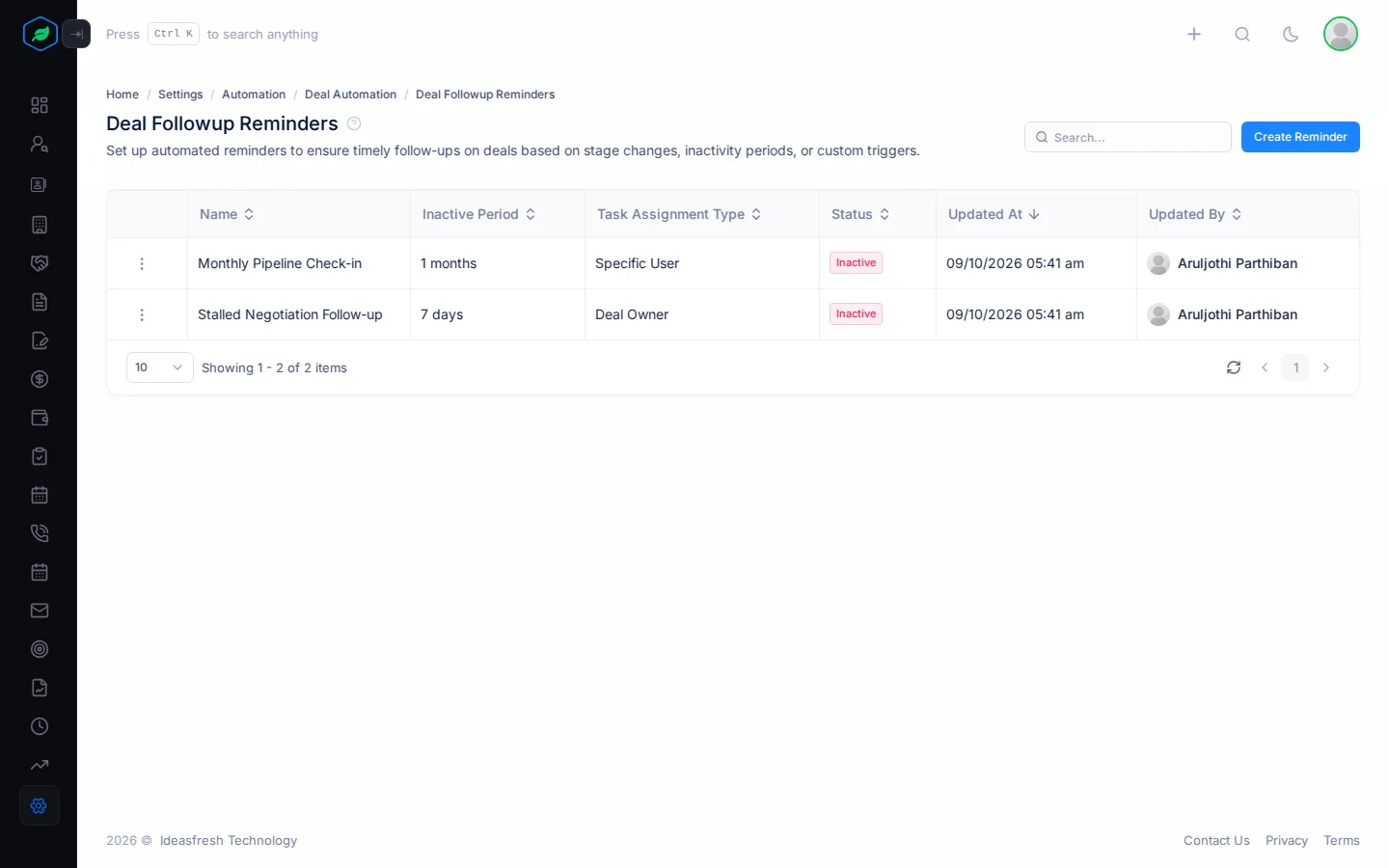
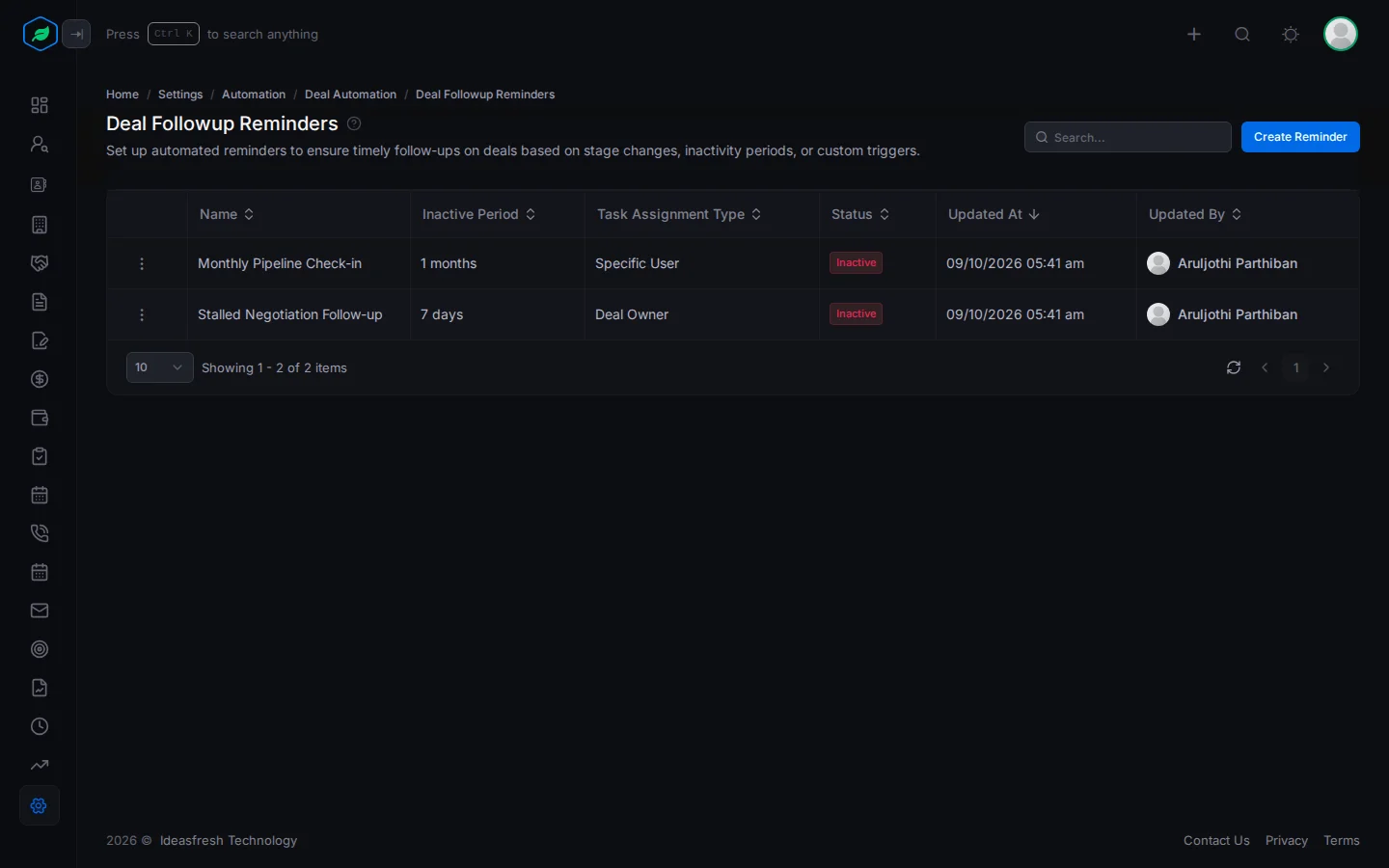
- Go to Settings > Automation > Deal Automation > Deal Followup Reminders.
- Click Create Reminder. The Create Rule panel opens.
- Fill in the fields. Fields marked * must be filled in.
- Click Create.
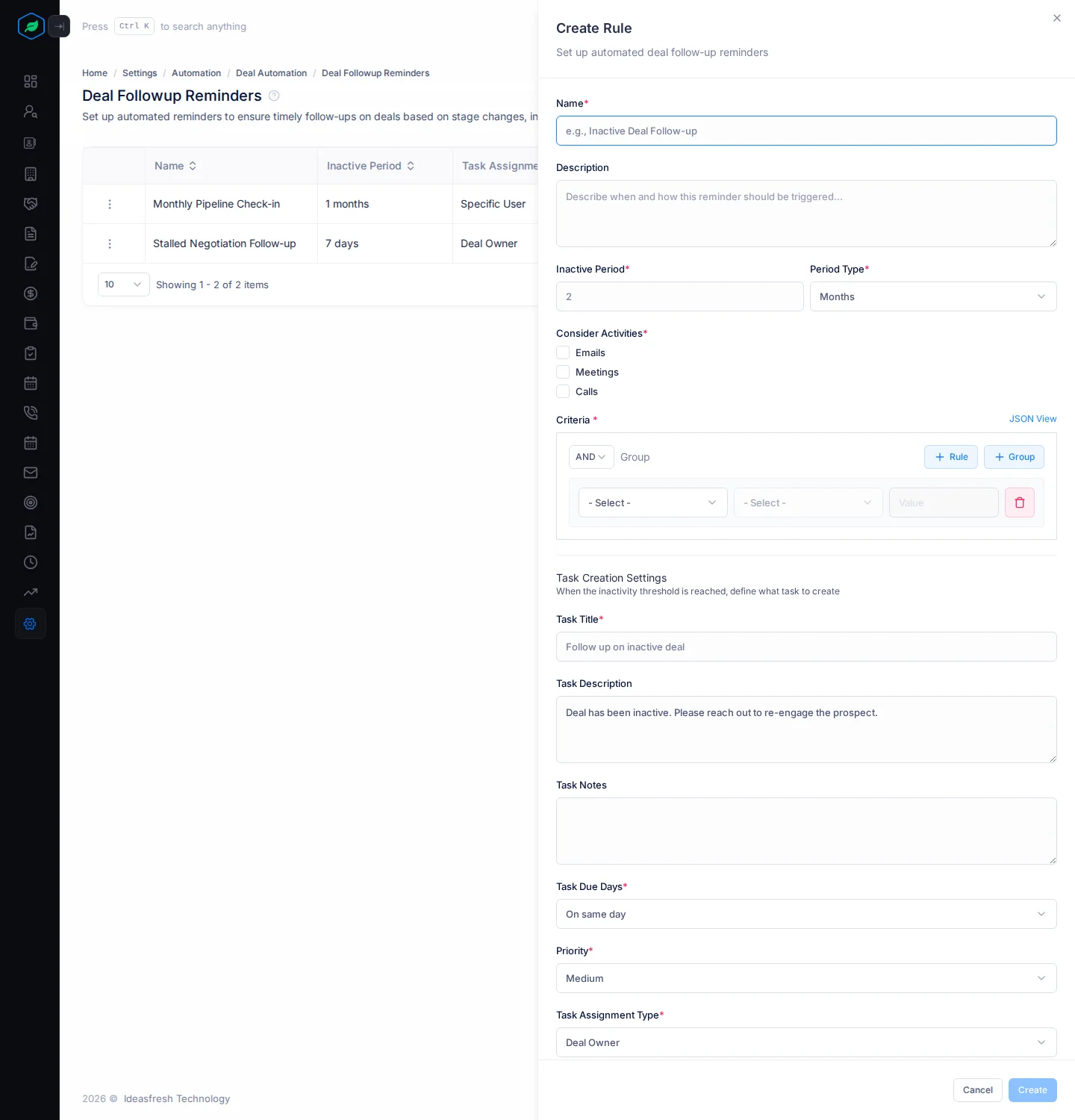
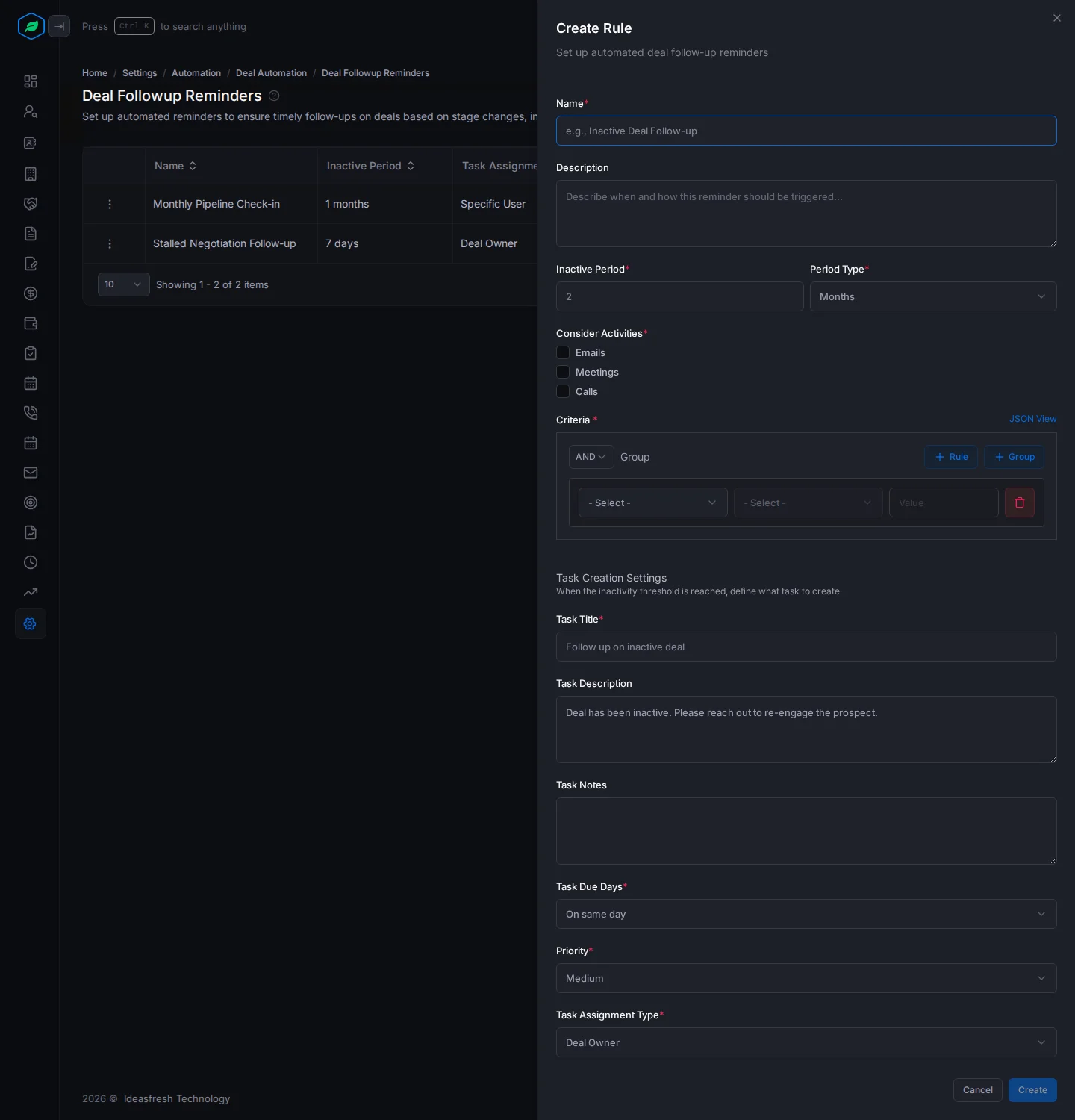
| Field | What to enter |
|---|---|
| Name * | What the reminder is for, such as "Inactive Deal Follow-up" |
| Description | When the reminder applies |
| Inactive Period * | How long a deal can go without updates, such as 2. Set to 2 at first |
| Period Type * | Days, Weeks or Months. Set to Months at first |
| Consider Activities * | Tick at least one: Emails, Meetings or Calls. This doesn't change anything yet. See the note below |
| Criteria * | Which deals the reminder covers. For example, add Stage is not Closed Won or Closed Lost, so you don't chase finished deals |
| Task Title * | The task's title. Set to "Follow up on inactive deal" at first |
| Task Description | What the owner should do. Set to "Deal has been inactive. Please reach out to re-engage the prospect." at first |
| Task Notes | Anything else for the owner |
| Task Due Days * | When the task is due: On same day, or After 1 day up to After 7 days |
| Priority * | Low, Medium or High. Set to Medium at first |
| Task Assignment Type * | Deal Owner, or Specific User, such as a sales manager |
| Assignee * | The user who gets the task. Only shown when you pick Specific User |
How reminders run
Every day at your office start time, each Active reminder looks for deals that match its criteria and haven't been updated within the inactive period. Each one gets a task linked to the deal. The task's page shows it was made automatically, and by which reminder.
- If several reminders match the same deal, each one adds its own task.
- Finished deals are included unless your criteria leave them out.
- The person who gets the task gets the usual New Task Assigned email.
Only changes to the deal itself count as activity, such as a new stage, amount or note. Tasks, calls, meetings and emails don't count yet, whatever you tick under Consider Activities. Until someone edits the deal, it gets a new task every day.
Change, switch off or remove a reminder
Click ⋮ on a reminder:
- Edit changes it.
- Inactive stops it adding tasks. Activate starts it again.
- Delete removes it.
Troubleshooting
| You see | Why | What to do |
|---|---|---|
| "This feature is not available on your current plan. Please upgrade to access it." | Your plan doesn't include automation | Upgrade your plan |
| "You have reached the maximum of … rule(s) on your current plan. Please upgrade for more." | You have as many reminders as your plan allows. Switched-off ones count | Delete one, or upgrade |
| "Deal followup reminder already exists" | Another reminder has that name | Pick another name |
| "At least one activities is required" | You didn't tick anything under Consider Activities | Tick at least one |
| No tasks are made | Your company has no time zone | Ask your admin to set it in company settings |
Related
Still stuck?
Tell us what you were trying to do and we will help.