Set up your company's details
Keep your company's name, logo, country, timezone, currency, contacts and addresses up to date.
Updated 12 October 2026 · 4 min read
General Settings holds your company's details: its name and logo, where it is, its timezone and currency, who to contact, and its addresses.
For example, a travel agency has just signed up. The owner uploads the logo, adds the website, and checks the Timezone is India's, so daily reminders arrive at the start of the working day. They enter the company's GSTIN, so their invoices show it and they can claim the GST back. Then they add the office address and mark it Primary.
Before you start
- To open the page, you need the View Company Settings permission. To save changes, you need Edit Company Settings.
If you don't have a permission you need, ask your admin.
Change your company's details
- Go to Settings > Company Settings > General Settings.
- Change what you need. Use the list on the left to jump to a section.
- Click Save at the top. It's greyed out until you change something.
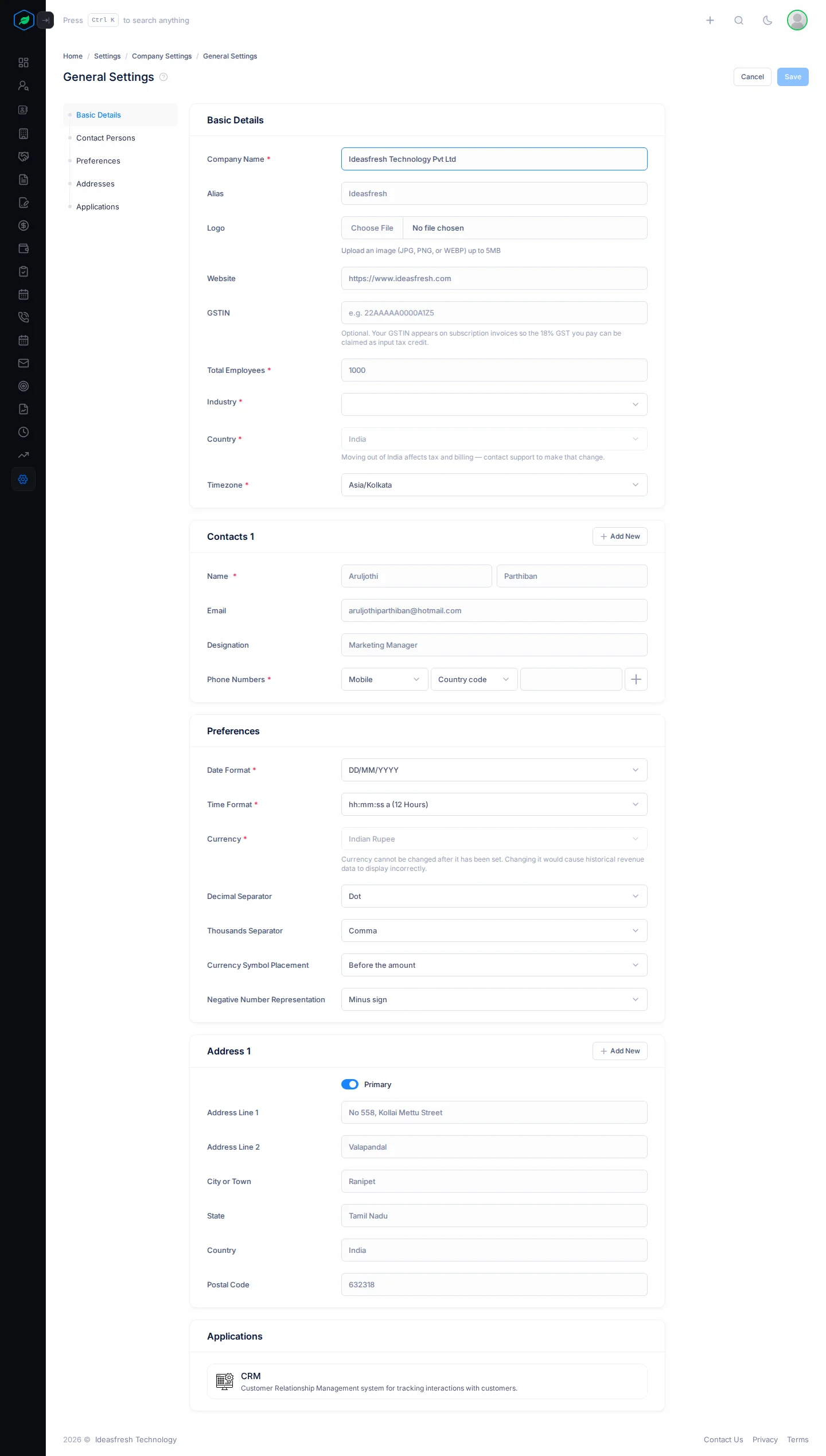
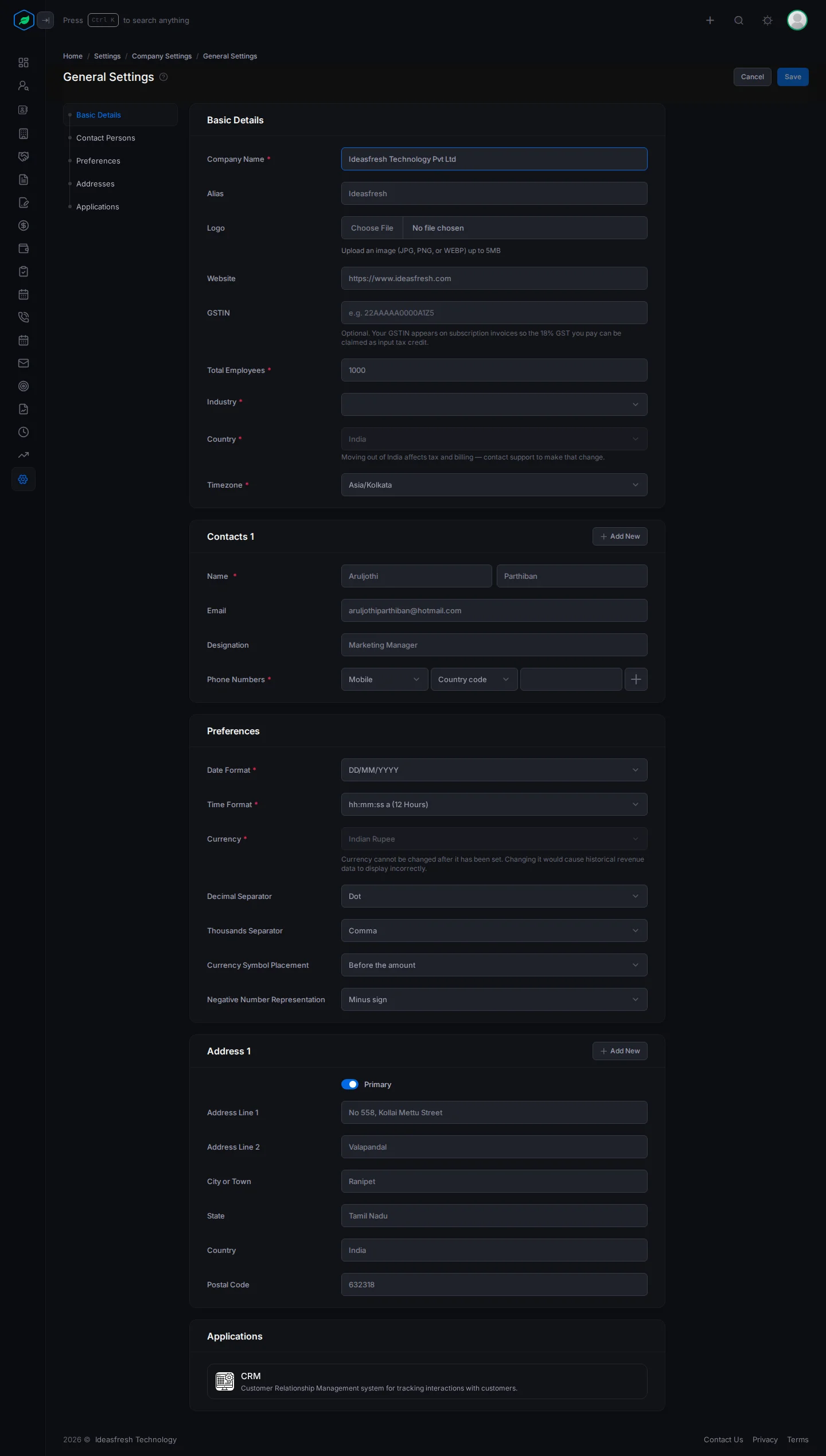
Basic Details
| Field | What to enter |
|---|---|
| Company Name * | Your company's name, up to 255 characters |
| Alias | A short name, if you use one |
| Logo | A JPG, PNG, SVG or WEBP file up to 5 MB. A Crop Logo window opens so you can crop it square |
| Website | Your main web address, such as https://www.example.com. No page path or slash at the end |
| GSTIN | Only for companies in India. Your 15-character GST number, such as 22AAAAA0000A1Z5. It's printed on your invoices |
| Total Employees * | How many people work for you |
| Industry * | Your industry |
| Country * | Where you're based. You can't move to or from India here, because it changes tax and billing. Contact support |
| Timezone * | Your company's timezone. The list shows the timezones of your country |
Contact Persons
The people to contact about your account. Each one is a card, such as Contacts 1. Click Add New on the first card to add another, up to 10. Click the bin icon to remove one.
| Field | What to enter |
|---|---|
| Name * | First name and last name |
| Their email. Each contact needs their own | |
| Designation | Their job title |
| Phone Numbers * | The type, such as Mobile or WhatsApp, the country code and the number. Click + to add up to 3 |
You need at least one contact person, with an email and a designation.
Preferences
| Field | What to enter |
|---|---|
| Date Format * | How dates look, such as DD/MM/YYYY |
| Time Format * | 12-hour or 24-hour time |
| Currency * | Your company's currency. You can't change it once it's set, because past revenue would show wrongly. If it's wrong, contact support |
| Decimal Separator | A dot or a comma |
| Thousands Separator | A dot, a comma or a space |
| Currency Symbol Placement | Before or after the amount |
| Negative Number Representation | A minus sign or brackets |
These are your company's defaults. Each person can choose their own in their profile.
Addresses
Each address is a card, such as Address 1, up to 10. Fill in Address Line 1, City or Town, State, Country and Postal Code. Address Line 2 is optional. Turn on Primary for your main address.
Applications
This section only shows information. There's nothing to fill in.
What your timezone affects
Daily reminders, such as inactive lead reminders and deal follow-up reminders, run at the start of the working day in your company's timezone.
Troubleshooting
| You see | Why | What to do |
|---|---|---|
| "Company name already taken" | Two contact persons have the same email | Give each contact their own email |
| "Please enter a valid website URL, e.g., https://www.ideasfresh.com" | The address has no https://, or has a path or a slash at the end | Enter just the main address, such as https://www.example.com |
| "Enter a valid 15-character GSTIN, e.g. 33AAAAA0000A1Z5" | The GSTIN isn't the right shape | Copy it again from your GST certificate |
| "This GSTIN doesn't look right — please double-check it." | The GSTIN failed its check | Copy it again from your GST certificate |
Related
Still stuck?
Tell us what you were trying to do and we will help.