See everything that happened to a record
Read a record's timeline to see every change, email and activity, open each entry to see what changed, and see the history of one field.
Updated 10 October 2026 · 2 min read
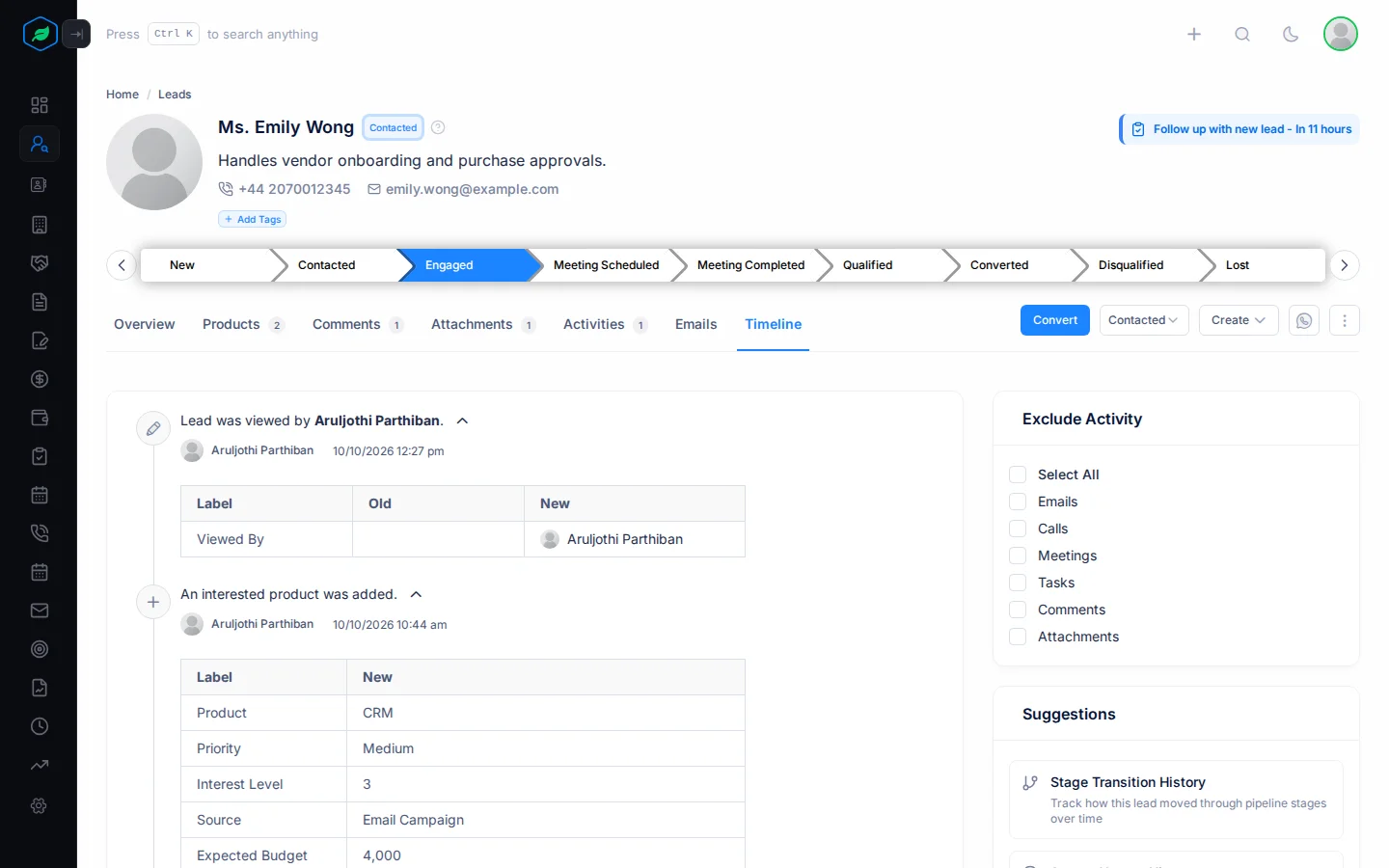
The Timeline tab lists everything that happened to a record, newest first. It shows who did what, and when.
For example, a customer says they never asked to move their event date. You open the deal's Timeline. You see who changed the date, when, and what it was before. You can sort it out in a minute, without asking around.
Leads, contacts, accounts, deals, quotes, contracts, subscriptions and assets have a Timeline tab. So do tasks, meetings and calls.
Before you start
- You don't need a special permission. If you can open the record, you can see its timeline.
- How far back the timeline goes depends on your plan: 30 days on Free, 90 days on Starter, and all of it on Professional and Enterprise. See Plans and limits.
What the timeline shows
- when the record was made, and every field that changed,
- owner changes, locks, deletes and restores,
- comments and files,
- emails, calls, meetings and tasks.
To see exactly what changed in an entry, click the arrow next to it. A table opens with each field, its old value and its new value.
Hide some kinds of entries
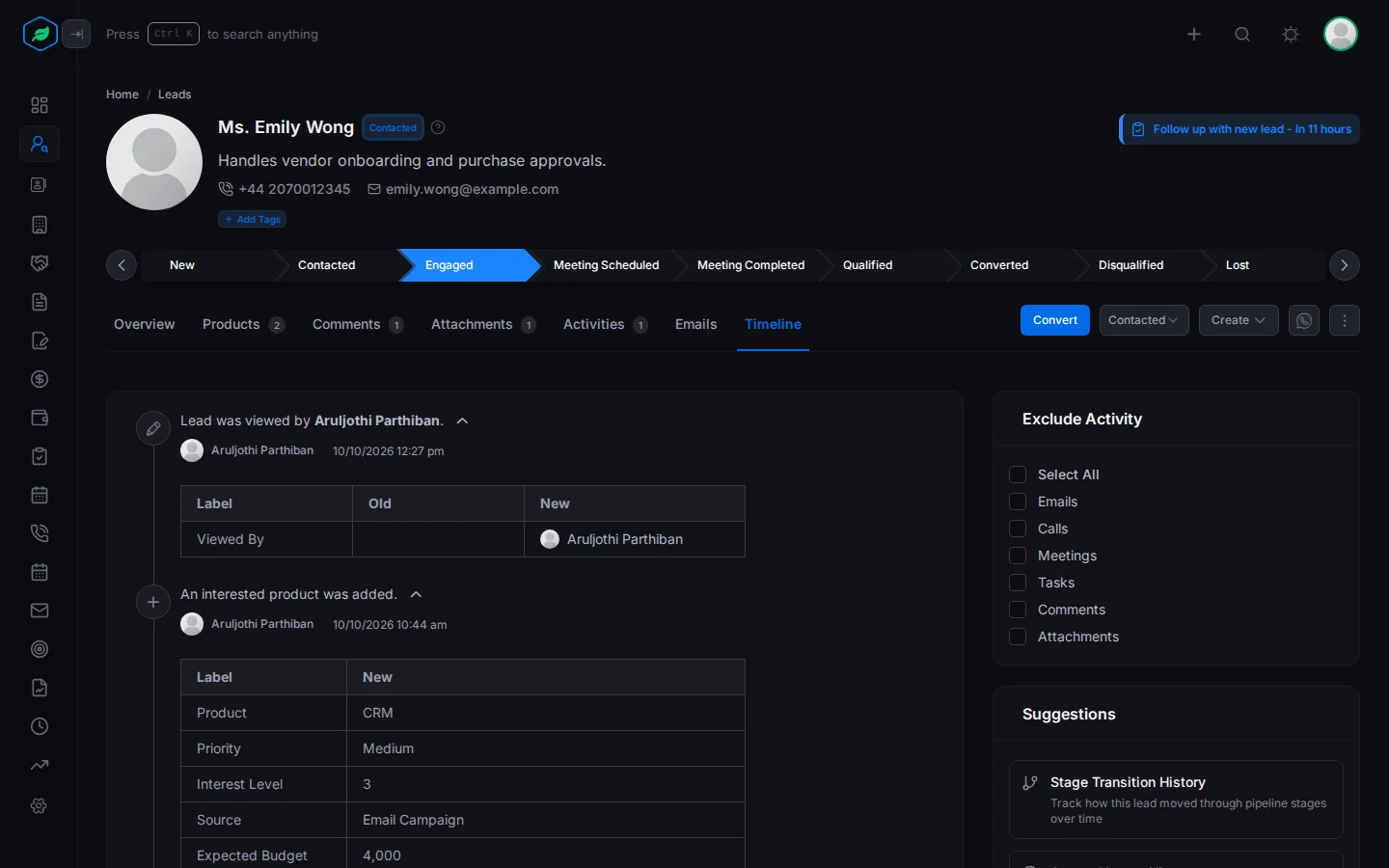
Under Exclude Activity, tick the kinds you want to hide: Emails, Calls, Meetings, Tasks, Comments or Attachments. For example, tick them all to see only field changes.
Your choice is remembered for that kind of record, in this browser.
See the history of one field
Suggestions shows the history of one thing at a time, such as Stage Transition History or Ownership Transfer History. Click one to see only those changes. Click it again to go back to the full timeline.
For example, click Stage Transition History on a deal to see how it moved through your stages.
The Exclude Activity panel isn't on the timeline of a task, meeting or call.
Troubleshooting
| You see | Why | What to do |
|---|---|---|
| "No Timelines available" | Nothing has happened yet, or it happened before your plan's time limit | Upgrade your plan to see older history |
| An entry you expect is missing | You ticked that kind under Exclude Activity | Untick it |
Related
Still stuck?
Tell us what you were trying to do and we will help.