Track milestones, obligations and renewals on a contract
Record the steps, promises and renewals of a contract on its Milestones, Obligations and Renewals tabs.
Updated 10 October 2026 · 4 min read
A contract is more than its start and end date. There are steps to deliver, payments due along the way, and renewals. You record them on the contract's Milestones, Obligations and Renewals tabs, so your whole team sees what was promised.
For example, your company builds websites, and you sign a 3-month contract with a school. On Milestones, you add three steps: "Design approved", "Website built" and "Go live", each with a payment and a due date. On Obligations, you add "School sends all photos and text by 15 March", for the school to do. When the design is approved, you mark the first milestone Completed. A year later, the school renews, and you record it on Renewals. Anyone in your team can open the contract and see what's done, what's next, and who owes what.
Before you start
- To add an item, you need the Create Contracts permission.
- To change an item, you need the Edit Contracts permission. To delete one, you need the Delete Contracts permission.
If you don't have a permission you need, ask your admin.
These tabs only keep records. They don't send reminders, and they don't change the contract. Check them often and update the statuses yourself.
Milestones
A milestone is a step in the work, often with a payment when it's done.
- Open the contract and click Milestones.
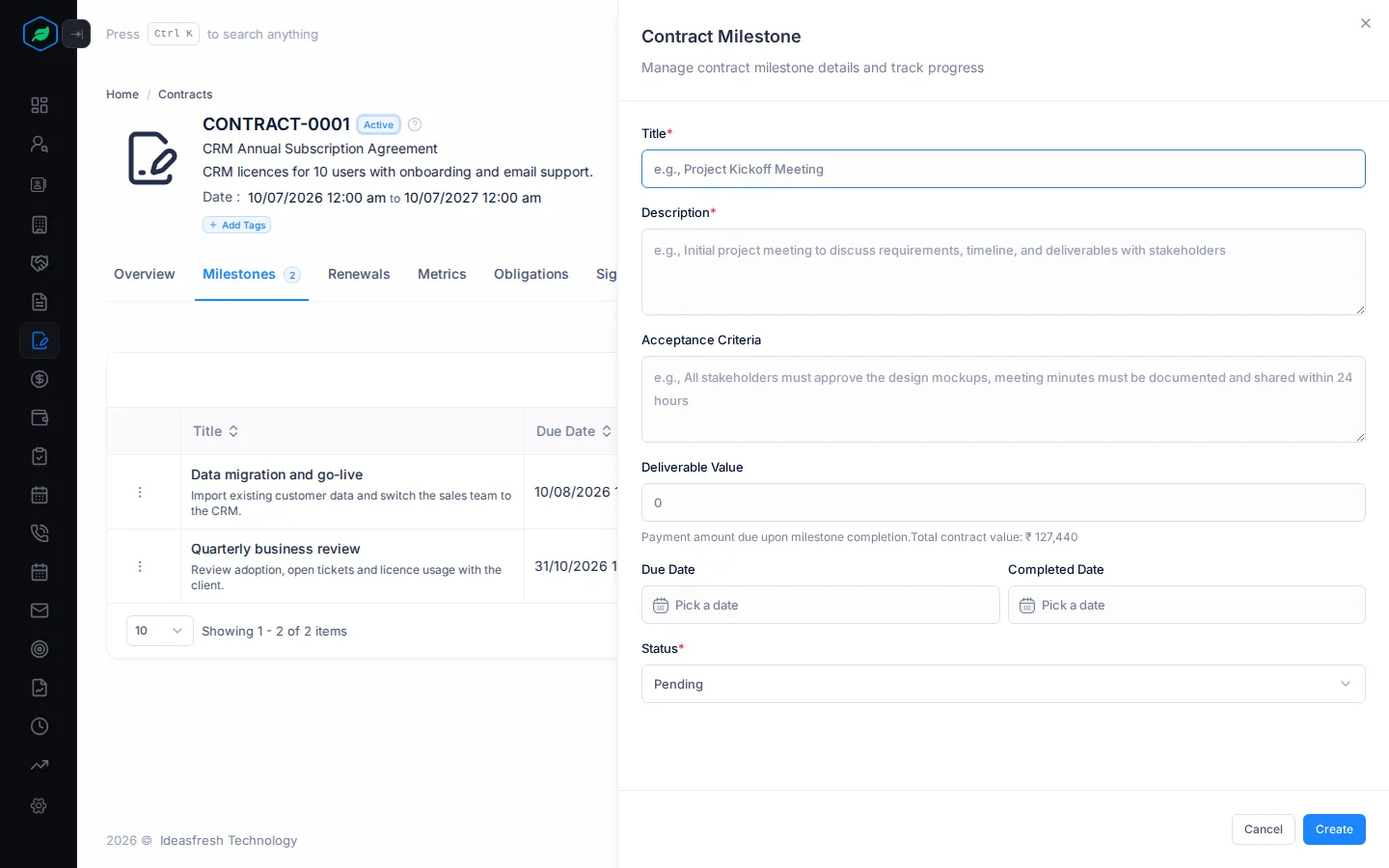
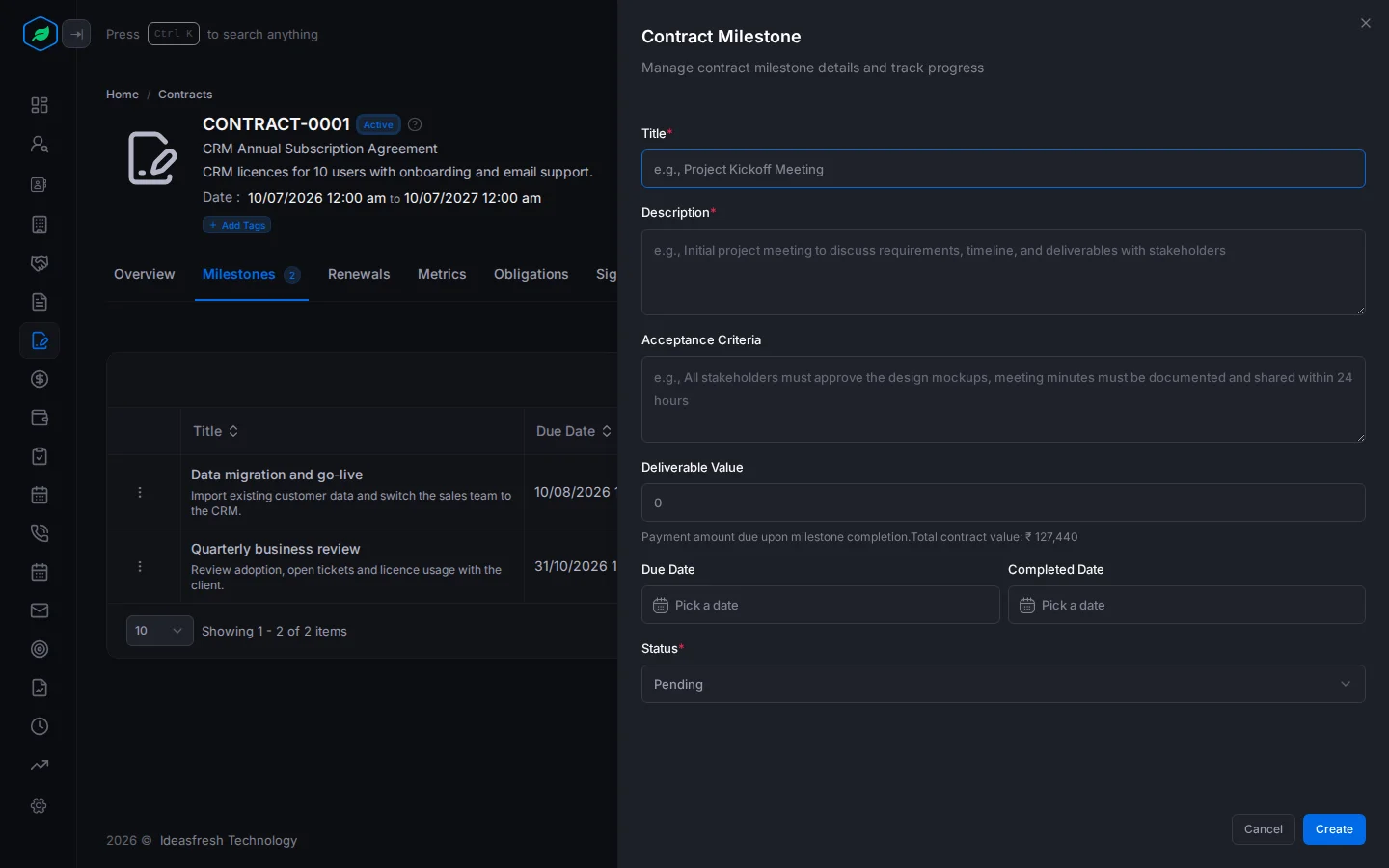
- Click Create. The Contract Milestone panel opens.
- Fill in the fields and click Create.
| Field | What to enter |
|---|---|
| Title * | The step, such as "Design approved". Two milestones on a contract can't have the same title |
| Description * | What has to happen |
| Acceptance Criteria | How you'll know it's done, such as "School signs off the design" |
| Deliverable Value | The payment due when it's done, such as 1,00,000. Set to 0 at first |
| Due Date | When it should be done |
| Completed Date | When it was done. Fill this in when you set the status to Completed |
| Status * | Pending, In Progress, Completed or Overdue. Set to Pending at first |
Milestones also go into the contract document: the title, description, due date and acceptance criteria.
Obligations
An obligation is something one side has promised to do, such as pay by a date or deliver equipment.
- Open the contract and click Obligations.
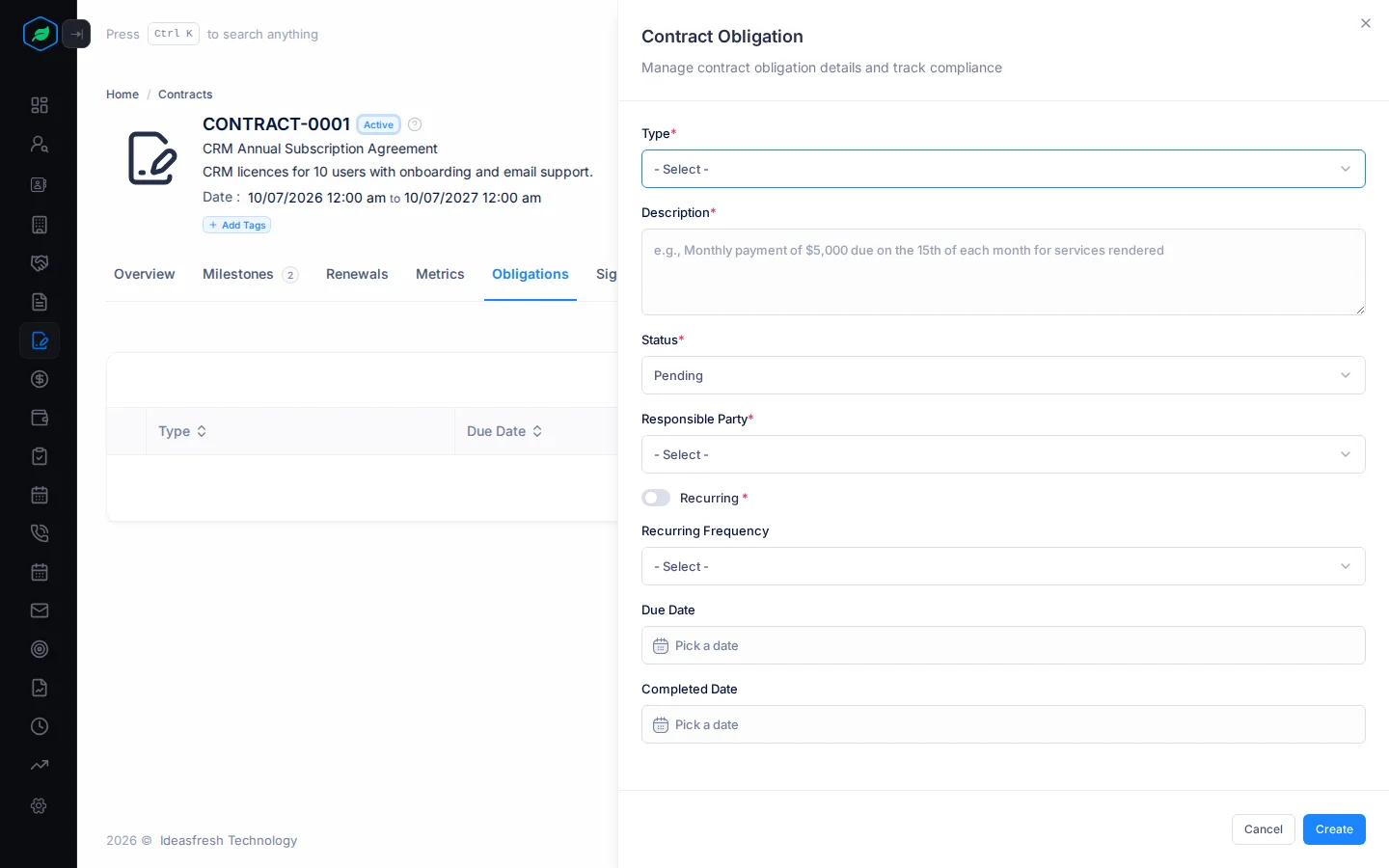
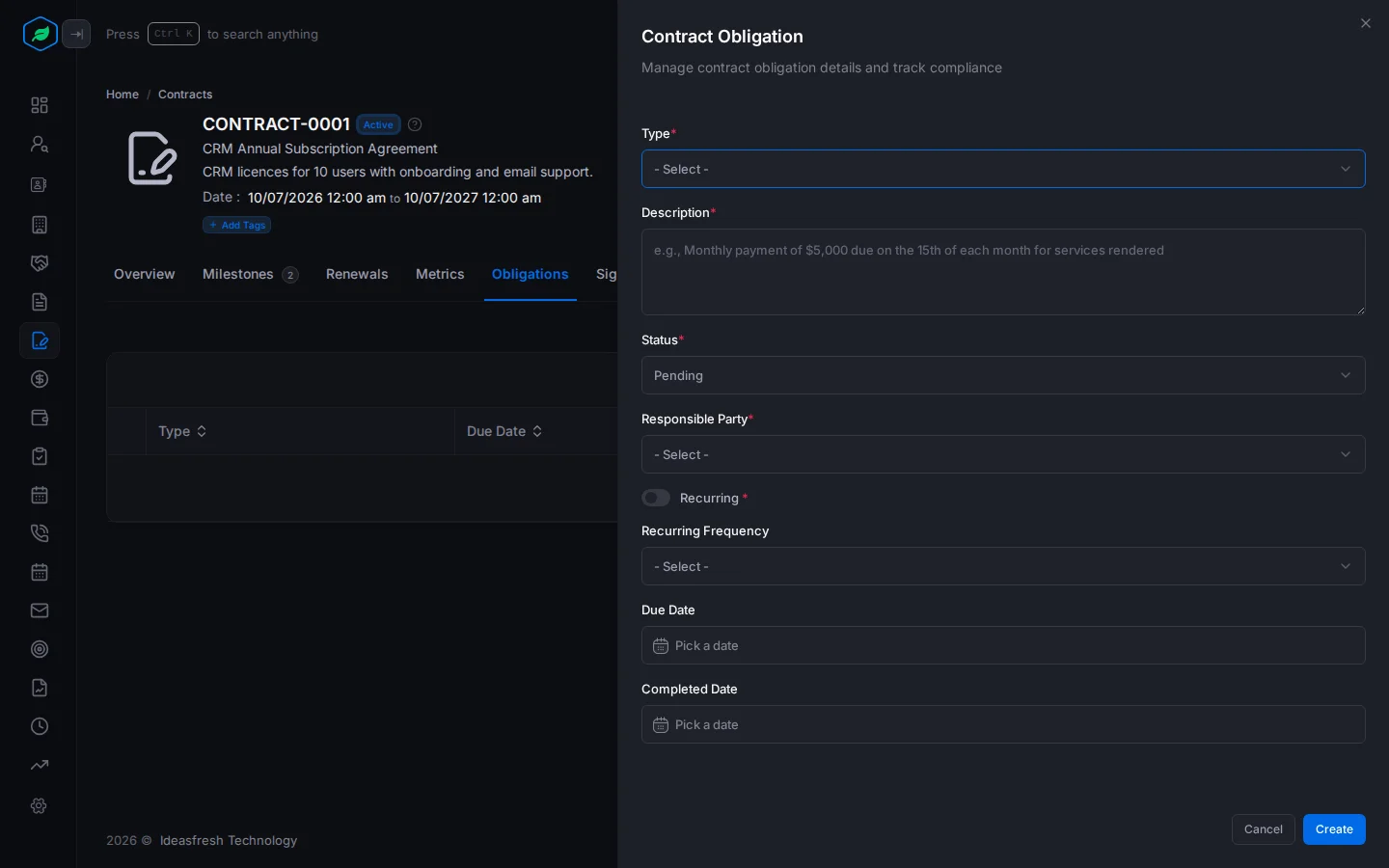
- Click Create. The Contract Obligation panel opens.
- Fill in the fields and click Create.
| Field | What to enter |
|---|---|
| Type * | Payment, Delivery, Performance or Compliance |
| Description * | The promise, such as "Monthly payment of 50,000 due on the 15th" |
| Status * | Pending, Completed, Overdue or Waived |
| Responsible Party * | Who must do it: Us, Them or Both |
| Recurring * | Turn on if it repeats, such as a monthly payment. This is only a note. New obligations aren't added for you |
| Recurring Frequency | How often it repeats: Daily, Weekly, Monthly, Quarterly or Annually |
| Due Date | When it's due |
| Completed Date | When it was done. Fill this in when you set the status to Completed |
Renewals
A renewal records each time the contract was extended.
- Open the contract and click Renewals.
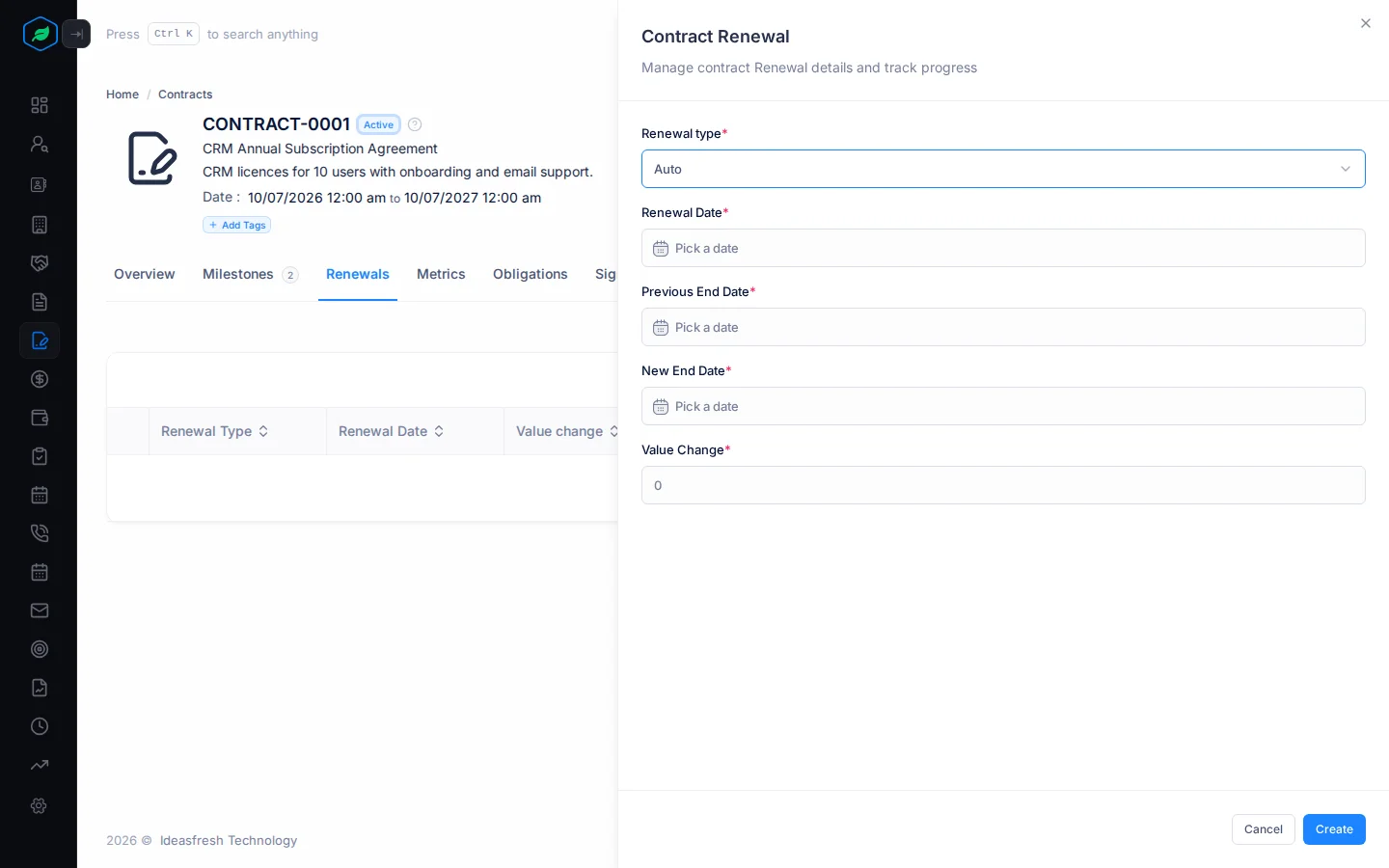
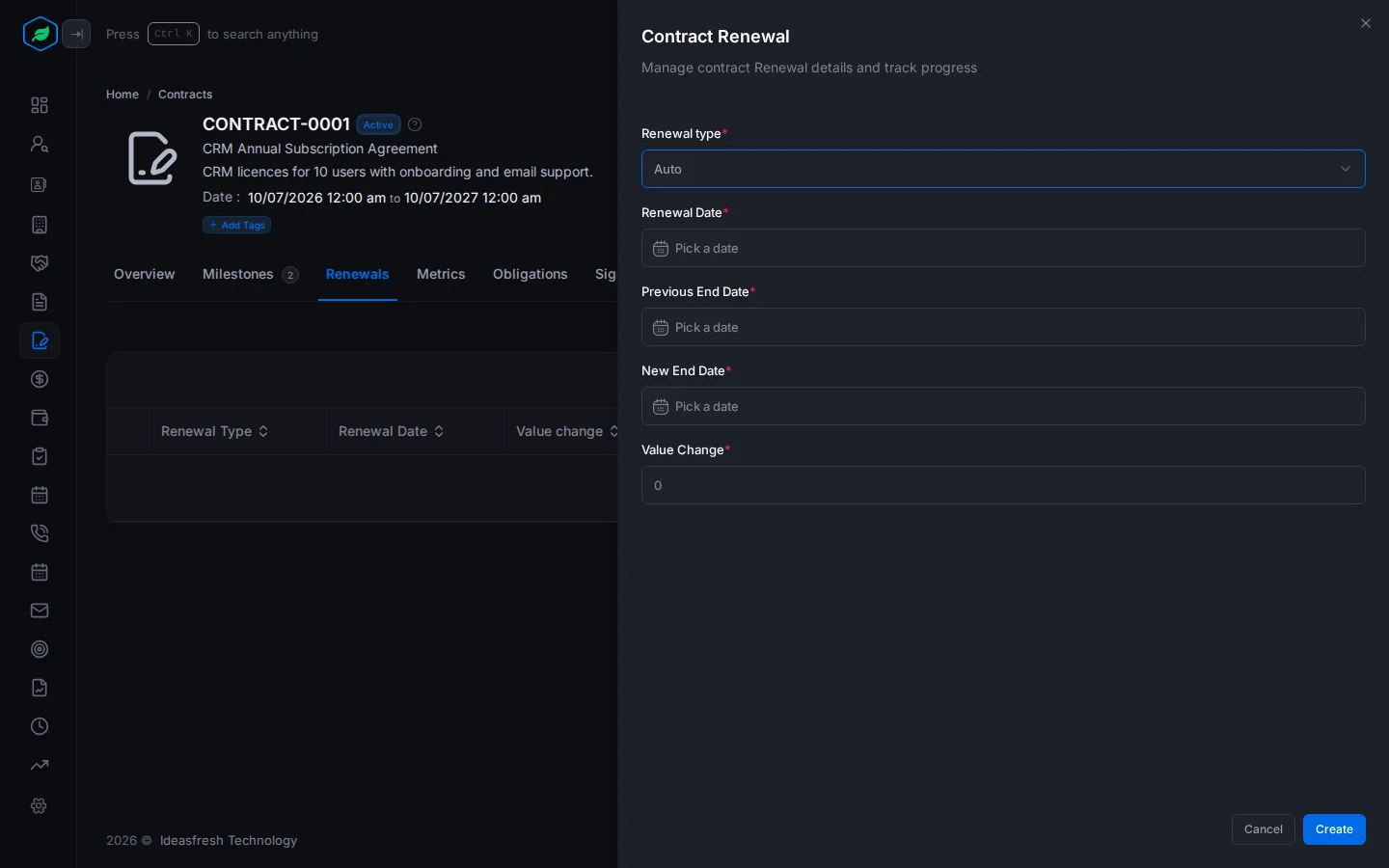
- Click Create. The Contract Renewal panel opens.
- Fill in the fields and click Create.
| Field | What to enter |
|---|---|
| Renewal type * | Auto, Manual or Negotiated. Set to Auto at first |
| Renewal Date * | When it was renewed |
| Previous End Date * | The end date before the renewal |
| New End Date * | The end date after the renewal |
| Value Change * | How much the contract value went up or down, such as 20000. Set to 0 at first |
Adding a renewal doesn't change the contract's own end date or value. Edit the contract to change them.
Change or delete an item
On any of these tabs, click ⋮ on a row, then Edit or Delete. To find an item, type in the search box above the list.
Every change shows on the contract's Timeline.
Troubleshooting
| You see | Why | What to do |
|---|---|---|
| "Contract milestone already exists" | Another milestone on this contract has that title | Use a different title |
| An error when you save a Completed milestone or obligation | It has no Completed Date | Fill in the date it was done |
| Create is missing | You don't have the Create Contracts permission | Ask your admin for the permission |
Related
Still stuck?
Tell us what you were trying to do and we will help.