Greet visitors with proactive messages
Greet website visitors with a message that opens by itself, on every page or on some pages, after a time, a scroll or when they're about to leave.
Updated 28 October 2026 · 3 min read
A proactive message is a greeting that opens next to the chat button by itself, such as "Hi! Have a question? I'm here to help." Visitors who would never press the chat button often answer a greeting.
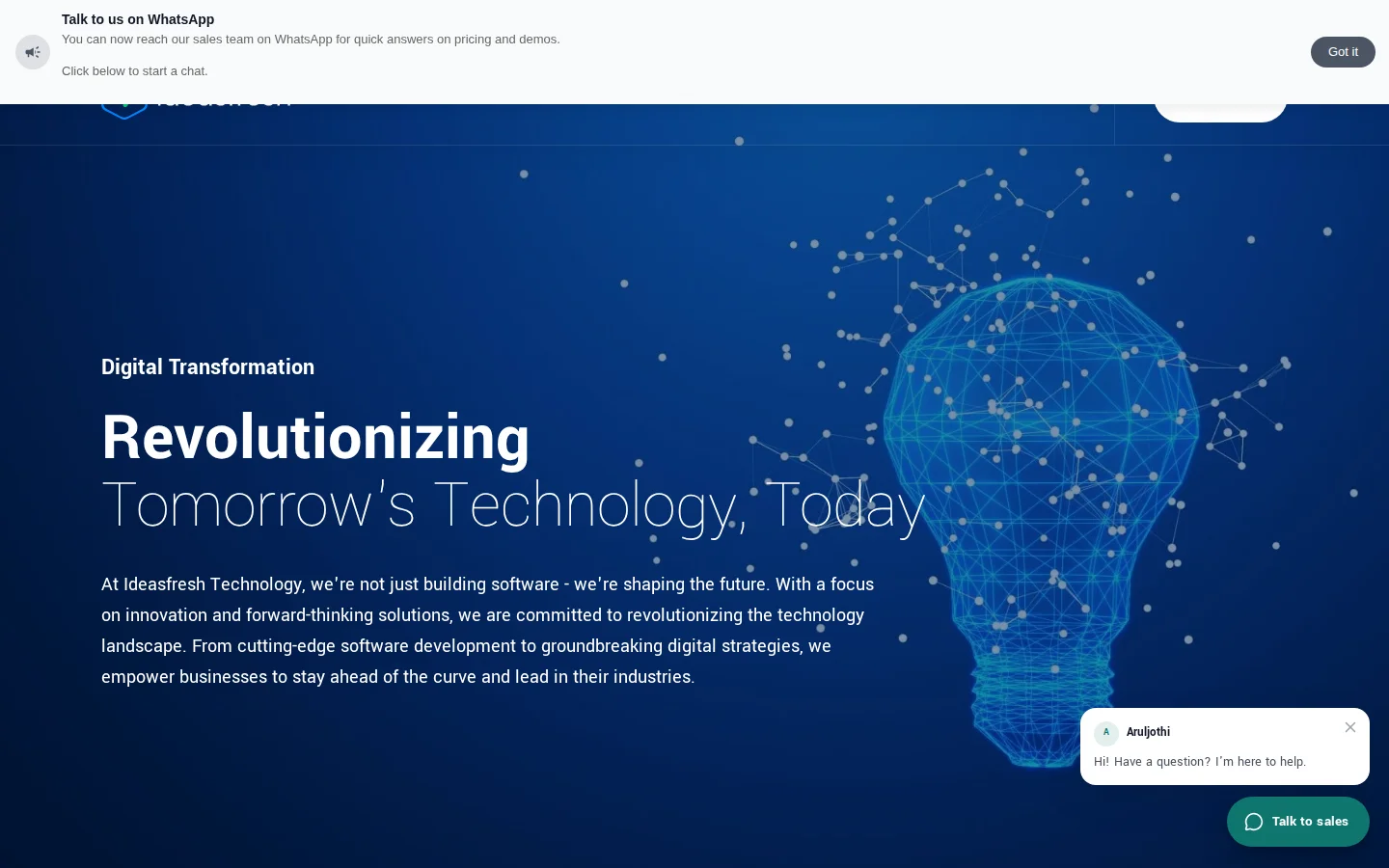
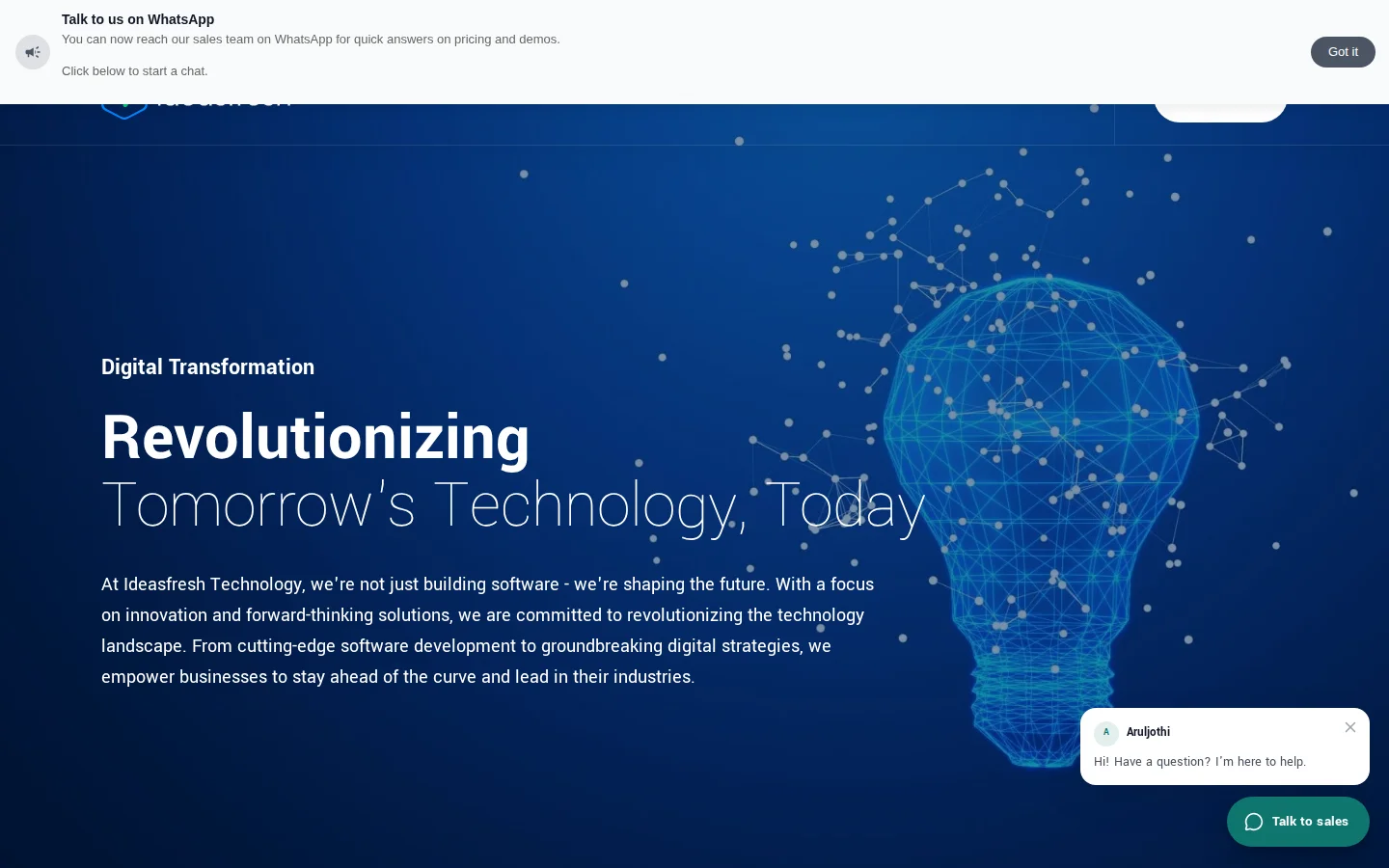
Say visitors read your pricing page for a minute and leave. Add a message for that page: "Comparing plans? Ask me which fits your team." It opens after 30 seconds, and a visitor who was about to leave asks a question instead.
Before you start
- Permission: Manage Live Chat.
- Plan: Every plan. See Plans and limits.
- Set up first: Live chat on the website. See Set up live chat.
Turn on proactive messages
- Go to Settings → Marketing → Live Chats, select ⋮ on the live chat, then Edit.
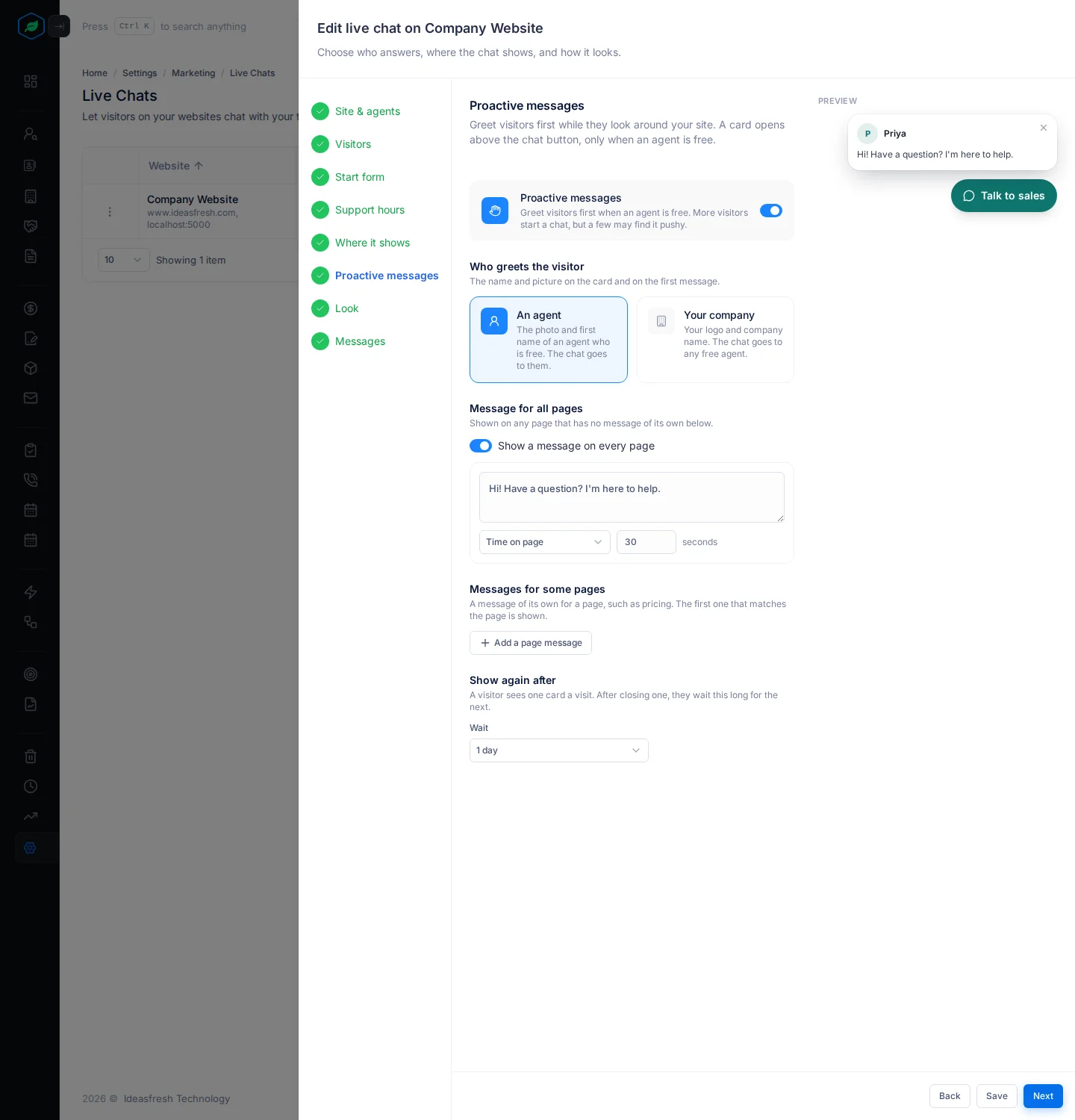
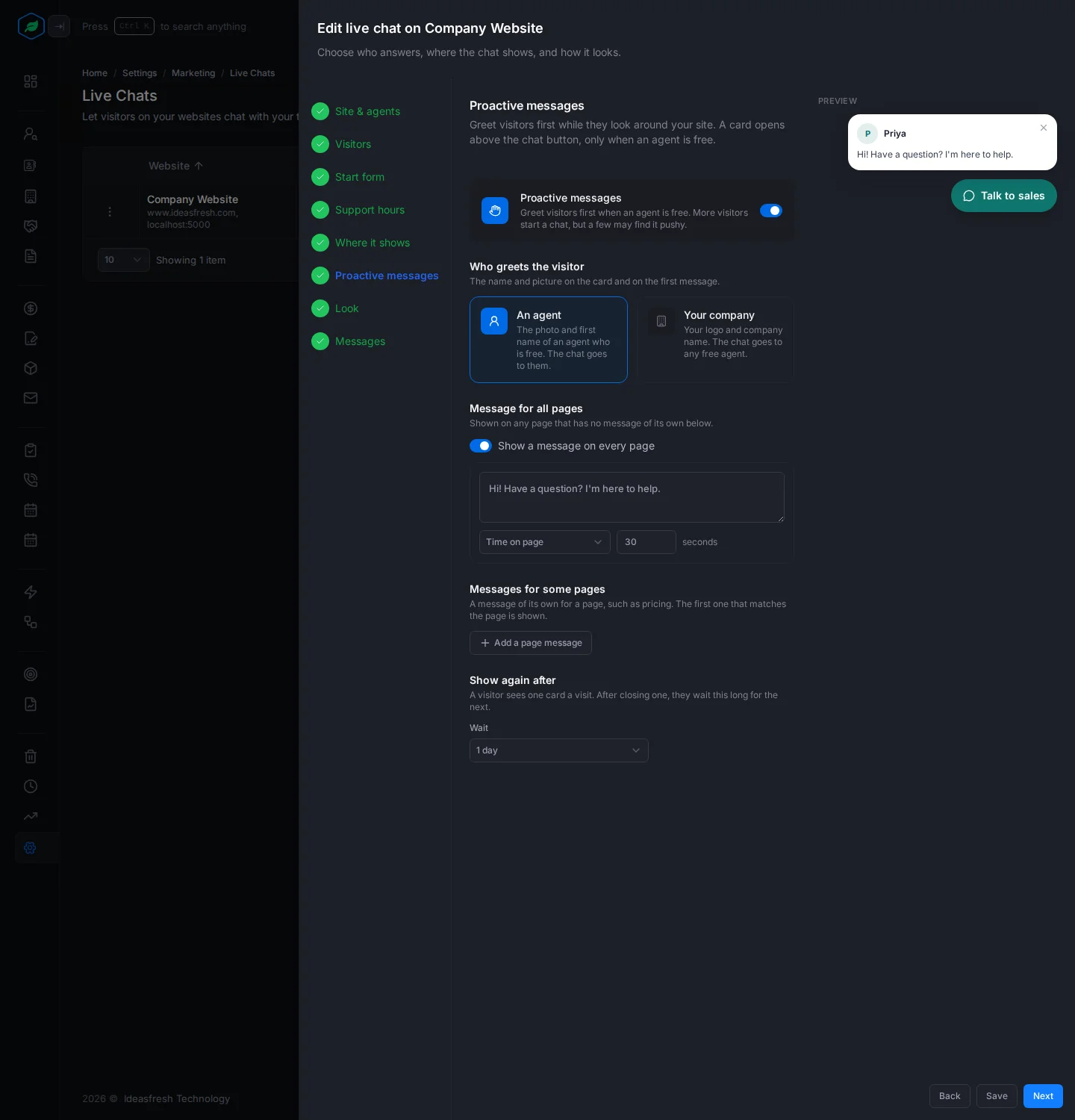
- Go to the Proactive messages step and turn on Proactive messages.
- Fill in the fields and select Save.
Who greets the visitor
- An agent: the photo and first name of an agent who is free. The chat goes to them. This is the choice at first.
- Your company: your logo and company name. The chat goes to any free agent.
Message for all pages
Show a message on every page is on at first, with "Hi! Have a question? I'm here to help." Change the message and when it opens.
Messages for some pages
Select Add a page message for a page that needs its own greeting, such as your pricing page. Pick how the page's address matches, as in Where it shows, then write the message and its trigger. You can add up to 20. The first one that matches the page wins, so drag them into the order you want.
When it opens
| Trigger | Opens when |
|---|---|
| Time on page | The visitor has been on the page this many seconds, from 5 to 300. Set to 30 at first |
| Scroll | The visitor has scrolled this far down the page, from 25% to 100%. Set to 50% at first |
| About to leave | The visitor moves to close the tab. On a computer only |
Show again after decides when a visitor who closed it sees it again: 1 hour, 1 day, 7 days or Never. Set to 1 day at first.
When a message doesn't show
To avoid bothering visitors, a greeting doesn't open:
- when no agent is free, or it's outside your support hours,
- when the visitor has already opened the chat, or a chat is going,
- on a page the chat doesn't show on,
- more than once in 30 minutes.
Troubleshooting
| Message | Why | What to do |
|---|---|---|
| "Add a message for all pages or for some pages" | Proactive messages are on with no message | Turn on the message for all pages, or add a page message |
| The greeting never opens | No agent is available, or it's outside support hours | Make sure an agent is available in the Chat panel |
Related
Still stuck?
Tell us what you were trying to do and we will help.