Send messages, files and records
Write messages with mentions and reactions, send files and voice messages, share records as cards, and turn a message into a task or comment.
Updated 28 October 2026 · 4 min read
Type in the box at the bottom of a conversation and press Enter to send. Shift+Enter starts a new line. A message can be up to 4,000 characters, and it can carry files, a voice message or a record.
Say a teammate asks which lead came in from yesterday's webinar. Type #, pick the lead, and send it. They see it as a card and open it straight away, instead of searching for the name.
Before you start
- Permission: None. To open a record from a card, you need to be able to see that record.
- Plan: Every plan. Files count towards your company's storage. See Plans and limits.
- Set up first: None.
Write a message
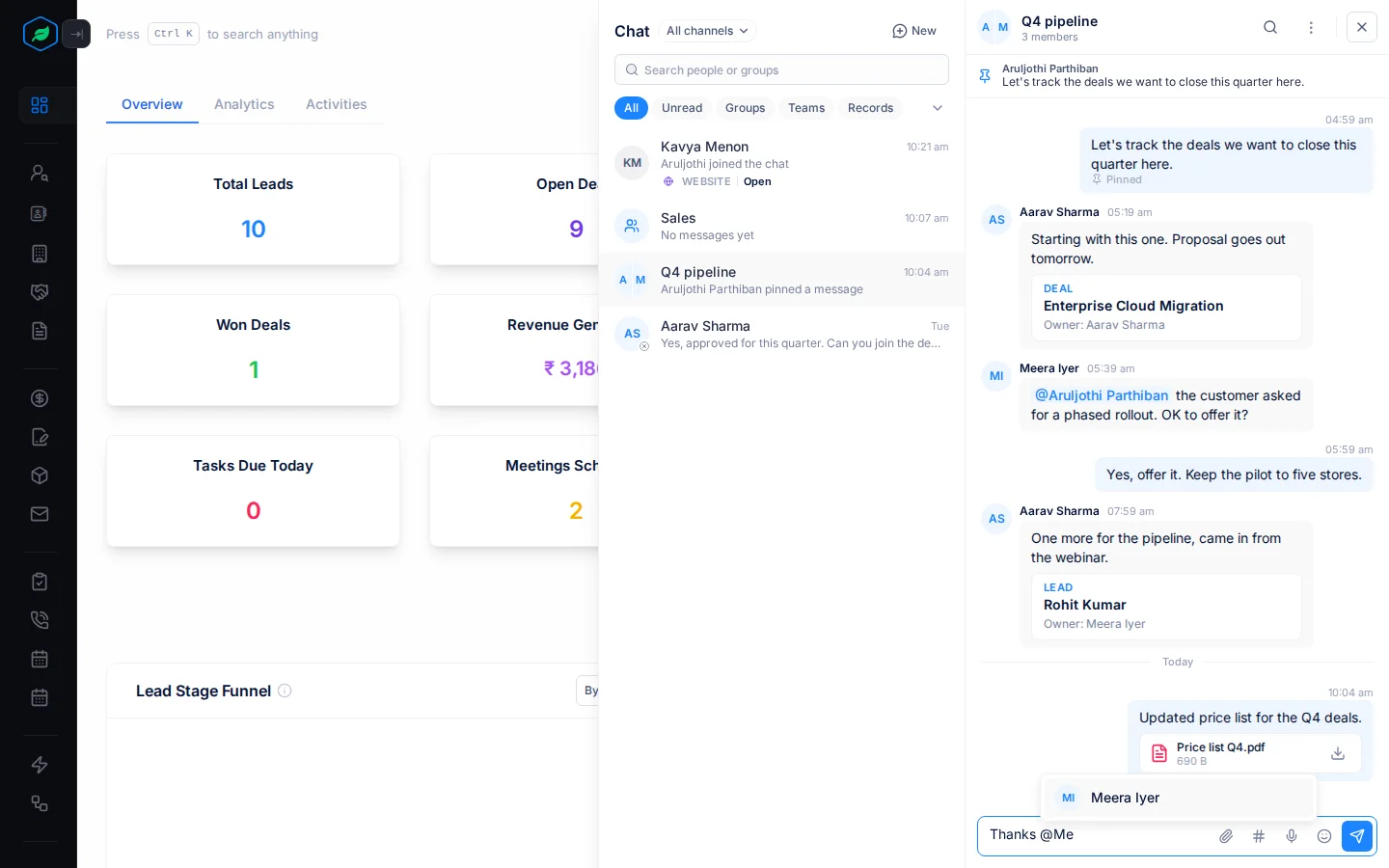
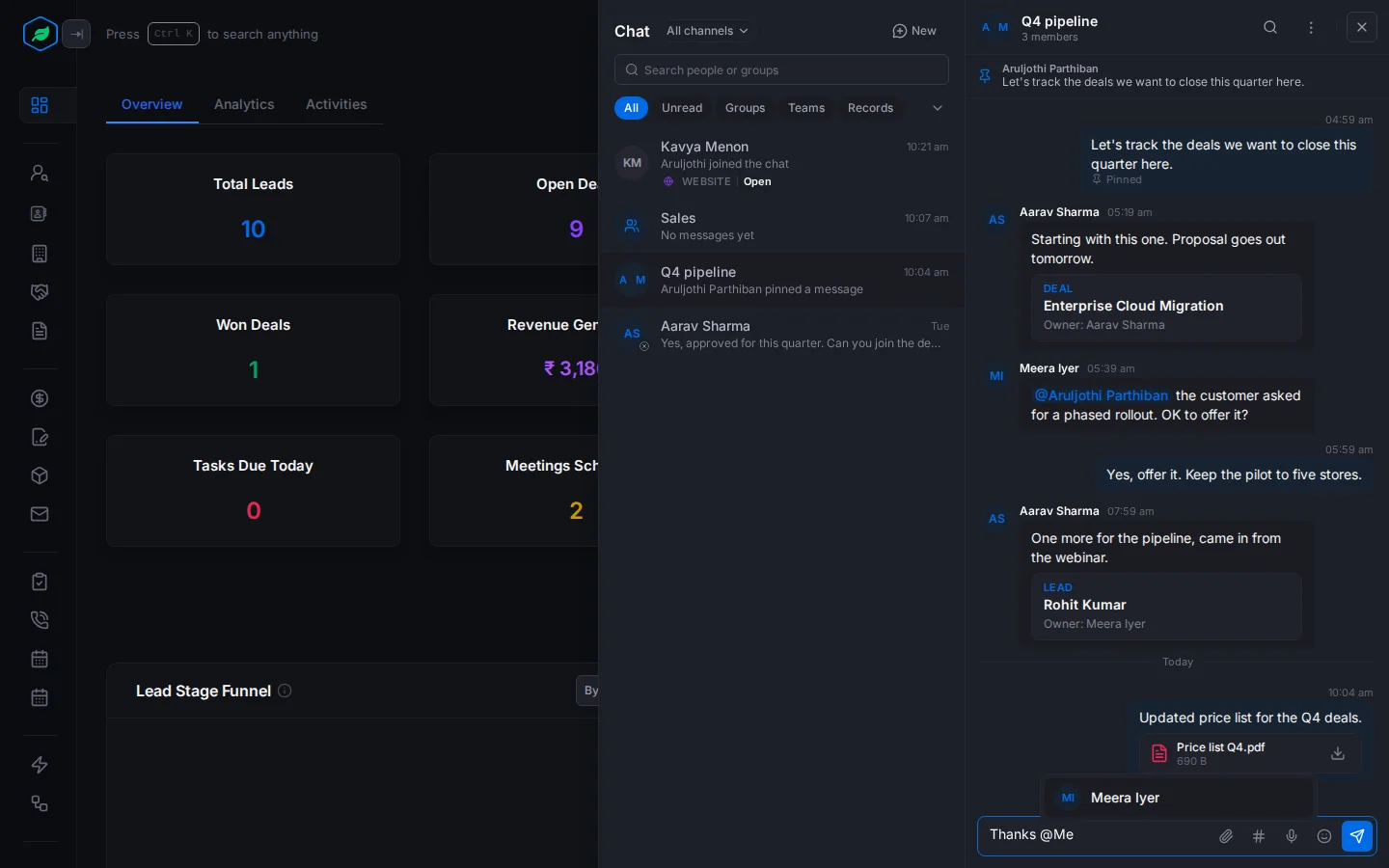
The buttons beside the box are Attach files, Share a record, Record a voice message and Emoji.
- Mention someone: type @ and pick a name. They're told even if the chat is muted. Mentions work in groups, team chats and record chats.
- Reply to a message: point at it and select Reply with Quote. Your reply shows the message it answers.
- React: point at a message and pick 👍 ❤️ 🎉 😄 👀 or ✅, or More emoji. You have one reaction per message. Pick the same one again to take it off.
Edit or delete a message
Point at your message and select Edit. There's no time limit, and the message shows "(edited)". You can't edit a forwarded message.
To delete it, select More options, then Delete and confirm. Everyone sees "This message was deleted".
Send files
Select Attach files, paste a file, or drop it on the conversation. Then send.
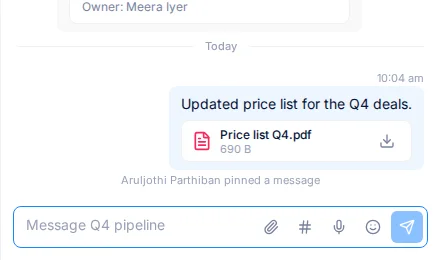
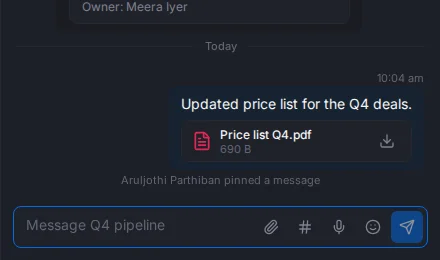
- Up to 5 files per message.
- Each file up to 10 MB, or 20 MB for a video.
- Images, PDFs, Word, Excel, PowerPoint, CSV and text files, ZIP files, audio and video.
Send a voice message
Select Record a voice message and speak, up to 5 minutes. Select Send voice message, or Cancel to throw it away. The first time, allow your browser to use your microphone.
Share a record
Type # or select Share a record, then pick a lead, contact, account, deal or other record. You can also paste a link to a record, or select Share in chat on its page.
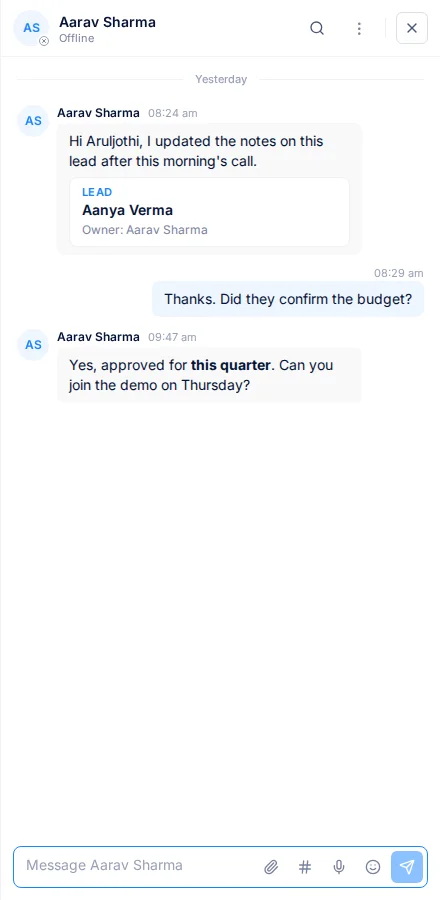
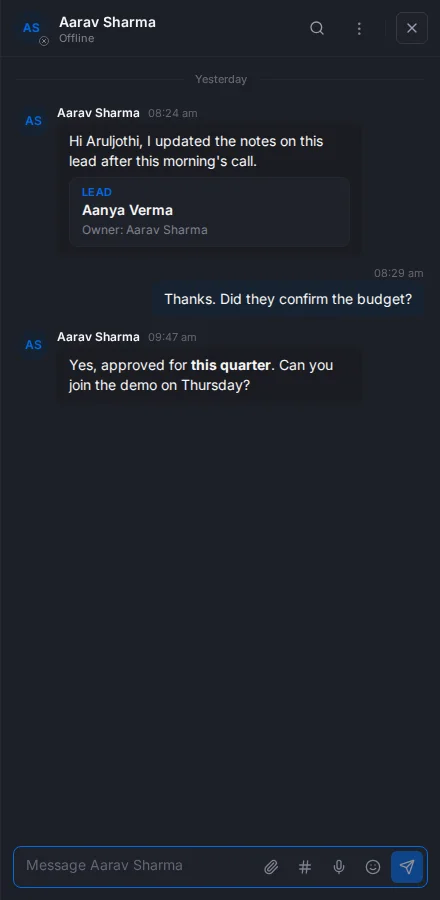
The card shows the record's type, name and owner. Each person sees only what they're allowed to: someone who can't see the record sees "You don't have access to this record".
Act on a message about a record
When a message carries a record, its More options menu has more:
- Create task on this … adds a task to the lead, contact, account or deal, so the follow-up isn't lost.
- Post to the …'s comments copies the message to the record's comments, so people who don't use the chat see it too.
- Continue in the …'s chat opens the record's own chat.
Troubleshooting
| Message | Why | What to do |
|---|---|---|
| The message is too long | A message can be up to 4,000 characters | Split it, or send a file |
| Some files aren't added | A message can carry up to 5 files | Send the rest in another message |
| "Your company's file storage is full. Free up space or upgrade your plan." | Your company has used its storage | Delete files you no longer need, or upgrade |
| "Microphone access is blocked. Allow it in your browser's site settings to record." | Your browser blocks the microphone | Allow it in your browser's site settings |
| "Slow down. Try again in a moment." | You sent more than 30 messages in a minute | Wait a moment |
| "A forwarded message can't be edited." | The message was forwarded | Send a new message instead |
Related
Still stuck?
Tell us what you were trying to do and we will help.