Pin, forward and clear chats
Pin key messages, keep favourite chats on top, mark chats unread, forward and copy messages, and clear or delete a direct chat.
Updated 28 October 2026 · 3 min read
Busy chats fill up fast. Pin the messages that matter, keep your main chats at the top, and pass a message on to someone who needs it.
Say a group agrees the plan for the quarter in one message. Pin it, and it stays at the top of the chat, so nobody has to scroll back to find it.
Before you start
- Permission: None.
- Plan: Every plan. See Plans and limits.
- Set up first: None.
The message menu
Point at a message and select More options.
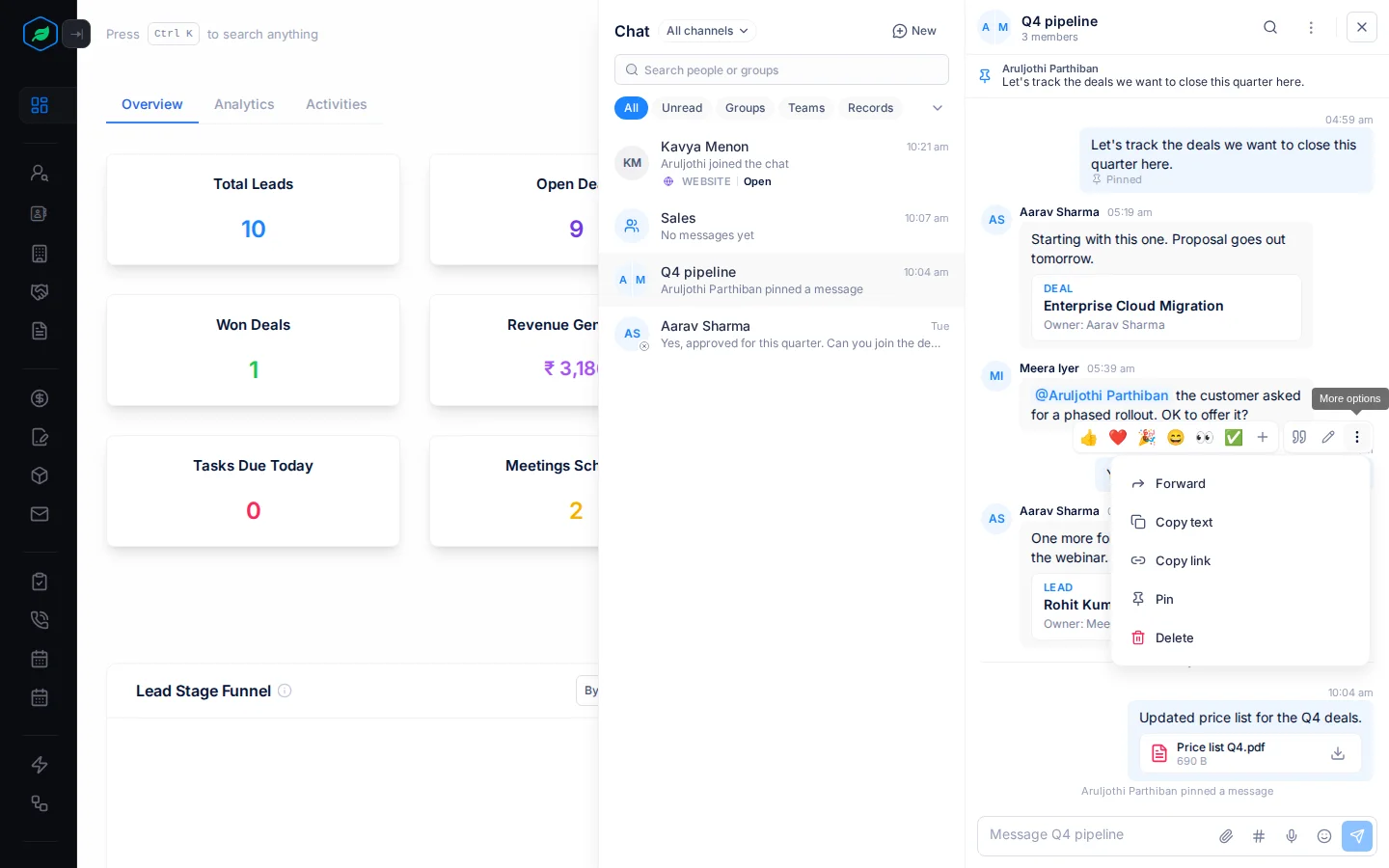
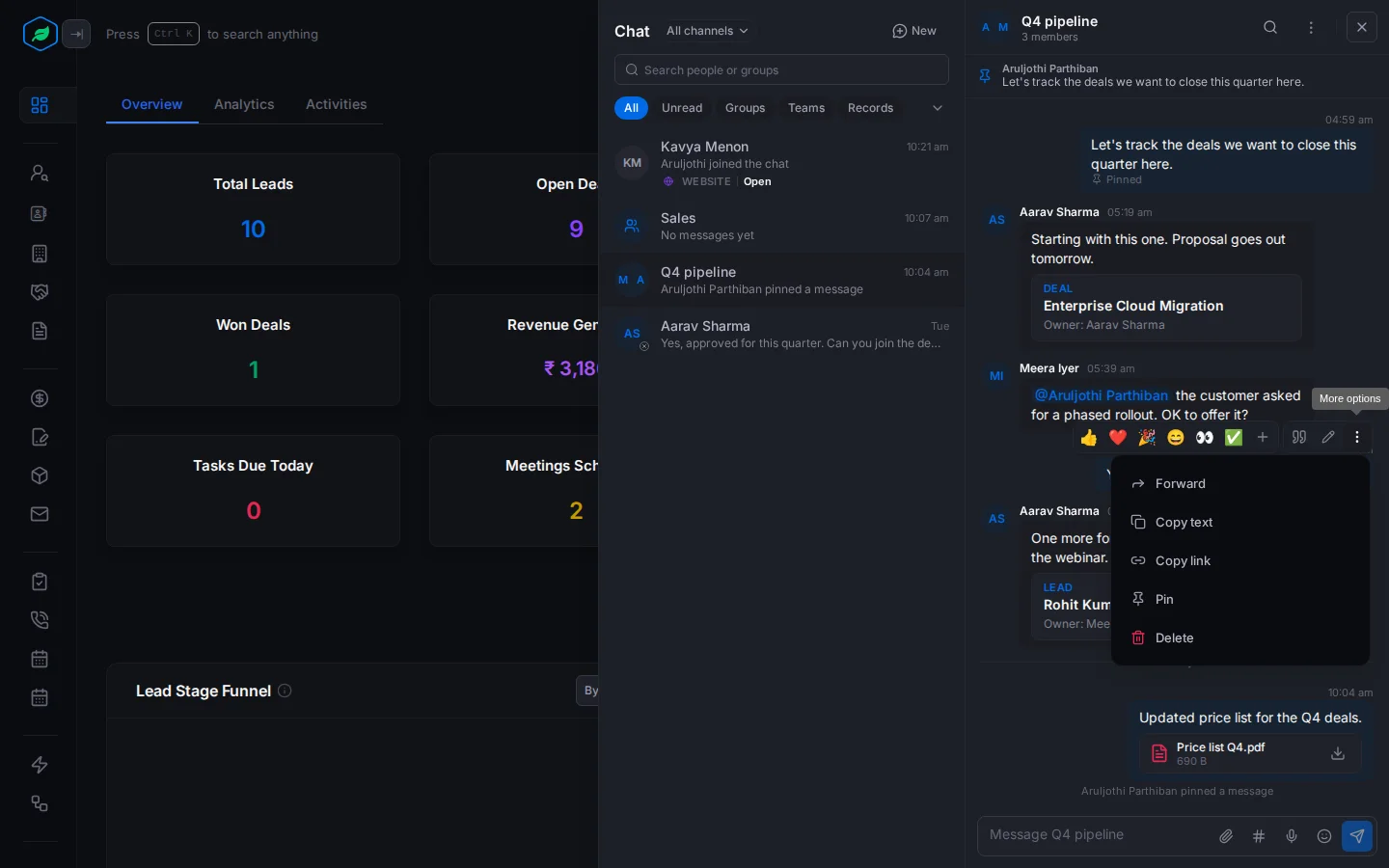
| Item | What it does |
|---|---|
| Forward | Sends the message to other chats or people. See Forward a message |
| Copy text | Copies the message's text |
| Copy link | Copies a link that opens the chat at this message |
| Pin, Unpin | Keeps the message at the top of the chat. See Pin a message |
| Delete | Deletes your message for everyone |
A message about a record has more items. See Act on a message about a record.
Pin a message
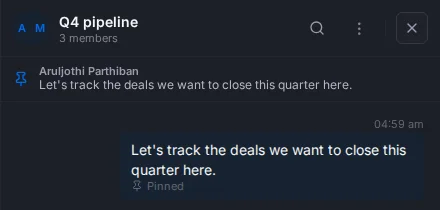
Select More options, then Pin. The message shows "Pinned", and the bar at the top of the chat shows it. Point at the bar to see who pinned it.
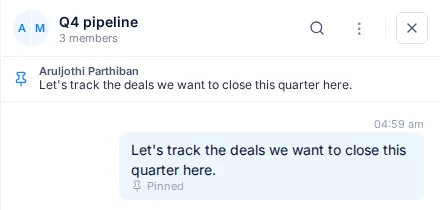
A chat holds up to 3 pinned messages. Pin a fourth, and the oldest is unpinned. Only the person who pinned a message, or the group's admin, can unpin it.
Forward a message
- Select More options, then Forward. The Forward message window opens.
- Pick up to 5 chats under Chats, or people under People. Use Search chats to find one.
- Add a note if you like.
- Select Forward to ….
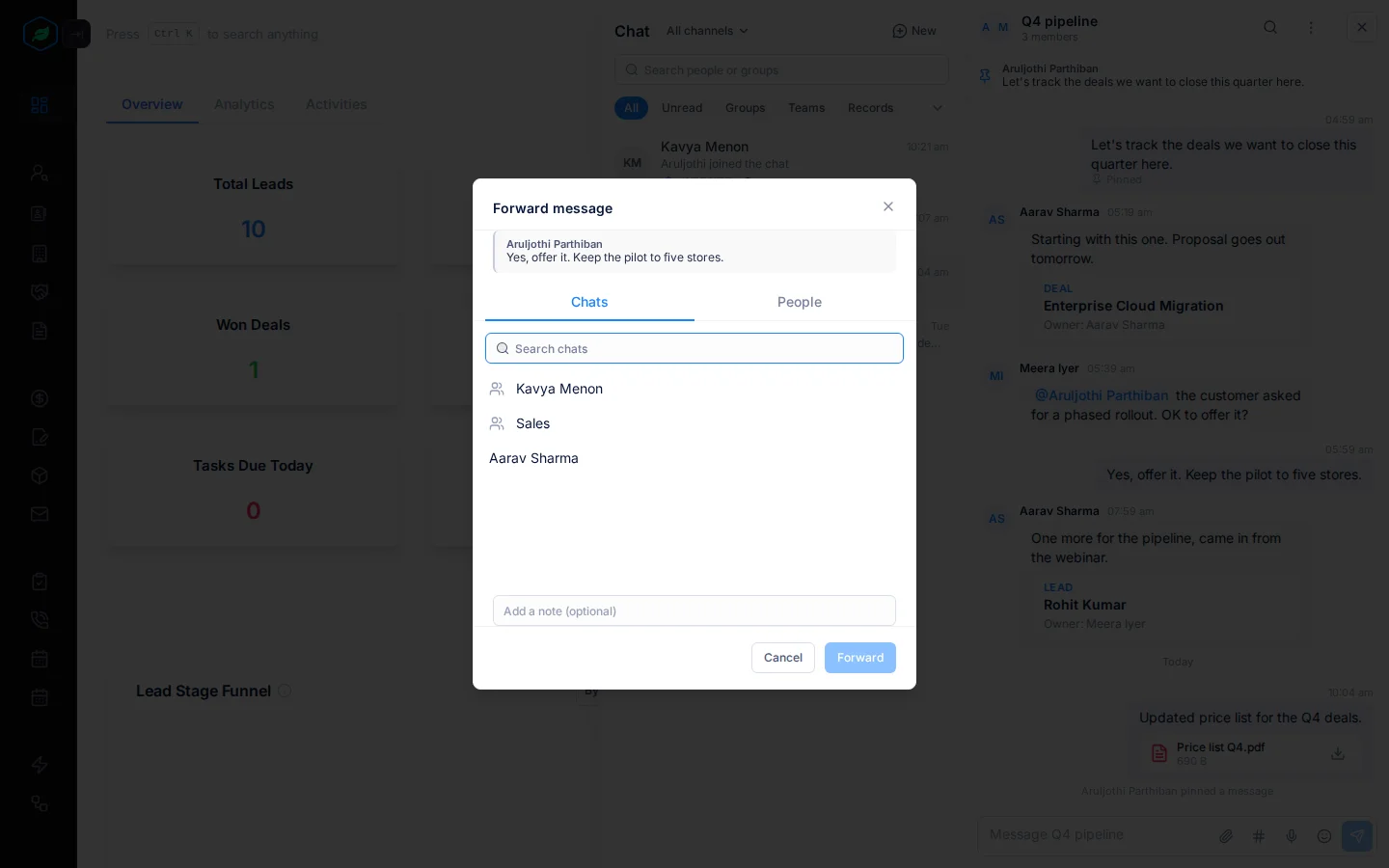
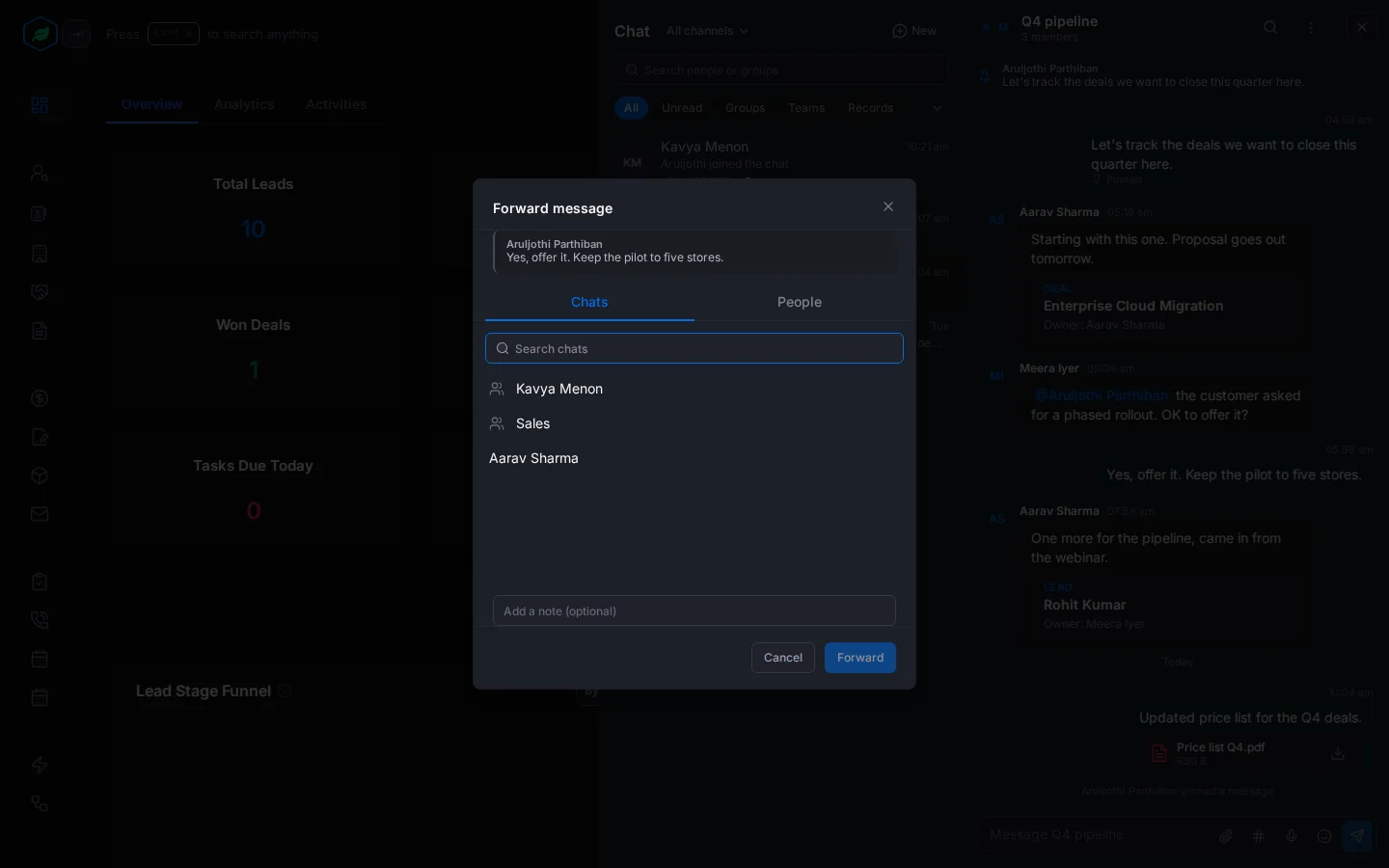
The copy is marked "Forwarded" and can't be edited.
Organise the conversation list
Select ⋮ on a conversation in the list:
- Add to favourites keeps it under Favourites, at the top of the list. Remove from favourites puts it back.
- Mark as unread keeps it bold, so you come back to it. Mark as read clears it.
A message you start and don't send is kept as a draft, marked "Draft:" in the list. Drafts are saved in this browser only.
Clear or delete a direct chat
These are for direct chats only, and only affect you. The other person keeps the chat.
- Clear chat history empties the messages for you. It can't be undone.
- Delete chat takes the chat off your list and clears it for you. It comes back if either of you sends a new message.
Select ⋮ on the chat in the list, or inside it, then pick one and confirm.
Troubleshooting
| Message | Why | What to do |
|---|---|---|
| "Only the person who pinned it or a group admin can unpin this." | Someone else pinned the message | Ask them or the group's admin |
| Forward won't send | You picked none, or more than 5 | Pick up to 5, and forward again for the rest |
| "This conversation is read-only." | The chat's team was deleted | Start a group instead |
Related
Still stuck?
Tell us what you were trying to do and we will help.