Control who can see which records
Decide who can see which records in each module, from everyone in the company to only the owner.
Updated 12 October 2026 · 3 min read
A data share policy decides who sees the records in a module. You can let everyone see all accounts, but let salespeople see only their own leads.
For example, an insurance agency has two sales teams, Health and Motor. Every salesperson can see every lead, so two people from different teams call the same customer on the same day. The owner sets Leads to Owner and Team. Each salesperson now sees their own leads and their team's leads. Accounts stays on Company Wide, so everyone can still look up a customer.
Before you start
- To see the policies, you need the View Data Share Policies permission. To change them, you need Edit Data Share Policies.
- Every module starts on Company Wide.
- To use Team Based or Owner and Team, set up teams first, and set the Team on records. See Teams.
If you don't have a permission you need, ask your admin.
The policies
| Policy | Who sees a record |
|---|---|
| Company Wide | Everyone in the company |
| Team Based | People in the team set on the record |
| Owner Only | Only the record's owner |
| Owner and Team | The record's owner, and people in the team set on the record |
Under every policy, the person who created a record can always see it.
Team policies use the Team field on each record, not the owner's teams. Under Team Based, even the owner only sees the record if they're in its team. A record with no team is seen only by its owner or creator under Owner and Team, and only by its creator under Team Based.
Change a module's policy
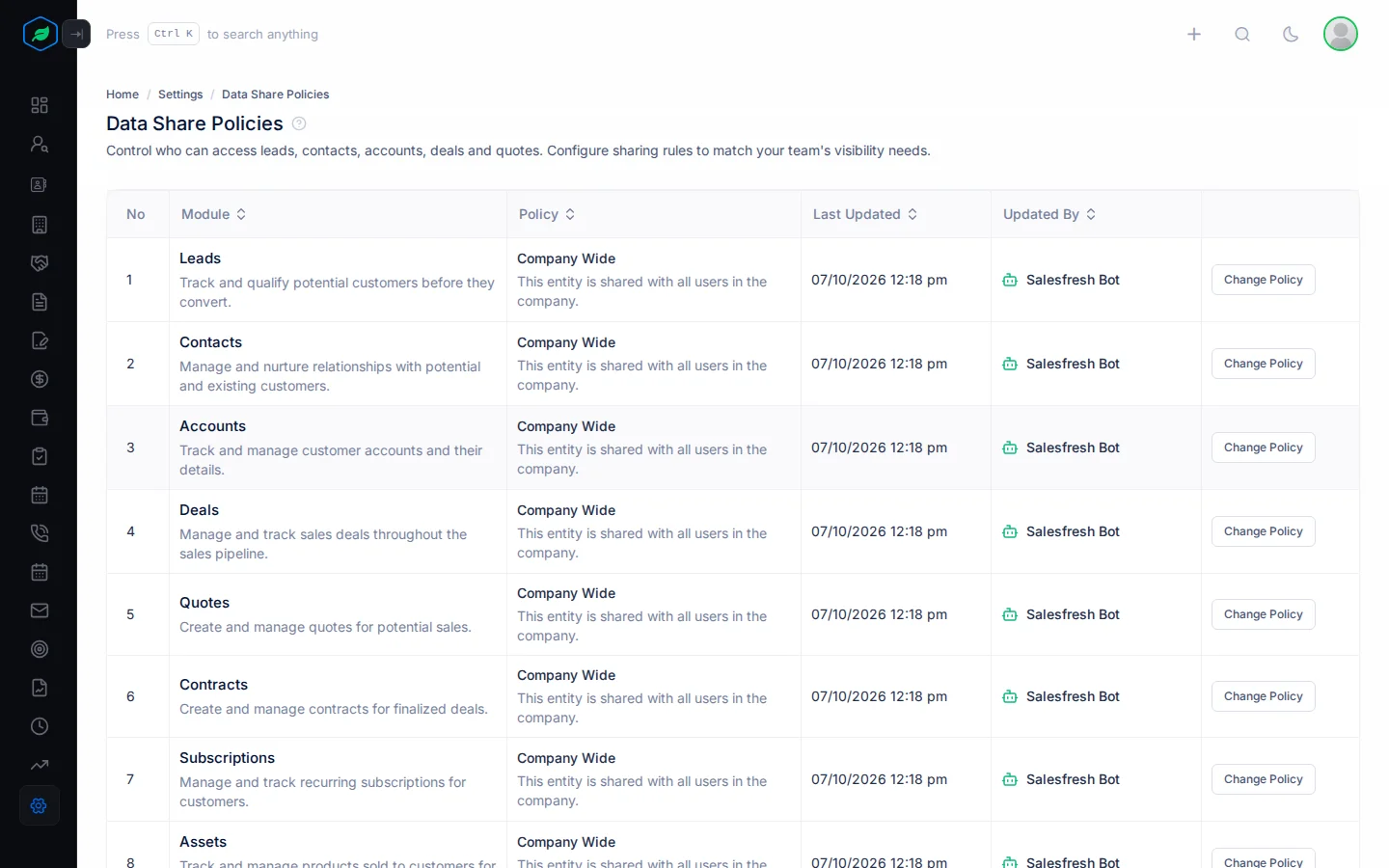
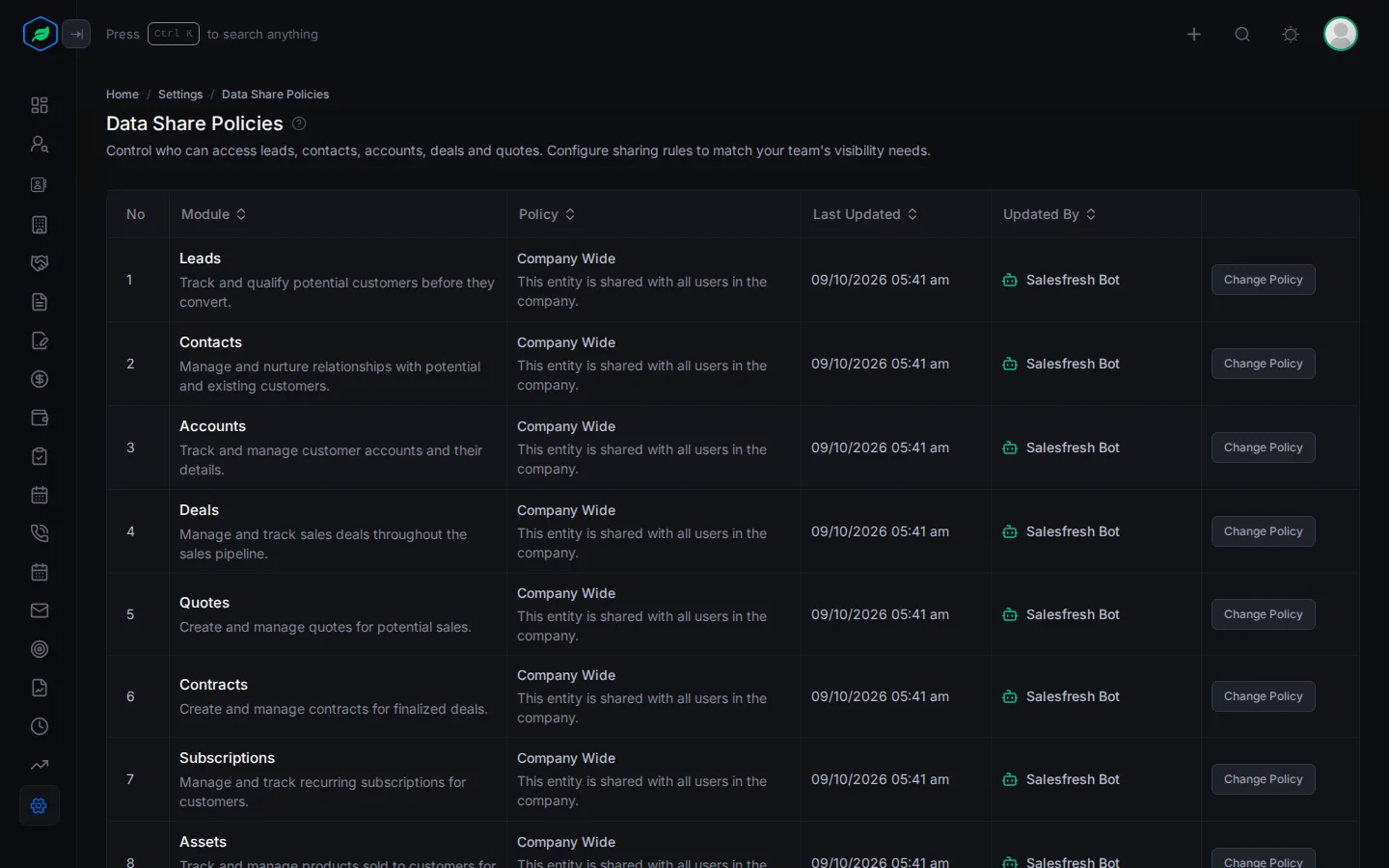
- Go to Settings > Data Share Policies. Each row is a module: Leads, Contacts, Accounts, Deals, Quotes, Contracts, Subscriptions, Assets, Calls, Tasks or Meetings.
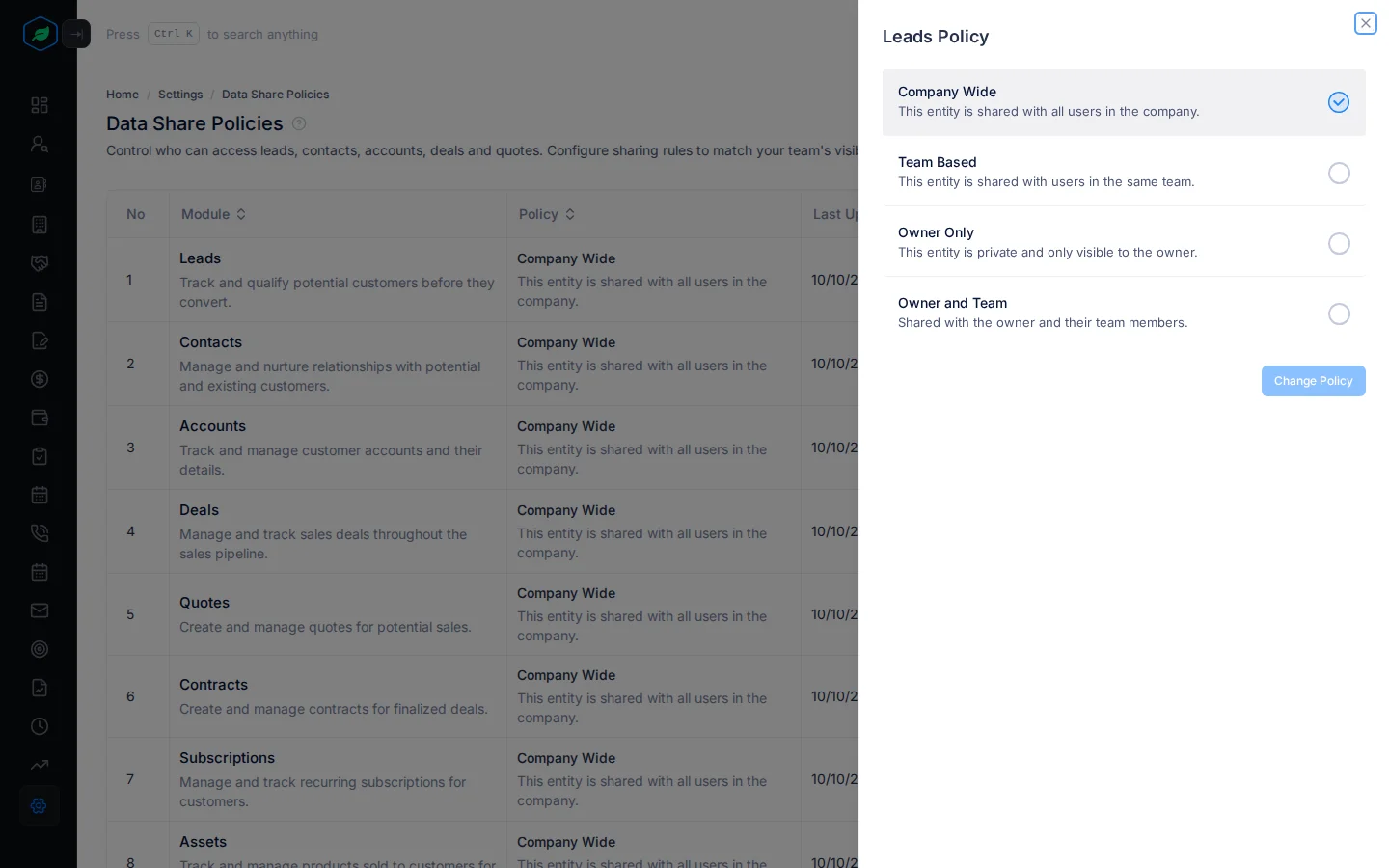
- Click Change Policy on the module. A panel opens, such as Leads Policy.
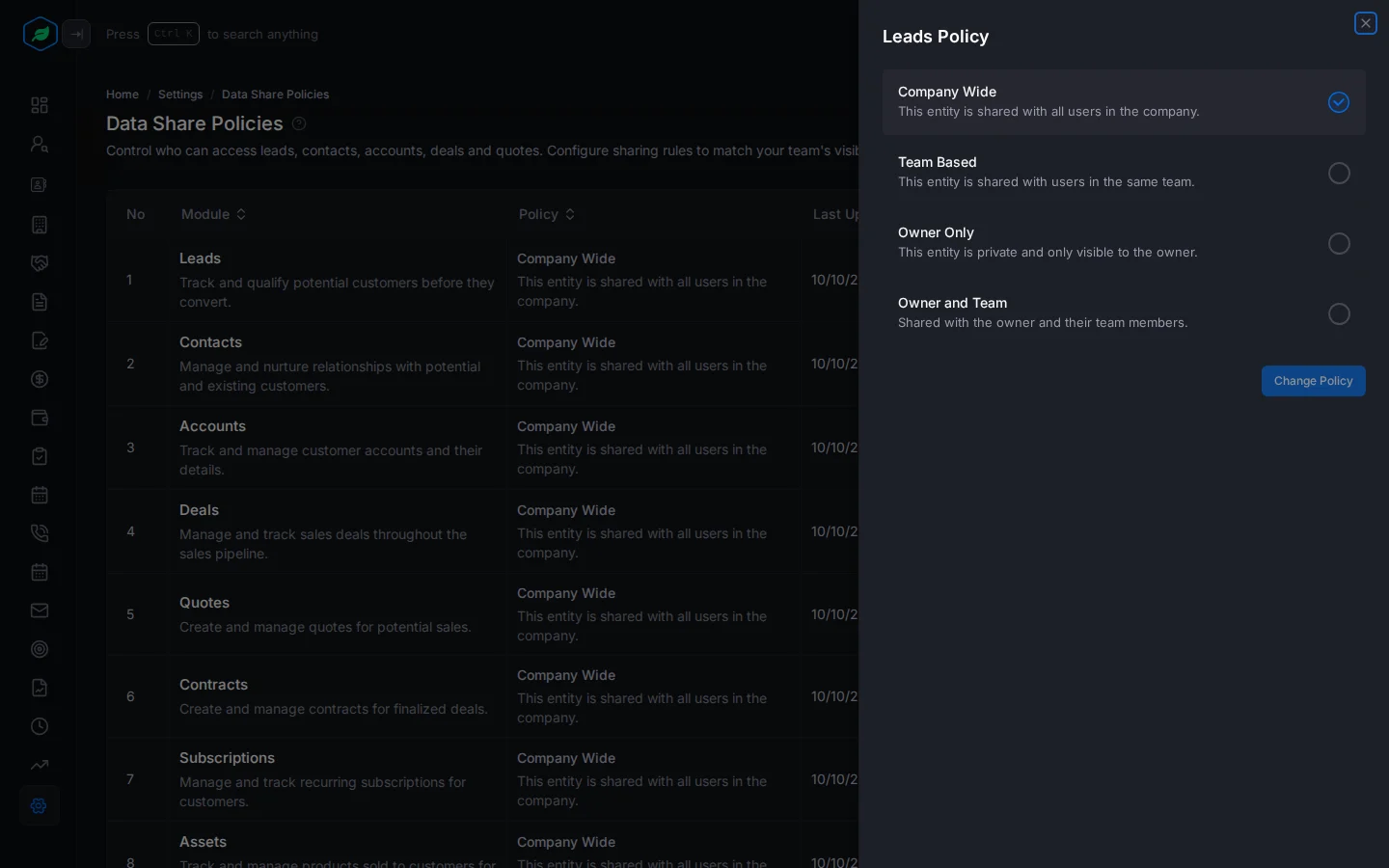
- Click the policy you want.
- Click Change Policy. It's greyed out until you pick a different policy.
The change applies straight away, to everyone. There's no confirmation, so check your choice first.
Seeing is not editing
A policy decides who can see a record. Only its owner or creator can edit or delete it, whatever the policy.
View all records
People with the View All Records permission get a View all records switch on each list. Switching it on shows every record in the company, whatever the policy. On a record that belongs to someone else, a banner says so.
The switch is remembered in your browser until you turn it off. It lets you see records, not edit them. Give it to managers and admins only.
Where policies don't apply yet
Policies apply to lists, record pages and related lists. Some places show records from the whole company, whatever the policy:
- the dashboard and reports,
- global search,
- lists filtered with the Filter button, and custom views with Include All switched off,
- the pickers used to choose a record on a form,
- the Activities tab on a record.
Keep this in mind before you rely on Owner Only for private records.
Troubleshooting
| You see | Why | What to do |
|---|---|---|
| A salesperson can't see a lead from their team | The lead has no Team, or a different one | Set the lead's team |
| An owner can't see their own record | The module is Team Based, and they're not in the record's team | Set the record's team, or use Owner and Team |
| No View all records switch | Your role doesn't have View All Records | Ask your admin |
Related
Still stuck?
Tell us what you were trying to do and we will help.