Decide what each person can do with roles
What a role is, the three built-in roles, and how to change, disable or delete your own roles.
Updated 12 October 2026 · 3 min read
A role is a set of permissions, such as "can view leads" or "can delete deals". You give each person one or more roles, and they can do what their roles allow.
For example, a property company has a manager and four sales agents. If everyone joins as an admin, a new agent might delete a deal by mistake, or change the company's settings. Instead, the owner creates a "Sales Agent" role that can view, create and edit leads, contacts and deals, but not delete them, and nothing in Settings. The four agents get that role. They can do their daily work, and nothing more.
Before you start
- To see roles, you need the View Roles permission.
- To create a role, you need Create Roles. To change, disable or enable one, you need Edit Roles. To delete one, you need Delete Roles.
If you don't have a permission you need, ask your admin.
The Manage Roles page
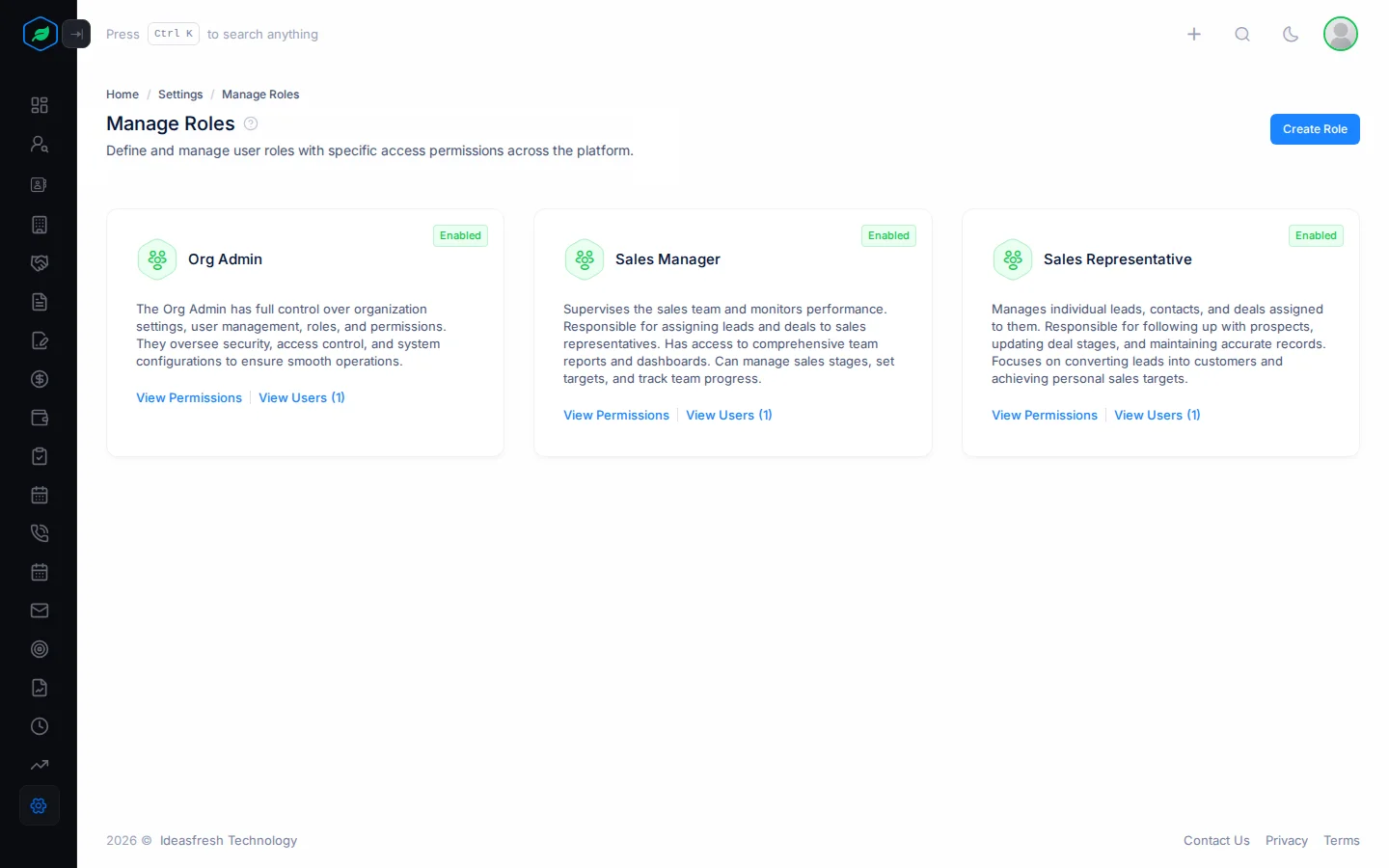
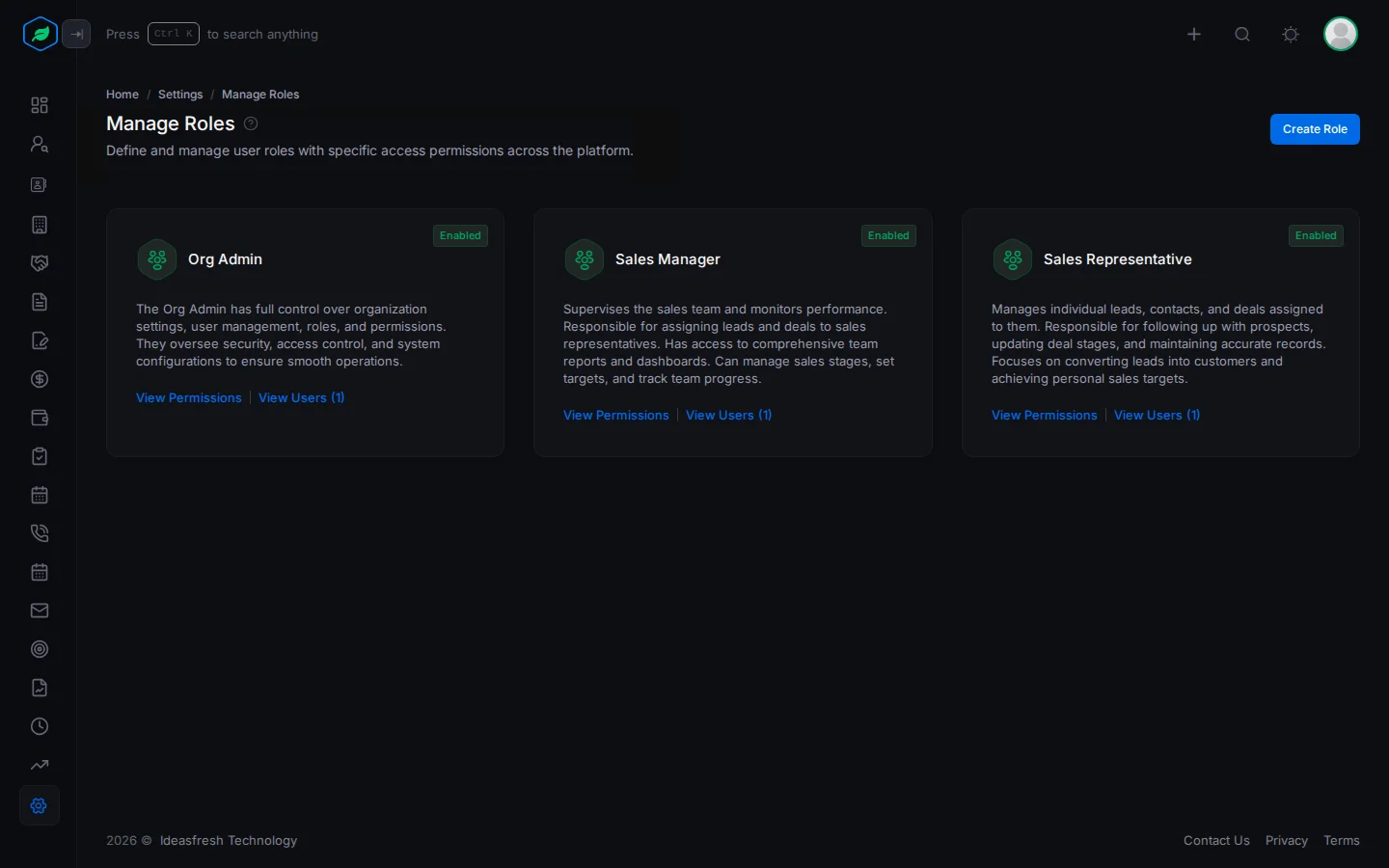
Go to Settings > Manage Roles. Each role is a card with its name, description and status. Click View Permissions to see what it allows, or View Users to see who has it.
Built-in roles
Every company starts with three roles:
| Role | Can do |
|---|---|
| Org Admin | Everything |
| Sales Manager | Work with leads, contacts, accounts, deals, quotes, calls, meetings and tasks, and use forms, data management, reports, targets and the email client |
| Sales Representative | The same, without targets and the email client |
You can't change, disable or delete a built-in role, so its card has no ⋮. For different access, create your own role. See Create a role.
Change, disable or delete a role
Click ⋮ on one of your own roles:
| Action | What happens |
|---|---|
| Edit | Changes its name and description |
| Disable | The role gives no permissions, but keeps its settings. Enable turns it back on |
| Delete | Removes the role. Its name can't be used again |
Disable and Delete ask you to confirm first.
When a role changes
When you change a role, its permissions, or who has it, the people affected see a Role Updated or Permissions Updated window with a Logout button. They must log out and back in. Their new access starts when they do.
Troubleshooting
| You see | Why | What to do |
|---|---|---|
| "Role already exist" | Another role has that name, maybe a deleted one | Pick another name |
| A role has no ⋮ | It's a built-in role | Create your own role |
| Someone still sees an old option | They haven't logged out and back in | Ask them to log in again |
Related
Still stuck?
Tell us what you were trying to do and we will help.