Choose your company's modules and sidebar
Choose which modules your company uses, arrange and group them in the sidebar for everyone, and decide whether people can arrange their own.
Updated 12 October 2026 · 3 min read
Module Customization decides which modules your company uses, and how the sidebar looks for everyone: the order, and which modules sit together in groups.
For example, a recruitment agency doesn't sell contracts, subscriptions or equipment, and the team finds the long sidebar confusing. The owner picks the Activity-first layout so tasks, meetings and calls come first. Then they switch off Contracts, Subscriptions and Assets, and save. Everyone's sidebar now shows only what the agency uses.
Before you start
- To see the page, you need the View Module Customization permission. To change it, you need Manage Module Customization.
- No data is deleted when you switch a module off. Switching it back on brings everything back.
If you don't have a permission you need, ask your admin.
Switch modules on or off
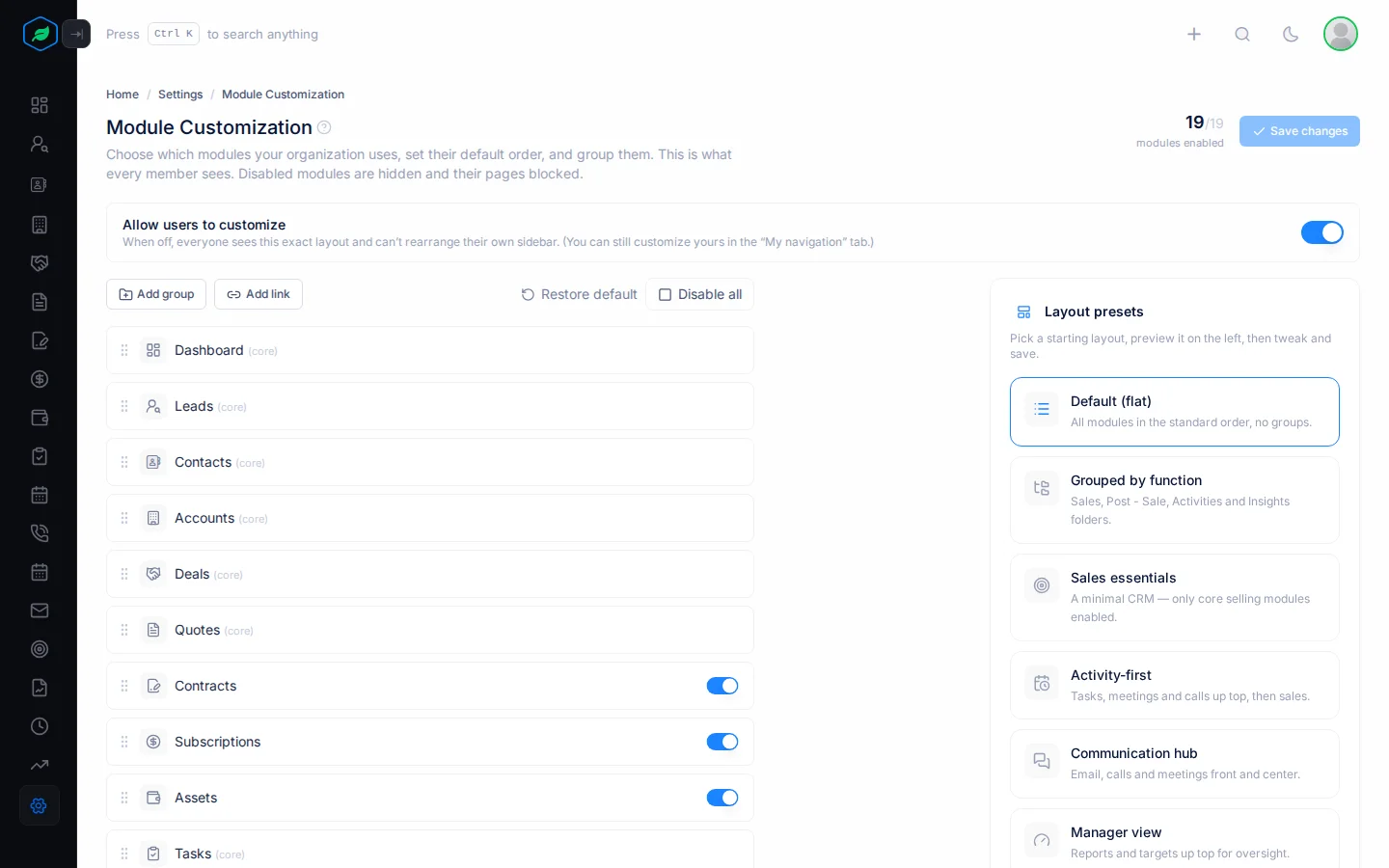
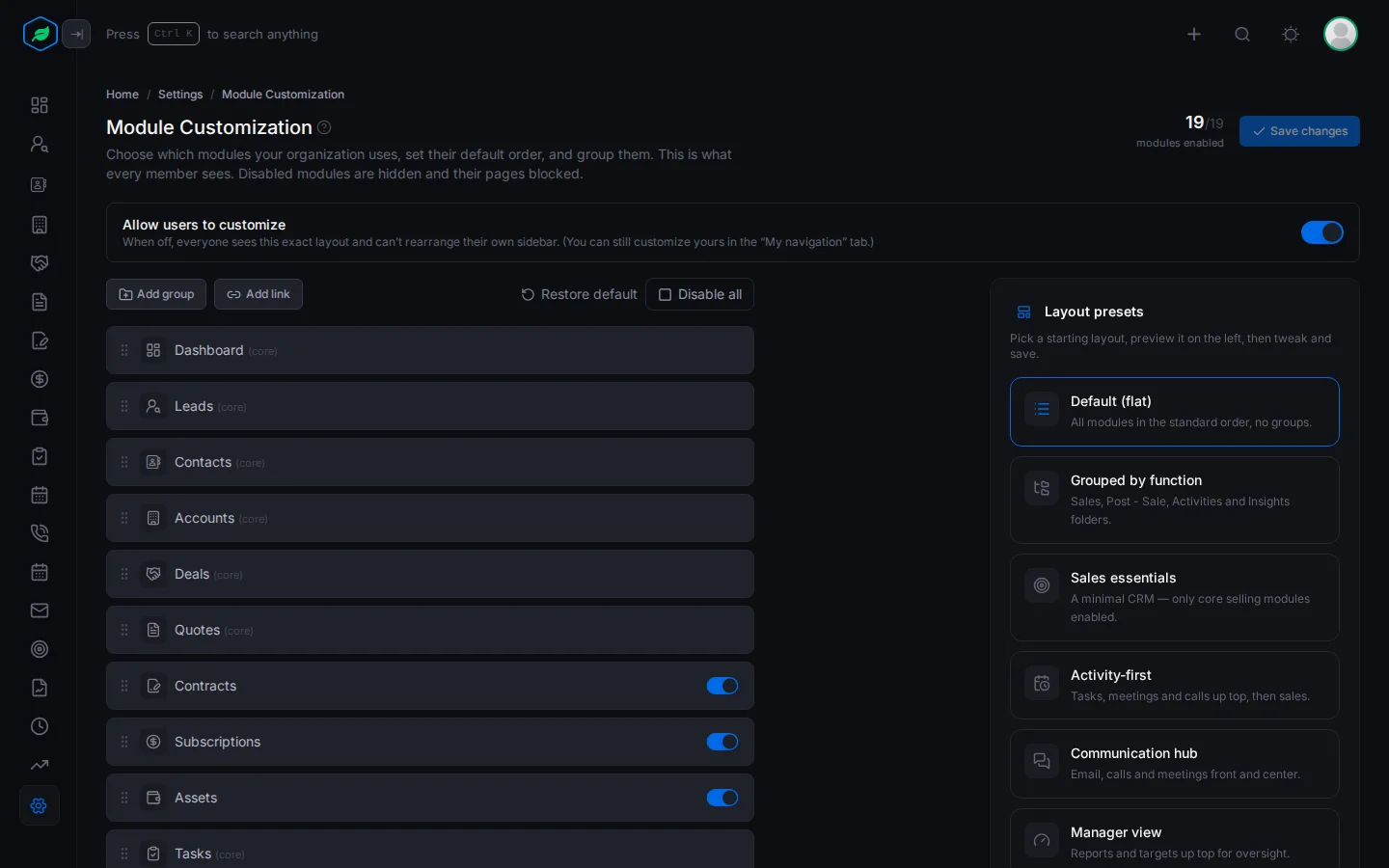
Go to Settings > Module Customization. The top shows how many modules are on, such as "14/20 modules enabled".
You can switch off Contracts, Subscriptions, Assets, My Targets, Recently Accessed and Frequently Accessed. The others are always on and marked (core). Enable all or Disable all switches every optional module at once.
A switched-off module disappears from the sidebar for everyone, and its settings are hidden.
Arrange the sidebar
- Drag a module by its handle to move it.
- Add group makes a group. Drag modules into it.
- Add link adds a link to another website or page.
- Restore default puts the layout back as it started, and switches every module on.
Layout presets
A preset is a ready-made layout to start from. There are 9: Default (flat), Grouped by function, Sales essentials, Activity-first, Communication hub, Manager view, Sales rep, Service desk, and Compact (2 groups).
Picking a preset also switches modules on. All except Sales essentials switch on every module except Recently Accessed and Frequently Accessed. So pick the preset first, then switch off the modules you don't use.
Click Save changes. Everyone's sidebar changes straight away.
Let people arrange their own
With Allow users to customize on, each person can arrange their own sidebar. See My navigation. Turn it off to give everyone exactly your layout.
If anyone has arranged their own sidebar, turning Allow users to customize off and saving asks you to confirm with Clear and turn off. Their layouts are deleted, and turning the switch back on doesn't bring them back. Click Cancel to keep them.
Troubleshooting
| You see | Why | What to do |
|---|---|---|
| "This module is not enabled for your organization." | The module is switched off | Switch it on here |
| A module has no switch | It's a core module, which is always on | Nothing to do. Core modules can't be switched off |
| Modules you switched off are on again | You picked a preset or Restore default after switching them off | Switch them off again, then save |
Related
Still stuck?
Tell us what you were trying to do and we will help.