Billing terms
Set when payment is due, such as Due on Receipt, Net 30 or End of Month, for products and contracts.
Updated 12 October 2026 · 3 min read
A billing term says when payment is due after a bill, such as Due on Receipt, Net 30 (within 30 days) or End of Month.
For example, a supplier gives large customers 45 days to pay, and small ones 15. They use Net 45 and Net 15, and add "Net 21" for a new distributor. Now each product and contract shows exactly when payment is due.
Before you start
- To see the list, you need the View Configurations permission. To add a value, you need Create Configurations. To change one or switch it off, you need Edit Configurations. To delete one, you need Delete Configurations.
If you don't have a permission you need, ask your admin.
Where it's used
- Billing Terms on products.
- Payment Terms on contracts and contract templates.
The list
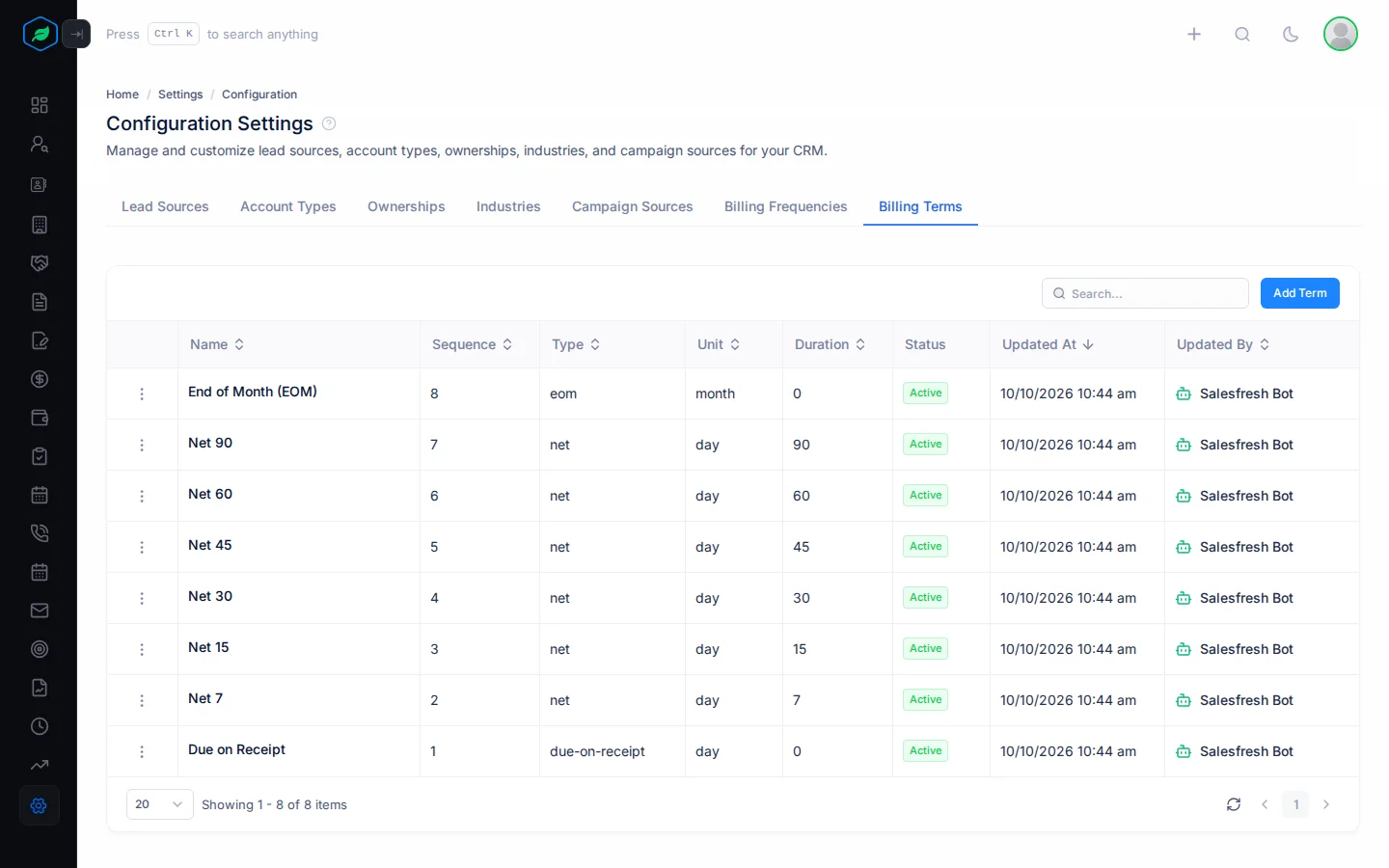
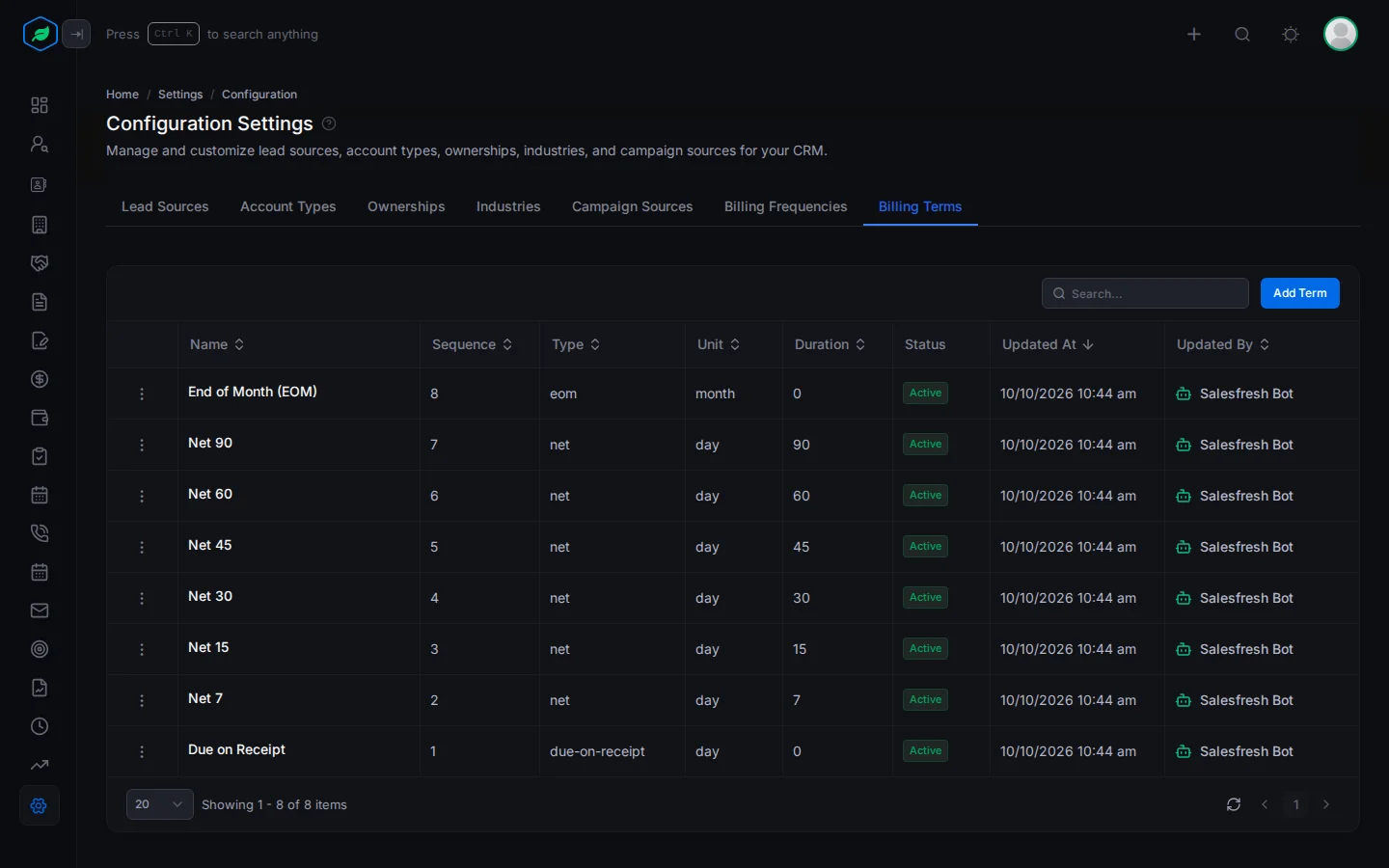
Go to Settings > Configurations and click Billing Terms. You start with 8, such as Due on Receipt, Net 30 and End of Month (EOM).
Add a value
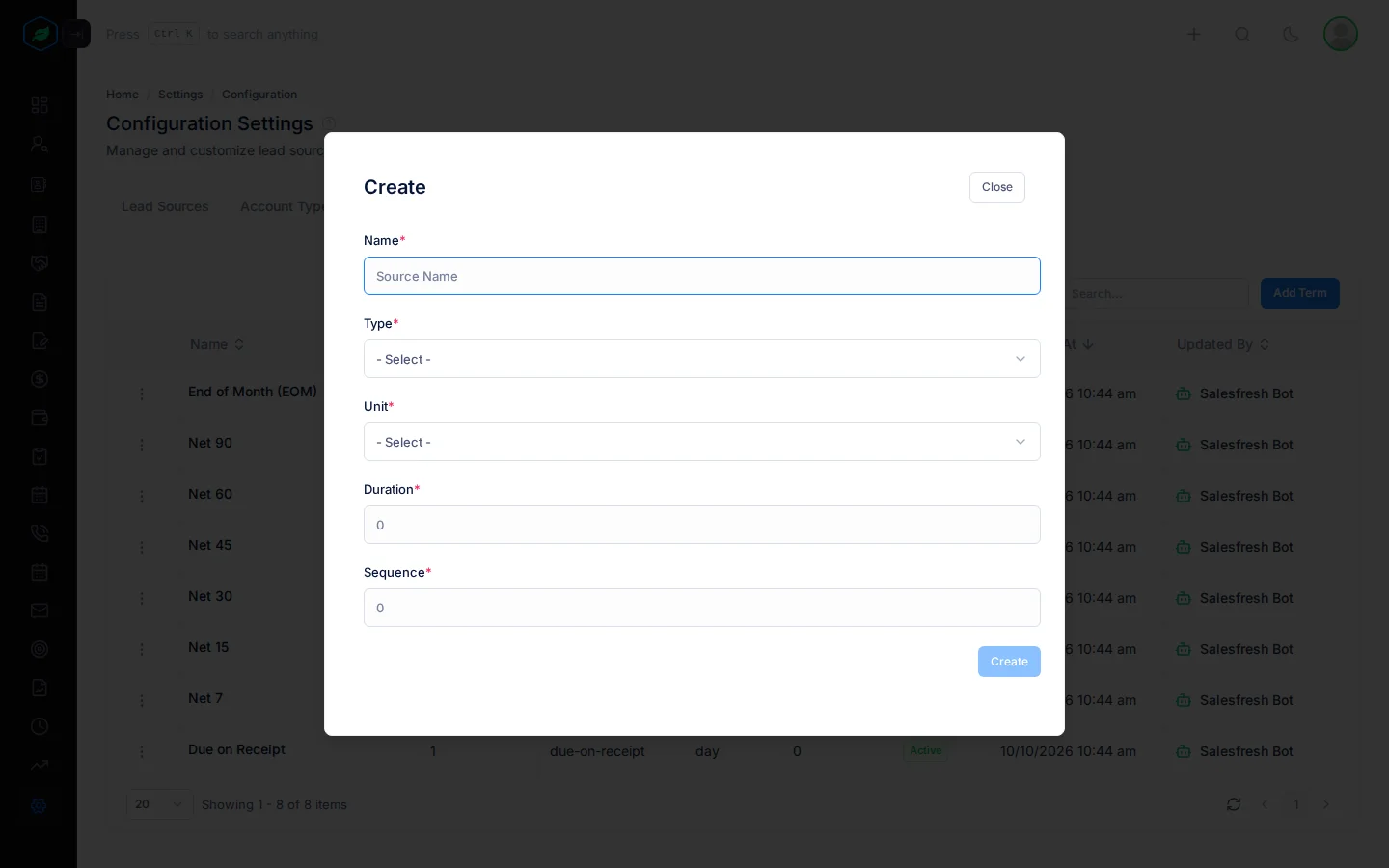
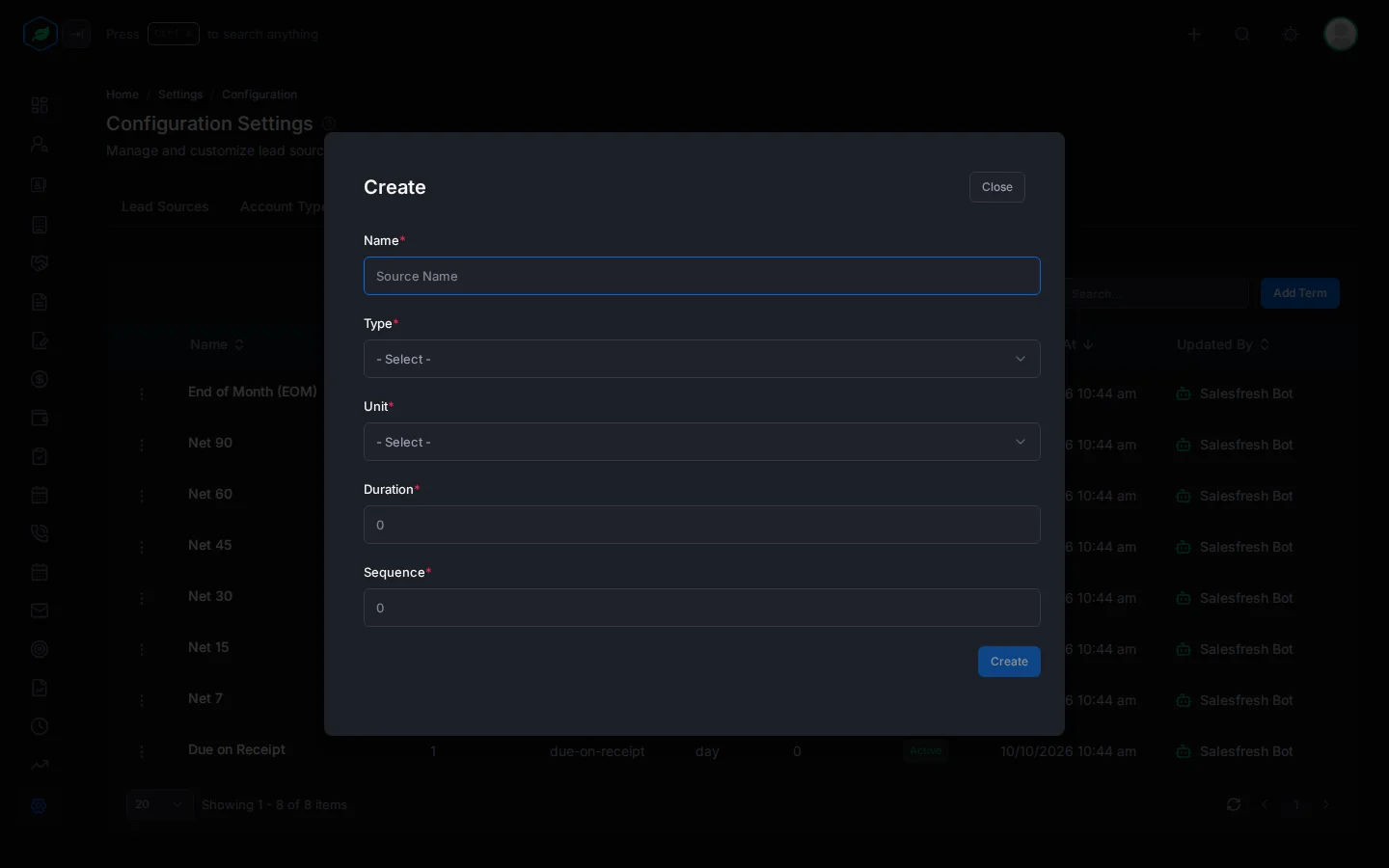
- Click Add Term. The Create window opens.
- Fill in the fields. Fields marked * must be filled in.
- Click Create.
| Field | What to enter |
|---|---|
| Name * | The term, up to 100 characters, such as "Net 21" |
| Type * | Net or Due on receipt |
| Unit * | Day, Month or Year |
| Duration * | How many units until payment is due, such as 21 with Day for Net 21. For Due on receipt, enter 0 |
| Sequence * | Its place in the dropdown, from 1 to 100. Lower numbers come first |
Billing terms have no description.
New values show in everyone's dropdowns straight away.
Change, switch off or delete
Click ⋮ on a value:
- Edit changes it. The window is called Update.
- Make it Inactive hides it from dropdowns. Records that already use it keep it. Make it Active shows it again.
- Delete removes it. You can't delete a value that records still use.
Each one asks you to confirm first. See Configurations.
Renaming a value also changes it on your products.
A billing term used by products can't be deleted.
Troubleshooting
| You see | Why | What to do |
|---|---|---|
| "Billing term cannot be deleted as it is used by … Deactivate it instead to hide it from new records." | Records still use the value | Click Make it Inactive instead |
| "A billing term with this name already exists." | The name is taken, maybe by a deleted value | Pick another name |
| "Sequence must be at least 1" or "Sequence cannot be more than 100" | The sequence is outside 1 to 100 | Enter a number from 1 to 100 |
Related
Still stuck?
Tell us what you were trying to do and we will help.