What each target metric counts
The things you can set targets on, such as calls made, deals won or revenue closed, and exactly what each one counts.
Updated 12 October 2026 · 3 min read
A metric is the thing a target measures, such as "Calls Made" or "Revenue Closed". Salesfresh has a fixed list of 17.
For example, a sales manager wants to set a target but isn't sure what "Deals Closed" counts. They open the metrics and read that Deals Closed (Won) counts deals in a won stage, by the date they closed. They also see Revenue Closed, which adds up the money from those deals. They pick revenue for the target, because one big deal matters more than three small ones.
Before you start
- To open Settings > Targets, you need the View Team Targets or View All Targets permission.
- To switch a metric on or off, you need Edit Targets.
If you don't have a permission you need, ask your admin.
How metrics count
- Only records owned by the person, or by the team's members, count.
- Only records in the target's period count, by the date shown below.
- A record counts once for its owner.
See the metrics
Go to Settings > Targets > Metrics. Each row shows the metric, its category, its unit, and which filters it supports. Click a chip at the top, such as Activity or Deals, to see only those.
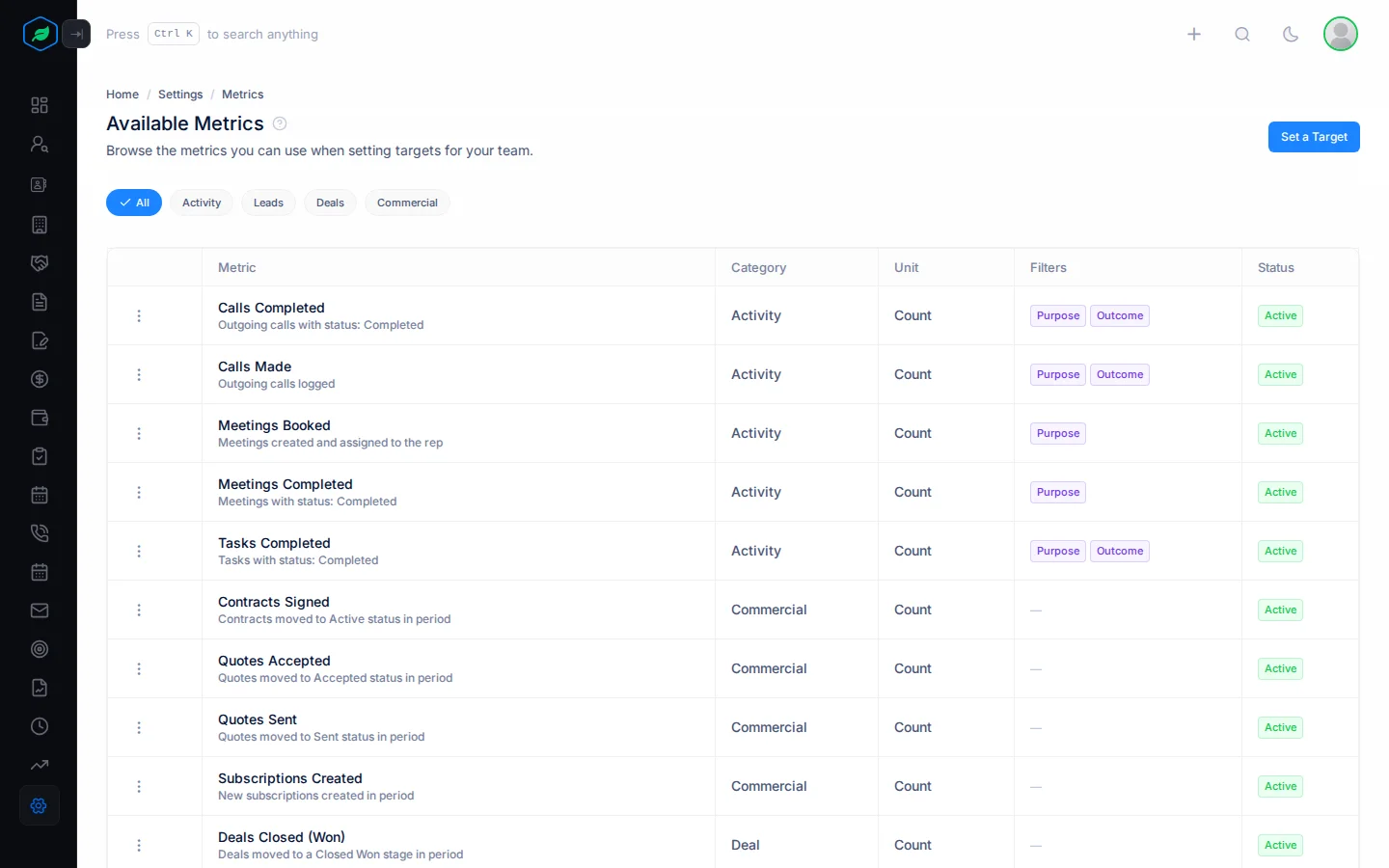
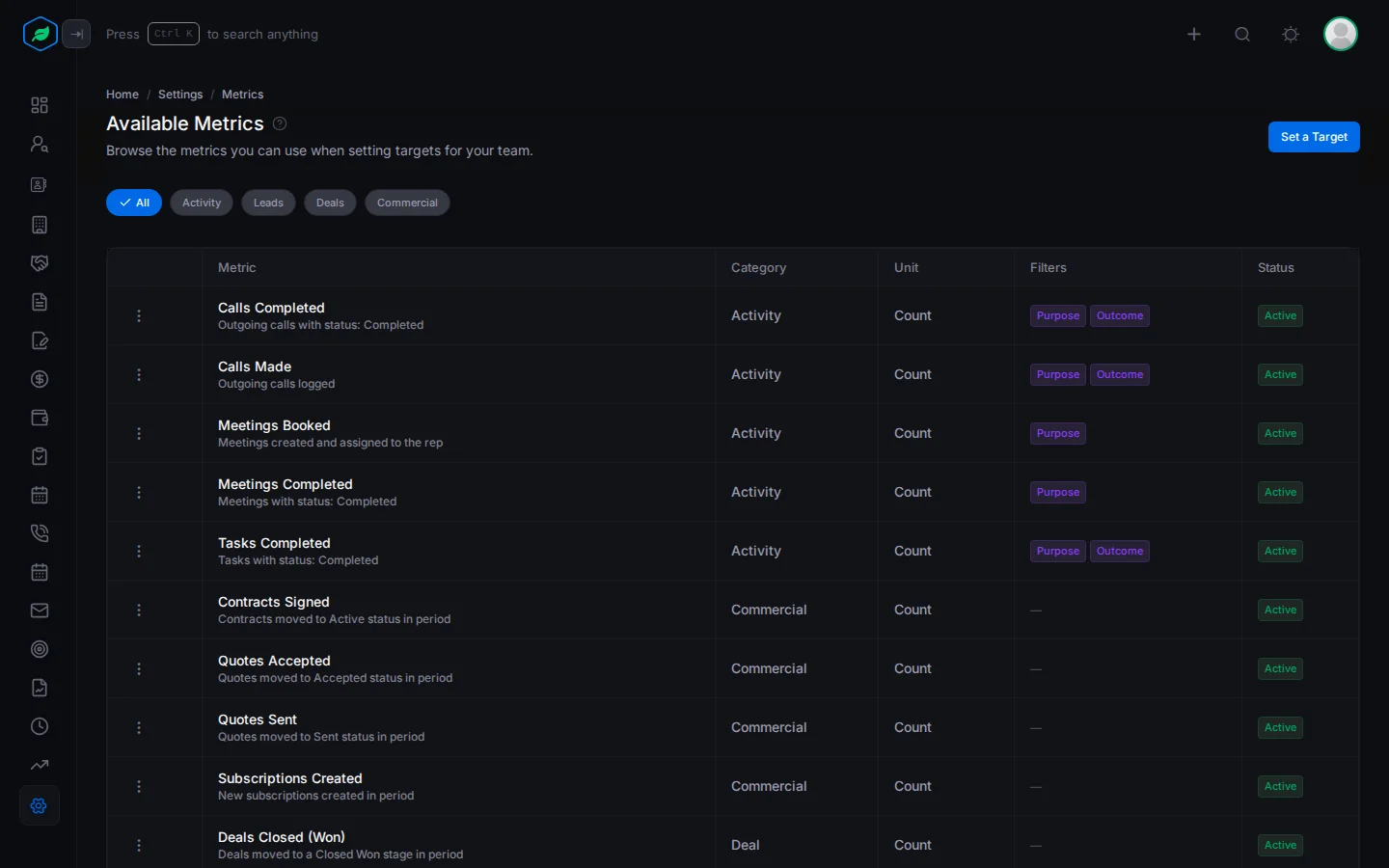
To set a target on a metric, click Set a Target. To hide a metric from the target form, click ⋮ on it, then Deactivate.
The metrics
Activity
| Metric | Counts | Dated by |
|---|---|---|
| Meetings Booked | Meetings created | When created |
| Meetings Completed | Meetings marked Completed | When last changed |
| Calls Made | Outgoing calls, except scheduled ones | When created |
| Calls Completed | Outgoing calls marked Completed | When last changed |
| Tasks Completed | Tasks marked Completed | When last changed |
You can count only activities with a certain Purpose. For calls and tasks, you can also count only those with a certain Outcome. See Activity purposes and outcomes.
Leads
| Metric | Counts | Dated by |
|---|---|---|
| Leads Created | New leads | When created |
| Leads Converted | Leads converted to a contact, account or deal | When last changed |
| Leads with Score ≥ X | Leads with at least the lead score you pick. Needs lead scoring | When created |
| Leads in Stage | Leads in a stage. You can't use it yet, because the target form has no stage field | When the stage changed |
Deals
| Metric | Counts | Dated by |
|---|---|---|
| Deals Closed (Won) | Deals now in a won stage | The closing date |
| Revenue Closed | The actual revenue of those deals | The closing date |
| Deals Created | New deals | When created |
| Pipeline Value Added | The expected revenue of new deals | When created |
Commercial
| Metric | Counts | Dated by |
|---|---|---|
| Quotes Sent | Quotes now in status Sent | When last changed |
| Quotes Accepted | Quotes now in status Accepted | When last changed |
| Contracts Signed | Contracts now Active | When last changed |
| Subscriptions Created | New customer subscriptions | When created |
Quotes and contracts count by their status now. A quote that was sent and then accepted counts under Quotes Accepted, not Quotes Sent. Any change to a quote or contract moves its date.
Revenue shows amounts as entered on the deals, without changing currencies.
Troubleshooting
| You see | Why | What to do |
|---|---|---|
| "Lead scoring must be configured before using this metric" | Lead scoring isn't set up | Configure lead scoring first |
| A metric is missing from the target form | It's switched off | Click ⋮ on it, then Activate |
Related
Still stuck?
Tell us what you were trying to do and we will help.