Track your targets and progress
See your own targets and your team's, how far you've got, how many days are left, and whether you're on track.
Updated 12 October 2026 · 3 min read
My Targets shows the goals your manager set for you, such as "40 calls this month", and how close you are. It's worked out again each time you open it.
For example, an insurance agent has a target of 40 calls this month. On the 25th, their card says 18 / 40 and At Risk, with 6 days left. They see they're behind, so they plan extra calls for the last week. By the end of the month, the card says Achieved. The agent always knows where they stand, without asking their manager.
You can also see your team's targets and how much you added to them, and keep your overall progress in view at the top of every page.
Before you start
- Everyone can see their own targets. No permission is needed.
- Your manager sets up and gives you the targets. See Set up targets.
- If My Targets isn't in the sidebar, your company has switched targets off in Settings > Module Customization. Ask your admin.
Your target cards
Click My Targets in the sidebar.
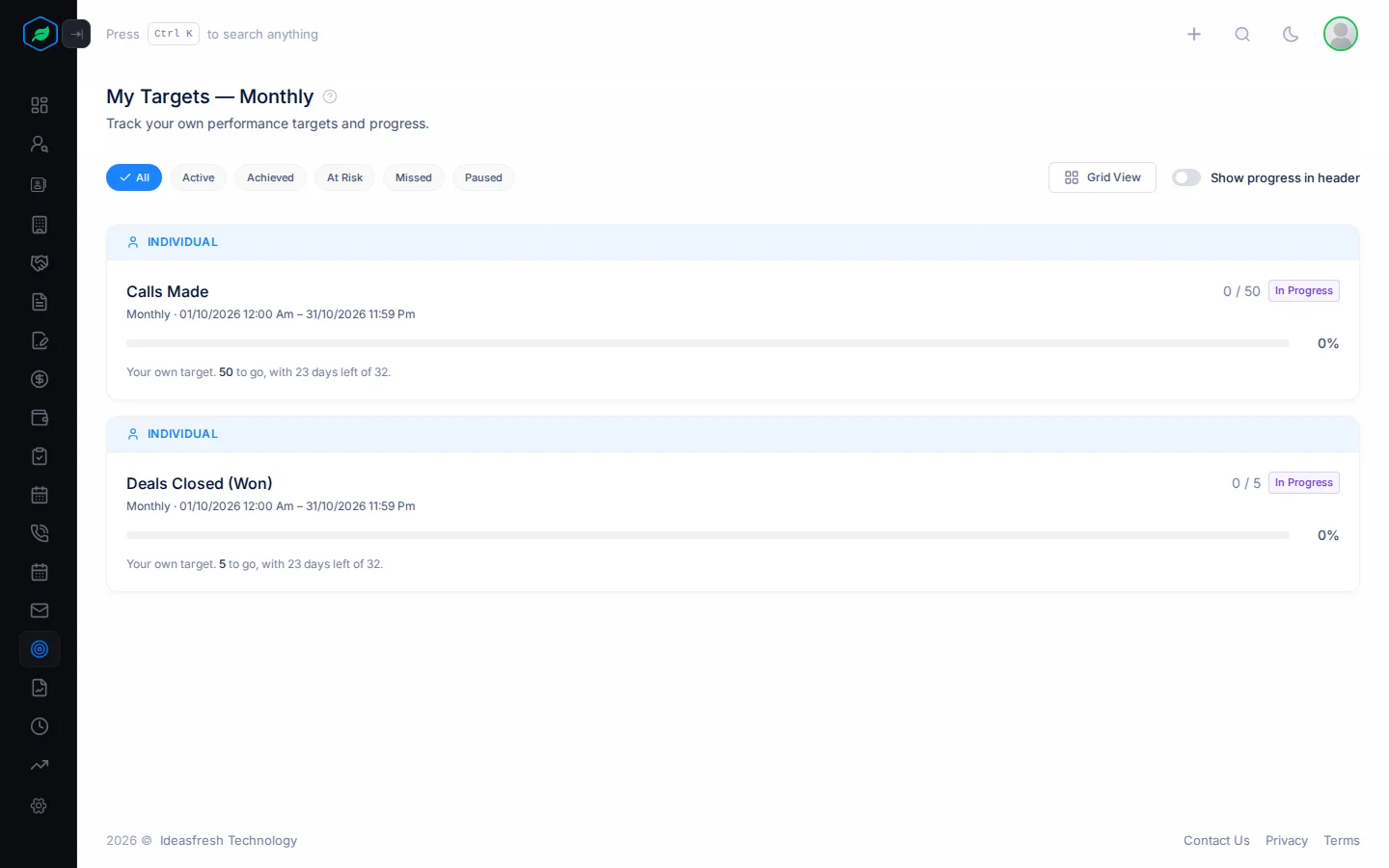
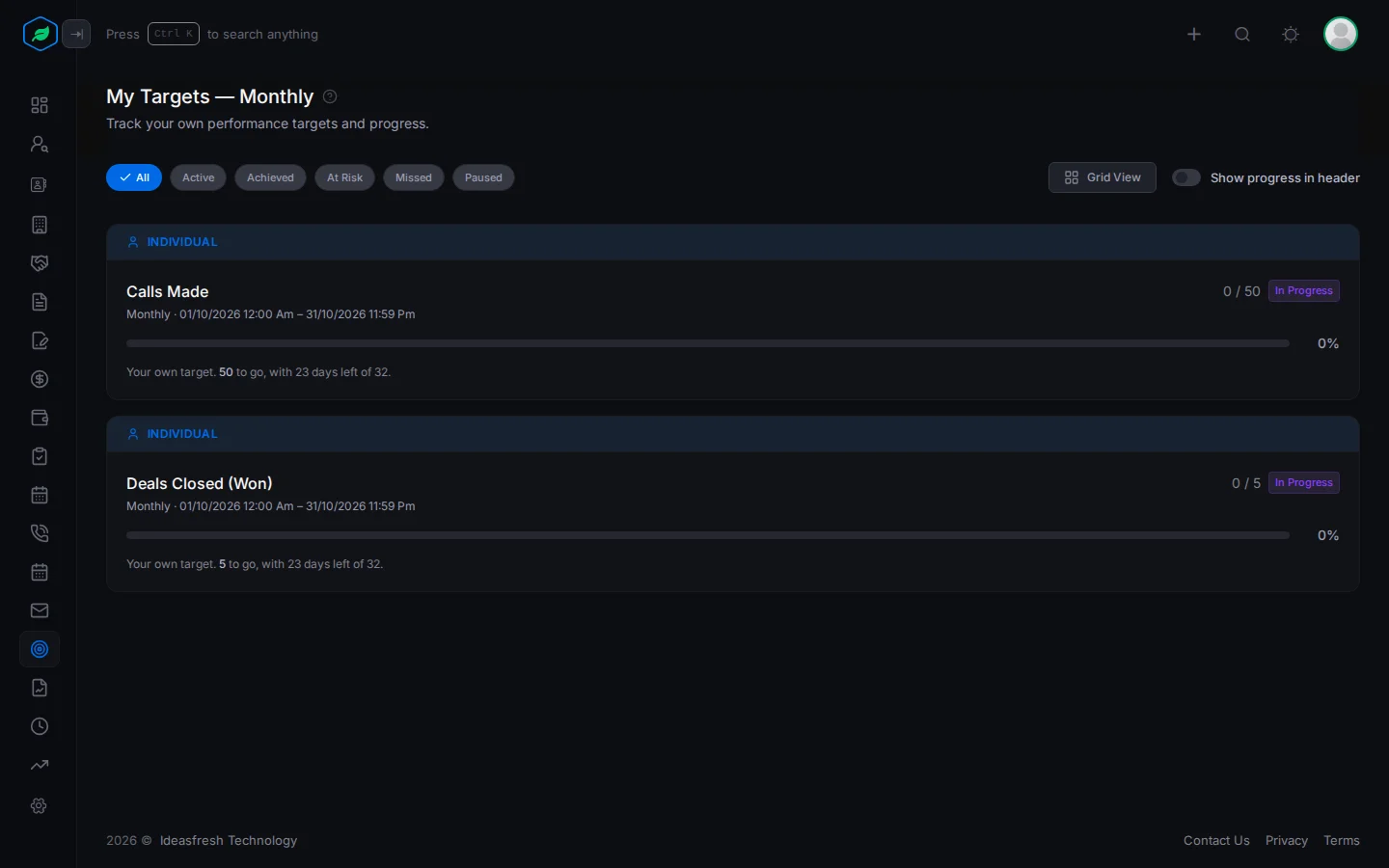
Each card shows:
- INDIVIDUAL for your own target, or the team's name for a team target,
- what it measures, such as Calls Made, and its period and dates,
- how far you've got, such as "18 / 40", with a bar and the percentage,
- its state, explained below.
Click a card to see the days left, how many days have gone, and whether you're on pace to hit it.
For a team target, the card shows the team's total. It also shows how much you contributed, and what share of the team's total that is.
Click Grid View to see the cards side by side, or List View to go back.
States
| State | Means |
|---|---|
| Not Started | It's the first day and nothing is done yet |
| In Progress | Under way, but behind the pace needed |
| On Track | At or ahead of the pace needed to hit the target |
| At Risk | More than 70% of the period has gone, and you're under half way |
| Achieved | You hit the target |
| Exceeded | You went past the target, and the period has ended. Only for targets with your own dates |
| Missed | The period ended before you hit it |
| Paused | Your manager paused the target |
To see only some targets, click a chip at the top: All, Active, Achieved, At Risk, Missed or Paused. Active shows Not Started, In Progress and On Track.
Progress at the top of every page
Turn on Show progress in header. A ring shows at the top of every page with your overall progress, the average of all your targets. It's green at 80% or more, amber at 50% or more, and red below. Click it to open My Targets.
The switch is saved in this browser only.
Troubleshooting
| You see | Why | What to do |
|---|---|---|
| "No targets have been set for this period." | You don't have any targets | Ask your manager |
| My Targets is missing from the sidebar | Targets are switched off for your company | Ask your admin |
| A number seems too low | Only records you own count, in the period, by the date the metric uses, such as the date a deal was won | Check who owns the records. See Target metrics |
Related
Still stuck?
Tell us what you were trying to do and we will help.