Download a report as Excel or CSV
Save a report as an Excel or CSV file to share, print or open in another tool, and find your file in Download History.
Updated 12 October 2026 · 2 min read
Download a report when you need it outside Salesfresh, such as to send to your accountant, print for a meeting, or work on in Excel.
For example, a car service centre's accountant wants every deal won this quarter. The owner opens the report, clicks Download, and picks Excel. A few seconds later the file is ready in Download History, and the owner emails it to the accountant. Nobody copies anything by hand.
Before you start
To download a report, you need the View Reports permission. If you don't have it, ask your admin.
Download a report
- Open the report.
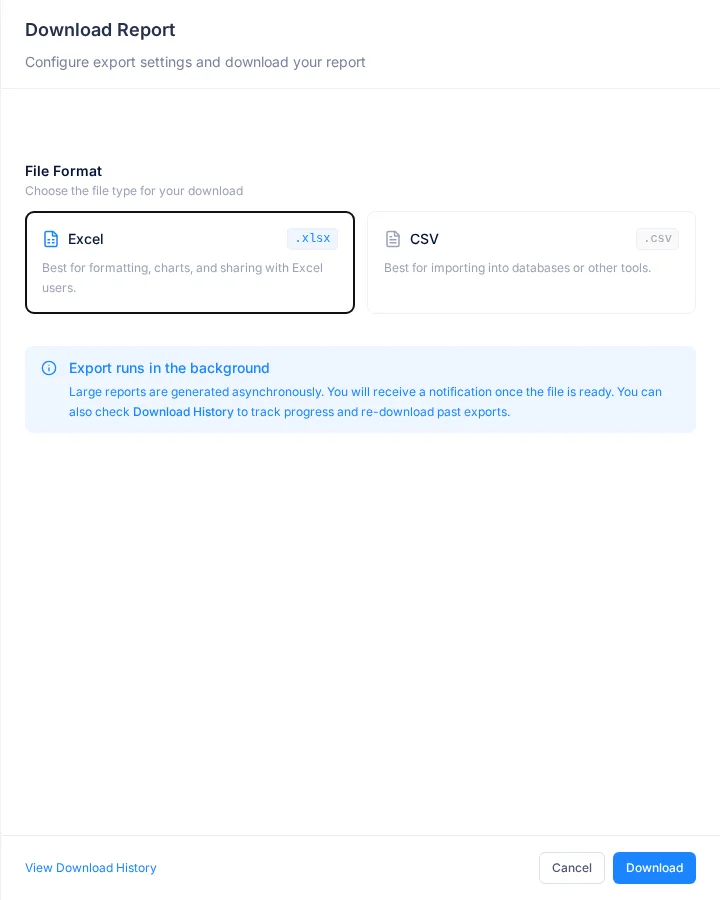
- Click ⋮, then Download. The Download Report window opens.
- Pick the File Format.
- Click Download. Download History opens, and the file is made in the background.
| Field | What to enter |
|---|---|
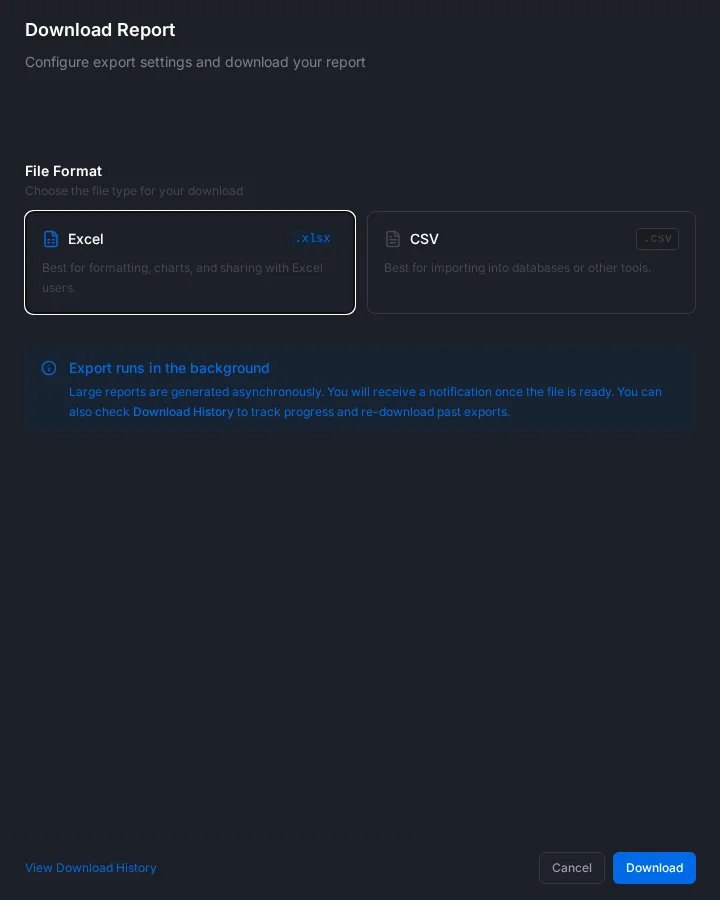
| File Format | Excel, best for sharing with people who use Excel, or CSV, best for bringing into other tools. Set to Excel at first |
The file has the columns you picked in the report's Settings, and every row, not just the first page.
Download History
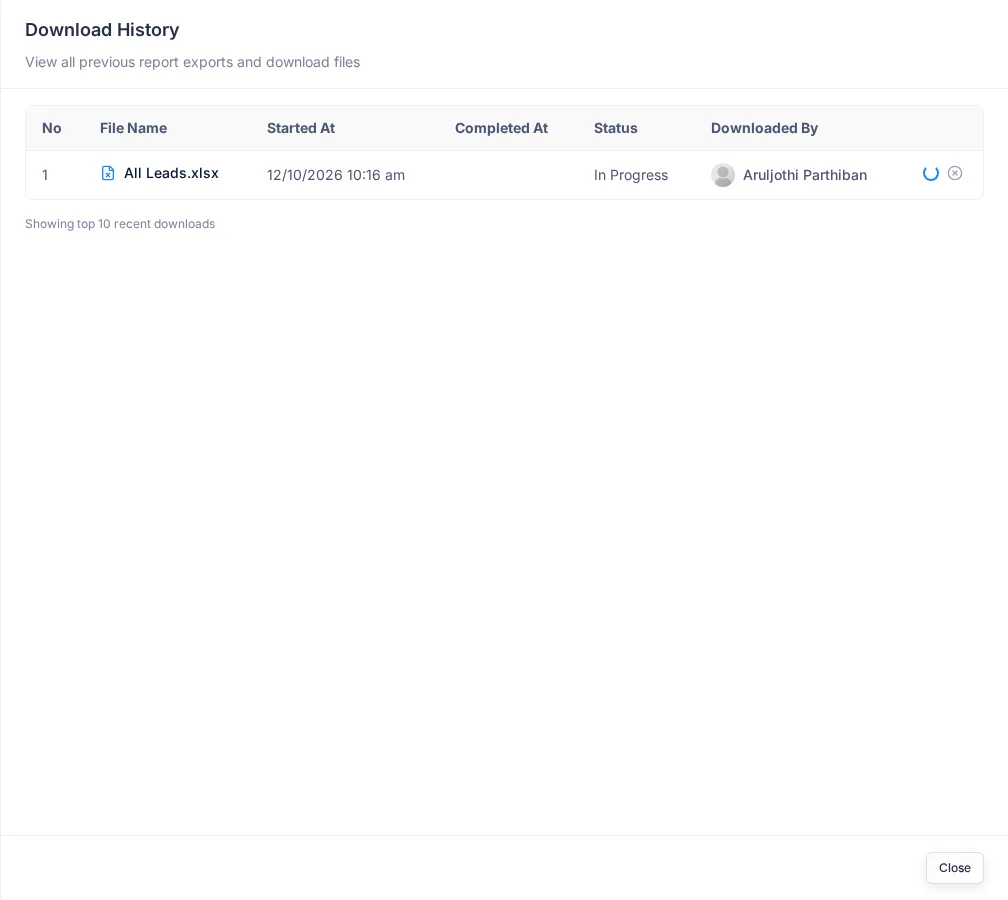
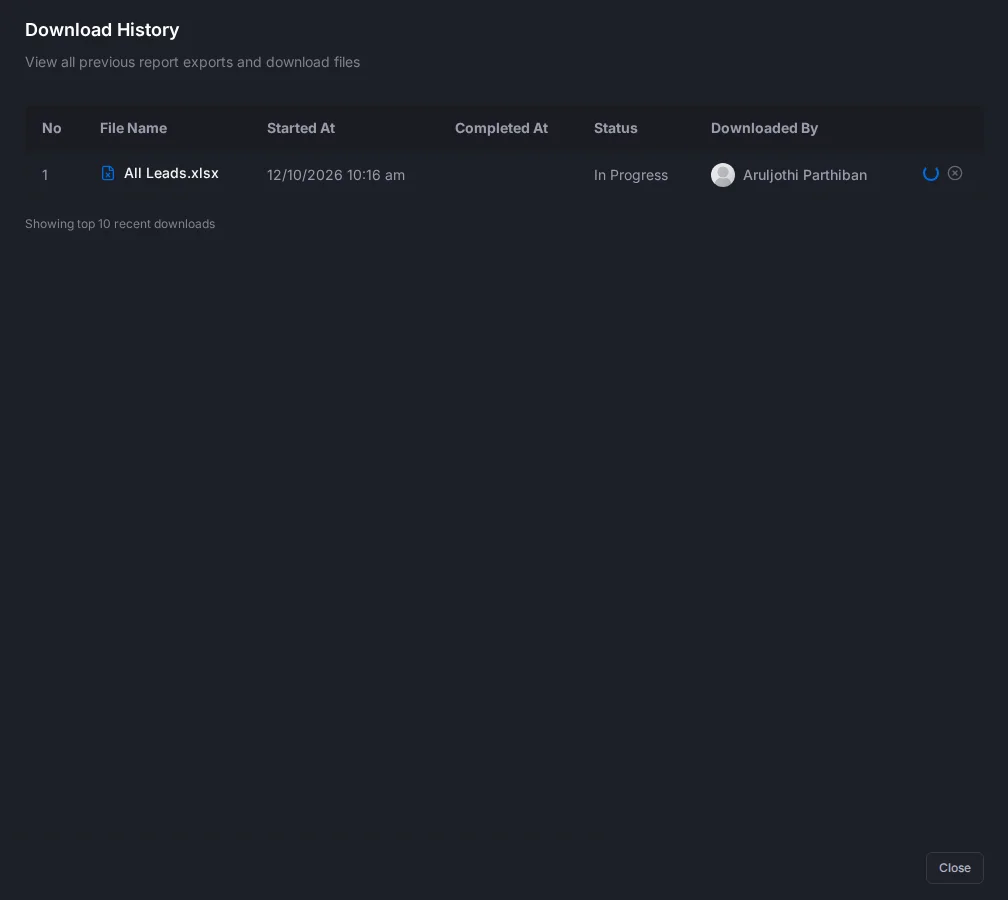
To open it, click ⋮ on the report, then Download History. It shows the last 10 downloads of the report by anyone in your company.
| Status | Means |
|---|---|
| In Progress | Being made. The list checks again every 10 seconds |
| Ready | Click the download icon to save the file |
| Downloaded | Already saved |
| Cancelled | Stopped before it finished |
You won't get a message when the file is ready, so keep Download History open.
You can make one download at a time, across all reports. If one takes more than a minute, a cancel icon shows next to it.
Troubleshooting
| You see | Why | What to do |
|---|---|---|
| "You have a pending download request. Please wait for it to complete." | Another of your downloads is still being made | Wait, or click Cancel pending & Retry |
| A download stays In Progress for minutes | It may have failed | Click the cancel icon, then download again |
Related
Still stuck?
Tell us what you were trying to do and we will help.