Build your own report
Build your own report by picking a module and the rules records must meet, then save it in a folder.
Updated 12 October 2026 · 3 min read
When no ready-made report answers your question, make your own. You pick which records it includes.
For example, a furniture exporter wants every open deal worth more than 10 lakh. They create a report on Deals with two rules: Expected Revenue is greater than 10 lakh, and Stage is not Closed Won. They save it in a folder called "Export". Every Friday, they open it and see the deals that match that day.
Before you start
- To create a report, you need the Create Reports permission. If you don't have it, ask your admin.
- Your plan sets which modules you can report on. See Plans and limits.
Create a report
- Go to Reports and click Create Report. The Create Report panel opens.
- Fill in the fields. Fields marked * must be filled in. Conditions and Folder show once you pick the module.
- Click Create.
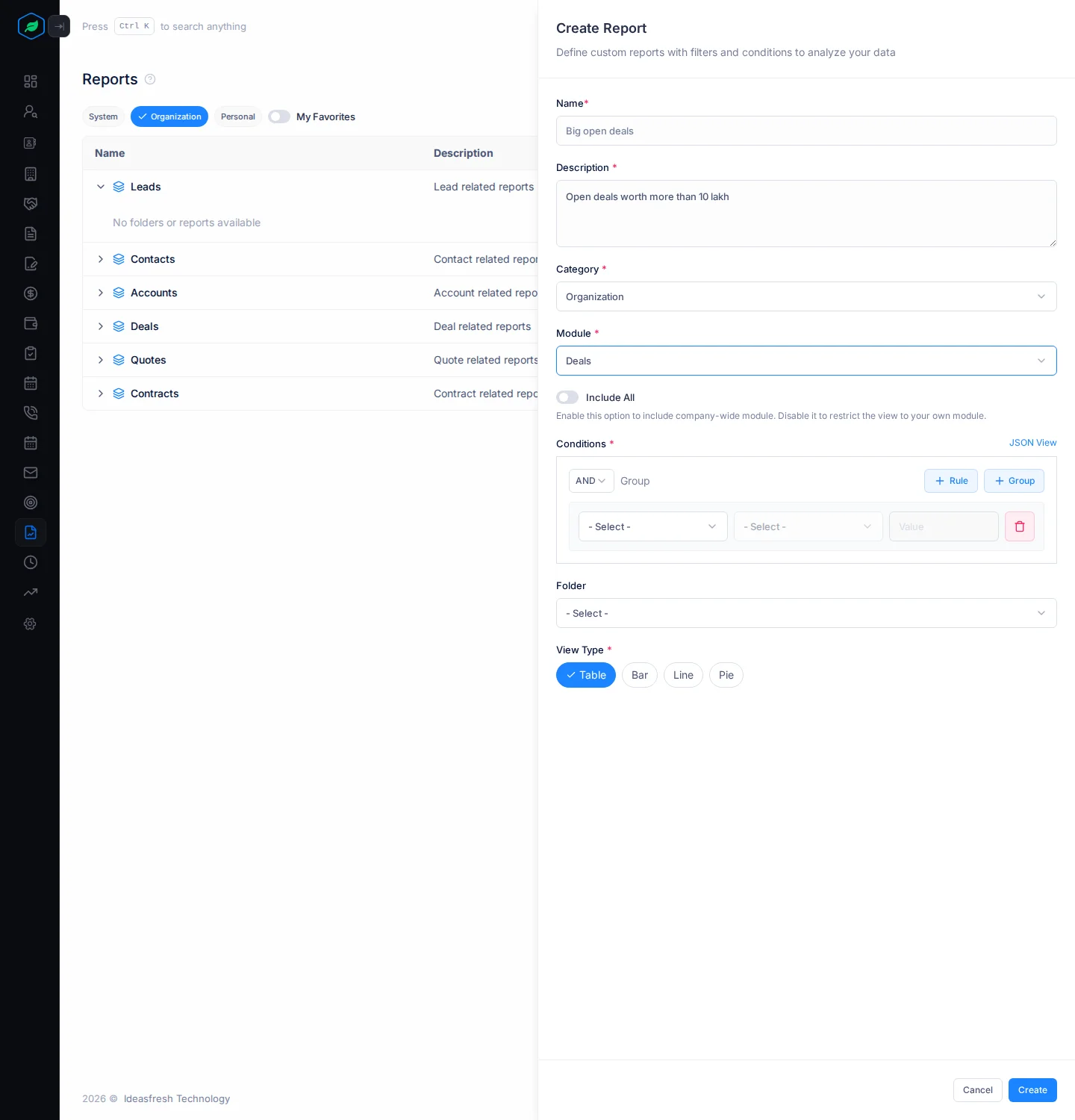
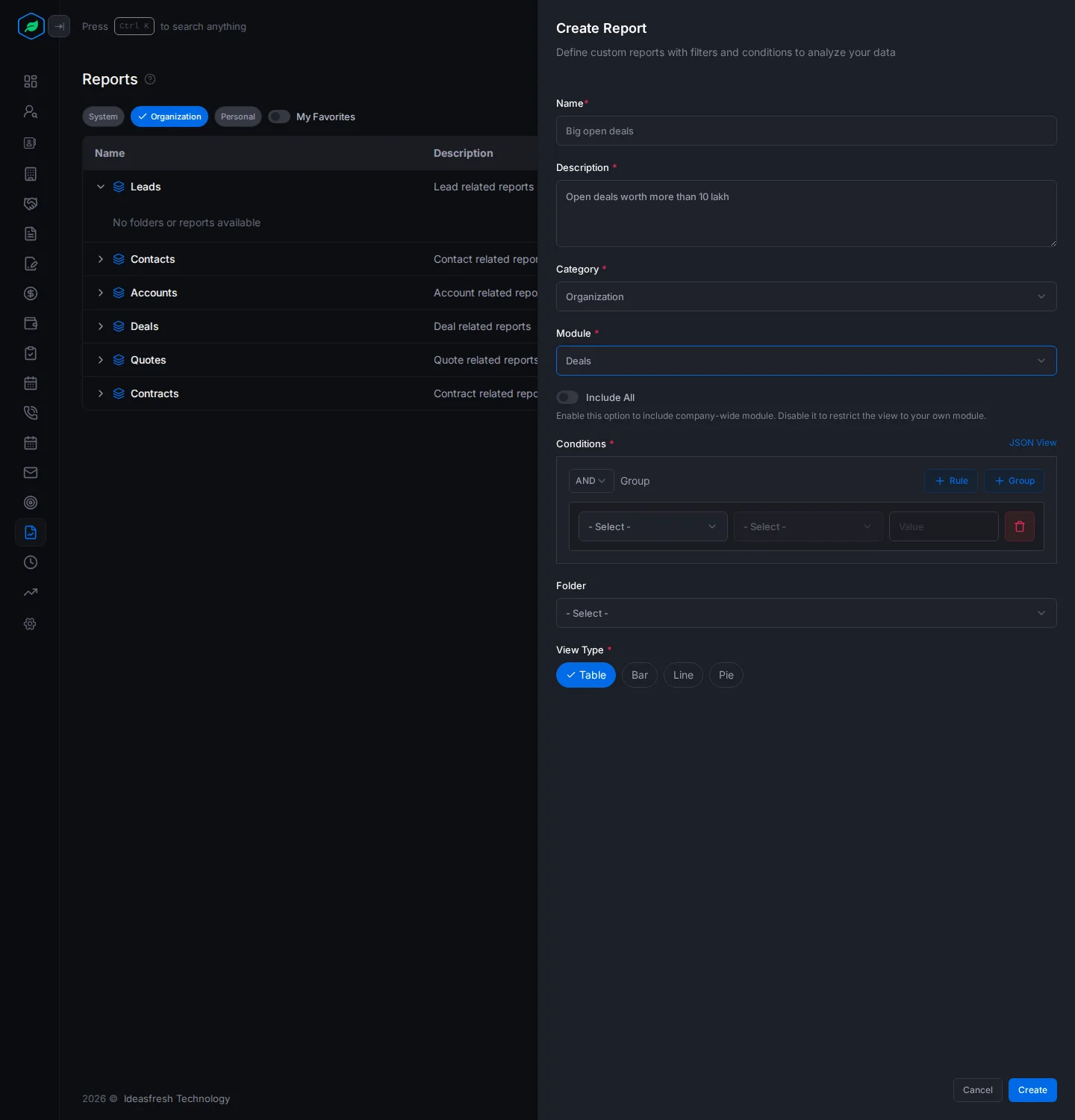
| Field | What to enter |
|---|---|
| Name * | Up to 30 characters, such as "Big open deals" |
| Description * | What the report shows |
| Category * | Organization or Personal. Set to the tab you're on at first |
| Module * | Leads, Contacts, Accounts, Deals, Quotes or Contracts. Subscriptions, Assets, Tasks, Meetings and Calls are in the list but can't be used yet |
| Include All | Leave it off. Reports always include the whole company's records |
| Conditions * | The rules records must meet. Click + Rule, then pick a field, a check such as "equals", and a value. Pick AND for records that meet every rule, or OR for any rule. Click + Group to put rules in a group |
| Folder | Where to save it |
| View Type * | Table, Bar, Line or Pie. Set to Table at first |
To choose the report's columns, open it, click ⋮, then Settings. See Open a report.
Everyone in your company can see Personal reports and folders. Don't put private information in them.
Change a report
Click ⋮ on a report on the Organization or Personal tab, then:
- Edit changes it. The panel is the same, and the button says Update.
- Clone copies it as "Name (Copy)" on the Organization tab.
- Move to Folder moves it.
- Delete removes it.
Troubleshooting
| You see | Why | What to do |
|---|---|---|
| "Report already exist" | A report in that module, on any tab, has that name | Pick another name |
| "Name can't be longer than 30 characters." | The name is too long | Shorten it |
| "At least two rules are required when logic is OR" | An OR group has one rule | Add a rule, or pick AND |
| "Too many nested condition groups. Please limit to … levels of nesting." | Groups go more than 5 deep | Use fewer groups inside groups |
| "You have reached the maximum limit of 100 reports in the … category." | There are 100 reports for that module on that tab | Delete some |
| "Creating custom reports is not available on your current plan. You can only use system reports. Please upgrade to access it." | Your plan doesn't include custom reports | Use a ready-made report, or upgrade |
Related
Still stuck?
Tell us what you were trying to do and we will help.