Choose your plan
Pick a plan, the number of users and the billing cycle, start a free trial, and set up auto-pay.
Updated 12 October 2026 · 3 min read
You pick a plan, how many users you need, and how often to pay. Auto-pay then takes each payment for you.
For example, a travel agency with 6 staff wants to try Salesfresh before paying. The owner picks Professional with the 7-day free trial for 5 users, and sets up auto-pay. Nothing is charged that week. When the trial ends, auto-pay takes the first payment and the plan carries on. Every invoice is under Billing History.
Before you start
- To choose a plan, you need the Create Subscription permission. If you don't have it, ask your admin.
- For a company in India, add your GSTIN and address in Company settings first, so they're on your invoices.
The plans
| Plan | Price per user per month |
|---|---|
| Free | Free, up to 3 users |
| Starter | ₹599 |
| Professional | ₹1,199 |
| Enterprise | Custom. Click Contact Sales |
Prices are before tax. Companies outside India see prices in their own currency. What each plan includes is in Plans and limits.
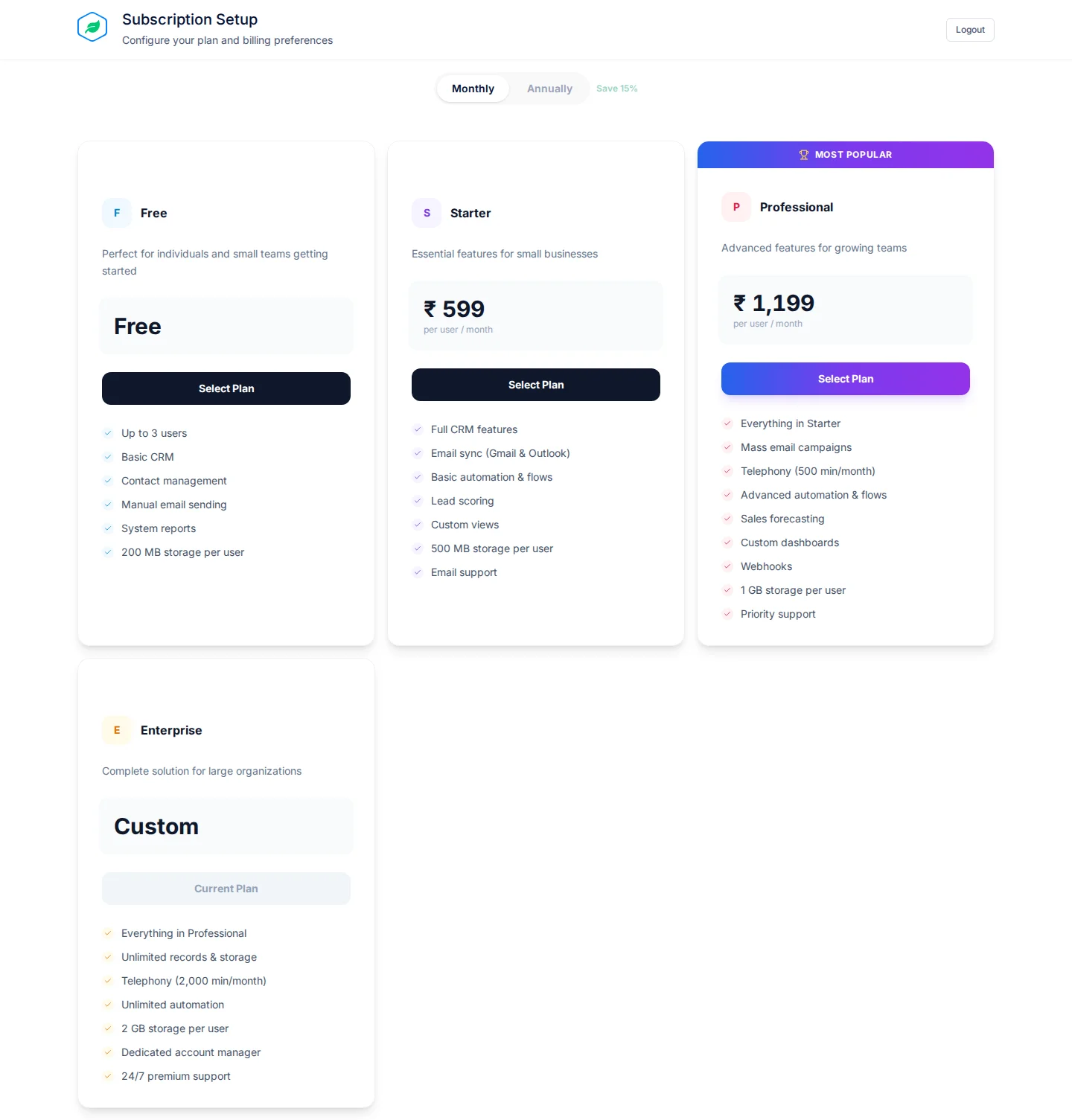
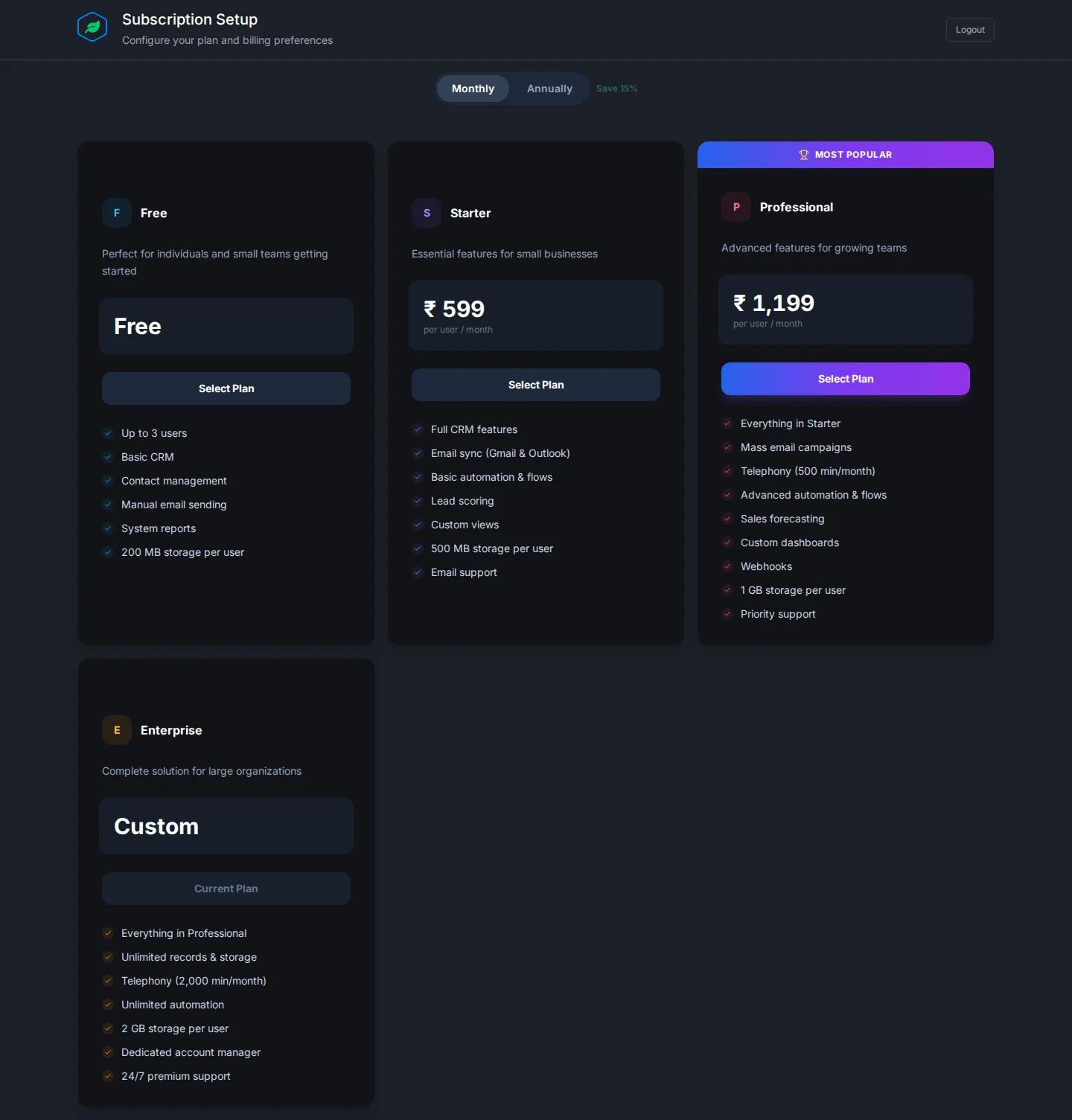
Choose a plan
- Pick Monthly or Annually at the top. Annually saves 15%.
- On a plan, click Start Free Trial, Select Plan or Get Started.
- On Review Your Subscription, fill in the fields below.
- Click the button at the bottom: Start Free Trial, Activate Free Plan, or Proceed to Payment.
- For a paid plan, approve auto-pay with your bank, card or UPI, then pay for the first period with Pay now. The link is also emailed to you.
| Field | What to enter |
|---|---|
| Number of Users | How many people will use Salesfresh. At least 1 |
| Billing Cycle | Monthly or Annually |
| Commitment Period | Only with Annually. No Commitment, or 2, 3 or 5 years for 5%, 10% or 20% off. Leaving early costs 60%, 75% or 90% of what's left. Set to No Commitment at first |
| Auto-Renew | Turn off to stop it renewing by itself. On at first |
| 7-day free trial | Turn off to start paying now. On at first when you can have a trial |
| Mobile number | Only if asked. Needed to set up auto-pay |
From the second period on, auto-pay takes each payment for you.
Pay for the first period within 3 days. After that your account becomes read-only, and after 7 days the subscription expires.
Free trial
- It lasts 7 days, for up to 5 users.
- It's only for your first subscription, and not on the Free plan.
- You set up auto-pay at the start, but nothing is charged until the trial ends.
- If the first payment doesn't go through, access stops with "Your trial has ended. Choose a plan to continue."
Troubleshooting
| You see | Why | What to do |
|---|---|---|
| "A free trial is only available for your first subscription." | You've subscribed before | Turn off the trial |
| "Enter a mobile number to continue to payment." | Auto-pay needs a mobile number | Enter it |
| "Enterprise plans are set up by our sales team…" | Enterprise isn't bought here | Click Contact Sales |
| "You are already on this plan." | You picked your current plan | Pick another plan |
Related
Still stuck?
Tell us what you were trying to do and we will help.