Manage the people in your company
See everyone in your company, and deactivate, activate or delete users without losing their records.
Updated 12 October 2026 · 2 min read
The Users page lists everyone in your company, with their roles and status. When someone leaves, deactivate them. They can't sign in, but their records stay.
For example, an installer leaves a solar company. The owner deactivates them. The installer is signed out and can't sign in again, but their customers and history stay in Salesfresh. The owner then gives the installer's open leads to someone else with Change owner.
Before you start
- To see users, you need the View Users permission. To deactivate or activate someone, you need Edit Users. To delete someone, you need Delete Users.
If you don't have a permission you need, ask your admin.
The Users page
Go to Settings > Manage Users > Users. Each row shows the person's name, email, roles and status. To add people, click Invite Users. See Invite users.
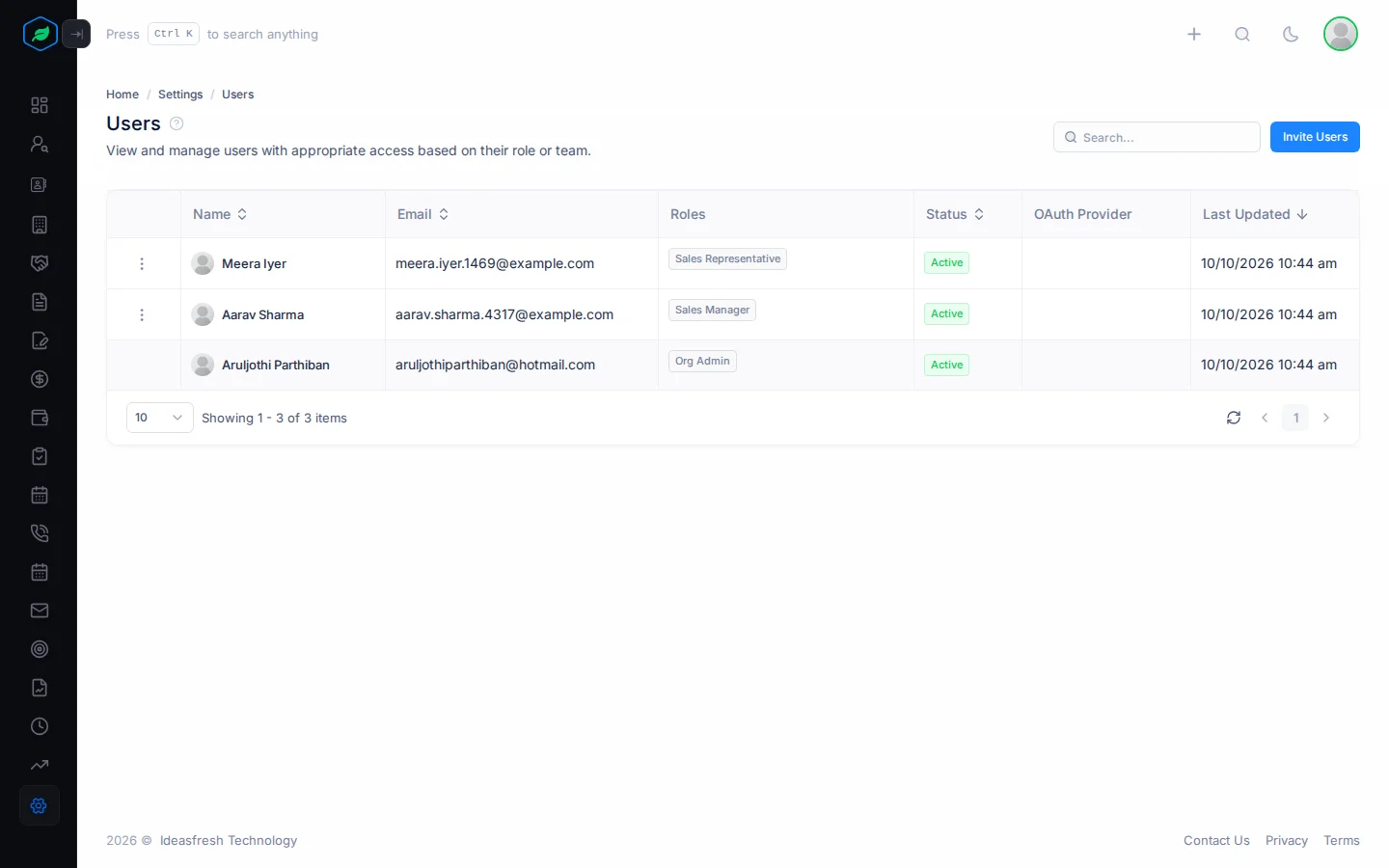
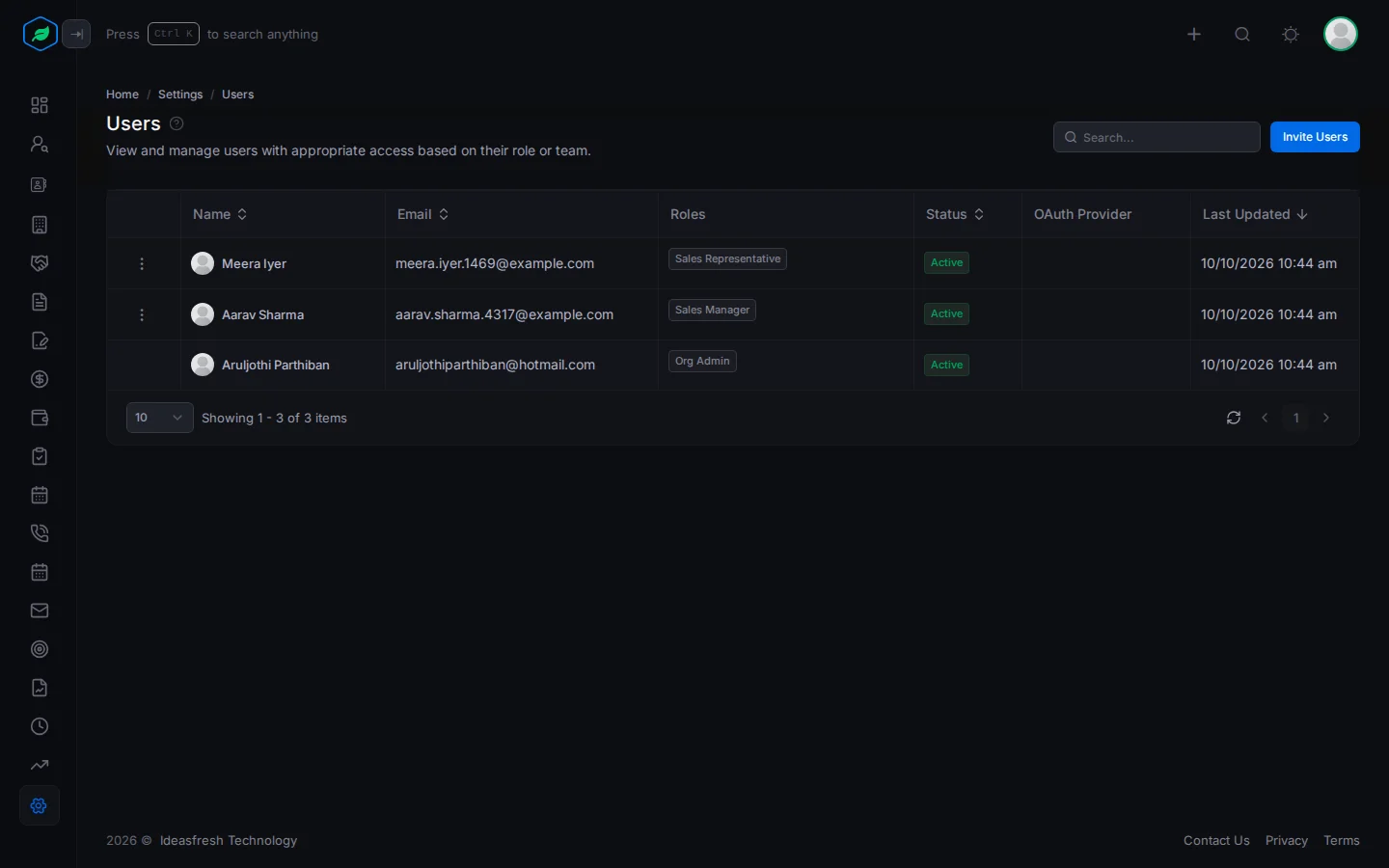
To change someone's roles, see Assign users to a role.
Deactivate or delete someone
Click ⋮ on a person:
| Action | What happens |
|---|---|
| Deactivate | They're signed out and see an Account Deactivated window. They can't sign in. Records they own stay theirs until you change the owner |
| Activate | They can sign in again |
| Delete | Removes them from your company. They disappear from the list, and you can't bring them back |
Each one asks you to confirm first. Click Yes to deactivate or activate, or Delete to delete.
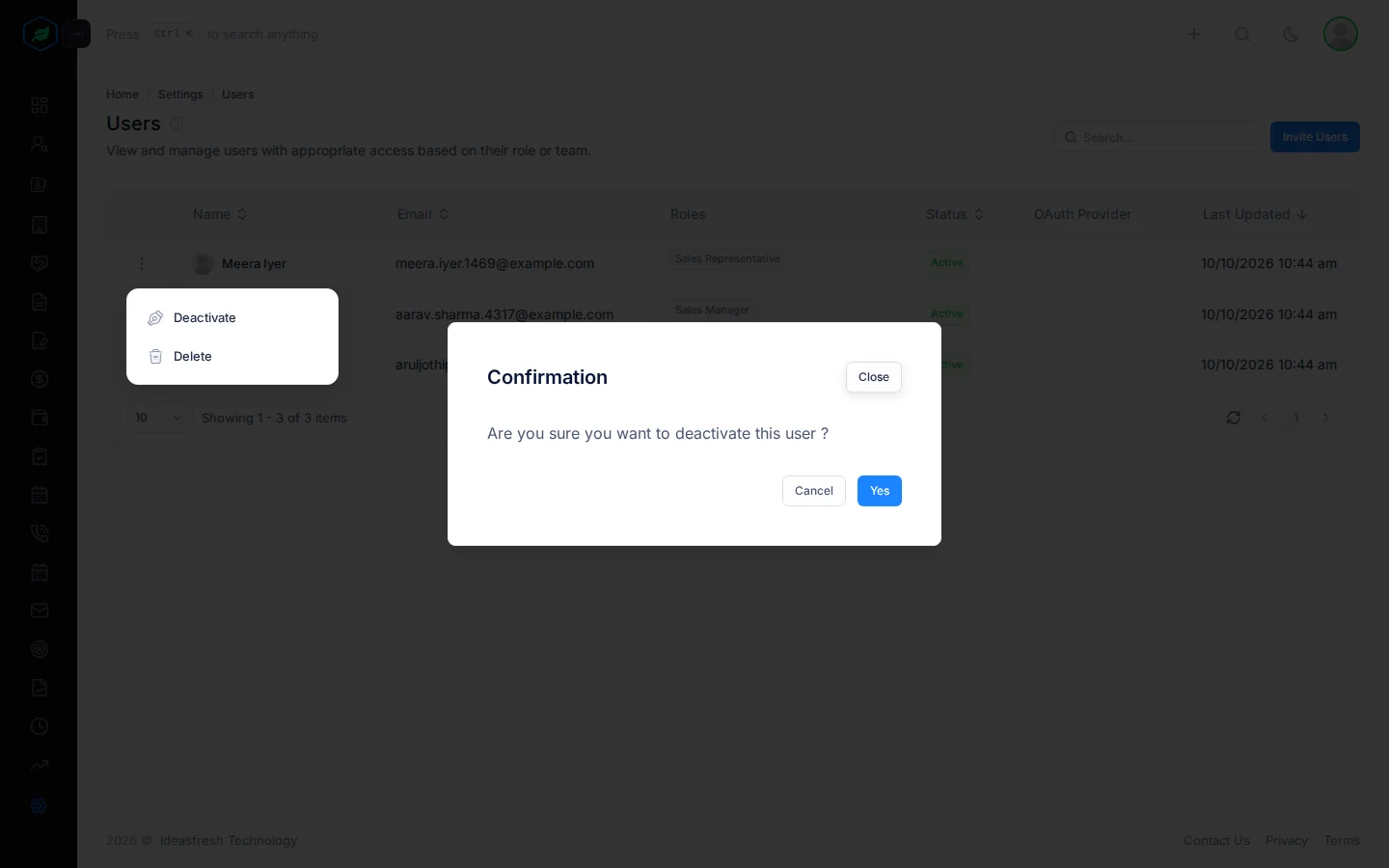
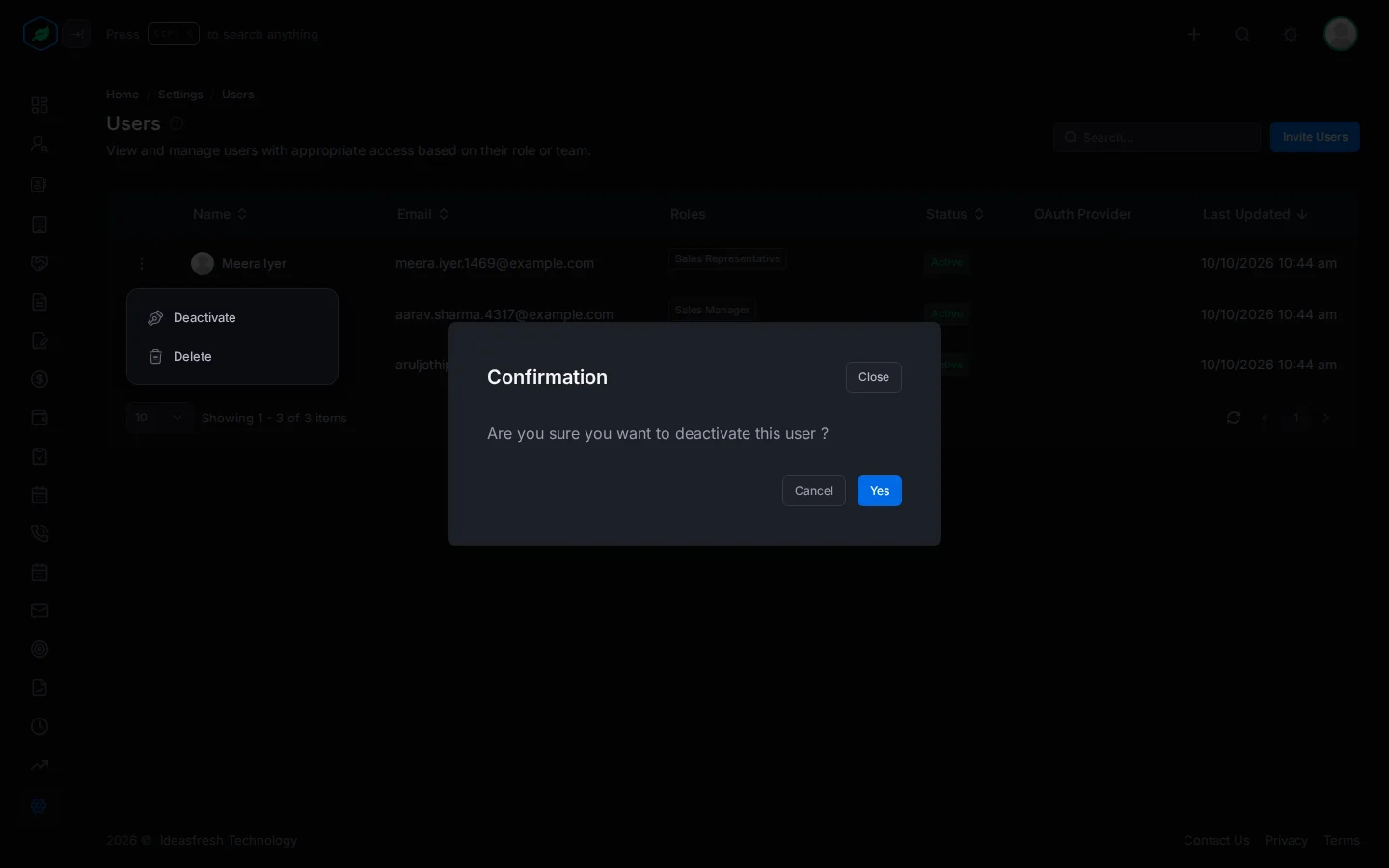
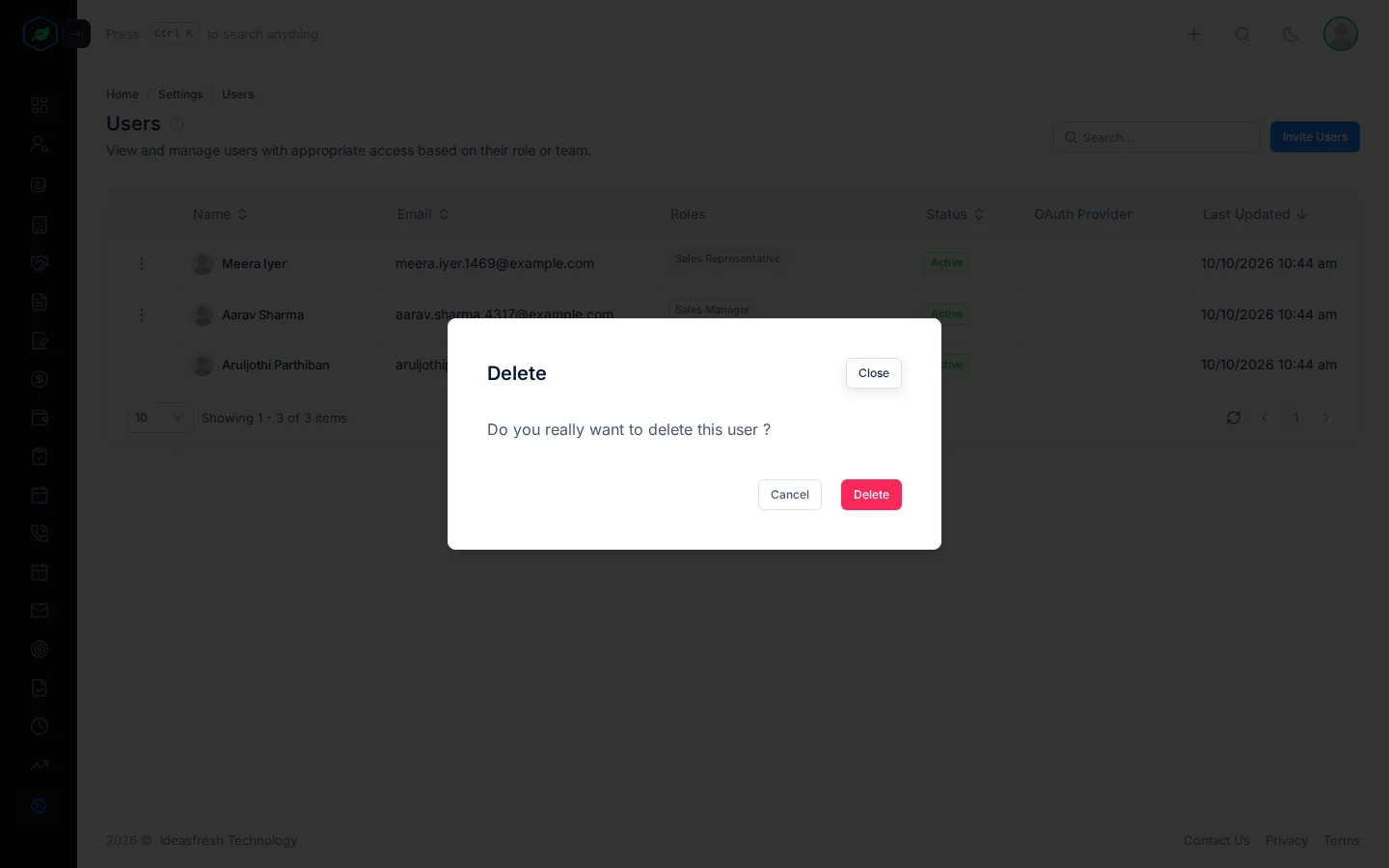
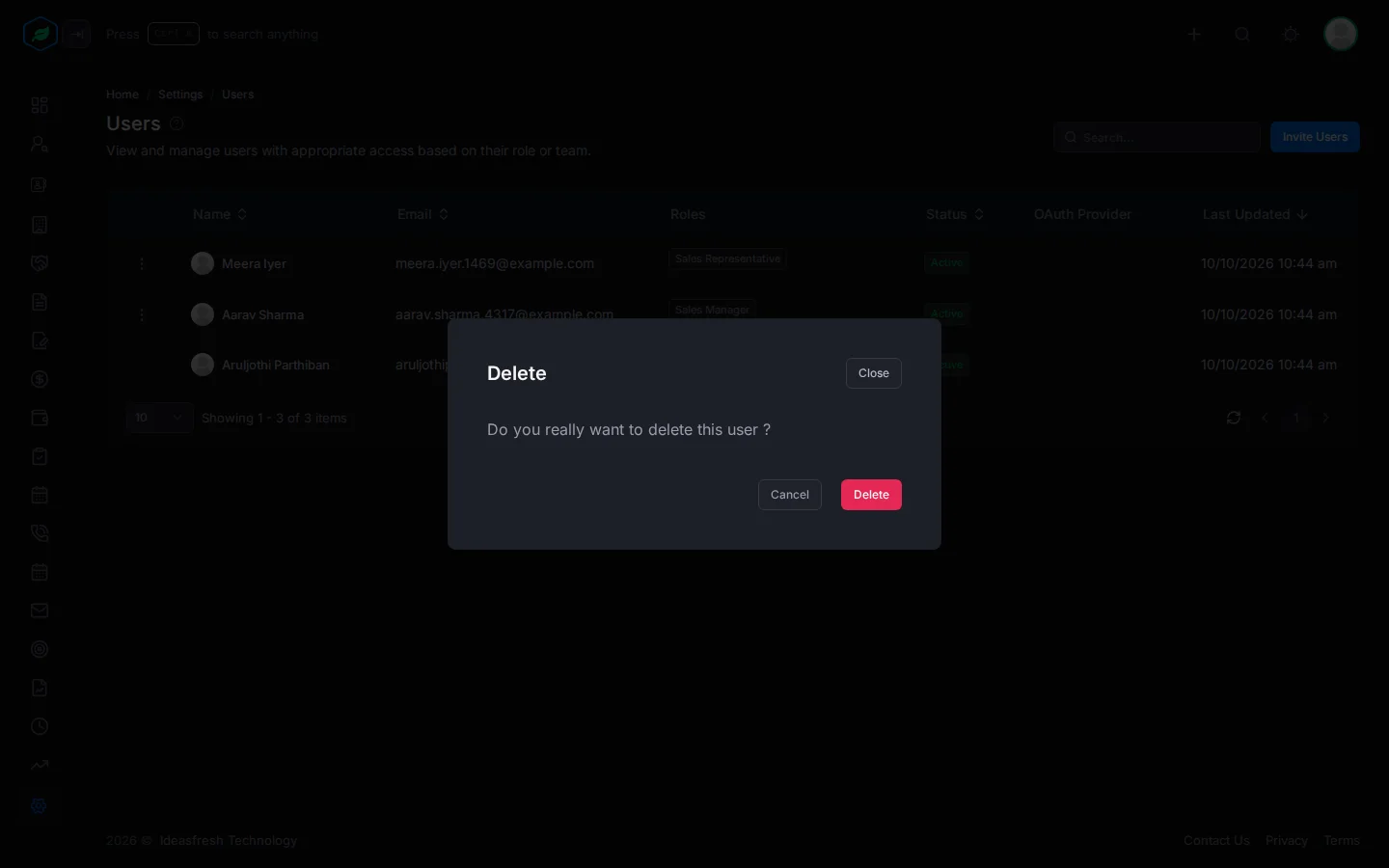
People with the Org Admin role have no ⋮, so they can't be deactivated or deleted here.
Troubleshooting
| You see | Why | What to do |
|---|---|---|
| "You cannot deactivate or delete your own user from here. …" | You picked yourself | Ask another admin |
| A person has no ⋮ | They have the Org Admin role | Remove the Org Admin role first. See Assign users to a role |
Related
Still stuck?
Tell us what you were trying to do and we will help.